How to Choose WordPress Hosting in 2026: What Actually Matters
Managed hosting does not equal managed WordPress. That distinction sounds small. It isn't.
Most site owners pick a host based on a review blog's affiliate ranking, lock into a plan, and assume someone is watching the store. Nobody is. The host keeps your server alive. Everything that runs on top of it — your plugins, your PHP version, your database, your cron jobs — that's your problem.
That's the gap most hosting guides never explain. This one will.
The Myth That's Costing Sites Every Day
The default belief in the WordPress ecosystem goes something like this: get a good host, and your site is in good hands.
It's wrong — not because hosts are bad at what they do, but because what they do is narrowly defined. A managed WordPress host like Kinsta or WP Engine gives you infrastructure-level management: server health, uptime monitoring, automatic backups, PHP version availability. What they don't give you is application-layer management.
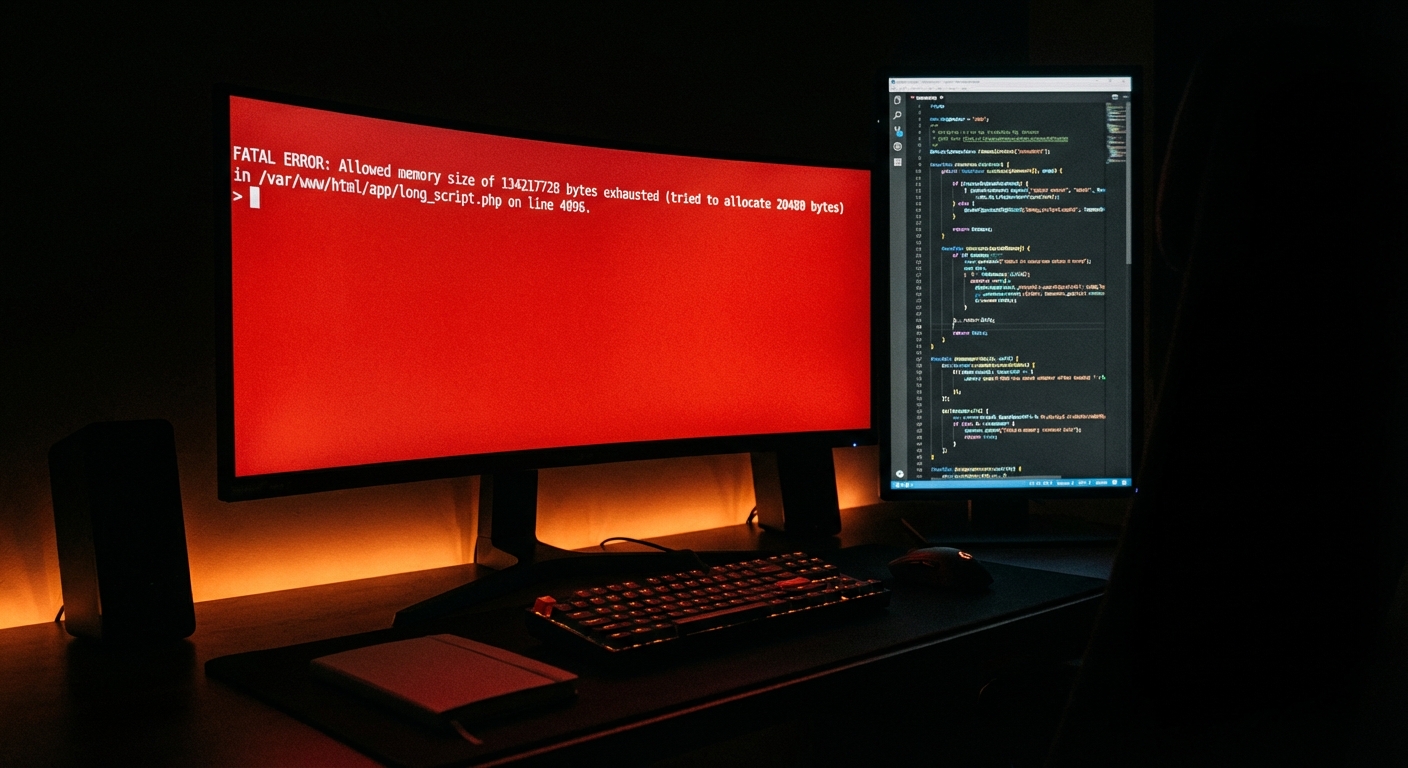
They won't notice when your wp_options table has bloated to 400MB because an abandoned plugin wrote autoloaded garbage into it for two years. They won't flag that three of your active plugins haven't had a commit to their repository in 18 months. They won't catch that your scheduled wp_cron jobs stopped firing silently because a plugin conflict broke the request cycle.
That's not negligence on their part. It's just outside their scope.
And the danger is that most site owners don't know where that scope ends.
What Hosting Actually Controls (And What It Doesn't)
Let's be precise about this, because vagueness here is where the trouble starts.
What your host manages:
- Server uptime and hardware reliability
- Network-level DDoS protection
- PHP version availability (not enforcement — you still have to choose and test)
- Automatic daily backups (usually with 14–30 day retention)
- CDN integration at the infrastructure layer
- SSL provisioning
What your host does not manage:
- Plugin update schedules or compatibility testing
- Database health: table fragmentation, transient buildup, orphaned post meta
- Object cache configuration (e.g., Redis or Memcached integration with your specific theme/plugin stack)
.htaccesshardening rules and REST API exposure- Core WordPress update testing against your live plugin set
- Staged rollback strategy when an update breaks something
That second list is where sites actually fail. And none of it is covered under even a premium managed hosting plan.
The Hosting Criteria That Actually Matter in 2026
With that framing in place, here's how to evaluate a host — not by dashboard prettiness or marketing copy, but by what it enables you to do safely.
1. PHP Version Management and Compatibility Windows
PHP 8.3 is current. PHP 8.4 is out. Plenty of WordPress sites are still running on PHP 7.4 — which has been end-of-life since November 2022.
Running an EOL PHP version isn't just a performance issue. It means your server-side code has no active security patches. Any exploit discovered after that EOL date exists permanently in your stack.
The host you choose needs to support current PHP versions and make version switching accessible. But more importantly: you need a maintenance workflow that tests your full plugin stack against a PHP upgrade before pushing it live. That's a staging environment requirement, not a hosting question — but the two are connected.
Ask any host you're evaluating: "Do you provide a one-click staging environment with push-to-live capability?" If the answer is no or "it's in the premium tier," factor that into the decision.
2. Backup Architecture — Not Just Backup Existence
Nearly every host offers "automatic daily backups." That sentence is almost meaningless without the following questions answered:
- Where are backups stored? (On the same server? Separate datacenter? Off-site?)
- What's the restoration process? (One-click? Support ticket with 4-hour SLA? Manual FTP?)
- Can you restore a single table, or only the full database?
- Are backups tested? (Most aren't — a corrupted backup file is the same as no backup.)
For WooCommerce stores especially, daily backups aren't sufficient. A store processing 100 orders a day loses a meaningful transactional record if restored to yesterday's snapshot. Look for hosts that offer either real-time backups or pre/post-update snapshot capability.
Imagine a WooCommerce store averaging $3,000/day in revenue — that's roughly $125/hour in lost sales during downtime. A 6-hour recovery from a bad update, with no usable backup, isn't a hosting problem. It's a preparedness problem you could have solved for $50/month in maintenance coverage.
3. Server Stack Transparency
Not all LEMP or LAMP configurations are equal. What matters practically:
- Is Nginx or Apache being used, and does that affect your
.htaccesscaching and redirect rules? - Is object caching (Redis, Memcached) available? At what tier? And does your WordPress configuration actually leverage it?
- What's the opcode caching setup? (OPcache misconfiguration is one of the most common causes of inexplicable PHP slowdowns on otherwise capable servers.)
A host can have excellent infrastructure and still run your site slowly because nobody configured the object cache integration with your specific WordPress setup. That configuration work lives at the application layer — which brings us back to the same point.
4. Uptime SLA vs. Actual Uptime
A 99.9% uptime SLA sounds solid. It permits roughly 8.7 hours of downtime per year. A 99.99% SLA allows 52 minutes. Understand what you're actually buying.
More importantly: SLAs describe what the host compensates you for. They don't prevent downtime. And the compensation (usually a service credit) is rarely proportional to what downtime actually costs a business.
Don't let uptime SLA be the primary differentiator. Look at third-party monitoring data — StatusGator, Better Uptime, and similar platforms publish aggregated uptime histories for major hosts.
5. Support Depth for WordPress-Specific Issues
This one is harder to evaluate pre-purchase, but it matters.
Generic hosting support will tell you to "deactivate all plugins and reactivate one by one" as a first response to almost any issue. That's not useless — it's just not expert.
Managed WordPress hosts like Kinsta, Flywheel, or WP Engine provide support teams with genuine WordPress context. They can read a Query Monitor report. They understand what a cron lock failure looks like. They know how Redis object cache connects to transient behavior.
That's worth paying for — but understand that even their support operates reactively. They respond when you report an issue. They don't proactively monitor your plugin stack for rot.
The Hosting vs. Maintenance Confusion
Here's the decision model that actually clarifies the situation:
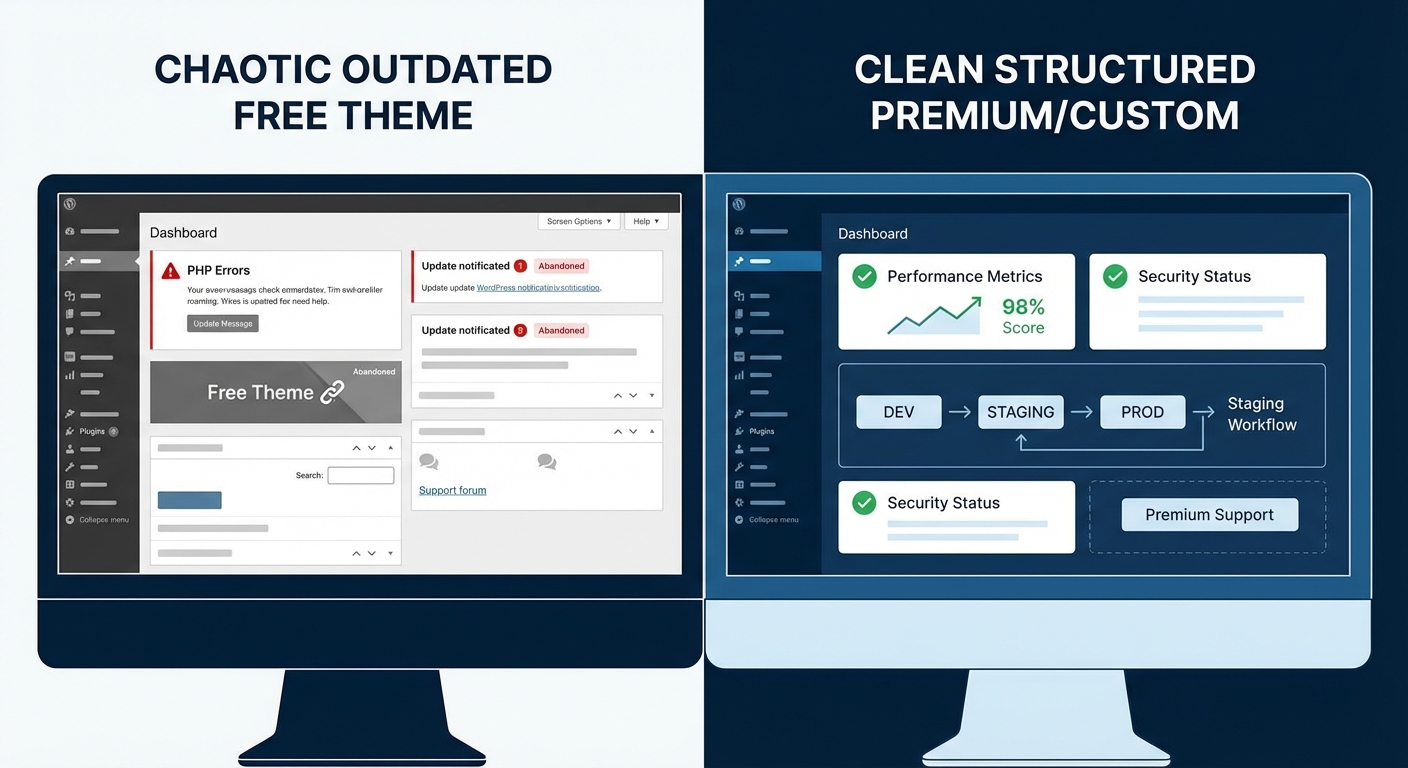
Hosting = infrastructure reliability Maintenance = application health
They're complementary. Neither replaces the other.
The best hosting in the world doesn't protect you from a plugin that introduced a PHP fatal error in its latest update. And the most rigorous maintenance workflow doesn't fix a server hardware failure.
What this means practically: your hosting decision and your maintenance strategy are two separate decisions with different criteria. Most site owners only make one of them.
If you want a structured way to evaluate where your site currently stands, the WordPress maintenance checklist we publish covers the operational layer in detail — the parts hosting companies don't touch.
What to Actually Look For: A Decision Framework
Rather than a host-by-host comparison (which goes stale quickly and often reflects affiliate incentives), here's a criteria framework to apply to any host you evaluate:
Must-haves:
- Staging environment with push-to-live capability
- PHP 8.2+ support with easy version switching
- Off-site backup storage with restoration SLA under 1 hour
- Nginx or Apache with clear documentation on server config
- Support team with documented WordPress expertise
Significant differentiators:
- Redis or Memcached available at standard tier (not enterprise-only)
- Pre-update snapshot capability (not just daily backups)
- Multisite support if your architecture requires it
- Git-based deployment support for development workflows
Red flags:
- No staging environment on standard plans
- Backups stored on the same server as production
- PHP version upgrades require a support ticket
- Uptime SLA below 99.9%
- No WordPress-specific support documentation
The WordPress care services we offer at Vimsy are designed to layer on top of whatever host you choose — so if you're evaluating hosting and maintenance together, the hosting decision comes first.
Where Vimsy Fits
Vimsy is not a hosting company. We don't want to be.
What we do is manage the application layer that hosting companies don't cover. Plugin updates with pre/post snapshot rollback. Database health: clearing transient buildup, fixing table fragmentation, auditing autoloaded wp_options data. PHP version compatibility testing before upgrades go live. Cron job health monitoring. REST API exposure audits. .htaccess hardening reviews.
That work happens on top of whatever host you're using — Kinsta, WP Engine, SiteGround, Cloudways, or anything else. Our maintenance plans start at accessible pricing and cover the operational gaps that cause the majority of WordPress site failures.
If you're evaluating hosting right now — especially for a WooCommerce store or high-traffic site — getting your maintenance layer in place at the same time is the right move. Starting a new host setup without a maintenance workflow is the equivalent of buying a new car and deciding oil changes are optional.
The Decision Most Site Owners Defer Too Long
Hosting decisions get made. Maintenance decisions get deferred. That's the pattern.
And deferred maintenance is where the risk compounds: outdated plugins accumulate, database bloat slows queries, PHP versions age past security support, and one bad update eventually triggers a recovery scenario instead of a rollback scenario.
In most site audits we perform, the biggest issues aren't hosting-related. They're application-layer neglect that's been accumulating for 12–18 months. The site was on a perfectly good host the entire time.
Pick your host thoughtfully. Then make the second decision — the one most guides skip — about who's actually managing what runs on top of it.
If you want a professional assessment of where your site stands right now, book a free consultation.
Look — I'm writing this because this is a problem I see constantly, and it's also exactly what we built Vimsy to solve. If you want professionals handling this instead of hoping nothing breaks, book a free call.
The hosting decision is the easy part. The hard part is everything that comes after it.