Most WordPress maintenance services look identical until something goes wrong.
Same bullet points. Same "we handle everything" promises. Same pricing tiers that tell you nothing about what actually happens when your site gets hacked at 2 AM on a Saturday.
If you've already decided you need a WordPress maintenance service — good decision — the next problem is evaluation. And most buyers don't know what to evaluate. They compare prices and plugin lists. That's the wrong frame entirely.
What you actually need to evaluate is operational depth: How does this provider work? What do they do before problems happen? What happens when problems do happen? And critically — who is doing the work?
Here are 10 questions that cut through the noise. If a provider can't answer all of them clearly, keep looking.
1. Who Actually Does the Work?
This is the first question most buyers skip and the most important one to ask.
A large portion of maintenance "agencies" operate as resellers. They white-label services from offshore teams or run automated tooling, and a human only enters the picture when you raise a ticket. That's not maintenance. That's a monitoring dashboard with a support queue attached.
Find out: Does a dedicated technician or team own your site? Can you talk to that person directly? What's their WordPress background?
Our practitioners at Vimsy use WP-CLI daily, understand plugin architecture, and have manually cleaned malware injections from the file system up. Not automation with a human fallback — actual practitioners. You can see the full scope of how we work on our WordPress maintenance services page.
The difference between automation-first and practitioner-first becomes obvious the first time something breaks in an unusual way. Automated tools follow playbooks. Practitioners diagnose.
2. What Does "Updates" Actually Mean?
"We handle all updates" appears on every provider's homepage. It tells you almost nothing.
What you need to know:
- Do they test updates on a staging environment before pushing to production?
- Do they carry a rollback strategy if an update breaks something?
- Do they check PHP version compatibility before major core updates?
- Do they review plugin changelogs individually, or do they bulk-update everything at once?
Bulk-updating without a staging workflow ranks as the single most common cause of self-inflicted downtime in WordPress. Changelog review matters because abandoned plugins regularly ship breaking updates — or stop shipping updates entirely, leaving known vulnerabilities unpatched indefinitely.
The plugin abandonment risk is real and consistent. Across audits we perform, outdated and abandoned plugins account for a disproportionate share of the security vulnerabilities we find. A provider who bulk-updates without changelog review treats those risks identically to a routine version bump.
Ask specifically: "Walk me through your update process for a major WooCommerce update." The answer tells you everything.
3. What Do You Monitor — And How Often?
Monitoring is another area where the marketing language stays universally vague.
"We monitor your site 24/7" typically means uptime monitoring via a ping service. That catches full outages. It misses:
- Failed WordPress cron jobs that silently break scheduled tasks like order follow-up emails or subscription renewals
- Database bloat accumulating in wp_options from uncleaned transients, which slows query performance over time
- Object cache misconfigurations driving unnecessary database load on every page request
- PHP errors stacking in logs without triggering any alerts
- REST API exposure vectors that don't cause downtime but do expose data you'd prefer kept private
Proactive monitoring means watching the signals that precede failure, not just the failure itself. Ask for specifics: What monitoring tools do you run? What triggers an alert? How fast does a human respond to that alert — and is that person qualified to act on it?
4. What's Your Real Response Time — Not the SLA, the Reality?
Most care plan agreements carry an SLA. Most buyers don't read them closely enough.
There's a significant difference between:
- "We respond within 24 business hours" — meaning if your site goes down Friday evening, someone looks at it Monday morning
- "We respond within 2 hours, 24/7/365" — meaning a real human looks at your problem fast, regardless of the day
For any site with real revenue attached, response time isn't a nice-to-have. A store generating $3,000/day loses roughly $125/hour during downtime. A 16-hour weekend delay costs you $2,000 — probably more than your monthly maintenance fee.
Ask: What's your worst-case response time? Who covers weekends? Does emergency support cost extra, or does it fall inside the plan?
If a provider charges separately for urgent work, factor that into the real cost comparison. Our emergency WordPress support reflects how we think about this — urgency can't always wait for business hours, and it shouldn't cost you an emergency premium on top of your existing plan.
5. What Does Your Reporting Actually Show?
Monthly reports are table stakes. What matters is what they contain.
Useless reports: "We updated 7 plugins this month. Uptime was 99.9%."
Useful reports show:
- Which plugins updated and why — including security patch notes and what vulnerability each patch addressed
- Database size trend over time so you can spot bloat before it affects performance
- Query monitor diagnostics if the provider did any performance-related work
- Security scan results with specific findings, not just a "passed" stamp
- Any manual interventions and what triggered them, described in enough detail that you could understand the cause
If a provider can't explain what happened on your site last month in specific technical terms, they're not really maintaining it. They're watching it passively and calling that maintenance. The difference matters the moment something starts degrading quietly, which is exactly how most WordPress problems begin.
6. How Do You Handle a Hacked Site?
This question separates experienced practitioners from tooling-reliant operations.
Automated malware scanners catch known signatures. They miss custom injections, database-level malware planted directly in post content or option values, and file-system changes that fall outside known patterns. Manual review matters — and not every provider does it consistently.
Ask: Walk me through your process for a compromised site. Do you run manual file review? Do you check the database for injected content? Do you identify the root cause, or do you just clear the symptom?
Root cause identification is what prevents reinfection. If a provider cleans your site without finding how the attacker got in — whether through an outdated plugin, a weak credential, a vulnerable wp-config.php configuration, or an exposed file upload path — reinfection follows within weeks.
Sucuri's annual security reports consistently show that the majority of hacked WordPress sites suffer reinfection because nobody closed the original entry point. That's an operational failure, not a platform failure.
7. Do You Work on Staging or Live?
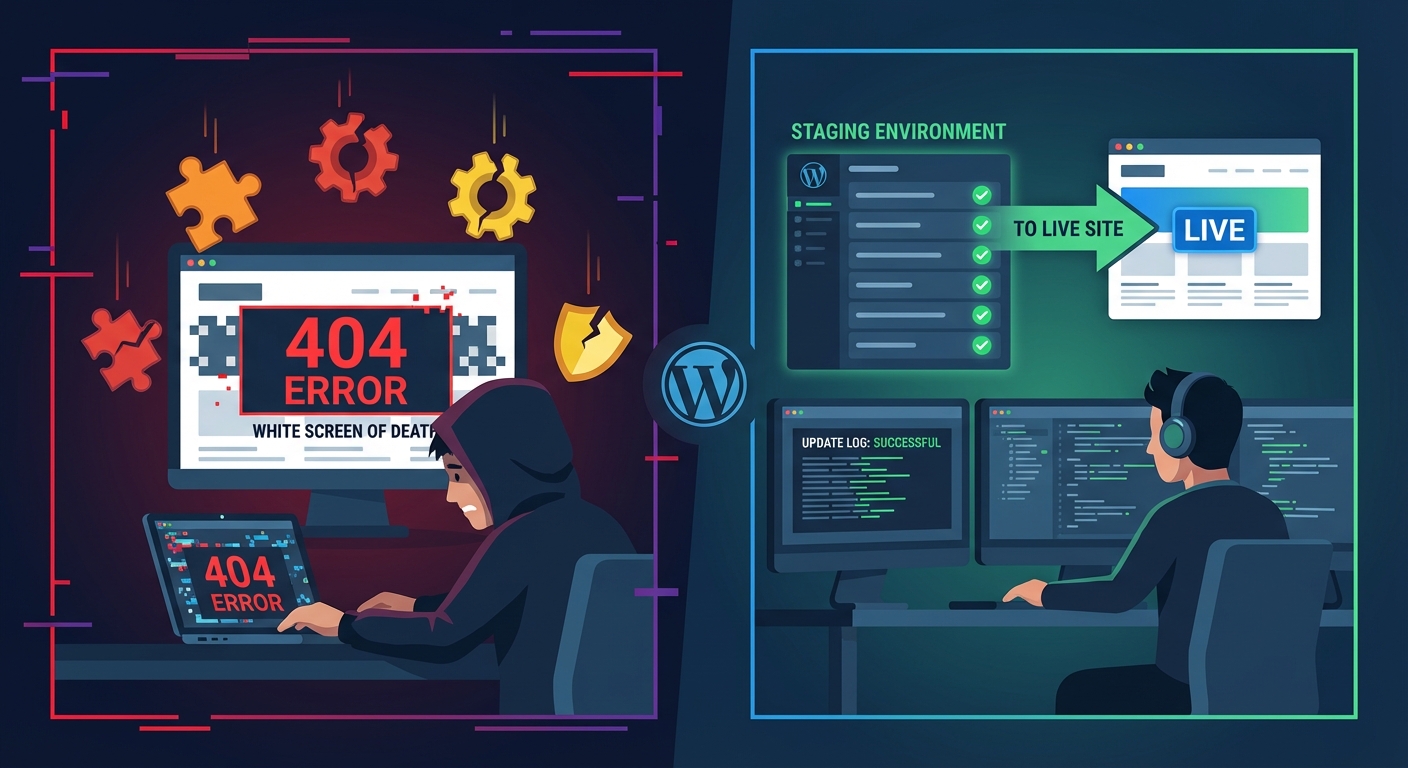
Any provider who skips staging environments for routine maintenance work cuts corners. Full stop.
Staging isn't optional for serious maintenance. It's where you:
- Test plugin updates before production exposure
- Validate PHP compatibility changes before they touch real users
- Run database migrations safely
- Catch theme conflicts before users encounter them and report them
The question isn't just "do you have staging?" — it's "do you use staging as a standard workflow, or only when something seems risky?"
The answer should be: always, for anything that touches core functionality. If a provider only stages "major" changes, minor updates retain the ability to cause major problems. And in WordPress, the line between a minor update and a major problem is surprisingly thin.
8. What's Your Backup and Recovery Process?
Every service lists daily backups in its feature matrix. The follow-up questions tell the real story:
- Do backups sit off-server, stored away from the same host environment?
- How fast can you restore — are we talking minutes or hours?
- Does your team test restore processes on a regular basis?
- Do you keep multiple restore points, or does daily overwrite the previous backup?
A backup nobody has tested is not a backup. It's a hope. Restoration speed matters enormously — a 6-hour restore on a revenue-generating site represents a serious operational problem, not an acceptable outcome. And a backup stored on the same server you're trying to recover from is worse than useless if that server goes down.
You can see the backup standards we apply in our full WordPress maintenance checklist.
9. Can You Handle Custom Work — Or Is This Purely Maintenance?
Maintenance without development capability limits you in ways that aren't obvious until you need it.
Here's a pattern we see consistently: A plugin update breaks a custom WooCommerce integration. A pure-maintenance provider identifies the problem and escalates to you. A capable provider fixes it.
Or: A security audit reveals missing .htaccess hardening rules and over-exposed REST API endpoints. A capable provider implements the fix the same day. A tool-reliant service raises a ticket and waits for you to hire a separate developer — adding days of exposure and additional cost.
Ask: Does your team carry development capability? What's the process and cost for work that falls outside the standard plan? Are there limits on the type of custom work they'll take on?
The best maintenance relationship isn't just reactive coverage — it's a provider who can identify a problem, diagnose it, and fix it without you needing to manage three different vendors.
10. What Happens If I Want to Cancel?
This question tells you a lot about a provider's confidence and operational integrity.
Ask:
- Do you own your backups, or does the provider control access to them?
- Does a lock-in contract apply?
- What does the offboarding process look like — is there a documented handoff?
- Will they transfer documentation, credentials, and backup files cleanly, or do you have to fight for them?
Any provider who hesitates on this question or buries the answer in fine print doesn't trust their own value. A strong maintenance service retains you because you want to stay — not because leaving is operationally painful. The answer to this question predicts a lot about how the whole relationship will go.
The Real Evaluation Framework
You're not comparing feature lists. You're assessing operational competence and trust.
When you work through these questions, you're looking for:
Technical specificity — Can they explain their process in concrete terms? Or do they default to marketing language?
Proactive posture — Do they catch problems before you do? Or do they only respond when you raise a ticket?
Human accountability — Does a real person own responsibility for your site? Can you reach them directly?
Systemic thinking — Do they treat your site as a system to manage, or a checklist to clear?
The provider who passes all ten of these questions won't be the cheapest option. But they'll be the option that doesn't cost you $10,000 in emergency recovery, lost revenue, and reputation damage when something breaks at the wrong time.
What This Looks Like at Vimsy
We're not going to claim we're the only provider who takes this seriously. But we can tell you exactly how we answer each of these ten questions.
We run staging for all updates. We test backups. We monitor beyond uptime — including cron job failures, database health trends, and PHP error rates. Our response times hold on weekends. Our reports tell you what actually happened and why. And if you want to cancel, we'll help you transition cleanly with everything handed over properly.
Take a look at our pricing to understand what professional WordPress maintenance actually costs — and what you get for it.
Look — I'm writing this because this is a problem I see constantly, and it's also exactly what we built Vimsy to solve. If you want professionals handling this instead of hoping nothing breaks, book a free call.
Picking a maintenance provider by price alone is how you find out the hard way what the difference between monitoring and maintenance actually is.