Saving $59 on a premium plugin is not a deal. It's a liability you haven't invoiced yet.
Nulled themes and plugins are cracked versions of paid software — distributed freely on sketchy repositories, Telegram channels, and "free premium" download sites. They look identical to the original. They install cleanly. They may even work fine for weeks.
And then they don't.
What "Nulled" Actually Means Under the Hood
A nulled theme or plugin is a modified copy of commercial software. The license check has been removed. Sometimes that's all that changed. More often, it hasn't.
The people redistributing nulled software aren't doing charity work. They've removed the license enforcement, yes — but they've also had unobstructed access to every PHP file in that package. Most nulled distributions include modifications that range from aggressive ad injection to full remote access backdoors embedded directly in the plugin code.
This isn't speculation. Security researchers at Wordfence and Sucuri have documented nulled software as one of the most consistent malware delivery vectors in the WordPress ecosystem. In repeated malware analysis reports, nulled plugins and themes rank among the top infection sources — often because the payload is already baked in before you even install it.
You don't download a clean plugin and then get hacked. You install the infection and then wait for it to activate.
The Specific Mechanisms That Get You Compromised
Let's be precise about what actually happens.
Base64-encoded payloads in functions.php
The most common injection method. A functions.php file with thousands of legitimate-looking lines has one block of encoded PHP buried in it. WordPress loads it on every request. It phones home to a command-and-control server. It waits for instructions.
wp_options table poisoning
Malicious code stored in serialized data inside wp_options survives theme switches and partial cleanups. Even if you catch the infected file and remove it, the payload in the database continues executing. This is why malware from nulled themes is notoriously difficult to fully clean — the infection persists across the filesystem layer.
Backdoor accounts with admin privileges
Many nulled plugins create ghost admin accounts on activation. They don't show in your normal Users list if the injection also hooks into the user_query filter to suppress them. You're running a site where someone else has admin access and you cannot see the account.
Cron job abuse
WordPress cron (wp-cron.php) gets hijacked to schedule recurring malicious tasks. Every time someone visits your site, the cron fires and re-downloads the malware payload from an external server. You can clean the filesystem. The cron re-infects it within hours.
REST API exposure used as a callback channel
Some sophisticated nulled payloads register hidden REST API endpoints. These endpoints accept POST requests from remote servers and execute arbitrary PHP. Your site becomes a puppet with an open socket.
Clean any one of these. Miss the other four. The infection rebuilds itself.
The Update Problem Nobody Talks About
Security vulnerabilities in WordPress plugins get patched constantly. The official WordPress Vulnerability Database documents hundreds of CVEs every year — stored XSS, SQL injection, unauthenticated privilege escalation. Plugin developers push patches, and those patches matter.
Nulled software never gets those patches.
You're not running an old version because you forgot to update. You're running an old version by design — because updating would require downloading the legitimate paid version. The nulled copy you have is frozen at whatever version it was cracked at.
Imagine a WooCommerce checkout plugin with a critical SQL injection vulnerability discovered six months ago. The legitimate version was patched in 48 hours. The nulled version still running on your store has been exploitable for six months — and you have no way to fix it without abandoning the nulled copy entirely.
That's not a hypothetical risk model. That's the operational reality of running cracked software on a live site.
PHP Compatibility Rot
PHP version compatibility is another vector that nulled software accelerates.
When you run outdated PHP, you compound every other vulnerability on your site. Outdated PHP versions have documented security issues, reduced performance, and incompatibility with modern WordPress core. The WordPress team officially recommends PHP 8.1 or higher.
Nulled plugins are often built against older PHP versions and never updated. Running them on a modern PHP environment throws fatal errors. Running them on an older PHP environment to avoid those errors means you're now running an outdated PHP stack because your nulled plugin demands it.
You've compromised your server configuration to accommodate cracked software. That's the actual tradeoff.
The "I Downloaded It From a Trusted Source" Problem
There's no trusted source for nulled software.
Reputable-looking sites with clean UX and thousands of downloads are still distributing modified commercial code. The cleaner the website, the more dangerous it often is — because it projects credibility that earns your trust before compromising your site.
Even if the specific file you downloaded today is clean, the site retains your data, knows your IP, and can push a "silent update" mechanism the next time you use it. Some nulled distributions include auto-update hooks that pull from the attacker's server instead of the original vendor's.
You've not only installed malware — you've given the malware a legitimate update pathway.
What Malware Recovery Actually Costs
Across dozens of WordPress site recoveries, the pattern is consistent: nulled plugin infections are the most labor-intensive to clean.
They require:
- Full filesystem scan via WP-CLI (
wp plugin list, manual diff against clean copies) - Database audit for serialized payload injection in
wp_options,wp_postmeta, andwp_usermeta - Review of all registered cron jobs for suspicious scheduled tasks
- Audit of
.htaccessandnginx.conffor redirect injections - Full user audit including database-level queries to catch hidden admin accounts
- Object cache flush and transient purge to eliminate cached malicious responses
- Staging environment rebuild to verify clean state before restoring production
That's not a one-hour job. For a moderately infected site, a proper recovery takes 4–8 hours of skilled technical work.
If your site generates $2,000/day, that's roughly $83/hour in direct revenue exposure during downtime alone. Add recovery labor costs, and the $59 plugin you "saved" money on has now cost you several hundred dollars minimum — potentially far more if customer data was exposed and you're now navigating a breach response.
This is what the math looks like when you model it honestly.
The SEO Damage Nobody Warns You About
Malware on WordPress sites frequently causes damage that outlasts the infection itself.
Search engines crawl your site while it's infected. If the malware is cloaking spam content — showing clean pages to logged-in users but serving pharmaceutical spam or phishing pages to Googlebot — your domain gets flagged. You appear in Google's "Site may be hacked" warnings. Your rankings collapse.
Cleaning the malware removes the infection. It does not automatically restore your search rankings or remove the manual action Google may have applied. That recovery process involves submitting a reconsideration request, waiting for Google to re-crawl, and hoping the ranking damage reverses.
Some sites never fully recover their pre-infection search position. The SEO debt from a nulled plugin infection can follow your domain for months.
How Professional WordPress Management Eliminates This Risk
The answer isn't complicated. It's just disciplined.
A properly managed WordPress site runs:
- Only licensed, legitimate plugins sourced directly from wordpress.org or the original vendor
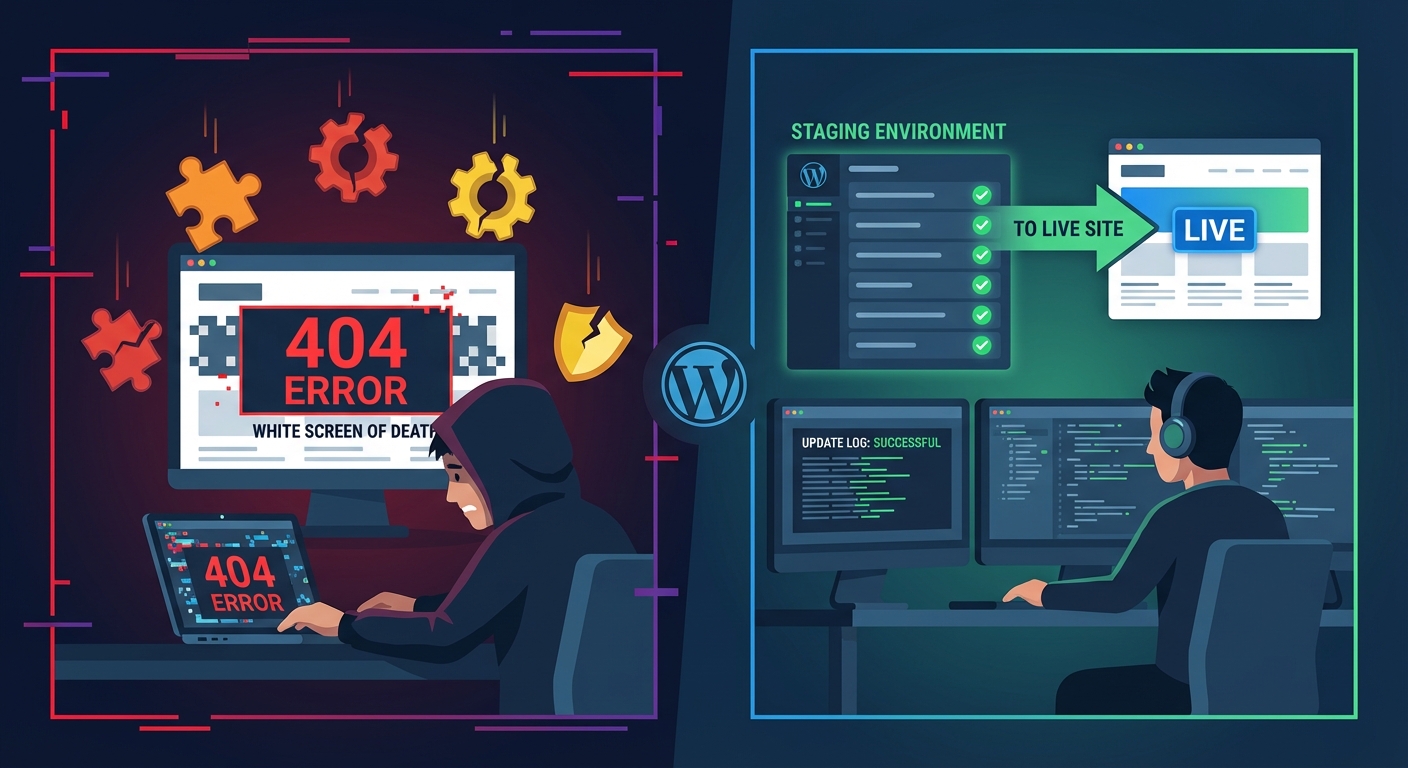
- Automated update workflows with staging environment validation before production deployment
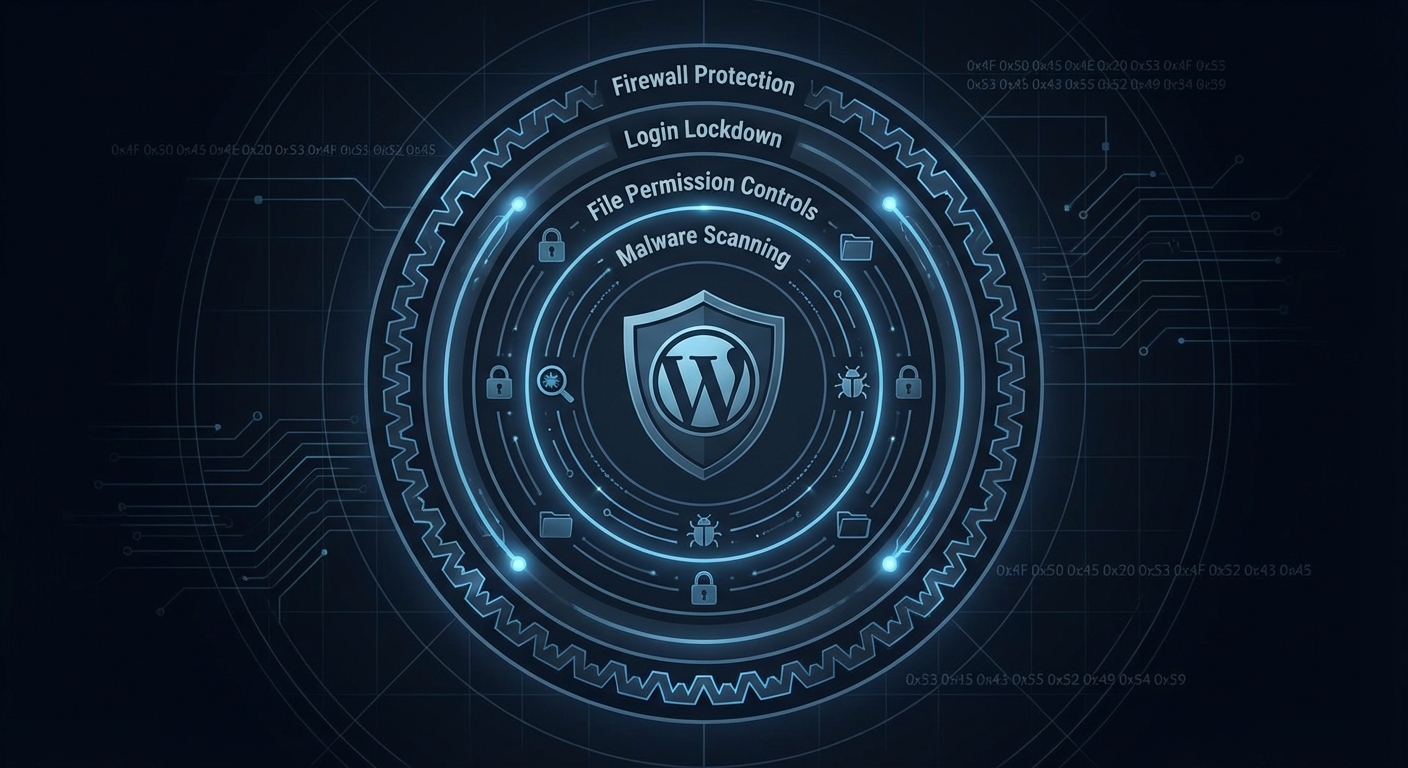
- Regular malware scanning with file integrity monitoring against clean plugin checksums
- PHP stack maintained at recommended versions
- Database health monitoring that catches unusual
wp_optionsbloat or unexpected serialized data patterns - Rollback strategy in place so a bad update doesn't mean hours of downtime
None of this requires heroics. It requires systems.
The reason sites end up running nulled software is usually one of two things: cost pressure or lack of awareness. Cost pressure is understandable. Lack of awareness ends here.
A WordPress care plan that covers legitimate plugin licensing, updates, and security monitoring costs less per month than recovering from a single nulled-plugin infection. That's not a sales argument — that's a cost model. If you want to compare numbers directly, the Vimsy pricing breakdown lays it out clearly.
If you're not sure what's currently running on your site, a WordPress site audit is the right starting point. Running WP-CLI wp plugin list --status=active will show you what's active. Verifying that each one maps to a legitimate licensed source is the human judgment layer that automated tools miss.
The Hard Question to Ask Yourself
Are you running nulled software knowingly? Or did a developer install it years ago and you have no idea what's actually in your plugin folder?
In most site audits, the answer is the second one. Site owners inherit infections they never chose. A developer built a site cheaply by using nulled themes. The original developer is gone. The site has been running a compromised codebase for years without anyone knowing.
This is auditable. Use WP-CLI to pull your active plugin list. Cross-reference with wordpress.org. Any premium plugin that wasn't purchased from a legitimate source is a liability on your server right now.
If you don't have time to do this yourself — or you don't want to discover what's in there alone — book a site recovery consultation. It's not always an emergency. But it's always worth knowing.
One More Thing About "Free Premium" Sites
Search for any popular premium plugin with the words "free download" and you'll get pages of results. Some of these sites have more SEO authority than the original vendor. They've been optimized specifically to intercept people who are price-sensitive and searching for a deal.
They exist because infecting WordPress sites at scale is profitable. Your site's resources — CPU, bandwidth, sending reputation — have value to attackers. Your site can be used to send spam, host phishing pages, or participate in DDoS attacks without you ever knowing.
The plugin is free because you're the product.
Look — I'm writing this because this is a problem I see constantly, and it's also exactly what we built Vimsy to solve. If you want professionals handling this instead of hoping nothing breaks, book a free call.
Running nulled software isn't a budget decision. It's a decision to let a stranger with unknown intentions have access to your server. Call it what it is.