Most WordPress site owners think their hosting provider handles security. That assumption gets sites hacked every day. Your host secures the server infrastructure — not your application layer. That's a completely different problem, and a firewall is where it starts to get solved.
Let's be direct: a web application firewall (WAF) is not optional for any WordPress site handling real traffic, real users, or real revenue. It's not a luxury plugin. It's the layer between your site and the automated bots, SQL injection attempts, brute-force login floods, and zero-day exploit scanners that probe WordPress installations continuously — around the clock, every day.
If you don't have one configured correctly, you're not "mostly secure." You're exposed.
The Myth That's Getting Sites Compromised
The most dangerous belief in WordPress security right now: "I have a security plugin, so I'm covered."
Security plugins do useful things. They scan file changes. They flag outdated plugins. Some include basic firewall rules. But a plugin-level firewall runs inside WordPress — which means it loads after PHP, after WordPress bootstraps, after wp-config.php initializes, and after the database has already been queried. By the time the plugin evaluates whether a request is malicious, your server has already done a significant amount of work to serve it.
That's not a minor architectural detail. That's the core limitation.
A plugin-level WAF catches a lot, but it's reacting inside the application it's supposed to protect. It's the equivalent of installing a lock on the inside of a door that's already been opened.
DNS-level and network-level firewalls operate upstream. They intercept traffic before it ever reaches your server. The malicious request never touches WordPress, never triggers PHP execution, never gets a chance to probe your REST API endpoints, and never even sees your login page.
That distinction matters more than any feature comparison chart.
How a WordPress WAF Actually Works
Understanding the mechanics here is worth two minutes of your time.
When someone — or a bot — makes a request to your site, it travels through a chain: DNS resolution → server → web server software (Apache/Nginx) → PHP → WordPress → your database. Every step in that chain has a cost.
A DNS-level WAF (like Cloudflare's WAF or Sucuri's network) inserts itself at the DNS resolution stage. Before traffic reaches your origin server at all, it passes through the WAF's network, where it's evaluated against rule sets. Known malicious IPs get blocked outright. Requests matching known attack signatures — SQL injection patterns, XSS payloads, WordPress-specific exploit patterns — get blocked before they arrive.
A plugin-level WAF (like Wordfence's firewall component) intercepts requests at the PHP/WordPress layer. It runs firewall logic in the same process that serves your site. It catches a lot of things — and for a low-traffic blog, that might be adequate. But under volume, it adds server load. Under a serious targeted attack, the PHP process itself can be overwhelmed before the firewall logic completes its work.
There's also a server-level WAF — rules configured directly in .htaccess or in Nginx config that block known bad patterns at the web server level. This is more effective than plugin-level because it doesn't require PHP to execute, but it requires manual configuration and maintenance to stay current with evolving attack patterns.
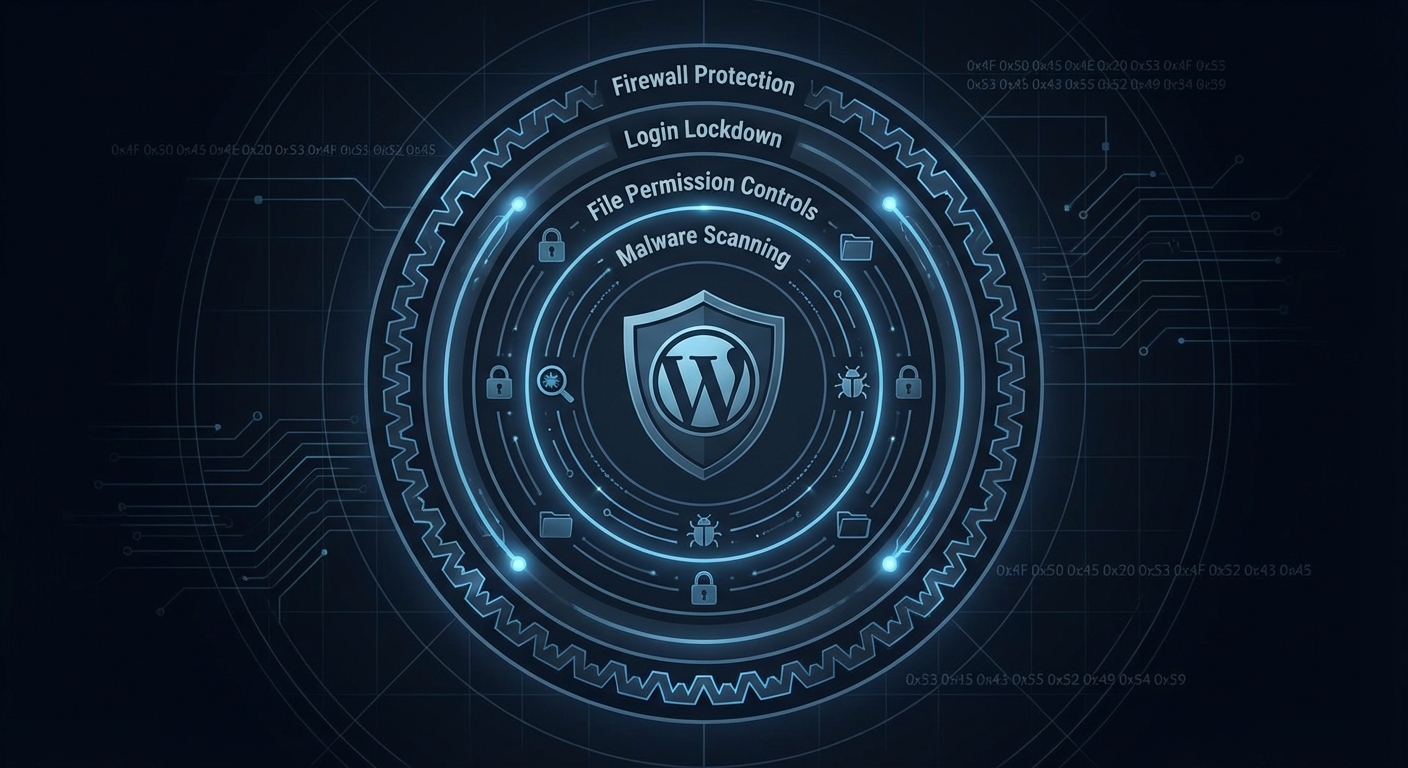
In practice, the strongest setup combines layers: a DNS-level WAF handling volume and known threats upstream, server-level .htaccess hardening as a second line of defense, and a plugin providing active file integrity monitoring.
What Attacks a WordPress Firewall Actually Stops
This isn't theoretical. Here's what a properly configured WAF intercepts on a typical WordPress site:
Brute-force login attempts. Bots hit /wp-login.php and xmlrpc.php thousands of times per hour. Without a WAF, each attempt hits PHP, queries the database, and burns server resources. With a WAF upstream, the attempt never reaches the server.
SQL injection via query parameters. Attackers probe URL parameters, form fields, and REST API endpoints looking for unsanitized inputs that leak database content. A WAF recognizes these patterns and drops the request.
Cross-site scripting (XSS) payloads. Especially relevant for sites with comment forms, contact forms, or user-generated content. WAF rules flag known XSS injection patterns before they reach your application.
WordPress-specific exploit attempts. Attackers maintain active databases of known plugin and theme vulnerabilities. When a CVE drops for a WooCommerce extension or a popular page builder, automated scanners probe millions of WordPress sites within hours. A DNS-level WAF with updated rule sets blocks these probes before your site even knows they happened. Over 2,800 WordPress plugin vulnerabilities were disclosed in 2023 alone — the volume of exposure is not slowing down.
REST API enumeration. The WordPress REST API exposes user data endpoints by default. A WAF can block or rate-limit requests to /wp-json/wp/v2/users that enumerate usernames — one of the first steps in a targeted attack.
Malicious file upload attempts. If your site accepts file uploads, WAF rules can screen for executables and webshells disguised as images or documents.
Across most of the hacked site recoveries we've worked through, the initial vector is usually one of three things: an abandoned plugin with a known vulnerability, a brute-forced admin account, or a malicious file upload. A correctly configured WAF addresses all three.
The Cost of Running Without One
Skip the anecdote framing. Here's the math.
A small WooCommerce store averaging $2,000/day in revenue goes down for 8 hours due to a malware injection that exploits a plugin vulnerability. That's roughly $667 in direct lost revenue — before factoring in recovery costs.
Emergency WordPress recovery support typically runs $150–$500+ depending on the severity of the infection, whether a clean backup exists, and whether the injection has propagated across multiple files. Add the time cost of whoever manages your site: communicating with customers, coordinating with hosting support, dealing with Google's "site may be hacked" flag in search results — which doesn't disappear the moment you clean the site. It requires a manual review request.
On a higher-revenue store generating $5,000/day, 8 hours of downtime represents approximately $1,667 in lost revenue. One incident.
A properly configured DNS-level WAF costs $20–$30/month at the entry level through services like Cloudflare Pro. The math on whether you need one answers itself.
What doesn't show up in the math: the SEO damage from a hacked site. Google deindexes compromised sites. Recovering those rankings takes months. There's no universal dollar figure, but the damage is real and it compounds.
WAF Configuration Isn't "Set and Forget"
This is where most WordPress owners who do have a WAF fall short.
Firewall rule sets need updating. Attack patterns evolve. A WAF running on rules from 18 months ago has gaps.
Plugin-level firewalls like Wordfence update their rule sets regularly — but only for paying subscribers on the real-time feed. The free tier gets delayed updates, sometimes days behind. In a zero-day scenario, days matter.
DNS-level WAFs managed by services like Cloudflare or Sucuri update rules centrally, meaning your protection updates without you doing anything. That's the operational advantage: the protection layer doesn't depend on you checking a dashboard.
Beyond rule freshness, proper WAF configuration also includes:
- Rate limiting on
/wp-login.phpand/xmlrpc.php - Bot management to allow legitimate crawlers (Googlebot) while blocking scrapers
- Challenge pages (CAPTCHAs or JS challenges) for suspicious traffic patterns
- IP allowlisting for admin access from known locations
- Disabling XML-RPC entirely if you're not using it
- Configured rules to protect REST API endpoints from enumeration
Most site owners install a security plugin, leave the defaults on, and assume that's enough. Default configurations are conservative — they avoid false positives at the expense of actual coverage. Tightening those settings requires knowing what you're looking at.
The Layered Security Model That Actually Holds
A WordPress firewall is one layer. It's an essential one — but relying on it alone creates blind spots.
The complete picture looks like this:
Layer 1 — DNS/network WAF: Upstream traffic filtering. Stops volume attacks, known bad actors, and exploit scanners before they reach your server.
Layer 2 — Server-level hardening: .htaccess rules blocking direct access to sensitive files (wp-config.php, xmlrpc.php unless needed, /wp-includes/ PHP execution). No plugin overhead — runs at the web server level.
Layer 3 — Plugin-level scanning: File integrity monitoring, malware scanning, alerting on unauthorized file changes. Not the firewall layer — the detection layer. These serve different functions and shouldn't be confused.
Layer 4 — Application hardening: Keeping PHP versions current (running PHP 7.x in 2024 is an unnecessary and avoidable risk), pruning abandoned plugins, disabling REST API exposure for unauthenticated users where appropriate, and enforcing strong admin credentials with 2FA.
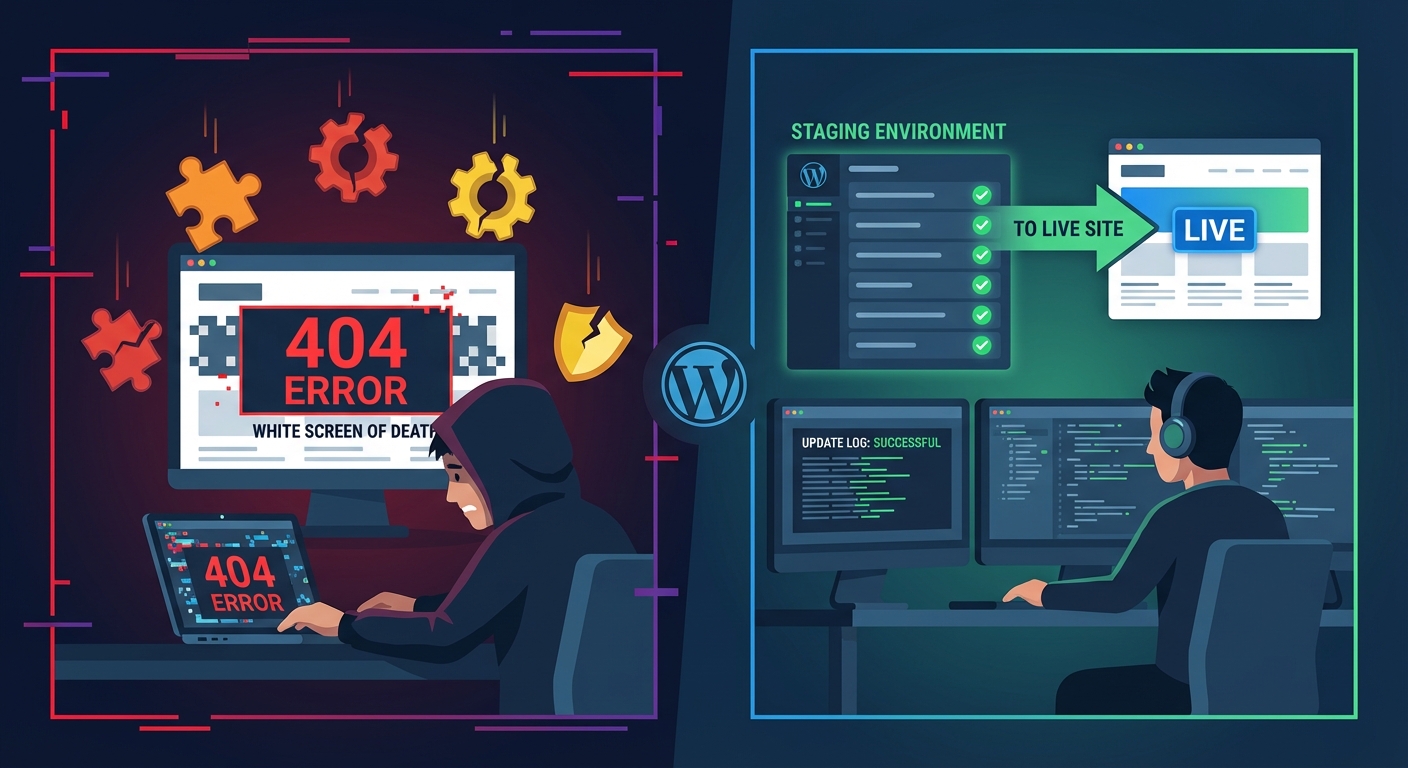
Layer 5 — Backup and rollback infrastructure: Because no security stack is perfect. Clean daily backups with tested restore procedures mean that if something gets through, recovery is measured in minutes — not days. Running wp db export via WP-CLI into a versioned offsite backup before every update is standard practice. So is having a staging workflow where changes are validated before they hit production.
The layered model means each layer compensates for the others. A zero-day that slips through your WAF gets caught by your file integrity monitor. Your backup gives you a clean rollback point. Your staging workflow means updates get tested before they touch live traffic.
This is what actual WordPress security operations look like — not "install a plugin and move on."
Where Vimsy Fits In
Firewall configuration — DNS-level WAF setup, .htaccess hardening, login protection, REST API lockdown — is included in every Vimsy maintenance plan. Not as an add-on. Not as a separate security tier. Built in.
Because the alternative — a site running a plugin-level firewall on default settings while assuming it's protected — ends in a recovery incident six months later. We've seen the pattern enough times to stop being surprised by it. The sites that get compromised aren't always neglected. They often have some security measures in place — just not the right ones, configured correctly, and maintained over time.
If you want to see exactly what a complete security and WordPress maintenance setup involves — what we check, what we configure, what we monitor — review that before assuming your current setup is solid.
The Decision Is Simpler Than It Looks
Three real options exist:
1. Do nothing. Accept the risk. Hope your plugins stay patched and your host catches application-layer attacks. They won't.
2. Configure it yourself. Set up Cloudflare Pro or a similar DNS WAF, tighten your .htaccess, configure Wordfence properly, set up offsite backups with a WP-CLI-based export routine, monitor for file changes. Doable. Takes time. Requires knowing what you're looking at.
3. Have professionals manage it. This is what Vimsy's WordPress care services exist for. Firewall configuration, ongoing monitoring, updates with staging and rollback, and security hardening — handled as an ongoing system, not a one-time checklist.
Look — I'm writing this because this is a problem I see constantly, and it's also exactly what we built Vimsy to solve. If you want professionals handling this instead of hoping nothing breaks, book a free call.
Your firewall isn't the thing you configure once and forget. It's the thing standing between your site and several hundred automated attack attempts every single day. Treat it accordingly.