The legal profession runs on confidentiality. One breach — whether it's client data, intake forms, or even your firm's public-facing contact page — and you're not dealing with a technical problem. You're dealing with a professional conduct issue.
Most law firms treat their WordPress site like office furniture: set it once, ignore it until something breaks. That model works fine for a blog. It doesn't work for a professional services firm where your website processes enquiries from clients who expect the same discretion you promise in your retainer agreements.
Here's what's actually happening inside your WordPress installation right now — and why the gap between "our site is live" and "our site is secure and compliant" is wider than most managing partners realize.
Managed Hosting Is Not Security. Stop Treating It Like One.
The most persistent myth in the legal tech space: if you're on a reputable managed host — WP Engine, Kinsta, SiteGround — your site is secure.
Infrastructure security and application security are not the same thing.
Your host manages the server. They patch the OS. They handle DDoS mitigation. What they don't manage is everything running inside your WordPress installation: the contact form plugin that hasn't been updated in four months, the slider plugin your web agency installed in 2021 and abandoned, the wp_options table bloated with orphaned transients that slow your admin panel to a crawl and occasionally conflict with caching layers.
That gap — between the server layer and the application layer — is where most WordPress compromises happen.
Wordfence reports that vulnerable plugins and themes account for the overwhelming majority of WordPress site compromises. The vector isn't your hosting provider's infrastructure. It's your plugin stack. And for a law firm running a contact form, a live chat widget, a CRM integration, and a Google Reviews embed, that plugin stack is a real attack surface.
A hacked contact form on a law firm site isn't just a reputational embarrassment. Depending on jurisdiction, it could constitute a breach of your professional obligations regarding client data handling.
What "Plugin Abandonment" Actually Means for a Legal Website
Every plugin in your WordPress installation has a maintenance lifecycle. Developers maintain, update, and patch plugins while the plugin is commercially viable for them. When they move on, the plugin enters an abandonment state — it stays in your admin panel, it still technically "works," but it stops receiving security patches.
This matters disproportionately for law firms because legal websites tend to accumulate specific plugin categories that are high-risk when abandoned:
- Contact and intake form plugins — directly process client communications
- Client portal plugins — if you've built any kind of document access layer
- Legal directory and schema plugins — often installed by agencies and forgotten
- Chat widgets and callback tools — third-party integrations with external data flows
When one of these plugins reaches abandonment, it becomes a permanently open vulnerability. No patch is coming. And because the plugin is still functional, most site owners have no idea anything is wrong.
You can audit plugin health with WP-CLI in minutes:
wp plugin list --fields=name,version,update,status
This surfaces plugins with available updates and — cross-referenced against the WordPress.org repository — identifies which plugins haven't had a maintainer commit in 12+ months. That list is your abandonment risk register.
Across most WordPress audits we perform for professional services firms, we find at least two or three plugins in this state. Often more.
The wp_options Problem: How Legal Sites Quietly Rot
The wp_options table doesn't announce when it's failing you. It just gets bigger. Slower. Heavier.
Every plugin you install writes to wp_options. When you deactivate or delete a plugin without a proper uninstall, most leave their configuration data behind. Over time — especially on sites that have gone through multiple agency handovers, which is common in law firm web history — this table becomes a graveyard of orphaned settings, expired transients, and conflicting configuration entries.
The practical effects:
- Admin panel response times slow down, making content updates painful
- Cron jobs that handle scheduled tasks — contact form notifications, security scans, backup triggers — begin misfiring
- Object caching layers cache stale or conflicting data, producing intermittent errors that are maddeningly hard to diagnose without proper tooling like Query Monitor
If your legal site runs without Redis or Memcached as an object cache layer, these wp_options issues compound over time. The site doesn't crash. It degrades — steadily, invisibly — until something breaks at the worst possible moment. For a managing partner, that worst moment is usually right before a major business development push, or after a high-profile case win generates press coverage and a surge in traffic.
Confidentiality Obligations and the Contact Form Problem
Law firms operate under strict professional conduct rules. In the UK, that means SRA obligations. In the US, ABA Model Rules. Most jurisdictions have specific provisions about client confidentiality that extend to digital communications — including enquiry forms on your website.
Here's where the technical and professional liability intersect:
If your contact form plugin routes data through an unencrypted third-party server, or if form submissions are stored in a database without appropriate access controls, you may be handling potential client communications in a way that conflicts with your professional obligations — even if no breach has occurred yet.
A few specific technical configurations law firms should verify:
SSL is table stakes, not a solution. SSL encrypts transit. It says nothing about where the data lands, how long it's retained, or who can access it. A green padlock is not a compliance checkpoint.
Form data retention in the database. Plugins like Gravity Forms and WPForms store submissions in the WordPress database by default. Most law firms don't audit who has database access or what the retention policy is for those records. If a breach occurs, those stored submissions are in scope.
REST API exposure. The WordPress REST API is enabled by default. For a site that handles sensitive enquiries, it should be reviewed and selectively restricted. Leaving it fully open exposes internal user data, registered route structures, and application metadata — useful information for anyone probing your site for weaknesses.
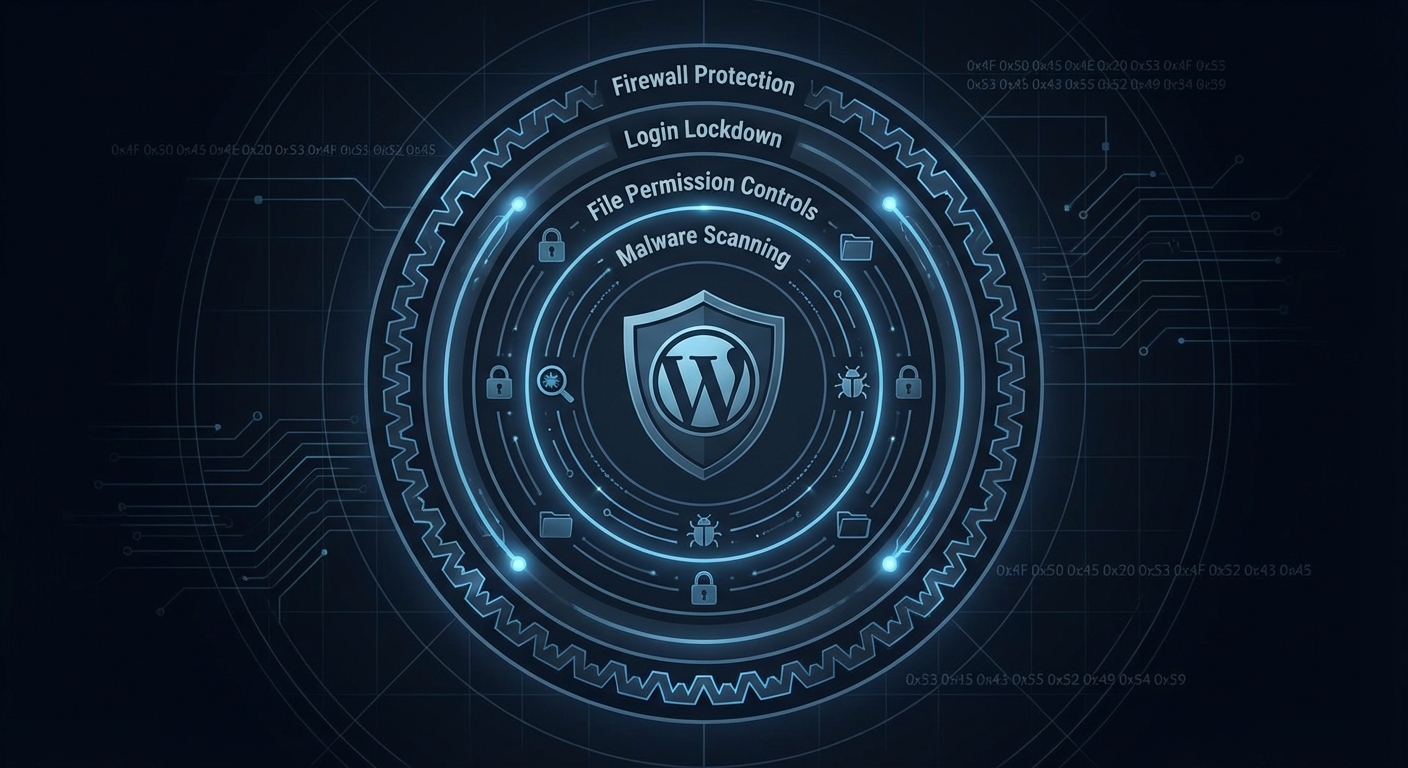
.htaccess hardening — disabling XML-RPC, blocking direct PHP execution in upload directories, restricting wp-admin access by IP — is standard operational security for any serious WordPress deployment. It's not advanced. It's not optional. And it's not something your hosting provider does for you.
PHP Version Compatibility: The Invisible Security Floor
Most law firms are running a PHP version that's at least one major release behind current.
PHP 8.1 reached end-of-life in December 2024. If your site is still running PHP 7.4 — which appears regularly in audits of sites without active maintenance — you are running an unsupported runtime with known, unpatched vulnerabilities.
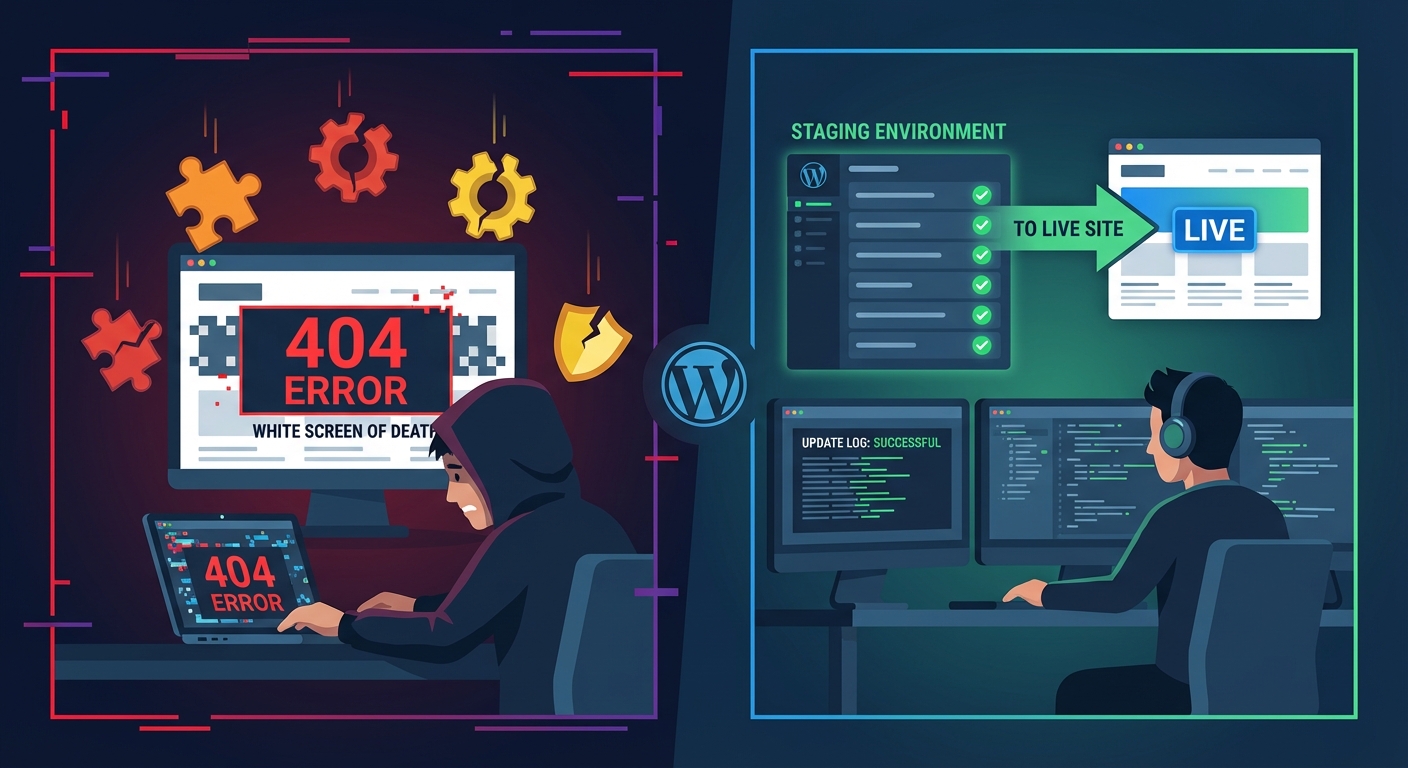
Upgrading PHP isn't always plug-and-play. Legacy plugins, older theme code, and custom functions can break against newer PHP versions without careful testing on a staging environment first. That's exactly why law firms avoid it. And exactly why the PHP version gap persists.
The right process: spin up a staging environment, upgrade PHP, run functional testing across all forms and integrations, resolve any deprecation errors, then migrate the change to production. It's a half-day of technical work done properly. Skipped indefinitely, it's an accumulating security liability.
What a Proper Law Firm WordPress Maintenance Framework Looks Like
These aren't generic best practices. These are the operational layers that matter specifically for a legal website:
Plugin governance — not just updates, but quarterly abandonment audits. Every plugin must have an active maintainer. If it doesn't, it needs a replacement or a removal plan before it becomes a vulnerability.
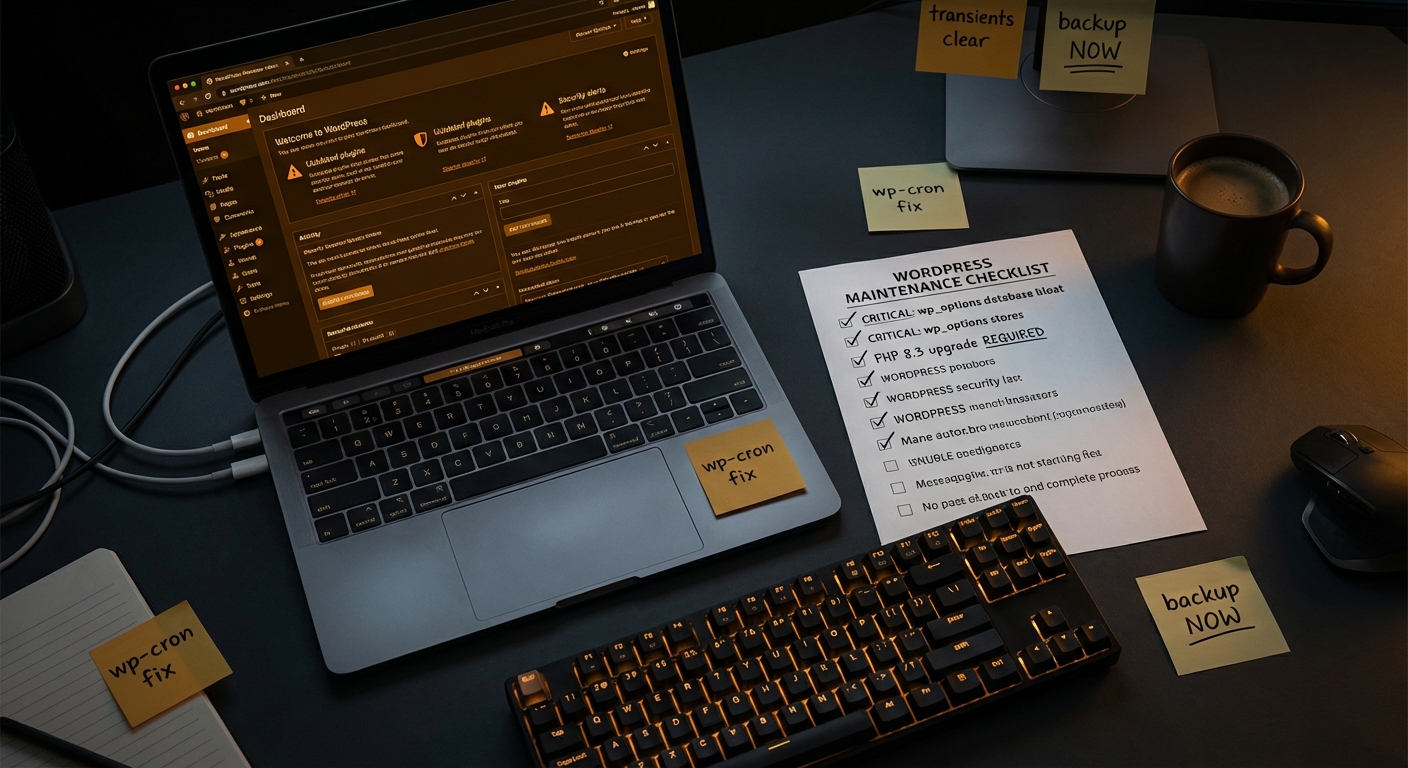
Database hygiene — monthly review of wp_options bloat, transient cleanup, and database indexing verification. WP-CLI makes this scriptable:
wp transient delete --expired
wp db optimize
Cron job monitoring — WordPress cron is pseudo-cron, triggered by site visits. On low-traffic legal sites (which many firm websites are), cron jobs can silently fail for weeks. If your backup plugin relies on WP-Cron and your site gets three visits a day at 2am, your backups may not be running. Configure server-level cron instead.
Staged update workflow — every plugin update, PHP upgrade, and WordPress core release goes through staging before it touches production. Law firms can't afford unscheduled downtime or a broken contact form on their live site.
Access control and role audit — who has WordPress admin access? Has it changed since your web agency built the site? Old admin accounts are a persistent compromise vector. Quarterly role audits with two-factor authentication enforced across all admin users.
Offsite backup verification — a backup that hasn't been tested is not a backup. Monthly restore tests to a staging environment confirm that your rollback strategy actually works before you need it.
If your current arrangement doesn't cover all of these layers, it's not a maintenance plan. It's passive hope.
See our WordPress maintenance services for professional firms and review what proactive site management actually covers. You can also work through our WordPress maintenance checklist to benchmark where your current setup stands.
The Reputation Math
A hacked law firm site carries a different cost profile than a hacked e-commerce store.
A WooCommerce retailer loses revenue while the site is down. A law firm loses something slower and more expensive: professional trust.
Consider the exposure: a potential client Googles your firm following a referral, lands on a defaced homepage or a phishing redirect, and concludes — correctly — that your firm doesn't have its house in order. That's not a technical problem. That's a business development failure with a technical root cause.
High-value client decisions in professional services are trust decisions first. A compromised website undermines that trust at the worst possible moment — when someone is evaluating whether to hand your firm a significant matter.
The cost of professional WordPress maintenance — Vimsy's plans are clearly structured on our pricing page — is measurably smaller than the cost of one lost client instruction, one emergency recovery engagement, or one regulatory inquiry into a data handling failure.
Act Before It Becomes a Crisis
Law firms are rigorous about risk management in every dimension of their practice. Client matter risk. Commercial risk. Regulatory risk. Professional indemnity exposure.
WordPress maintenance is risk management. It belongs in the same operational framework — not delegated to the most junior person in the firm who "knows computers," or left to an agency that checks in only when you raise a support ticket.
The specific risks for a legal website — plugin abandonment, REST API exposure, PHP version gaps, form data retention, cron failures, database bloat — are solvable. But they require active, ongoing technical attention. Not a one-time setup and a prayer.
Look — I'm writing this because this is a problem I see constantly, and it's also exactly what we built Vimsy to solve. If you want professionals handling this instead of hoping nothing breaks, book a free call.
Your clients trust you with their most sensitive matters. Your website should reflect the same standard of care you apply to your practice.