Plugin updates are not your biggest risk if you run a membership site on WordPress. Payment gateway conflicts, broken enrollment triggers, and corrupted member session data are. Most generic WordPress maintenance plans handle none of them.
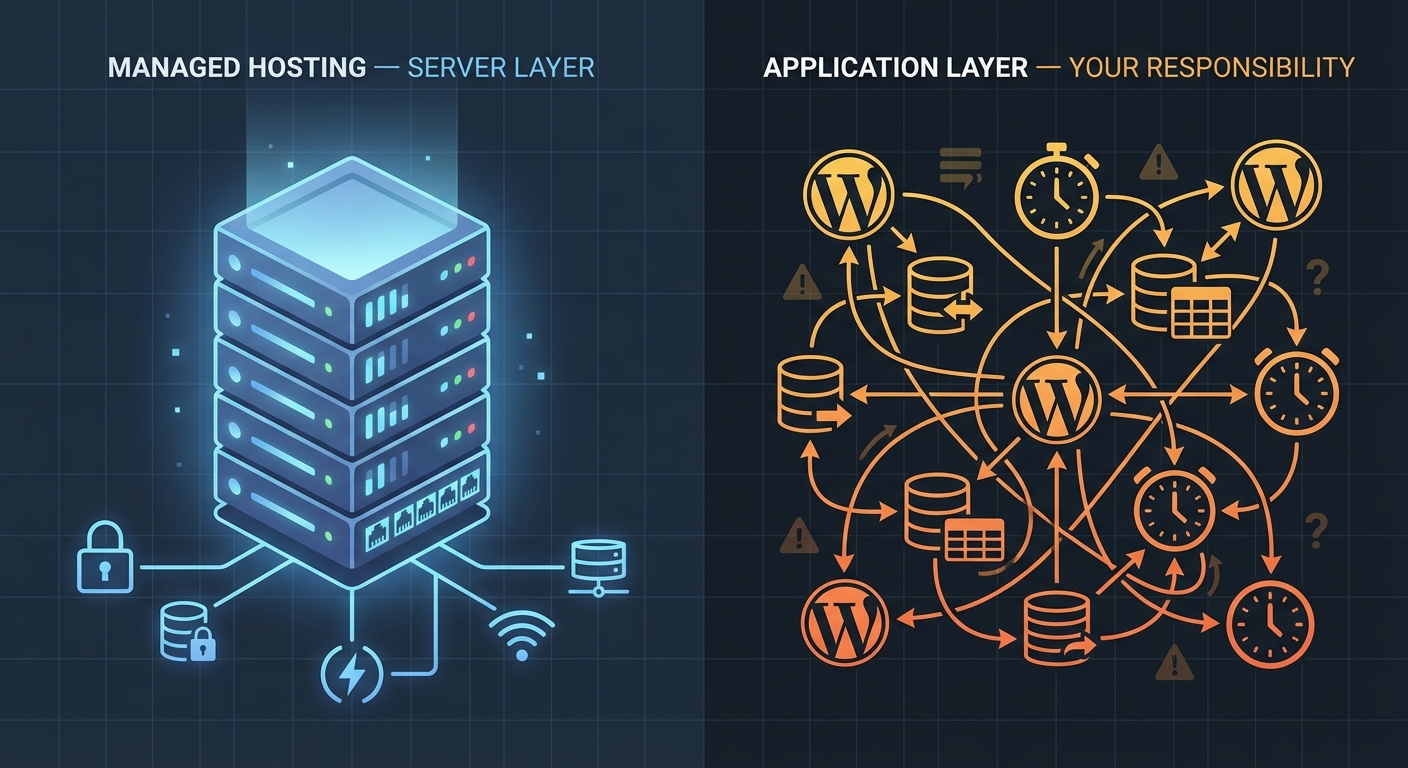
If you run a course platform on LearnDash, a community on MemberPress, or a subscription product on Restrict Content Pro, you operate a fundamentally different class of WordPress install than a brochure site or a blog. The failure modes differ. The stakes differ. The maintenance logic has to differ too.
The Myth: Plugin Updates Are a Membership Site Maintenance Strategy
This is the most dangerous assumption in the membership site space. Owners hear "keep your plugins updated" and treat it as a complete system.
It isn't.
For a standard WordPress site, plugin updates carry a manageable risk profile. Something breaks visually, you roll back, you troubleshoot. The blast radius stays limited.
On a membership or LMS site, the blast radius changes entirely. Here's what actually happens when updates go wrong:
- A MemberPress update conflicts with your payment gateway integration and silently stops processing renewals
- A LearnDash update changes how quiz completion data writes to the database — existing student progress becomes unreadable
- A WooCommerce Subscriptions update breaks the webhook that triggers access provisioning
- An unvetted third-party add-on update corrupts
wp_usermetarows tied to subscription state
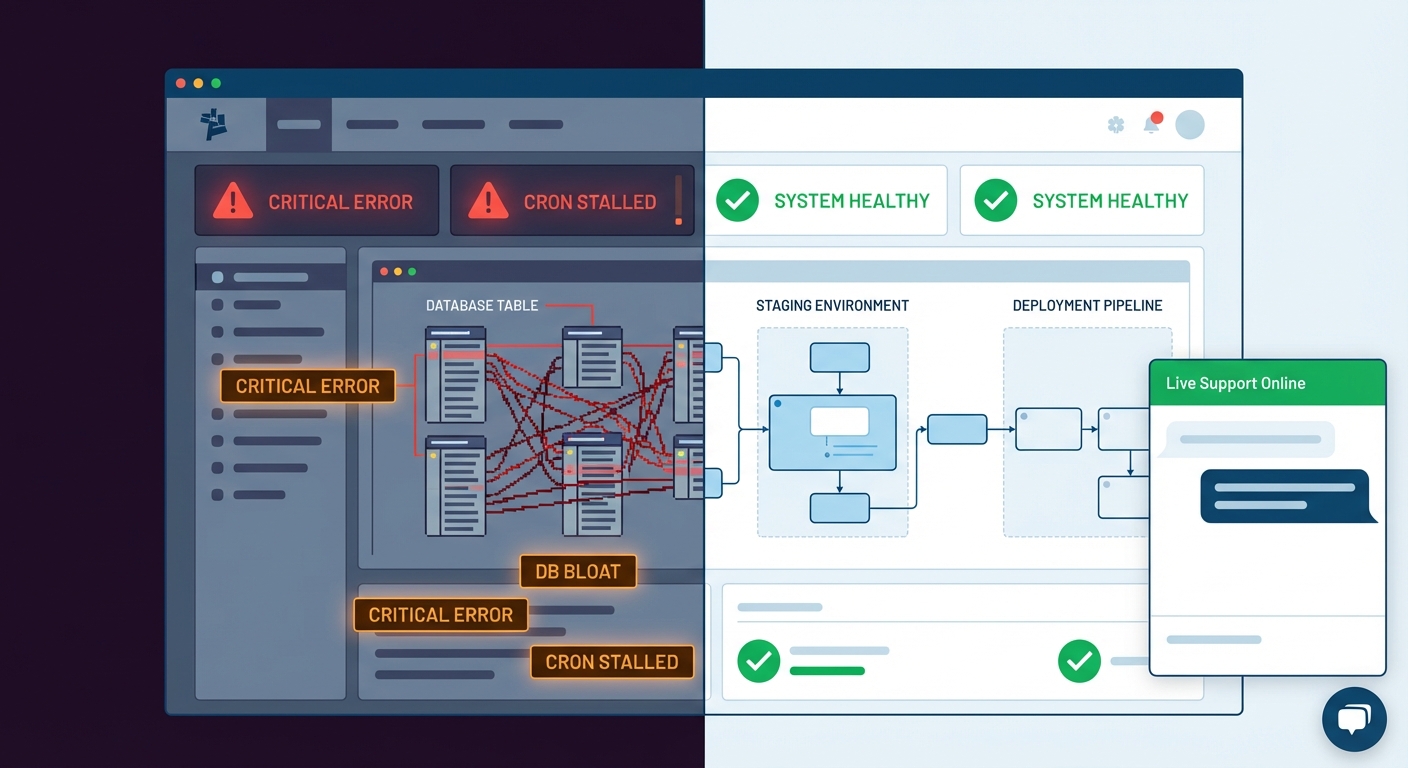
None of these failures announce themselves loudly. They don't throw a 500 error. They degrade silently — and you discover them when a member emails to ask why their access disappeared, or when you reconcile payment records and find subscriptions that renewed without granting access.
That's not a plugin update problem. That's an absence of systems.
What Makes Membership Site Architecture Actually Complex
Let's be precise about the technical surface area you're managing.
Member data integrity spans multiple database tables — wp_users, wp_usermeta, wp_posts (for membership levels in certain plugins), and plugin-specific tables like MemberPress's mepr_subscriptions and mepr_transactions. When database bloat accumulates or a plugin update alters table schema without a proper migration, that data becomes inconsistent — often in ways that surface days or weeks later.
Enrollment and access logic runs a chain of triggers: payment confirmed → webhook received → membership level assigned → content access unlocked. If any link breaks, members lose access without losing their subscription. This happens more than platform vendors admit. Most standard WordPress maintenance plans include no trigger verification whatsoever.
Cron job reliability matters on a membership site in ways that simply don't apply to blogs. Subscription renewals, trial expiration notices, access revocation on cancellation — WordPress processes all of these through wp-cron. On high-traffic sites, wp-cron fires based on page visits, making it unreliable for time-sensitive operations. Without a server-level cron configured via WP-CLI, renewals misfire, emails don't send, and your churn data becomes unreliable before you realize the problem exists.
Transient bloat in wp_options burns slowly and invisibly. LearnDash, MemberPress, and similar plugins cache aggressively using transients. Over time — especially on sites with thousands of members — the wp_options table grows to tens of thousands of rows, many of them orphaned transients that never get cleared. This doesn't just slow queries. It creates lock contention on the table that produces intermittent, hard-to-diagnose slowdowns precisely when enrollment traffic spikes.
Object cache misconfigurations compound the problem significantly. Running Redis or Memcached without configuring exclusions for membership session data leads to stale access states — logged-in users seeing paywalled content, or authenticated members hitting access denied pages mid-session. These aren't random bugs. They're predictable consequences of misconfigured infrastructure.
PHP version compatibility adds another layer entirely. MemberPress, LearnDash, and their ecosystems of add-ons each carry different PHP compatibility matrices. Running PHP 8.2 without verifying compatibility across your full plugin stack — including every third-party add-on — introduces meaningful instability risk. In most WordPress audits we perform, PHP mismatches contribute to at least a third of unexplained instability cases.
Plugin abandonment risk deserves its own mention. The LMS and membership plugin ecosystem attracts a high volume of small add-on developers. A quiz extension or payment gateway bridge built by a solo developer can go unmaintained for months after a WordPress or WooCommerce core update. You won't see a compatibility warning. You'll see strange behavior in production that Query Monitor eventually traces back to a deprecated function call — if you're even running Query Monitor in the first place.
The Payment Gateway Problem Nobody Talks About
Here's what generic WordPress maintenance misses entirely: payment gateway uptime and integration health represent your most critical maintenance surface, and they have nothing to do with plugin updates.
Stripe webhook endpoints need registration, verification, and active monitoring. If your WordPress install changes URLs, migrates servers, or gets a new SSL certificate, webhook delivery fails silently. Subscriptions keep billing on Stripe's end. Access provisioning stops on WordPress's end. You don't find out until a member complains or your monthly revenue reconciliation shows a gap that can't be explained by churn.
PayPal IPN — still common in legacy MemberPress setups — carries its own reliability burden. PayPal deprecated IPN in favor of webhooks, and sites still running IPN-based payment flows sit on infrastructure that PayPal has publicly signaled it won't maintain indefinitely. The failure won't come with advance warning.
Across the membership sites we audit, payment gateway integrity ranks as the single most neglected maintenance area. It stays invisible until it fails. When it fails, the cost comes not just from refunds — it comes from member trust erosion and accelerated churn that generic maintenance plans were never designed to prevent.
What a Real Membership Site Maintenance System Looks Like
This is not a checklist. It's a different mental model.
Treat your enrollment flow as a system that needs end-to-end verification — not a set of plugins that need periodic updates. Monthly trigger testing means simulating a real payment, confirming access provisioning, verifying the welcome email sends, and confirming database state in wp_usermeta. Not assumed to work. Verified as working.
Run plugin updates in a staging environment that mirrors production exactly. A staging workflow built on a production database clone lets you test updates against real member data structures — not a blank install with no users. If a LearnDash update changes how quiz progress writes to the database, you catch it before it touches 500 enrolled students.
Configure server-level cron instead of relying on wp-cron. A properly configured system cron via WP-CLI fires on schedule regardless of traffic patterns. On any site with more than a few hundred members, this is not optional — it's a reliability requirement that determines whether your subscription lifecycle actually functions.
Monitor wp_options table health as part of regular maintenance operations. Clean orphaned transients on a defined schedule. Configure object cache exclusions for membership session keys. Use Query Monitor diagnostics to identify slow queries tied to membership plugin operations before they compound into user-facing slowdowns during peak traffic.
Maintain a rollback strategy that includes database snapshots, not just file-level backups. If a plugin update corrupts membership tables, restoring a file backup without the corresponding database state solves nothing. Your backup system needs both — and you need a tested restore process that you've actually executed, not a theoretical one you've never verified.
Audit payment gateway integrations quarterly. Verify webhook registration is current. Confirm SSL certificate validity at the endpoint level. Test live payment flows — not just sandbox. Document what each webhook does and which plugin processes it. This is unglamorous work. It's also the work that prevents a 48-hour revenue gap you find out about by accident.
This operational model requires systems thinking. Not Tuesday update clicks.
The Cost Model: What Failure Actually Looks Like in Numbers
For a course creator running a membership at $99/month per member, a payment gateway failure persisting for 48 hours during a renewal cycle isn't an inconvenience. It's revenue that may never recover — members who assume their cancellation processed and churn rather than contacting support.
Consider this model: 300 active members renewing monthly. A 5% silent failure rate during one renewal cycle equals $1,485 in missed revenue per event. That number compounds across multiple cycles if the failure goes undetected. It also doesn't account for the members who churn because they perceive the access issue as a product problem rather than a technical one.
Scale that model further: a LearnDash platform with 500 enrolled students, broken progress tracking, and 40 support tickets landing in a single week. The immediate technical cost involves hours of manual database correction. The downstream reputational cost — students questioning platform reliability mid-course, leaving negative reviews, requesting refunds — exceeds the technical cost by a margin that's difficult to calculate but easy to feel.
Generic maintenance plans priced at $49/month don't model any of this. They cover plugin updates, uptime monitoring, and maybe a monthly backup. That's maintenance for a static informational site. It's not maintenance for a recurring revenue platform where every cron job, every webhook, and every database write directly affects member experience and business revenue.
What Vimsy Built for Membership and LMS Sites
We run a WordPress care plan built around proactive, audit-driven maintenance — not reactive updates. Our work covers the actual failure modes of complex WordPress platforms, not just the surface-level ones that are easy to automate.
For membership and LMS environments, you can see how our service tiers map to these requirements on our WordPress maintenance pricing page. The scope includes:
- Staging-first plugin update workflows with rollback verification
- Enrollment flow and payment gateway integrity checks
- Server-level cron configuration and monitoring
wp_optionsand transient hygiene on a defined schedule- Database-level backup with tested restoration
- Priority response for access provisioning failures
If your site runs MemberPress, LearnDash, LifterLMS, or WooCommerce Subscriptions, your maintenance requirements differ categorically from a static WordPress install. You need a partner who understands the full stack — not someone running a bulk update script on a shared cPanel account.
If something already broke and you need immediate help, we offer emergency WordPress support for membership sites where access, payments, or enrollment are actively failing.
Recurring Revenue Requires a Different Infrastructure Standard
Membership sites run on trust — the kind that accumulates slowly and disappears fast. Every renewal cycle, every login, every course completion depends on infrastructure that works precisely when it needs to. When that infrastructure degrades, the recurring revenue model degrades alongside it.
The platforms you build on — MemberPress, LearnDash, LifterLMS — are sophisticated tools. But they operate on a foundation of WordPress, PHP, MySQL, cron scheduling, and object caching that needs active stewardship. That foundation doesn't maintain itself. The gap between "plugin updates" and "full-stack operational coverage" is exactly where membership sites fail — quietly, expensively, and usually at the worst possible time.
Most owners don't discover that gap until they're already inside it.
Look — I'm writing this because this is a problem I see constantly, and it's also exactly what we built Vimsy to solve. If you want professionals handling this instead of hoping nothing breaks, book a free call.
Your membership site is your members' ongoing investment. Don't let the infrastructure become the reason they leave.