The Promise vs. The Reality of Managed WordPress Hosting
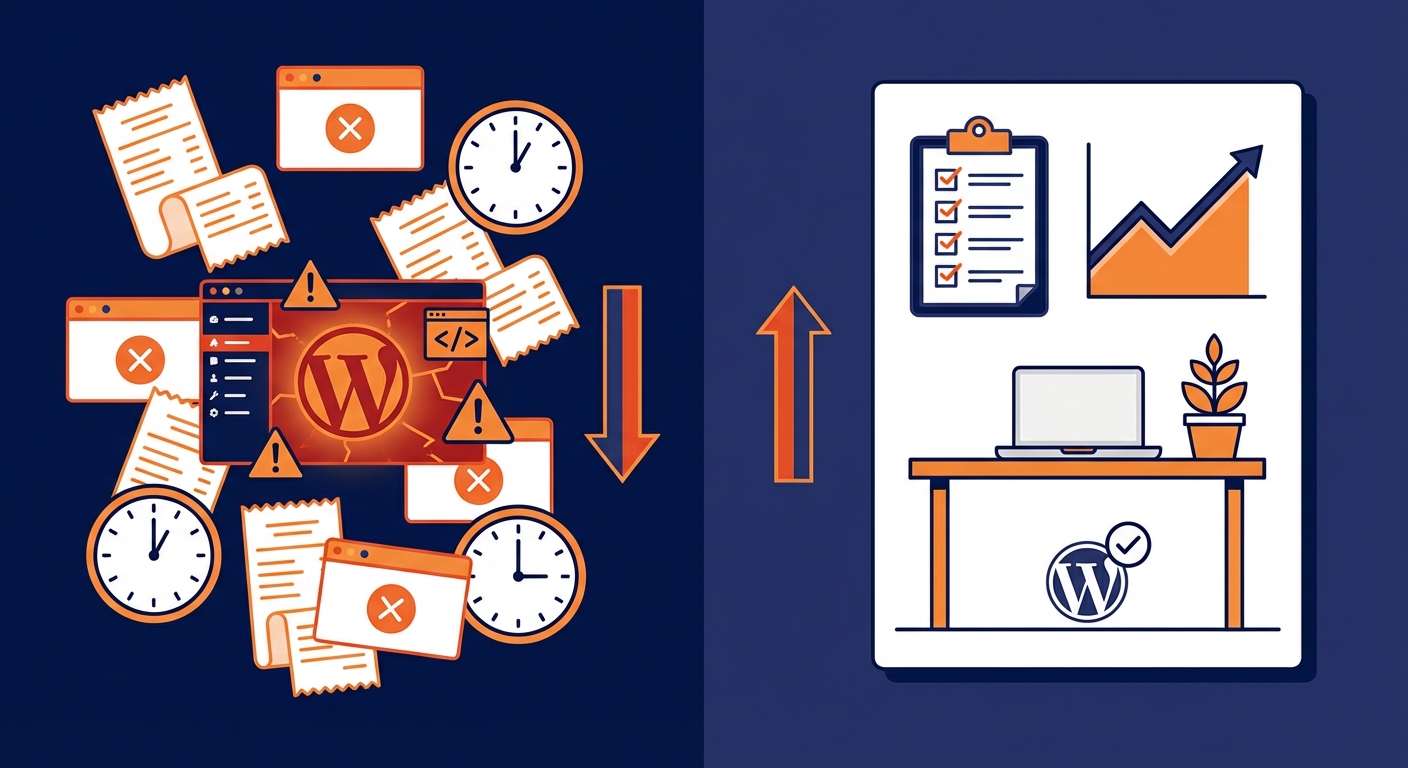
Managed WordPress hosting sounds like it solves everything. You pay more, someone else handles the server, and your site just works. That's the pitch.
The reality is more complicated — and more expensive than the price tag suggests.
Managed hosting is a server-level service. It optimizes the infrastructure beneath WordPress. What it does not do is maintain WordPress itself. That gap is where most site owners quietly lose money, performance, and security — without ever connecting the dots.
Before you upgrade your hosting plan or cancel one, you need to understand exactly what you're buying and, more importantly, what you're not.
What Managed WordPress Hosting Actually Covers
Let's be precise. Managed WordPress hosting typically includes:
- Server-level caching (Nginx, Redis, or proprietary solutions depending on the provider)
- Automatic WordPress core updates (sometimes — and with caveats)
- PHP version management at the server level
- Daily backups (usually retained for 14–30 days)
- Basic malware scanning (signature-based, not behavioral)
- Staging environments (on most premium plans)
- CDN integration (often bundled or deeply discounted)
- WordPress-optimized server configuration (tuned
php.ini, OPcache settings, etc.)
That's a solid infrastructure foundation. WP Engine, Kinsta, Flywheel, Cloudways — they've invested heavily in the server layer, and it shows in raw performance benchmarks.
But notice what's missing from that list.
What Managed Hosting Doesn't Touch
This is the part no hosting sales page explains clearly.
Plugin management. Managed hosts do not audit your plugin stack. They don't flag abandoned plugins — plugins with no updates in 18+ months that represent an open door for exploits. They don't check for plugin conflicts before a core update deploys. Some managed hosts will auto-update plugins, but that's a blunt instrument: an untested plugin update can break WooCommerce checkout at 2 AM on a Friday. Auto-updates are not a maintenance strategy. That's gambling with your production site.
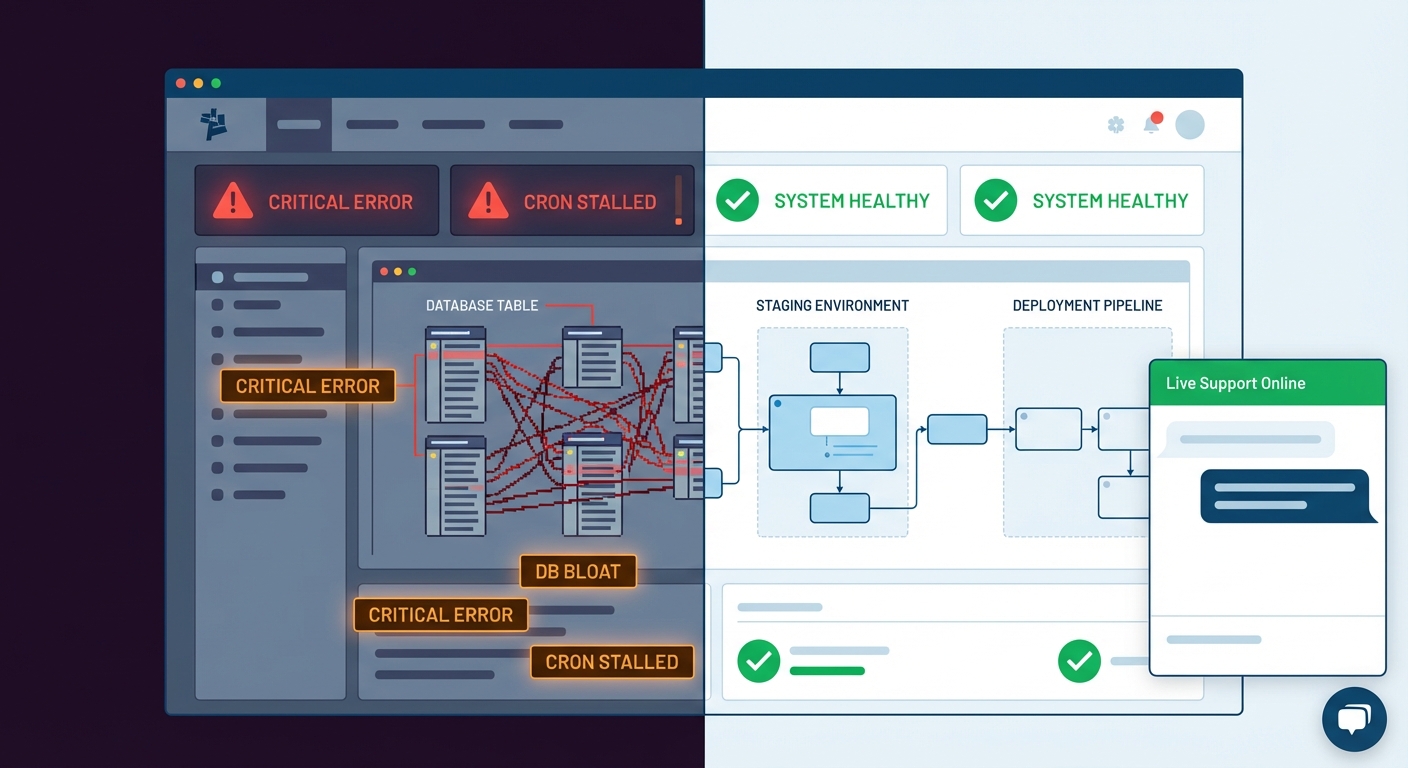
Database health. The wp_options table bloats silently over time. Transient accumulation, orphaned post meta, autoloaded data that inflates every page load — managed hosting does nothing about any of this. You can be on a $200/month Kinsta plan and still have a wp_options table with 40,000 rows driving avoidable query overhead on every single request.
Cron job reliability. WordPress cron is inherently fragile. It runs on page load, not server-level scheduling. On high-traffic sites, WP-Cron can fire dozens of times per minute. On low-traffic sites, it may not run at all. Managed hosts don't replace WP-Cron with a real system cron. They don't monitor failed cron jobs. If your scheduled emails, order processing triggers, or report generation depend on WP-Cron and it's misfiring, you won't know until something breaks downstream.
Application-level security hardening. Managed hosts block known threat signatures at the edge. They don't harden your WordPress application: .htaccess rules that restrict xmlrpc.php access, REST API endpoint exposure audits, file permission enforcement, or login brute-force protection at the application layer. Infrastructure security and application security are different disciplines. Treating one as the other is how sites get compromised on expensive hosting plans.
Performance diagnostics. Object cache configuration, Query Monitor-level bottleneck identification, slow query logging — that's application work, not server work. You can migrate to managed hosting and still be running 4-second page loads because of an unoptimized database query or a plugin that fires 80 external HTTP requests on every page load.
Rollback strategy. Managed hosts provide backups. Most don't provide a tested, verified rollback process. There's a meaningful difference between "we have backups" and "we can restore to a known-good state in under 20 minutes after a bad plugin update." The first is storage. The second is a system.
Shared Hosting vs. Managed Hosting: The Actual Tradeoffs
Shared hosting is not the enemy. It's a resource model.
On shared hosting, your site shares CPU, RAM, and I/O with hundreds of other sites on the same server. In normal conditions on a low-traffic site, the practical performance difference is smaller than managed hosting marketing suggests. In peak conditions, or when a neighboring site gets a traffic spike, it becomes a real problem fast.
The honest comparison:
| Factor | Shared Hosting | Managed WordPress Hosting | |---|---|---| | Server resources | Shared pool | Isolated/containerized | | PHP version control | Limited | Full, server-level | | Staging environments | Rare | Standard | | Backups | Basic / inconsistent | Automated, off-site, reliable | | Support expertise | General hosting | WordPress-specific (usually) | | Price range | $3–$25/month | $25–$300+/month | | Application maintenance | Not included | Not included | | Plugin management | Not included | Not included | | Database optimization | Not included | Not included |
That last column doesn't lie. The application layer — the part that actually determines whether your WordPress site performs, stays secure, and doesn't break after updates — is not covered by either hosting type.
Moving from shared to managed hosting improves your floor. It does not raise your ceiling. That ceiling is determined by how well WordPress itself is maintained.
The "My Host Handles Security" Assumption
This is the most dangerous belief in WordPress site ownership.
Infrastructure security and application security operate at completely different levels. Your managed host secures the server. They firewall the network. They scan for known malware signatures. What they do not do:
- Audit which user accounts have administrator access
- Check whether
wp-config.phphas moved outside the web root - Identify REST API endpoints that expose user data unnecessarily
- Enforce strong authentication at the WordPress application layer
- Detect backdoors injected into plugin files that passed malware signature scans
In most hacked site recoveries, the exploit didn't come through the server. It came through an outdated plugin, a compromised admin credential, or a theme file abandoned by its developer two years ago. Managed hosting would not have prevented any of those. A maintained WordPress application would have.
When Managed Hosting Is Worth It
It is worth the premium when:
You're running WooCommerce at meaningful volume. For a WooCommerce store averaging $3,000/day in revenue, that's roughly $125/hour in potential downside during an outage. At that revenue level, paying $100–$200/month for containerized resources, reliable backups, and staging workflow support is straightforward risk economics.
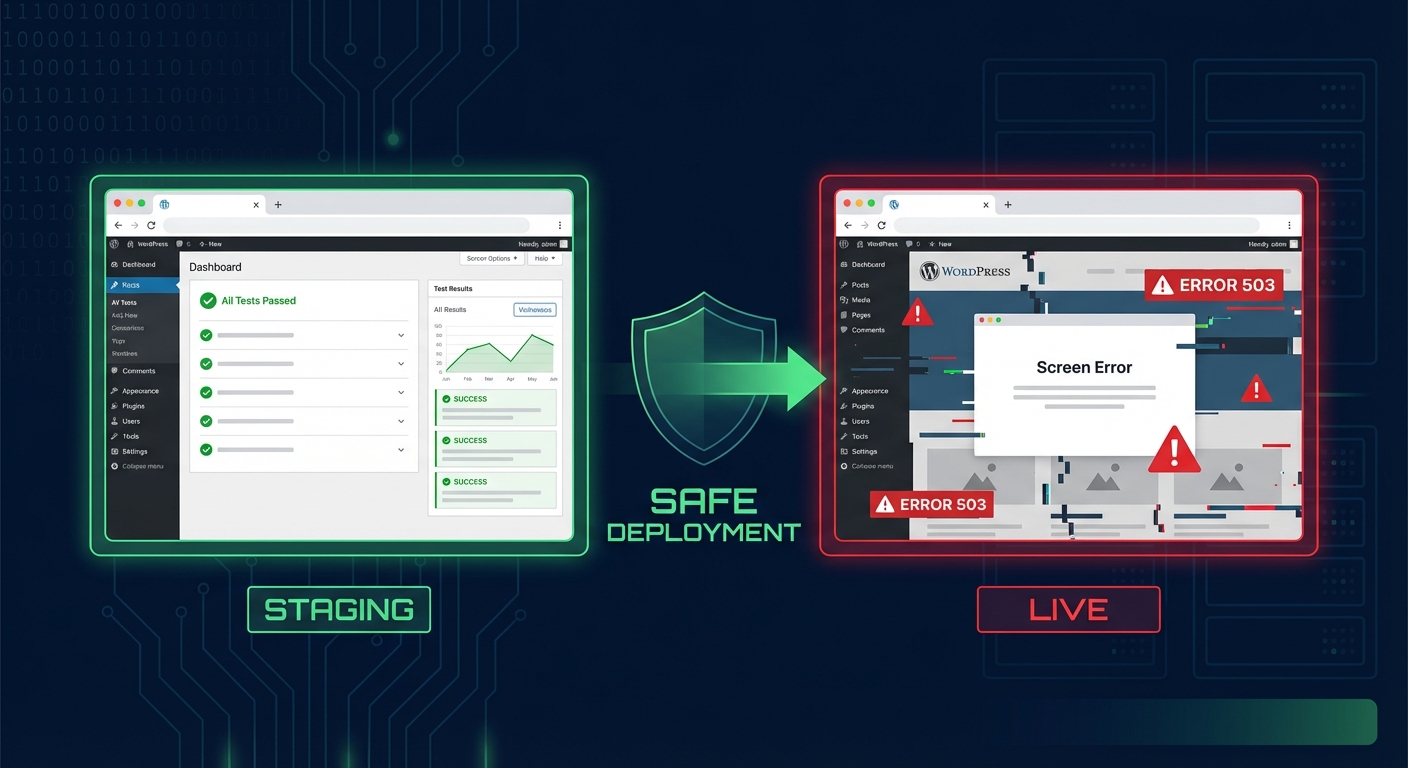
You need staging environments as part of your workflow. If you push code regularly, test plugin updates before they hit production, or run a development cycle that requires a safe testing layer, managed hosting's staging features have real operational value. Running update tests on shared hosting staging is an afterthought. On managed platforms, it's built into the workflow.
Your site has had shared hosting performance problems. If you've exhausted caching optimization and you're still hitting PHP memory limits or I/O throttling during traffic spikes, managed hosting's isolated resources will make a measurable difference.
You want reliable, automated backups with a confirmed restore path. Shared hosting backups are notoriously inconsistent. Managed hosting backups — particularly from providers like Kinsta or WP Engine — are taken seriously. Daily automated backups, off-site storage, one-click restore via dashboard. That has clear, real value.
When Managed Hosting Is Probably Overkill
Small informational sites with minimal traffic. A 10-page services site with 500 monthly visitors does not need $100/month managed hosting. The performance difference won't register to visitors. The ROI doesn't exist.
Sites that still won't be properly maintained. This is the uncomfortable truth. Moving to managed hosting without implementing a real WordPress maintenance process means you've improved your server and kept all your application risk. The plugins are still unaudited. The wp_options table still bloats. The PHP version your managed host maintains at the server level still needs to be validated against your plugin stack for compatibility. Better infrastructure plus a neglected application layer is just a more expensive version of the same problem.
What a Real WordPress Maintenance Workflow Looks Like
Here's what a proper maintenance cycle covers — separate from and complementary to whatever hosting choice you make.
Weekly plugin updates with pre-update staging tests. Not auto-updates pushed live without validation. Tested updates against a staging replica of production, with a confirmed rollback path before anything touches the live site.
Monthly wp_options audits. Checking autoloaded data size, clearing accumulated transients with WP-CLI (wp transient delete --all), identifying plugins that write to the options table excessively and drive page-load query cost.
Database optimization cycles. Running wp db optimize on a schedule, checking table indexes for fragmentation, clearing post revisions beyond your retention policy, and monitoring for table lock contention under load.
WP-Cron audit and replacement where necessary. Listing scheduled events with wp cron event list to confirm they're running on expected intervals. On sites where traffic is too low for WP-Cron to fire reliably, replacing it with actual server-level cron scheduling eliminates an entire category of silent failure.
Security hardening checks. Verifying file permissions across the wp-content directory, confirming .htaccess rules are intact after any server migration, checking for exposed sensitive endpoints, and auditing admin user accounts for accounts that shouldn't exist.
PHP compatibility validation. Before a host-level PHP upgrade happens — and managed hosts do push these — confirming every active plugin is compatible with the incoming PHP version. A forced PHP upgrade against an untested plugin stack is one of the most common causes of avoidable outages across WordPress sites.
None of that is hosting. All of it is maintenance. And none of it happens automatically, regardless of which hosting tier you're paying for.
If you want to understand what a complete operational maintenance cycle looks like, our WordPress maintenance checklist covers it without the marketing framing most providers use.
Where Vimsy Fits
Vimsy isn't a hosting company. We don't compete with WP Engine or Kinsta. We work alongside them.
Our WordPress care and maintenance services cover the application layer that hosting companies don't touch: plugin management, database optimization, security hardening, staging-based update testing, cron reliability, and performance diagnostics.
If you're on managed hosting and wondering why your site still feels slow — or why a plugin update still broke something last month despite paying for a "managed" plan — that's the gap. That's exactly what we handle.
You can see what a managed WordPress care plan costs versus trying to cover this layer yourself. Most site owners who do that math stop treating maintenance as optional.
If your site is down, hacked, or broken right now — skip the reading and go directly to emergency WordPress support.
The Decision Framework
Hosting is an infrastructure decision. Make it based on traffic volume, resource requirements, and backup reliability needs.
Maintenance is an application decision. Make it based on how much plugin risk, database degradation, security exposure, and performance debt you're willing to carry unmanaged.
These are separate decisions. Conflating them is where most site owners get hurt — either by overpaying for infrastructure while neglecting the application, or by staying on cheap hosting and assuming nothing will break.
Neither assumption survives contact with a real incident.
Look — I'm writing this because this is a problem I see constantly, and it's also exactly what we built Vimsy to solve. If you want professionals handling this instead of hoping nothing breaks, book a free call.
Your hosting choice sets the floor. Your maintenance discipline sets everything else.