Most WordPress maintenance reviews are just affiliate posts dressed up as opinions. This isn't one of those. What follows is an honest breakdown of what WP Supporters actually delivers — technically, operationally, and commercially — so you can make an informed decision before spending money on a plan that may or may not fit how your site actually works.
The Default Belief Worth Challenging
Here's the assumption most site owners make when evaluating a maintenance service: if a plan mentions updates, backups, and uptime monitoring, it's a maintenance plan.
That assumption is how maintenance providers get away with minimal service delivery. "Updates, backups, uptime" is table stakes. It's the bare minimum. The question is what happens in the gaps — slow queries degrading your database, abandoned plugins accumulating REST API exposure, a cron job silently failing for three weeks, a transient pile-up bloating wp_options to 400MB.
Those are the things a real maintenance operation catches. That's the bar.
What WP Supporters Actually Offers
WP Supporters is a WordPress maintenance service that packages updates, backups, security scanning, and uptime monitoring into tiered monthly plans. Their pricing sits in the mid-range of the WordPress maintenance market — comparable to what you'd find from similar subscription-based services targeting small business owners.
What's included in their standard plans:
- Plugin and theme updates
- Daily or weekly backups (varies by plan tier)
- Uptime monitoring
- Security scanning
- Monthly or quarterly performance reports
- Ticket-based support access
This is a reasonable baseline. Most sites running a standard WordPress configuration with a reliable host and no heavy WooCommerce load will survive under this model without incident — at least in the short term.
Where it gets complicated:
The support model matters more than the feature list. Ticket-based async support means you describe the problem, wait for a response, describe it again if they misunderstood, wait again. For a content site that's down during business hours, that lag is annoying. For a WooCommerce store moving $4,000/day in orders — roughly $167/hour — it's a cash problem.
That's not a hypothetical edge case. That's the exact scenario where the difference between a checklist plan and an operational maintenance team becomes financially measurable.
The Technical Gap Most Maintenance Plans Don't Fill
Maintenance plans built around checklists are operationally shallow. Here's why.
Plugin updates are a surface-level action. Running wp plugin update --all via WP-CLI takes seconds. What takes judgment is knowing which plugin updates introduce breaking changes, whether a plugin has been abandoned by its developer (a silent but serious security risk), and whether a PHP version conflict is about to surface post-update.
WP Supporters — like most services at this tier — does not publicly document their update testing process. Do they run updates on a staging environment before deploying to production? Do they verify the site post-update using query monitor diagnostics? Do they check for database schema changes that a plugin update might trigger?
These aren't rhetorical questions. They're things you should ask any provider before you hand them access to your site.
A few patterns that surface consistently across WordPress maintenance audits:
- The
wp_optionstable grows silently. Plugins write options and transients to this table constantly. Without periodic autoloaded data audits, you can accumulate 200–400MB of bloat that degrades load times and query performance — and nobody catches it because uptime monitoring doesn't measure database table health. - Object cache configuration is often missing entirely. Sites without a persistent object cache layer re-run expensive database queries on every page load. Maintenance plans rarely address this because it's invisible in a standard report.
wp-cronjobs accumulate and fail silently. Scheduled tasks — cleanup routines, email queues, scheduled posts — pile up when cron execution fails. A properly configured maintenance operation monitors cron health, not just uptime..htaccesshardening erodes across updates. Certain plugin updates quietly modify or reset.htaccessrules. If nobody's auditing security headers and access restrictions post-update, you're running blind on a configuration that was secure last month.- PHP version compatibility becomes a ticking clock. Sites running outdated PHP versions are not just slow — they're exposed. Plugin updates increasingly drop support for PHP 7.x. Most checklist services don't flag this until something breaks.
None of these show up in a plugin update log. All of them compound over time.
WP Supporters Pricing: What You're Actually Paying For
WP Supporters' pricing positions them as accessible — which is true. They're not the most expensive option in the market, and they're not trying to be.
But pricing has to be evaluated against delivery surface, not just monthly cost.
The real question isn't "Is $X/month cheap?" It's: "What is my exposure if something goes wrong and the response time is 24–48 hours?"
For a five-page business site that generates leads, downtime is recoverable. You miss some form submissions, Google doesn't penalize you for brief outages, and life goes on.
For a WooCommerce store doing real revenue, a membership site with paying subscribers, or a booking platform where confirmation emails are mission-critical — that math changes fast.
A simple illustrative model:
- WooCommerce store: $3,000/day in revenue
- Per-hour exposure during downtime: ~$125
- Realistic ticket response window: 12–24 hours (non-emergency)
- Cost of a 16-hour outage: ~$2,000 in lost revenue
If your maintenance plan costs $99/month and doesn't include emergency response, you've covered roughly 2.2 days of downtime risk with a plan that can't contain a single serious outage. That's not a budget win. That's gap underwriting.
Where WP Supporters Falls Short for Serious Sites
To be clear: WP Supporters isn't wrong for every use case. A static informational site, a personal portfolio, a low-traffic blog — the risk profile is different, and a standardized checklist plan probably covers the bases adequately.
But for anyone running a revenue-generating WordPress site, here's where the gaps consistently appear:
1. Rollback strategy Backups are not rollback strategies. A backup stored on a remote server is only as useful as the time it takes to restore it, test it, and validate the database state. Does WP Supporters guarantee a restore time? Do they test backup integrity on a schedule? Those are two different questions from "Do you take backups?"
2. Staging workflows Plugin updates should go to a staging environment before production. Without a tested staging workflow, every update is a live experiment on your revenue-generating site. Plugin conflicts on production environments are one of the most common root causes of sudden site breakage — and one of the most preventable.
3. Proactive database maintenance
Index fragmentation, orphaned post metadata, accumulated transients in wp_options — these aren't things that surface in a security scan. They accumulate quietly and degrade performance over months. Checklist-based plans rarely address these because they require manual judgment, not automation.
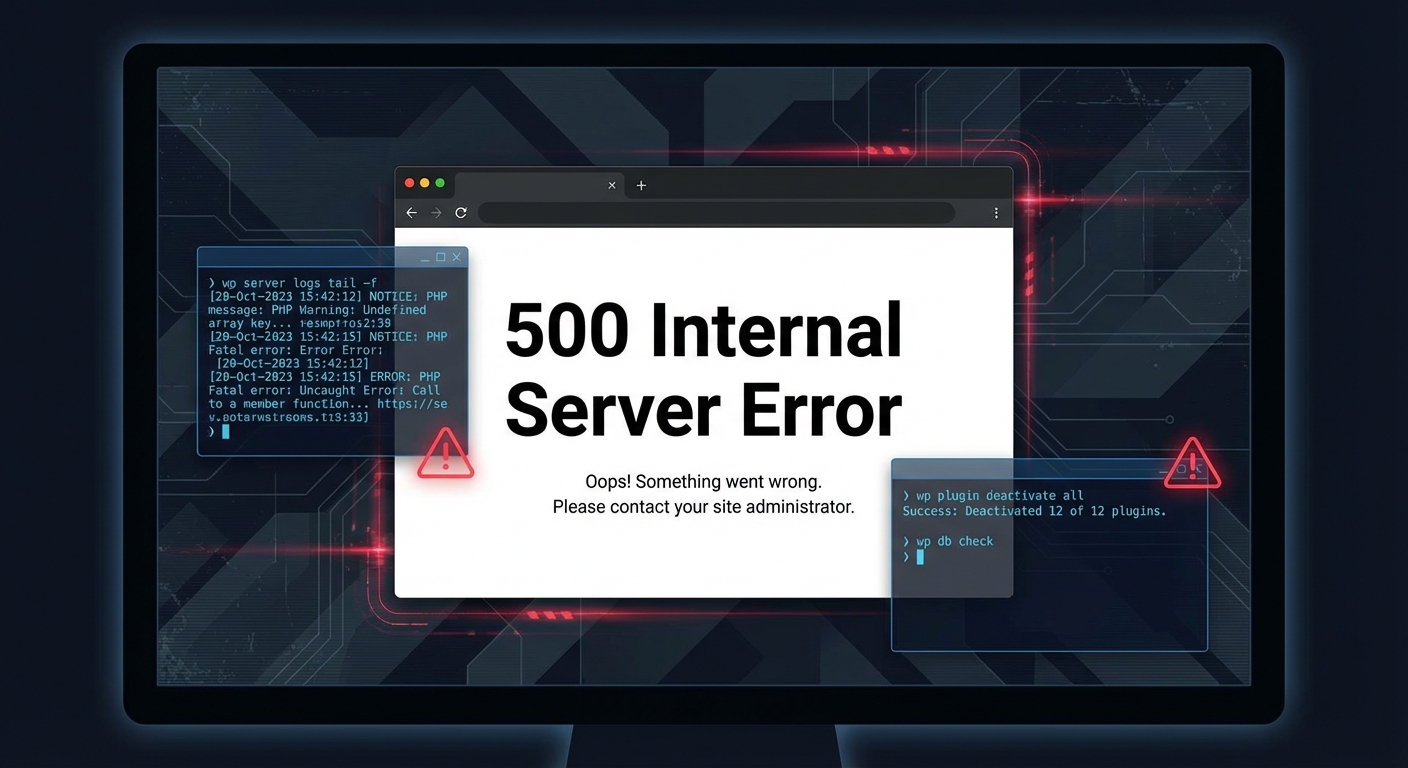
4. Human access during emergencies When your site is down at 10pm on a Saturday, a ticket queue is the wrong tool. You need direct access to someone who can open a shell, run WP-CLI diagnostics, pull error logs from the server, and fix the problem in real time — not acknowledge your ticket by the next business day.
What a Stronger Alternative Looks Like
If you're evaluating WP Supporters because you want reliable, professional WordPress maintenance, the decision framework should be based on operational depth — not plan marketing copy.
Here's the checklist that actually matters:
- [ ] Do they update plugins on a staging environment before pushing to production?
- [ ] Do they monitor
wp_optionsautoloaded data and run periodic table optimization? - [ ] Do they verify cron job execution, not just uptime?
- [ ] Do they audit plugin abandonment risk before an update cycle?
- [ ] What's their real emergency response time — not their SLA claim, but what happens when you message them at 11pm?
- [ ] Do they provide a rollback guarantee with tested restore times?
- [ ] Do they check
.htaccessintegrity and PHP version compatibility after major updates?
If a provider can't answer those questions specifically, they're running a scheduling tool, not a maintenance operation.
At Vimsy, our WordPress maintenance and care plans are built around exactly these operational checkpoints. We run staging deployments before production. We audit wp_options health. We monitor cron execution. We respond to emergencies directly — not via a ticket queue that resets every 24 hours.
If you want to see the full scope of what proper maintenance covers, our WordPress maintenance checklist is built from years of actual site audits — not a marketing document.
The Honest Verdict on WP Supporters
WP Supporters is a legitimate service. It's not fraudulent. For low-stakes WordPress sites, it may be entirely adequate.
But "adequate" is a dangerous standard for sites where downtime has a dollar value.
The structural weakness of standardized maintenance plans — regardless of provider — is that they optimize for coverage claims, not operational outcomes. Offering "plugin updates and backups" is a feature list. Catching a failing cron job before it breaks your WooCommerce email confirmation flow is operational maintenance. Those are different things, and the difference matters more the more your site earns.
Before you subscribe to any WordPress maintenance service — including WP Supporters — run them through the checklist above. If they can't answer clearly and specifically, keep looking.
And if you're comparing options because something already broke — response was slow, an update killed a page, or you realized your plan was just a scheduled plugin updater with a support email — Vimsy's emergency WordPress support exists exactly for that situation.
For pricing transparency, our plans are listed openly here — no sales call required to see numbers.
Before You Decide
WordPress maintenance isn't complicated to understand. It's complicated to execute well, consistently, at the operational depth serious sites require.
WP Supporters will handle your updates and backups. What they probably won't do is catch wp_options bloat at 380MB, detect the abandoned plugin creating an unauthenticated REST API endpoint, or be on a call with you at midnight when your checkout page is broken.
That gap is either acceptable or it isn't. That depends entirely on what your site is worth to you — and how much of that value you're comfortable leaving exposed to a 24-hour ticket queue.
Look — I'm writing this because this is a problem I see constantly, and it's also exactly what we built Vimsy to solve. If you want professionals handling this instead of hoping nothing breaks, book a free call.
Not because a maintenance plan is a magic fix. Because the alternative — reactive, ticket-based, checklist-only support — is exactly how serious WordPress sites end up in expensive trouble.