Most business owners underestimate the cost of running a WordPress site — not because they're careless, but because the real costs are distributed and delayed. You pay hosting upfront. You ignore the plugin that stopped receiving updates eight months ago. You don't count the four hours your developer spent debugging a white screen after an auto-update fired at 2am. Then something breaks badly, and suddenly you're staring at an emergency invoice that feels unfair.
It isn't unfair. It's the bill for deferred maintenance — and it's almost always more expensive than doing it right from the start.
Let's model the actual cost of WordPress ownership in 2026. Not the sticker price. The full picture.
What You Think WordPress Costs
The surface-level math looks manageable:
- Hosting: $30–$100/month
- Domain: ~$15/year
- SSL certificate: Often included
- Plugins: Maybe $200–$500/year in premium licenses
- Theme: One-time $60–$200 purchase
Total visible annual cost: $600–$1,800/year
That number feels reasonable. It's also incomplete — often by a factor of three or four.
What WordPress Actually Costs (Full Ownership Model)
Hosting — What You're Actually Paying For
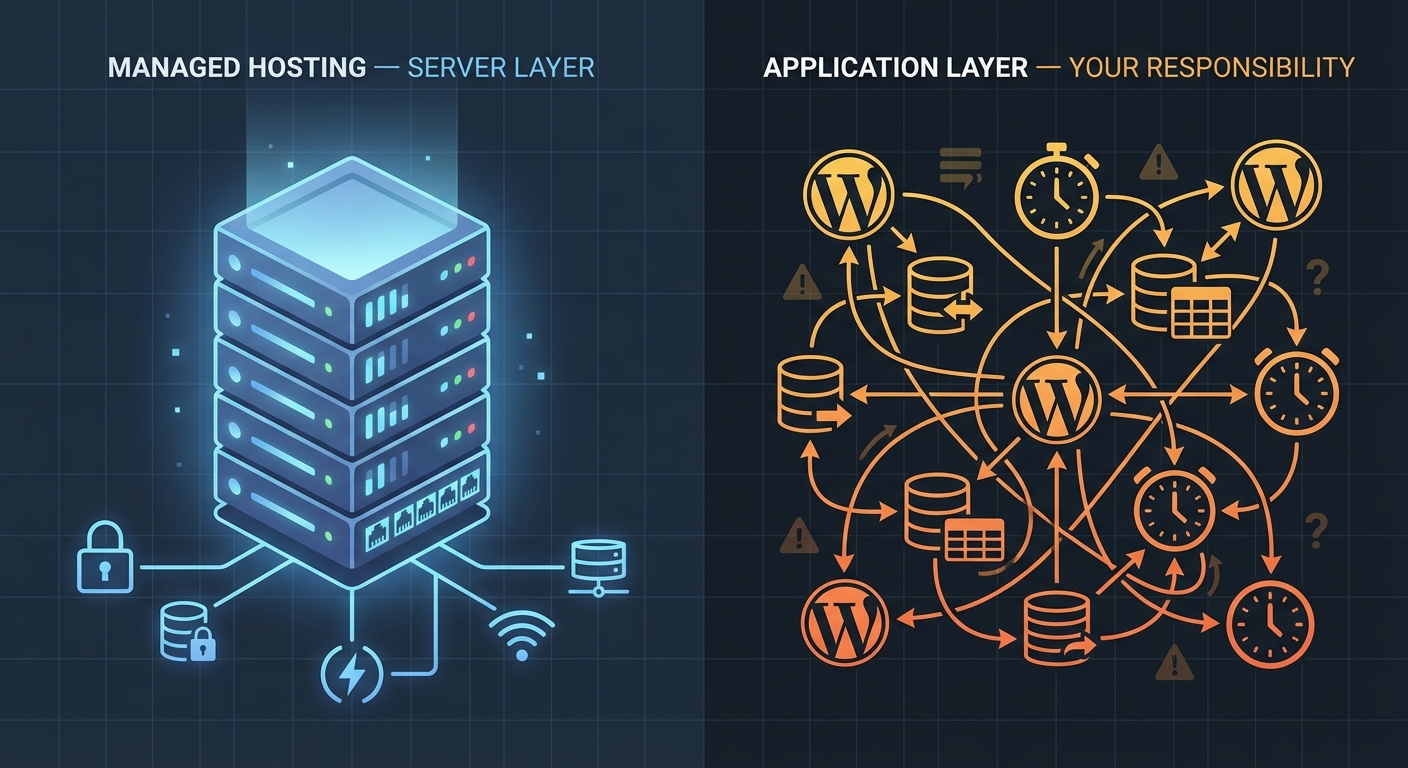
Shared hosting at $30/month sounds economical. But shared environments degrade under load, lack isolated PHP configurations, and rarely provide staging environments out of the box. When your site starts slowing down or conflicting with a plugin that requires a newer PHP version, you'll need to either upgrade your plan or spend developer time working around infrastructure constraints.
Managed WordPress hosting — the tier that includes staging, daily backups, and server-level caching — runs $50–$150/month for a single site. That's $600–$1,800/year just in hosting.
And that's appropriate. The mistake is choosing cheap hosting and then paying developers to compensate for its limitations.
Plugin and Theme Licensing
Premium plugins — ACF Pro, WooCommerce extensions, form builders, SEO tools, security scanners — renew annually. Each one averages $50–$150/year. A moderately complex site runs 15–25 active plugins. Even if only half are premium:
8 premium plugins × $80 average renewal = $640/year
That's before you account for plugin abandonment risk. When a plugin stops receiving updates — and roughly 30% of listed WordPress plugins haven't been updated in over a year — you're running vulnerable code. Replacing an abandoned plugin means migration time, testing, and often a new license.
Developer Time: The Line Item Nobody Budgets
This is where the real cost lives.
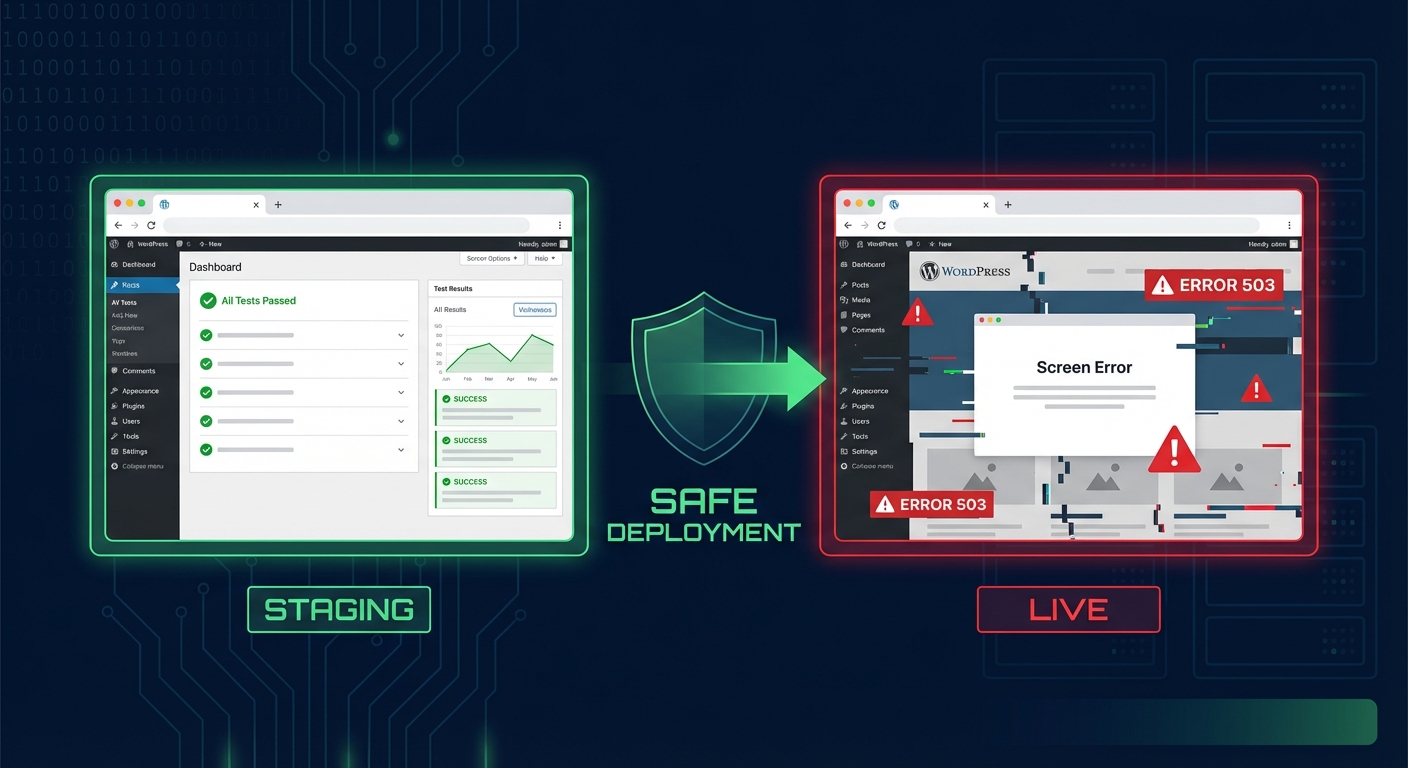
Most WordPress sites have no documented rollback strategy, no staging workflow, and no version-controlled deployment process. When something breaks — and it will — the developer you call is starting from zero. They're diagnosing in production. They're restoring from a backup that may be three days old.
In most emergency site recoveries, the root cause is one of three things: an outdated plugin with a known vulnerability, a PHP version mismatch introduced by the host, or a corrupted database record in wp_options that cascaded into a fatal error.
Reactive developer time costs $75–$200/hour. A single emergency incident typically runs 3–8 hours. That's $225–$1,600 per incident.
If you experience two incidents per year — which is conservative for an unmanaged site — you're looking at $450–$3,200 in emergency development alone. And that's assuming the fix is straightforward. Malware cleanup, SEO spam injection, or a broken WooCommerce checkout that takes revenue offline for 12 hours? Those run higher.
Security: The Cost You Don't See Until It's Too Late
Wordfence, Sucuri, iThemes Security — these tools are useful, but they're monitoring layers, not security systems. Real WordPress security involves:
- .htaccess hardening at the server level
- REST API exposure review
- File permission audits
- Regular database integrity checks
- Disabling XML-RPC if not needed
A scanner tells you something went wrong. A security posture prevents it.
Managed security monitoring through a professional service runs $50–$200/month. A post-hack cleanup through a specialized service runs $300–$1,500 — and that doesn't include the cost of the downtime, the SEO damage from being blacklisted, or the reputational cost of visitors seeing a defaced or flagged site.
Performance Debt
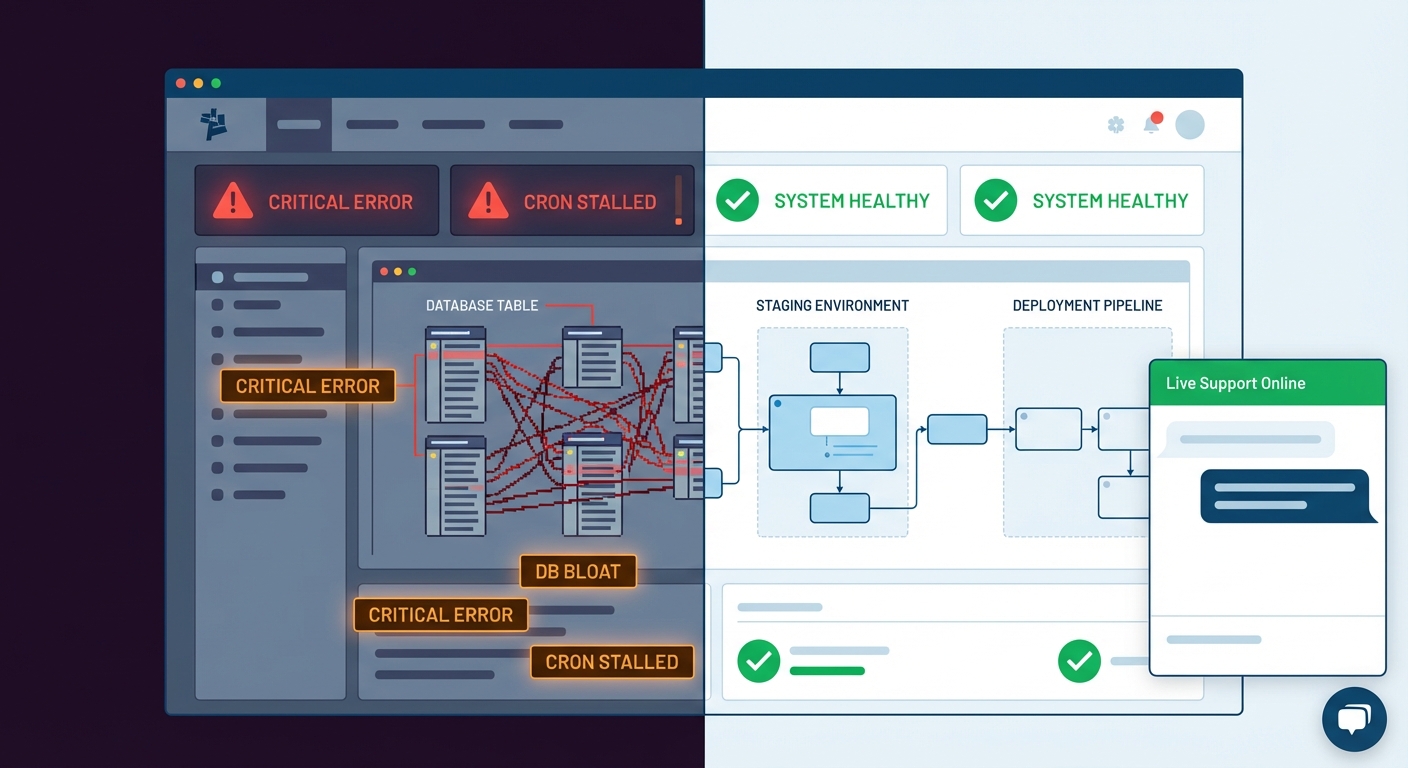
Object caching misconfiguration, bloated transients in the database, wp-cron failures triggering duplicate background jobs, unindexed custom tables from third-party plugins — these don't cause immediate outages. They cause gradual decay.
A site that loaded in 1.8 seconds 18 months ago now loads in 4.1 seconds. Nobody filed a bug report. Conversions dropped 15%. Nobody connected the dots.
Performance audits using Query Monitor and proper WP-CLI diagnostics typically reveal 6–12 fixable issues on an unmanaged site. Each issue has a compounding cost: worse Core Web Vitals, lower ad Quality Scores, higher bounce rates, and lower organic rankings.
That's not a plugin problem. That's a maintenance problem.
The Real Annual Cost: A Full Model
Let's build the honest number for a mid-market business site in 2026:
| Line Item | Annual Cost (Est.) | |---|---| | Managed hosting | $900–$1,800 | | Domain + SSL | $30–$60 | | Plugin/theme licenses | $500–$1,200 | | Reactive developer time (2 incidents) | $600–$2,400 | | Security monitoring or incident response | $600–$1,800 | | Performance degradation cost (indirect) | Unmeasured | | Total | $2,630–$7,260 |
That's the unmanaged cost. Every dollar in reactive developer time and emergency response is money spent without accumulating any operational value.
Now compare it to a structured WordPress care plan running $150–$400/month — $1,800–$4,800/year. That plan covers proactive updates, backups with tested restore points, security monitoring, uptime tracking, and developer access without emergency rates.
The math isn't complicated. The reactive model costs more and delivers less reliability.
The "I'll Handle It Myself" Calculation
Some owners manage WordPress themselves. That's a legitimate choice — with a real cost attached.
Manual plugin updates done properly mean:
- Staging environment rollout first
- Visual regression check
- Database backup before live deployment
- WP-CLI update with rollback flag readiness
- Post-update testing of critical user flows
If you're doing this correctly, you're spending 2–4 hours/month on updates alone. At an opportunity cost of $75/hour (conservative for a business owner), that's $1,800–$3,600/year in time — on top of everything else.
Most owners aren't doing it correctly. They're clicking "Update All" in the dashboard and hoping.
That's not maintenance. That's gambling.
Where Maintenance Plans Actually Save Money
A professional WordPress maintenance plan doesn't just prevent incidents — it changes the economics of every incident that does occur.
When a site is under managed care:
- Backups exist with tested restore points — downtime measured in minutes, not hours
- Updates happen in staging before touching production
- Plugin compatibility is checked against PHP version before any change goes live
- Object cache and transient tables are monitored for bloat
- Security alerts trigger immediate response, not discovery after the fact
The difference between a 20-minute rollback and a 6-hour emergency debug session is documentation, process, and proactive monitoring. That difference is worth more than the plan costs.
And for WooCommerce stores? The math sharpens considerably. A store averaging $2,000/day loses roughly $83/hour during downtime. A four-hour outage costs $332 in direct lost revenue — not counting cart abandonment, customer service load, or payment processor flags from interrupted transactions. One incident covers an entire year of professional maintenance.
What Responsible Ownership Looks Like in 2026
WordPress isn't getting simpler. Core updates, Gutenberg changes, PHP deprecation cycles, plugin ecosystem churn — the maintenance surface is growing, not shrinking.
Responsible site ownership in 2026 means:
Documented rollback strategy — not just "we have backups," but tested, timestamped restore processes you've actually run.
PHP version alignment — your host, your plugins, and your theme need to agree. PHP 8.1 and 8.2 compatibility gaps still break production sites daily.
Proactive plugin audits — checking for abandonment risk, known CVEs, and compatibility conflicts before they surface in production. Our WordPress maintenance checklist covers this in detail.
Scheduled performance reviews — not just uptime monitoring, but actual query diagnostics, object cache hit rates, and Core Web Vitals tracking.
Security posture, not just a scanner — hardened configurations, limited REST API exposure, and file integrity monitoring.
If you don't have all five in place, you're running an unmanaged site — regardless of what your host's control panel looks like.
The Honest Framing
The question isn't "Can I afford a maintenance plan?"
The question is: "What's the actual cost of not having one?"
Most business owners find out the hard way — during an outage, after a hack, or when their site hits page three of Google with no explanation.
If you want a clear starting point, review Vimsy's maintenance plans and pricing — fixed monthly rates with no emergency billing surprises.
Look — I'm writing this because this is a problem I see constantly, and it's also exactly what we built Vimsy to solve. If you want professionals handling this instead of hoping nothing breaks, book a free call.
The cost of WordPress maintenance is real. The cost of ignoring it is higher.