WP Buffs vs Vimsy: An Honest Comparison of WordPress Maintenance Services
You're comparing WordPress maintenance services. That means you've already accepted that you need one — which puts you ahead of most site owners who are still hoping nothing breaks.
The real question isn't "should I pay for WordPress maintenance?" You've moved past that. The question is: which service actually does what it says, and which one is mostly a polished pricing page?
This comparison is honest. WP Buffs is a legitimate operation — they've been around long enough to have brand recognition and a functional service. But brand recognition and "right for your site" are two different things. Here's what actually separates them from Vimsy.
The Default Assumption You Should Question
Most people comparing WordPress maintenance services operate under the assumption that all plans executing the same listed tasks are functionally equivalent — that if both services mention "plugin updates" and "uptime monitoring," the delivered result is the same.
That assumption is wrong, and it costs people.
What you're actually buying is a system — a combination of response protocols, diagnostic depth, escalation logic, and human judgment. The task list is surface-level. What matters is what happens when something breaks, what gets caught before it breaks, and whether the person handling your site understands the difference between a transient cache flood in wp_options and a plugin conflict causing a database lock.
Think of it this way: two mechanics can both claim they "do oil changes and maintenance." One has a checklist. The other reads the engine. The service menu looks the same. The competence and the outcome are not.
These are not equivalent services. Let's break down where the differences are real and where they matter to you.
What WP Buffs Actually Offers
WP Buffs positions itself as a scalable WordPress care plan service. Their model is straightforward: standardized care plans, clearly tiered, with defined deliverables at each price point.
Their plans cover the standard bases: plugin and theme updates, uptime monitoring, weekly performance reports, and varying levels of edit request turnaround time depending on tier.
Their pricing structure is built for volume. That's not an insult — it's a business model observation. When you're maintaining hundreds or thousands of sites, individual site context by necessity becomes more compressed. The person running your wp-cron diagnostics or reviewing your object cache configuration isn't necessarily someone who has reviewed your specific site's history or architecture.
The higher-tier WP Buffs plans do include performance work and security hardening, which is a legitimate offering. But the entry-level plans are deliberately lean — designed for low-complexity sites with low financial exposure if something goes wrong.
Here's the structural problem: if you bought a lower plan because your site "doesn't need much," and then a PHP version incompatibility is silently introduced by a host upgrade, or a WP-CLI-executed update breaks a REST API endpoint your checkout depends on — escalation speed and diagnostic depth matter enormously. Their emergency support exists, but it's tier-gated. You find out what you actually needed at the worst possible time.
That's not a criticism of WP Buffs specifically. It's a structural inevitability of volume-based service models. When something non-standard breaks, the throughput constraint becomes a liability for the customer.
What Vimsy Does Differently
Vimsy isn't trying to be the highest-volume WordPress maintenance provider. That's a deliberate choice, not a capacity limitation.
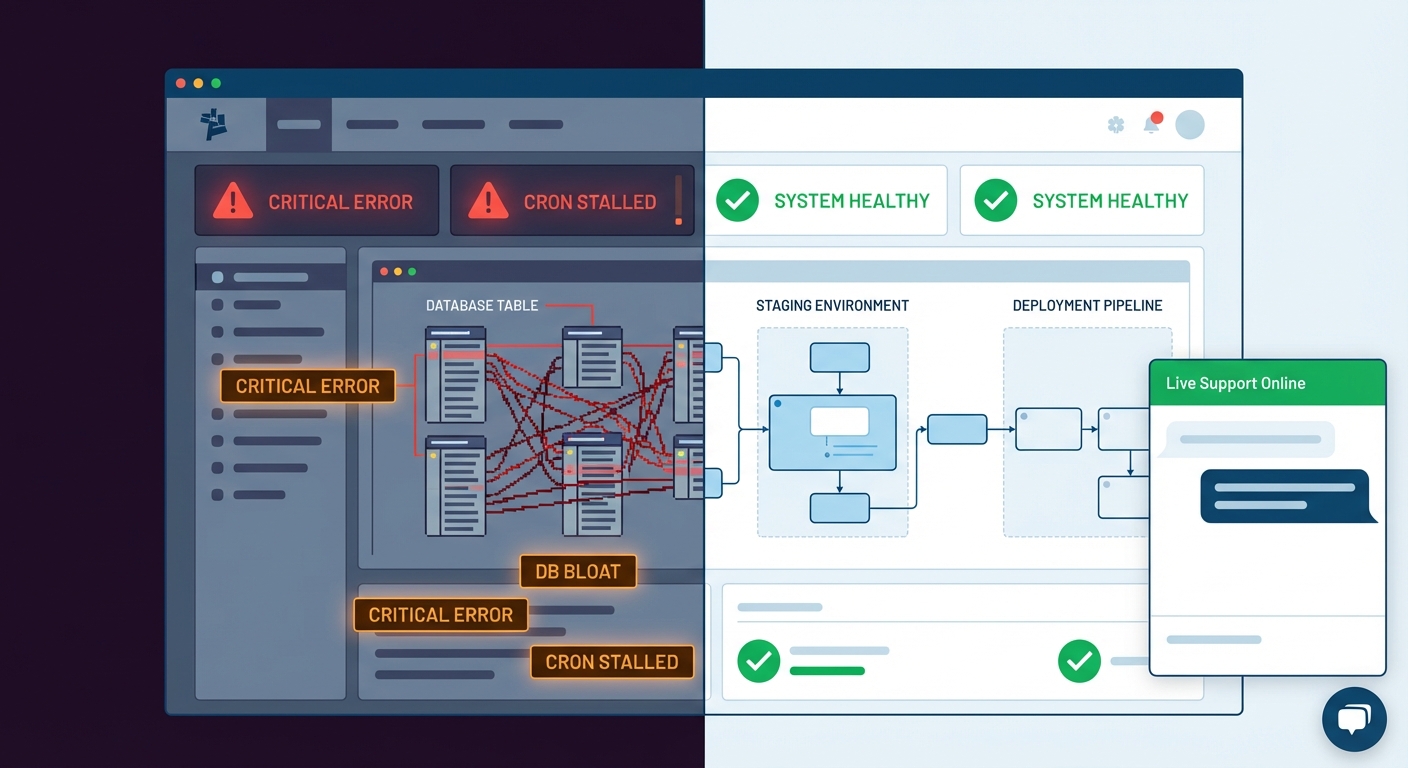
The operational difference is that Vimsy functions at the diagnostic level — not as a task processor. When a Vimsy audit surfaces an issue — whether it's database bloat accumulating in wp_options from years of orphaned plugin data, a cron job running on a broken schedule and silently failing to trigger WooCommerce scheduled actions, or an abandoned plugin that hasn't received a security commit in 18 months and carries an open CVE — you get a direct explanation of what it is, what it costs you operationally, and what fixing it requires.
That specificity isn't just a service style preference. It's the difference between maintenance and the performance of maintenance.
Across dozens of WordPress site audits, the issues that cause real damage — slow query loads, silent security vulnerabilities, broken staging workflows, PHP deprecation failures — rarely announce themselves visibly. They accumulate. A maintenance service that runs updates and generates weekly reports doesn't catch accumulation. A diagnostic mindset does.
Here's what Vimsy's WordPress care plans are built around:
- Proactive identification, not reactive patching — Finding issues before they become failures.
- Direct communication — Not ticket queues managed by rotating support staff.
- Performance diagnostics using Query Monitor and actual database inspection.
- Rollback strategy built into every update cycle — Not as a fallback, as a protocol.
- PHP compatibility verification before updates go live — Not after something breaks.
- Staging workflows on significant changes — So your production site is never the test environment.
The gap shows up most on WooCommerce or membership sites — high-transaction environments where a broken .htaccess rule or a stalled cron job doesn't just create a 404 — it creates a revenue event with compounding consequences.
Response Time: Where Theoretical Plans Meet Real Emergencies
Consider a WooCommerce store averaging $4,000/day in revenue. That's roughly $166/hour. A site going down at 10 AM on a Tuesday isn't a minor inconvenience — it's a financial leak with a widening gap the longer it stays unresolved.
WP Buffs advertises response times tied to plan tier. Their premium plans target faster turnaround, but emergency support still operates within their established support framework — meaning it's responsive within a defined window, not structurally immediate.
Vimsy's emergency response model is built differently. Emergency WordPress support through Vimsy is direct escalation with actual diagnostic triage — not automated ticket confirmation followed by queue-based resolution.
The operational gap here is significant. When a site is down and you're watching revenue drain, what you need is someone who can SSH in, run WP-CLI diagnostics, pull the error logs, identify whether it's a plugin conflict, a failed database index, or a corrupted .htaccess file, and execute a rollback if needed. That's a specific skill profile. It's not the same as someone who processes update reports and monitors an uptime dashboard.
If your site has real financial exposure, your emergency support protocol needs to match that exposure. A $166/hour problem deserves more than a next-available-agent response.
Pricing: What the Numbers Actually Mean
WP Buffs' plans start in the range of $79–$99/month at the base tier and scale to several hundred per month at premium. Those numbers are publicly documented and transparently presented.
Vimsy's pricing is structured around what the site actually requires — matching the service depth to the genuine risk profile of the site, not fitting it into a pre-built tier.
Here's the frame that changes how you should think about this: if you're paying $79/month for WordPress maintenance and your site generates $2,000/day, you're insuring a $730,000/year revenue operation with a plan that costs less than a streaming subscription. The math doesn't cohere. Not because $79 plans are fraudulent — they're designed for sites with proportionally lower risk exposure. The problem is when site owners with high-exposure properties choose them because they sound like "maintenance."
The real question when evaluating pricing isn't "which service is cheaper." It's: what is the actual financial cost if this site fails, and does the level of maintenance investment reflect that exposure?
A basic care plan is not equivalent to a full maintenance and monitoring system. Plugin updates without rollback strategy, PHP compatibility testing, and database health inspection aren't maintenance — they're the surface-level checklist version of it.
The Technical Ceiling Problem
This is where most comparison articles stop, and it's where most site owners get caught when something genuinely goes wrong.
Both services run updates. Both monitor uptime. Both send reports. But the technical ceiling — what gets addressed when a non-standard problem surfaces — is where the services diverge in ways that actually matter.
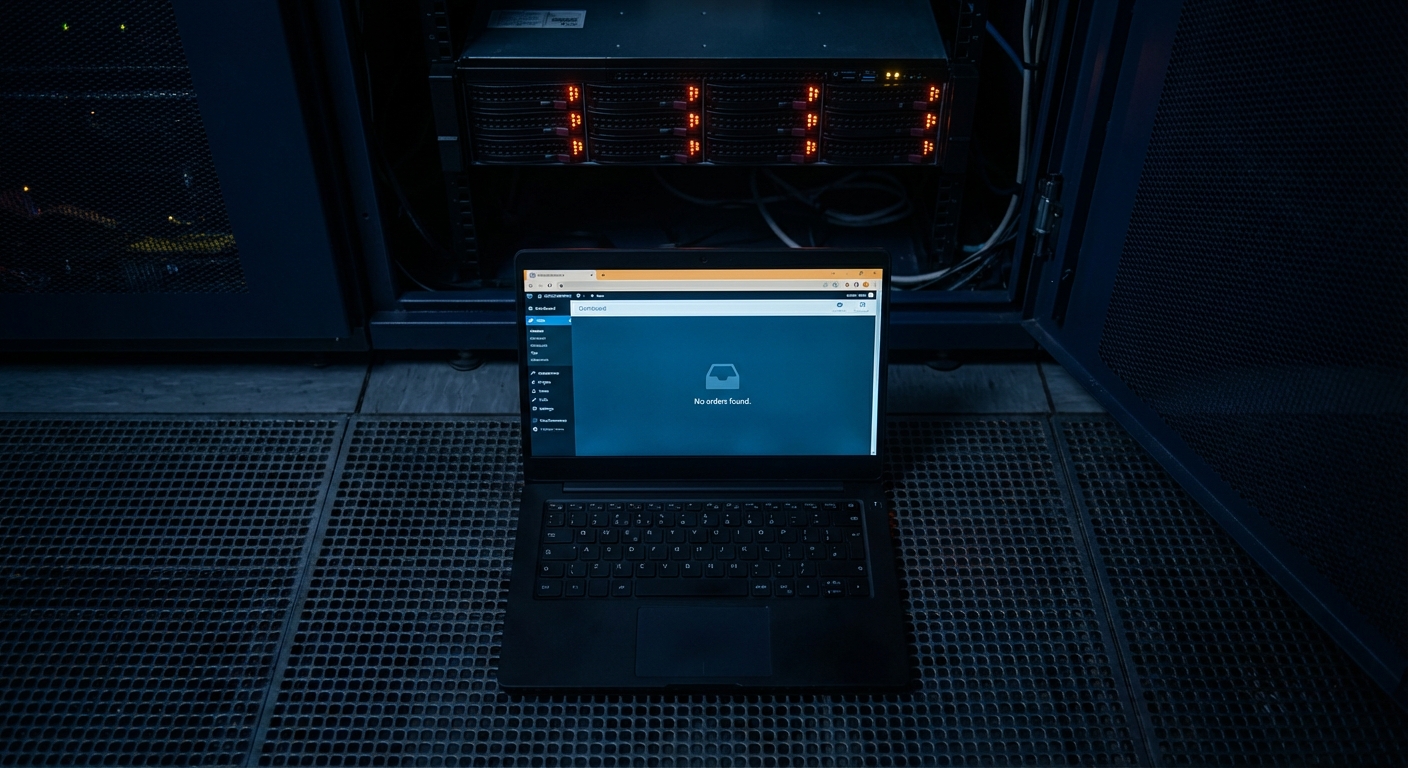
Scenario: A plugin update pushes a version that introduces a REST API endpoint conflict. Uptime monitoring shows the site is "up." The checkout page is inaccessible, but the homepage loads fine. Standard uptime monitoring doesn't catch this — it's a functional failure, not a connectivity failure. Only actual functional testing or a direct user complaint surfaces it.
Another scenario: wp_options has accumulated 14,000 autoloaded rows because three abandoned plugins wrote persistent data and never implemented cleanup hooks. The site isn't "broken" by any monitoring metric. But every page load is dragging unnecessary data through the query stack, and a database query that should run in 8ms is running in 200ms. You'd catch this with a Query Monitor diagnostic session or a direct database audit. You would not catch it from a weekly update report.
These aren't edge cases invented for this article. In most WordPress sites that haven't had a proper technical audit within the past year, these are common findings. They're invisible to monitoring tools. They're visible to someone who actually looks.
WP Buffs handles what's visible. Vimsy is built to find what isn't.
What a Proper Maintenance System Actually Covers
If you're evaluating any WordPress maintenance service — including Vimsy — use this as your minimum technical benchmark. A service that can't speak to each of these isn't a complete maintenance service. It's an update service with a maintenance label.
Plugin and theme updates with rollback strategy — Not just "we updated it." What's the exact rollback protocol if an update breaks a critical function? How fast is execution?
PHP version management — Is someone proactively auditing PHP compatibility before your host forces an upgrade? PHP mismatches are one of the most preventable causes of site failure.
Database health inspection — wp_options bloat, table optimization, orphaned post metadata removal. These accumulate silently and degrade performance without triggering alerts.
Cron job monitoring — WordPress cron failures don't throw user-visible errors. They quietly stop doing things — clearing transients, running WooCommerce scheduled actions, sending automated emails, processing subscription renewals.
Staging workflow discipline — Does every significant update get tested on a staging instance before touching production? If not, your live site is the test environment. That's an unacceptable risk posture for any revenue-generating property.
Security hardening beyond plugin scanning — Proper .htaccess configuration, REST API exposure audit, login protection tuning, file permission review. These are configuration-level defenses that a plugin scan doesn't touch.
Object cache and performance baseline monitoring — Are transients being managed properly? Is object caching configured and healthy? Are there query performance regressions being tracked over time?
Our full WordPress maintenance checklist covers each of these in operational detail if you want the complete framework.
The Honest Verdict
WP Buffs is not a bad service. If you have a relatively simple informational site, moderate traffic, and limited financial exposure if it experiences downtime, a volume-oriented care plan at their entry tier may be functionally adequate for your situation.
But if your site is your primary revenue channel — WooCommerce store, membership site, SaaS product page, high-traffic content property — the calculus changes completely. What you need isn't a task execution service. You need a diagnostic partner who understands the architecture underneath the surface, has the technical range to catch what monitoring tools miss, and operates with response protocols that match what downtime actually costs you.
The difference between WP Buffs and Vimsy isn't primarily price. It's operational philosophy. One is engineered for scale and standardized task execution across a large client base. The other is engineered for sites where failure has direct financial consequences and requires expert-level diagnostic depth.
Both serve their intended use cases well. The question is which use case describes your site.
Look — I'm writing this because this is a problem I see constantly, and it's also exactly what we built Vimsy to solve. If you want professionals handling this instead of hoping nothing breaks, book a free call.
Every week a site runs without a proper technical audit is another week of silent accumulation. Degraded database performance. Mounting plugin debt. Cron failures running undetected. That's not a scare tactic — that's just how WordPress behaves when nobody's actually looking at it.