Inactive plugins and themes don't protect you. They just sit there — unpatched, unmonitored, and fully accessible to anyone who finds a way in. Most WordPress site owners treat deactivation as a form of safety. It isn't. The files stay on the server. The code remains accessible. And the vulnerabilities those files contain don't pause because you toggled a switch in the dashboard.
This is one of the most consistent findings in WordPress security work — not because it's sophisticated, but because it's invisible. There's no alert, no warning, no degraded performance signal that tells you an abandoned, inactive plugin has become a liability. It just waits.
The Activation Myth
There's a widespread assumption in WordPress maintenance that deactivated equals disabled. That assumption is wrong in ways that matter.
When you deactivate a plugin, WordPress stops loading it through the standard execution chain. But the files remain on disk. PHP files sitting in wp-content/plugins/ are reachable via direct URL requests under many common server configurations. If your .htaccess rules or server-level directives don't explicitly block direct PHP execution in plugin directories, an attacker can potentially call those files directly — particularly when a vulnerability enables local file inclusion or remote code execution.
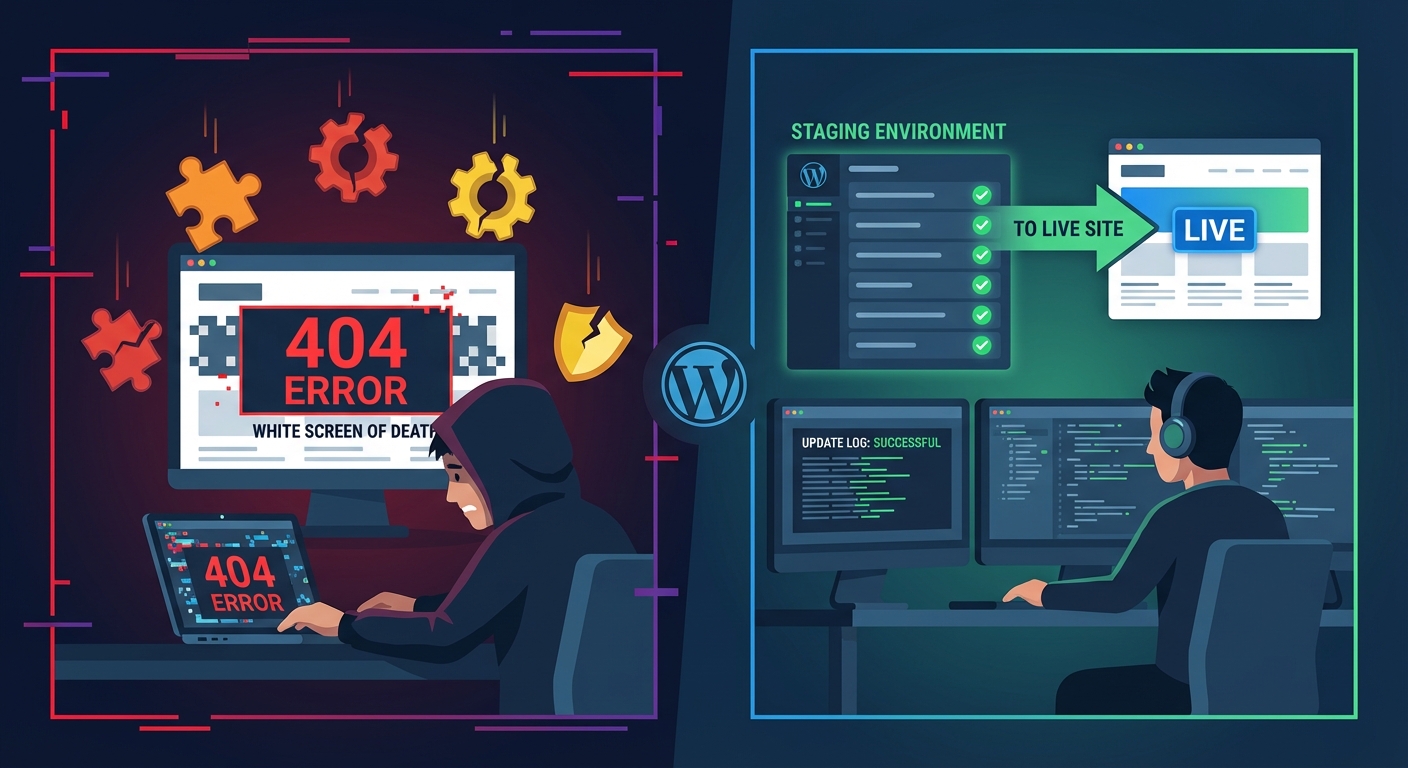
The threat model here is specific and documented. A common exploit pattern involves using a known CVE in an inactive plugin to write a PHP webshell into wp-content/uploads/. Once that webshell exists on the server, the attacker holds persistent access regardless of whether you ever patch or delete the original plugin. The vulnerability in the inactive plugin is simply the entry point. What follows is typically a full-scale compromise: file modification, database credential access, exfiltration of sensitive data, and backdoors that survive every plugin deletion you perform afterward. If your site ends up in that state, you're looking at emergency WordPress recovery work — not routine maintenance.
Themes carry the same exposure. An inactive theme in wp-content/themes/ still contains its functions.php, its template hierarchy files, its custom PHP logic. If a vulnerability exists in that code, it doesn't matter which theme you're actively running. The vulnerable files are on disk. Under certain file inclusion exploit chains, attackers can reference inactive theme files directly — and historically, they have.
This isn't a theoretical edge case. Outdated, inactive themes have been a documented attack vector for years. Security researchers have flagged vulnerabilities in default WordPress themes — including older iterations of Twenty Nineteen and Twenty Twenty — that remained exploitable specifically because site owners switched to a different theme without deleting the old one.
What Plugin Abandonment Actually Looks Like on a Real Install
Plugin abandonment rarely arrives with a warning. It typically looks like this: a plugin you installed three years ago to handle a specific feature hasn't received an update in 18 months. It still carries a respectable star rating from reviews written before the developer went quiet. The WordPress.org repository lists it as "compatible up to" a version that's now two major releases behind. Nobody is maintaining it — but it's still present on your server, and potentially on hundreds of thousands of others.
When you scan the WordPress.org plugin repository with that lens, the scale becomes clear. Thousands of plugins haven't been updated in over a year. Some carry active install counts in the six figures. Every one of those installs represents exposure if the plugin contains an unpatched CVE — particularly one that's been publicly disclosed but where the installed base simply hasn't acted yet.
The risk compounds further when you consider PHP version compatibility. A plugin built and tested for PHP 7.4 running on a server now at PHP 8.2 can generate fatal errors, trigger deprecated function warnings, or — most dangerously — introduce silent security regressions. No visible crash. No alert. Just altered application behavior that creates attack surface an attacker can use. The plugin doesn't have to fail noisily to be dangerous.
Running wp plugin list --status=inactive via WP-CLI on any mature WordPress install typically surfaces plugins you've genuinely forgotten about. Names you'd struggle to explain if someone asked why they're installed. That output is the problem made concrete. Run it now if you haven't in the past 90 days. The results are often uncomfortable in a useful way.
The useful question isn't how many plugins your install has. It's how many you would miss if they disappeared entirely. If the answer is "most of them," your install has drifted from deliberate configuration to passive accumulation. That's a security posture problem, not just an organizational one.
The wp_options Contamination Problem
Here's what most site owners don't know about inactive plugins: they leave residue in the database even after you think you've handled them.
Many plugins write to the wp_options table on activation — settings, license keys, API credentials, transient data, feature flags, serialized configuration arrays. When you deactivate a plugin without deleting it, that data typically stays untouched in the database. When you eventually delete the plugin itself, some of that data persists anyway, because most plugin developers never implement proper cleanup via register_uninstall_hook(). They drop the files and move on.
Over time, across multiple plugins and multiple years, this accumulates into genuine performance debt. The mechanism that makes it damaging is the autoload column in wp_options. Any option flagged as autoload = 'yes' loads on every single page request — before WordPress begins rendering content, before your theme initializes, on every visitor hit. Stale autoloaded data from defunct plugins means slower time-to-first-byte, heavier object cache warm-up cycles on every cache flush or server restart, and increasingly degraded database indexing performance on a table that was never designed to hold megabytes of orphaned plugin configuration.
Run a query on wp_options filtering for autoload = 'yes', sorted by option_value byte length. On cluttered installs that haven't been audited in years, defunct plugin data regularly appears at the top of those results. Loading on every request. Contributing to latency. Serving no function. This is what invisible overhead looks like at the database level.
This is the slow decay model: nothing catastrophically breaks. Performance degrades steadily. Stability margins narrow. And nobody connects the current state of the site to decisions made two and three years earlier about plugins they "just deactivated for now."
Themes: The Overlooked Attack Surface
Plugins absorb nearly all the security conversation in WordPress circles. Themes receive almost no scrutiny — which is exactly why they're worth paying attention to.
The default WordPress installation ships with multiple bundled themes: Twenty Twenty-One, Twenty Twenty-Two, Twenty Twenty-Three, and a new one added with each major WordPress release. Most site owners activate one theme and ignore the others. WordPress offers no prompts to remove unused bundled themes. They accumulate with every WordPress update, quietly.
Each of those themes is a codebase. Each codebase can contain exploitable vulnerabilities. And because they're official default themes, attackers specifically target them knowing they're statistically likely to be present on sites that haven't been deliberately hardened. One exploit against a default theme can operate at massive scale across the WordPress ecosystem.
There's also a REST API exposure angle that gets missed. Some themes register custom REST API endpoints or AJAX action hooks at the global level rather than inside the theme activation hook. When implemented that way, those endpoints remain reachable even when the theme is not the active theme. They don't disappear when you switch; they persist as accessible routes with no corresponding front-end interface to expose their existence. Older, more complex premium themes frequently contain exactly this pattern.
The rule should be straightforward: if you're not using a theme, delete it. Keep your active theme. Keep one current default WordPress theme as a diagnostic fallback for troubleshooting. Nothing else needs to occupy wp-content/themes/.
The parent theme exception applies — if your site runs a child theme, the parent must remain installed. But that exception doesn't justify three other unrelated themes accumulating potential CVEs in the background.
How to Actually Do the Cleanup
The cleanup process isn't technically difficult. It requires deliberate execution, not advanced skill.
Step 1: Full audit of installed plugins and themes
Via WP-CLI: wp plugin list and wp theme list. Export both. For every inactive entry: when was it last updated? Is the developer still actively maintaining it? Does it appear in the Patchstack vulnerability database or WPScan's CVE index? Any plugin with an unpatched known vulnerability gets deleted immediately — active or not.
Step 2: Full backup before you touch anything
Database export via wp db export backup.sql. Full wp-content/ file backup. A staging workflow is the better approach — make every deletion in staging, verify nothing breaks, then replicate on production. Your rollback strategy should exist before the first file is touched.
Step 3: Delete, not just deactivate
Via WP-CLI: wp plugin delete plugin-slug and wp theme delete theme-slug. In the WordPress admin, filter inactive plugins and bulk delete. Deletion removes the files from disk. Deactivation leaves the full attack surface intact. There is no intermediate option that gives you security without deletion.
Step 4: Clear orphaned database rows
After deletion, query wp_options for rows whose option_name references the deleted plugin's namespace. Use wp option list --search="plugin-prefix*" to identify what remains. Don't bulk-delete without reviewing — some rows that appear orphaned are intentionally persistent. Identify, assess, remove selectively.
Step 5: Audit scheduled cron events
Deleted plugins leave behind registered WP Cron events. Run wp cron event list and look for events referencing functions that no longer exist. These events fire on their scheduled interval, fail silently, log PHP errors, and in high-traffic environments can stack into a cron execution backlog that creates measurable, unexplained performance degradation. Delete orphaned events with wp cron event delete event-hook.
Step 6: Harden file access post-cleanup
After reducing your attack surface through deletion, add a defensive layer. On Apache: .htaccess rules blocking direct PHP execution in wp-content/uploads/. This doesn't substitute for deleting vulnerable plugins, but it significantly raises the bar against the webshell-in-uploads post-exploitation pattern — one of the most common persistence mechanisms used after initial plugin-based compromise.
How Frequently This Needs to Happen
This is not a one-time cleanup. Plugin and theme accumulation is a continuous process, and so is the emergence of new vulnerabilities.
A defensible cadence: full plugin and theme audit every 90 days. This belongs in a structured WordPress maintenance plan as a scheduled, documented deliverable — not something that gets triggered only when performance complaints arrive or a site gets compromised.
The compounding effect of discipline here is significant. Every time you trial a plugin and decide not to keep it, deleting it immediately means it never becomes part of the maintenance backlog. That habit applied consistently across months is the difference between a clean, auditable install and one that needs a full forensic cleanup project years later. The remediation cost doesn't scale linearly with neglect — it compounds.
For WooCommerce sites, the financial framing is direct. For a store averaging $3,000/day, every hour of downtime or severe performance degradation represents roughly $125 in lost revenue — before accounting for the conversion rate impact of slow load times and the customer trust damage that doesn't recover in the same billing period. Plugin-driven performance issues don't announce their root cause. They show up as degraded metrics that take weeks to correctly trace back.
What Vimsy Does in This Area
In every WordPress audit we perform, plugin and theme sprawl consistently appears as accumulated maintenance debt. Not always as an immediate, critical vulnerability — but as compounding drag on performance, security posture, and long-term reliability that makes emergency incidents both more likely and more damaging when they occur.
Our WordPress maintenance and care plans include plugin and theme audits as a core, recurring deliverable — not an optional add-on. That includes cross-referencing every installed plugin against live vulnerability databases, identifying abandoned plugins before they become exploitable, cleaning wp_options autoload bloat that accumulates over years of plugin churn, and verifying no orphaned cron events are generating background error log pollution.
We also proactively flag PHP version compatibility issues before they cause production failures — not after a plugin update breaks something and you're already in recovery mode. If you want to understand what structured, systematic coverage looks like for your specific site, review our WordPress maintenance plans and pricing.
If your install has been accumulating plugins for more than two years without a structured audit, doing this work before something forces the issue is the considerably lower-cost option.
Look — I'm writing this because this is a problem I see constantly, and it's also exactly what we built Vimsy to solve. If you want professionals handling this instead of hoping nothing breaks, book a free call.
Deactivated doesn't mean safe. Deleted does.