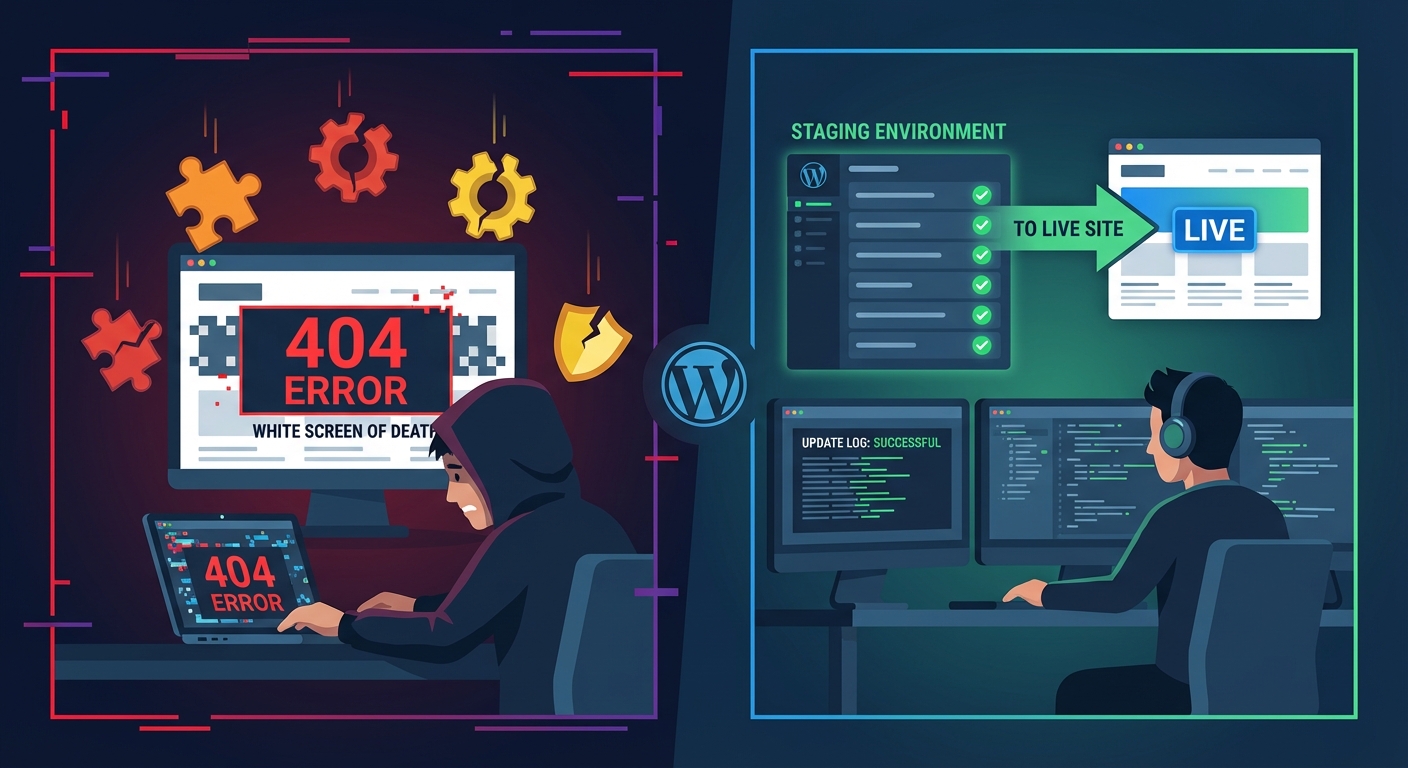
Contact Form Spam Is Not a Nuisance — It's a Site Health Problem
Your contact form isn't just receiving junk. It's processing it — hitting your database, firing PHP execution cycles, triggering email delivery systems, and in some cases, waking up cron jobs that log every single submission.
Spam isn't a cosmetic problem. It's a load problem.
Most WordPress site owners treat form spam like an overflowing inbox — annoying, manageable, something to deal with "eventually." But under the hood, an unprotected contact form is an open execution pipeline. Every bot submission that gets through runs the same code path as a legitimate lead. It writes to your database. It queues an email. It potentially triggers third-party integrations — your CRM, your Slack notification, your email marketing automation.
That's not a nuisance. That's uncontrolled execution on your production server.
Why Contact Forms Are the Easiest Target on Your Site
Contact forms require no authentication. No login. No session token by default. They're intentionally public-facing, which makes them structurally attractive to bots.
Bots don't browse your site. They crawl for POST endpoints — the server-side URLs that form submissions point to. Most WordPress form plugins expose predictable endpoint patterns. Contact Form 7 uses wp-ajax.php or direct POST to the page URL. WPForms routes through its own processing pipeline. Neither is inherently insecure — but both are discoverable, and discovery is all an automated script needs.
Once a bot finds a live form endpoint, it doesn't need to render the page. It doesn't need JavaScript. It just fires POST requests in bulk. No CAPTCHA stops this unless CAPTCHA validation happens server-side — which many implementations fail to enforce correctly.
The result: your wp_options table starts accumulating form entry logs. Your hosting email limits get hit. Your cron jobs run more frequently. And your support queue fills with garbage.
The Three Mechanisms Bots Use (and What Actually Stops Them)
Understanding why specific protections work requires knowing how bots operate. There are three primary vectors:
1. Direct POST submission The bot skips the browser entirely. It builds an HTTP request that matches the form's expected payload and fires it directly. This bypasses any JavaScript-based protection, including most CAPTCHA implementations that rely on client-side rendering.
2. Headless browser crawling More sophisticated bots use tools like Puppeteer or Playwright to render the full page — including JavaScript — and submit forms programmatically. These bypass simple honeypot fields if the honeypot is too predictable, and they can sometimes solve older reCAPTCHA v2 challenges using third-party services.
3. Distributed low-volume attacks Rather than flooding from one IP, distributed bots send one or two submissions from thousands of IPs. Rate limiting per IP fails here entirely. You need behavioral or challenge-based filtering.
Each vector requires a different countermeasure. A single CAPTCHA layer doesn't address all three. This is why stacking defenses matters.
reCAPTCHA on WordPress: What It Actually Does (and Doesn't Do)
reCAPTCHA v3 is the current Google standard. It runs invisibly in the background, assigns a risk score between 0.0 and 1.0 to each user session, and passes that score to your form's server-side validation.
The critical point: The score is meaningless unless your server actually validates it.
Most WordPress form plugin implementations send the reCAPTCHA token to Google's verify endpoint and compare the response against a threshold you set. In Contact Form 7, reCAPTCHA v3 integration sends the token with the form data and rejects submissions below a configurable score. In WPForms, the same principle applies through their anti-spam settings panel.
But here's where implementations vary dangerously: if your site caches aggressively — particularly full-page caching via object cache — the reCAPTCHA token can expire before validation runs. The result is false positives that block legitimate users, or worse, bypassed validation on cached pages where the token is never freshly generated. The object cache layer doesn't distinguish between a static content response and a dynamically generated form token. It just serves what it stored.
This is a server configuration problem, not a plugin problem. If you're seeing reCAPTCHA false positives or unexpected validation failures, check whether your caching layer is interfering with dynamic form token generation. Page caching should never apply to form-containing pages — full stop.
reCAPTCHA v2 (checkbox and invisible variants) is weaker against headless browser attacks and has documented bypass services available for purchase. If you're still running v2 on a high-traffic form, upgrade. The v3 scoring model is harder to game at scale.
Honeypot Fields: Cheap, Effective, Often Misconfigured
A honeypot field is a form input hidden from human users — either via CSS or by being placed off-screen — that bots fill in because their scripts treat all fields equally. If the field is populated on submission, the server rejects it as bot traffic.
This is the lowest-overhead spam defense available. No third-party API. No JavaScript dependency. No friction for human users.
WPForms and Contact Form 7 both support honeypots natively (CF7 requires a separate add-on). Gravity Forms includes it as a standard setting. Most site owners either don't know it exists or leave it disabled by default.
The misconfiguration risk: Honeypots fail if the hidden field is discoverable by sophisticated bots. Using a field name like honeypot, bot-check, or spam-trap is too obvious. The field should have a plausible name — something that looks like a real input — and be suppressed visually rather than with display:none (which some bots now detect and deliberately skip).
Properly implemented honeypots stop a large percentage of commodity bots. They're not sufficient against targeted or sophisticated attacks, but most form spam isn't sophisticated. It's volume-based, generic, and automated at scale.
Stack honeypots with another layer. Use them as your baseline.
Rate Limiting at the Form Level: What Your Hosting Panel Won't Do for You
Server-level rate limiting — configured in .htaccess or via your hosting control panel — limits the number of HTTP requests per IP over a time window. This handles infrastructure abuse. It doesn't handle application-layer form abuse.
Form-level rate limiting is different. Plugins like WPForms Pro and Gravity Forms allow you to restrict the number of submissions per time period — per IP, per email address, or globally. This creates a behavioral threshold that bots can't easily route around without changing identity at scale.
Combined with IP-based blocking via a WAF (Wordfence, Cloudflare, or similar), form-level rate limiting closes the volume-based attack vector.
What your hosting provider does not handle: application-layer form validation. Your host protects infrastructure. It rate-limits HTTP connections. It blocks known malicious IPs. It doesn't know the difference between a legitimate WPForms submission and a bot POST request to the same endpoint — both look identical at the server level.
This is the distinction most site owners miss. Infrastructure security and application security are not the same thing. Your managed host's firewall doesn't understand Contact Form 7's payload structure. That gap is your responsibility to fill.
Plugin Comparison: Contact Form 7 vs. WPForms vs. Gravity Forms on Spam
Contact Form 7
CF7's default installation has no spam protection enabled. It relies on you to configure reCAPTCHA (v2 or v3) and/or Akismet integration through the plugin settings panel. The honeypot extension (contact-form-7-honeypot) is a third-party add-on, not a core feature. This also raises a plugin abandonment risk consideration — CF7's add-on ecosystem relies on independent developers maintaining compatibility across WordPress and PHP version updates.
CF7 is lightweight precisely because it offloads these decisions to you. That's a deliberate design philosophy — and a responsibility transfer you may not have signed up for.
WPForms
WPForms Lite includes a basic honeypot by default. The Pro tier adds reCAPTCHA integration, custom CAPTCHA, and form entry limiting. The anti-spam settings are more discoverable in the UI than CF7's, which reduces the likelihood of misconfiguration.
WPForms also includes Akismet integration, which applies the same content-based filtering used for comment spam. For high-volume contact forms, Akismet adds a useful content-analysis layer on top of challenge-based defenses.
Gravity Forms
Gravity Forms has the most mature spam toolkit of the three. Built-in honeypot, reCAPTCHA support, entry limits, conditional logic that can create non-obvious submission requirements (e.g., a custom math question field), and deep REST API access controls if you're building headless integrations.
The trade-off: Gravity Forms requires an annual license. For a site running a single contact form, that's overhead. For a site running lead capture forms tied to a sales pipeline, the control is worth the cost.
Bottom line: No plugin protects you by default. Every one of these requires deliberate configuration to be effective. The plugin choice matters less than whether you've actually turned the protections on — and tested them.
Testing Your Form's Spam Defenses (Before Bots Do)
Most site owners configure protections and assume they're working. They're not always.
Run these verification steps:
Test honeypot behavior: Use your browser's developer tools to temporarily reveal the hidden honeypot field, populate it, and submit the form. A correctly configured honeypot should silently reject the submission — no error message, no confirmation, no email delivered.
Test reCAPTCHA token expiry: Load a form page, wait 2+ minutes without submitting, then submit. If you get a validation error on a legitimate submission, your token refresh logic needs adjustment. If you don't get any error and a test spam submission goes through, your server-side validation isn't firing.
Check cron job execution: Use WP-CLI (wp cron event list) to verify your WordPress cron is running on schedule. If cron is broken — which is common on certain shared hosting configurations — form-related scheduled tasks like clearing submission logs may queue indefinitely. That creates database bloat in wp_options and related tables that compounds over time.
Query Monitor diagnostics: Install Query Monitor temporarily and submit a test form. Check what database queries fire, how many, and how long they take. A form with high submission volume and no database indexing on form entry tables will degrade under load in ways that aren't immediately visible.
Review REST API exposure: If your form plugin uses the REST API for AJAX submissions, verify that unnecessary endpoints aren't publicly enumerable. Unauthenticated REST API access combined with a poorly configured form plugin can create unexpected attack surfaces that go beyond spam — they become entry points.
The Maintenance Layer This Requires
Contact form spam protection isn't a one-time configuration. Bot behavior evolves. Google updates reCAPTCHA scoring models. Plugin updates change how integrations behave. A honeypot field that worked six months ago may need reconfiguration after a theme update changes DOM structure.
This falls squarely within the scope of active WordPress maintenance — specifically, the kind of ongoing application-layer monitoring that hosting providers don't do and most "set it and forget it" plugin configurations don't sustain.
Across the audits we perform on incoming sites, unprotected or misconfigured contact forms are among the most consistent findings. Not because site owners are negligent — but because these settings aren't visible in the day-to-day. You don't see a misconfigured honeypot field. You notice it when your inbox fills with garbage or your hosting email quota gets flagged.
If you want a structured view of what ongoing WordPress maintenance actually covers — including form security, plugin audits, and PHP version compatibility checks — the Vimsy WordPress maintenance checklist outlines it in detail.
For sites where form spam is already a problem, the fix often involves more than toggling a CAPTCHA setting. Depending on the form plugin, the hosting configuration, and whether there's an existing WAF in place, the remediation path varies. That's the kind of diagnostic work covered under our WordPress care and maintenance services.
If you're seeing email bounce alerts from your hosting provider due to outbound volume — a common downstream consequence of uncontrolled form spam — that warrants emergency WordPress support, not a plugin toggle.
Ongoing maintenance and security monitoring through Vimsy is priced to cost less than a single emergency cleanup or email deliverability incident. See current Vimsy pricing and compare it against what you'd spend reacting to a problem instead of preventing one.
What a Protected Form Stack Actually Looks Like
For most WordPress sites, this is the defense stack that covers the realistic threat landscape:
- Honeypot field (enabled and configured with a non-obvious field name) — baseline commodity bot defense
- reCAPTCHA v3 with server-side score validation and a threshold between 0.5–0.7 — challenge-based defense with minimal user friction
- Akismet integration for content-analysis filtering — catches pattern-based spam that passes challenge layers
- Form-level submission rate limiting — volume defense against distributed low-rate attacks
- Cloudflare or WAF IP reputation filtering at the network layer — infrastructure-level blocking before requests reach WordPress
- Page cache exclusion for all form-containing pages — prevents token expiry and ensures dynamic validation runs on every request
No single layer is sufficient. Each one closes a different attack vector. The stack above isn't over-engineered — it's the minimum configuration for any form handling business-critical submissions.
Look — I'm writing this because this is a problem I see constantly, and it's also exactly what we built Vimsy to solve. If you want professionals handling this instead of hoping nothing breaks, book a free call.
Contact form spam is a symptom. The underlying issue is that WordPress application security requires active management — and most sites are running on passive assumptions.