Most site owners asking this question already suspect the answer. They're not really asking "do I need it?" — they're asking "can I keep getting away without it?" Those are very different questions. Let's answer the right one.
The Default Position Is Not Neutral — It's a Risk Accumulation Strategy
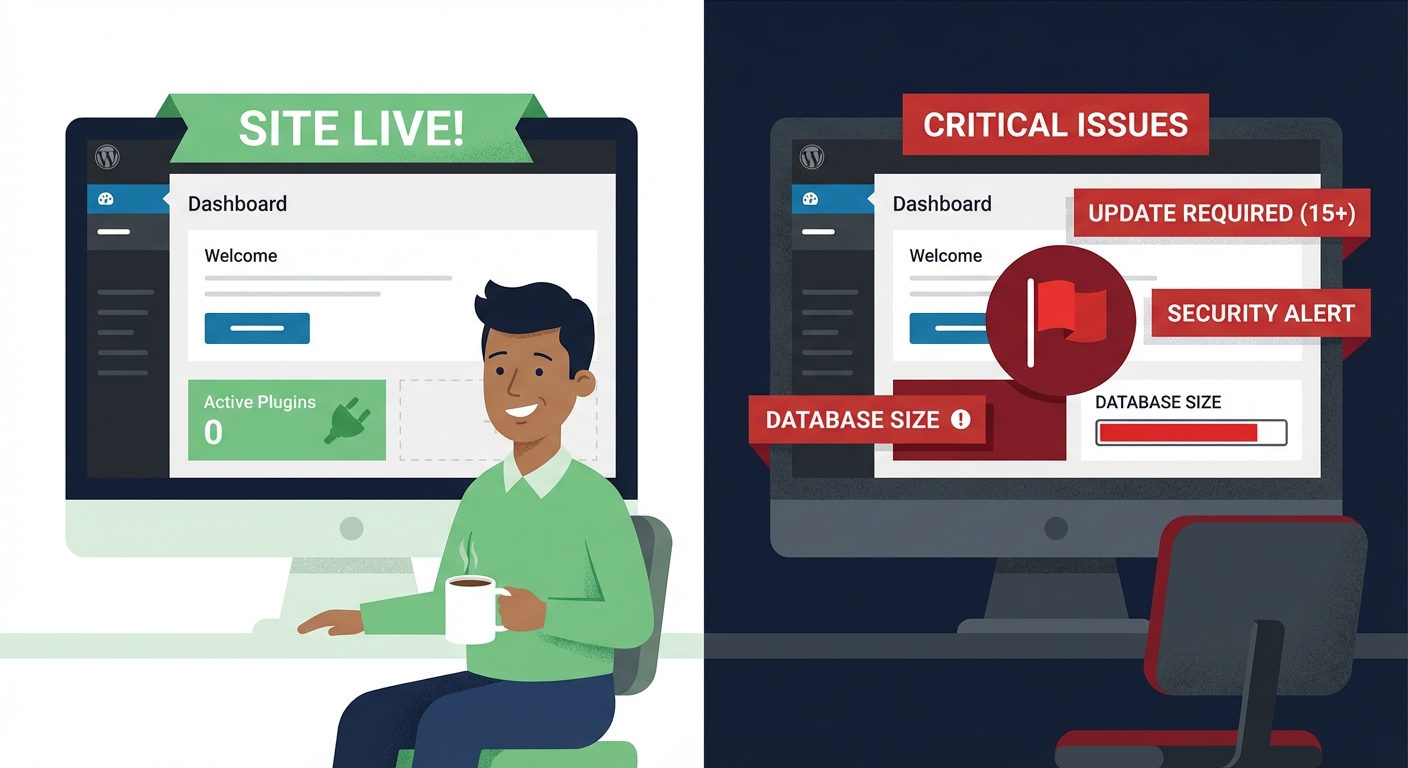
Not buying a maintenance plan doesn't put your site in a steady state. It puts it in a slow deterioration state.
Here's the mechanism: every plugin, theme, and WordPress core version you're running has a threat surface. Researchers find vulnerabilities. Vendors patch them. If you're not applying those patches consistently — and systematically — your site becomes easier to compromise with every passing week.
According to Wordfence and other widely cited security sources, outdated plugins account for the majority of successful WordPress compromises. Not zero-day exploits. Not sophisticated attacks. Just unpatched software sitting on a live site.
That's the first thing to understand: the risk of doing nothing is not zero. It compounds. And the compounding is invisible until it isn't — until your checkout breaks, your search rankings crater, or Google flags your site for distributing malware.
What Most Site Owners Call "Maintenance" Isn't
Logging into your dashboard and clicking "Update All" once a month is not a maintenance strategy. It's a starting point with a false sense of completeness attached to it.
Here's what that update click doesn't do:
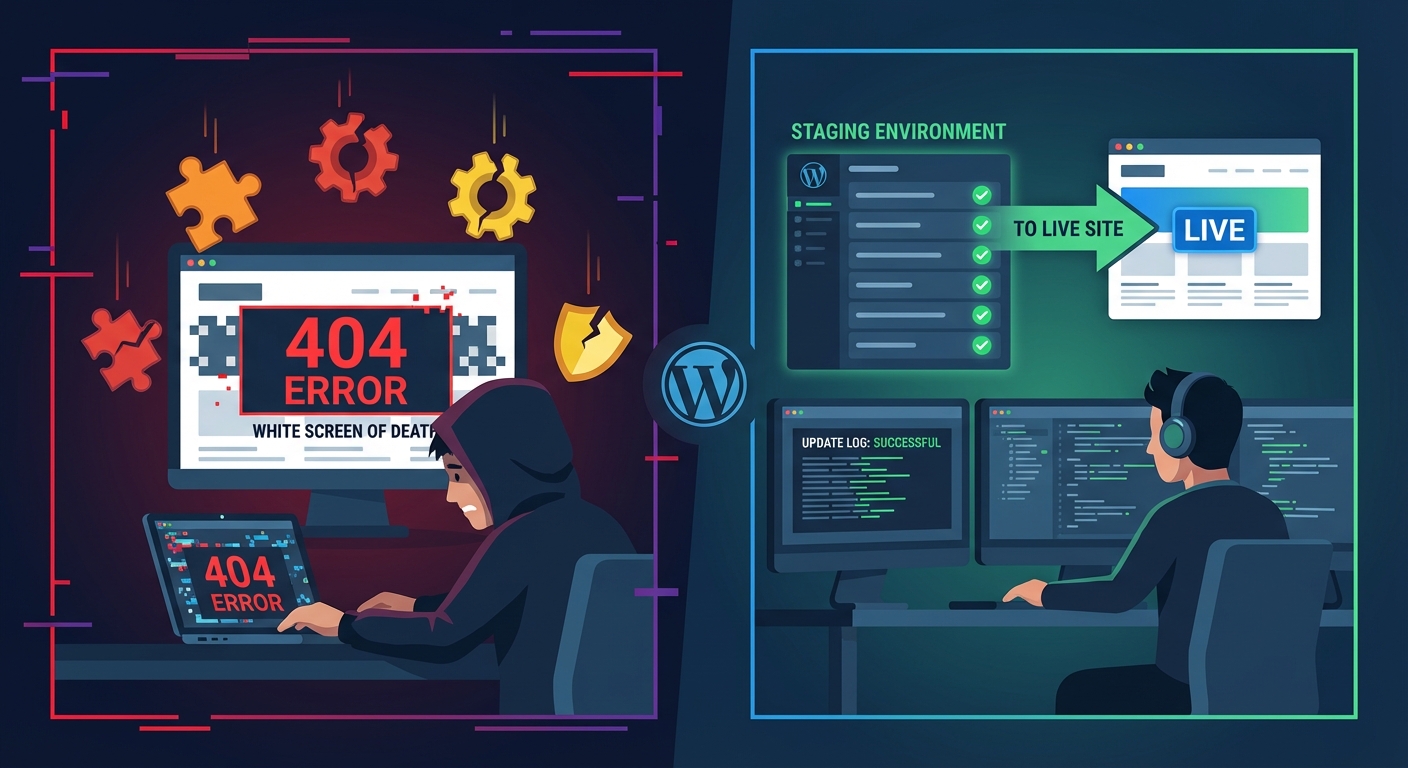
It doesn't test for compatibility. A plugin update can break your checkout flow, corrupt a layout, or trigger a fatal PHP error — silently, after you've closed the tab. Without staging workflows that mirror your live environment, you're testing in production. That's gambling with real user sessions.
It doesn't clean up the damage accumulating in your database. The wp_options table bloats over time with orphaned plugin data, expired transients that never got cleared, and autoloaded records that add query overhead to every single page load. WordPress doesn't clean this automatically. On sites that haven't had a database audit in over a year, it's common to find hundreds of megabytes of obsolete data sitting in wp_options — all of it loading on every request.
It doesn't monitor your cron jobs. WordPress uses WP-Cron — a pseudo-cron that fires on page load. If your site has low traffic or a misconfigured cron setup, scheduled tasks (backups, email sends, cleanup routines) silently fail. You won't know until something downstream breaks — your backup hasn't run in six weeks and you don't find out until you need it.
It doesn't harden anything. Updates are reactive. Security hardening — restricting REST API exposure, locking down .htaccess, disabling XML-RPC where it's not needed, enforcing file permission rules — is proactive. There's a meaningful difference between the two. In most security audits we perform on newly onboarded sites, we find open REST API endpoints exposing user enumeration data, default login URLs unchanged, and .htaccess rules that haven't been reviewed since the site launched.
It doesn't give you a rollback strategy. If an update breaks something critical, what's your recovery plan? "I'll restore from backup" is only a plan if the backup is recent, verified, stored off-site, and you know how to execute the restore under pressure. Most people have a backup plugin they haven't checked in months. Running wp db export via WP-CLI and actually validating that dump is a different discipline than trusting a green checkmark in a plugin dashboard.
None of this is to say updates don't matter. They matter enormously. But clicking "Update All" without a system around it is like checking your oil and calling that a full engine service.
The Hidden Cost of DIY Maintenance
Let's model this honestly.
If you're running WordPress yourself, you're spending time on maintenance — whether you track it or not. Dashboard logins, plugin reviews, the occasional broken layout you didn't notice for three days, the security scan you ran because something felt off. Across dozens of audits we've performed on sites transitioning to managed care, we consistently find that owners significantly underestimate the time they're spending on ad hoc WordPress management.
Time has a cost. For a business owner billing $100/hour in their primary work, spending four hours a month on WordPress tasks costs $400 in opportunity cost — even if the maintenance itself is technically "free."
Now layer in the breach scenario. According to Sucuri's annual hacked website reports, the average cost to remediate a compromised WordPress site runs into hundreds of dollars at minimum — and significantly more if there's business disruption, SEO damage from a blacklisting event, or data exposure requiring customer notification. For a WooCommerce store averaging $2,000/day in revenue, even a 12-hour outage from a hack or a bad update translates to roughly $1,000 in direct revenue loss — before you count recovery costs.
And emergency developer rates are not the same as retainer rates. A developer pulled in at 11pm to fix a critical site failure charges accordingly. If you've never seen an emergency WordPress recovery invoice, the range might surprise you.
A professional WordPress maintenance service typically costs a fraction of a single recovery event. The math isn't complex. The resistance to it is psychological, not financial.
So Who Actually Needs Professional Maintenance?
Here's the honest framework — because not everyone does.
You probably don't need a managed maintenance service if:
- Your site is a static portfolio or brochure with no transactions, no user data, and no e-commerce
- You have an in-house developer actively monitoring and maintaining the site as a core responsibility — not a side task
- Downtime, even for 24–48 hours, has no material business impact
That's a narrow band. Most WordPress sites don't fit it.
You almost certainly do need professional maintenance if:
- Your site processes payments, stores customer data, or handles user accounts
- You're running WooCommerce with active inventory and orders
- Your site is your primary lead generation channel
- You're running 15+ active plugins — the attack surface and compatibility complexity grows non-linearly at that scale
- You've experienced a hack, a broken update, or an unexplained outage in the last 18 months
- You're on PHP 7.x or haven't checked your PHP version in over a year — PHP version compatibility is a silent performance and security liability most site owners ignore until it causes an incident
- Nobody on your team can run WP-CLI commands, interpret Query Monitor diagnostics, or execute a clean rollback under pressure
- You've never audited your plugin stack for abandoned plugins — plugins that haven't received a security update in 12+ months are an open vulnerability window that doesn't close on its own
If three or more of those apply to you, the question isn't "do I need maintenance?" — it's "how much am I willing to risk to avoid paying for it?"
What Managed WordPress Maintenance Actually Covers (When Done Right)
Not all maintenance services are the same. Some charge $30/month and run an automated update script. That's not maintenance — that's a plugin with a billing cycle.
Real managed WordPress maintenance is a system:
- Pre-update staging: Updates are tested in a staging environment before going live. If something breaks, it breaks where no one can see it. This alone prevents the majority of update-related site failures.
- Database optimization: Regular
wp_optionscleanup, transient purging, and table optimization to prevent query bloat from accumulating silently and degrading page load performance over time. - Uptime and performance monitoring: Not just "is the site up?" but "is it responding normally, are there PHP errors logged, and are there backend issues nobody's caught yet?"
- Security hardening reviews:
.htaccessrules, login protection, REST API exposure checks, file integrity monitoring — reviewed on a schedule, not just at onboarding. - Cron job validation: Confirming that scheduled tasks are actually firing, and diagnosing failures before they cascade into broken functionality downstream.
- Offsite backup verification: Not just running backups — confirming they're complete, restorable, and stored somewhere your host can't lose alongside your site.
- Plugin abandonment tracking: Flagging plugins that haven't received an update in 12+ months. Abandoned plugins are one of the most underestimated risks in a WordPress stack. No active maintenance means a growing vulnerability window with no fix coming.
- Object cache configuration: For sites with meaningful traffic, configuring and maintaining a proper object cache layer reduces database load significantly. This is a performance lever that most DIY setups never pull.
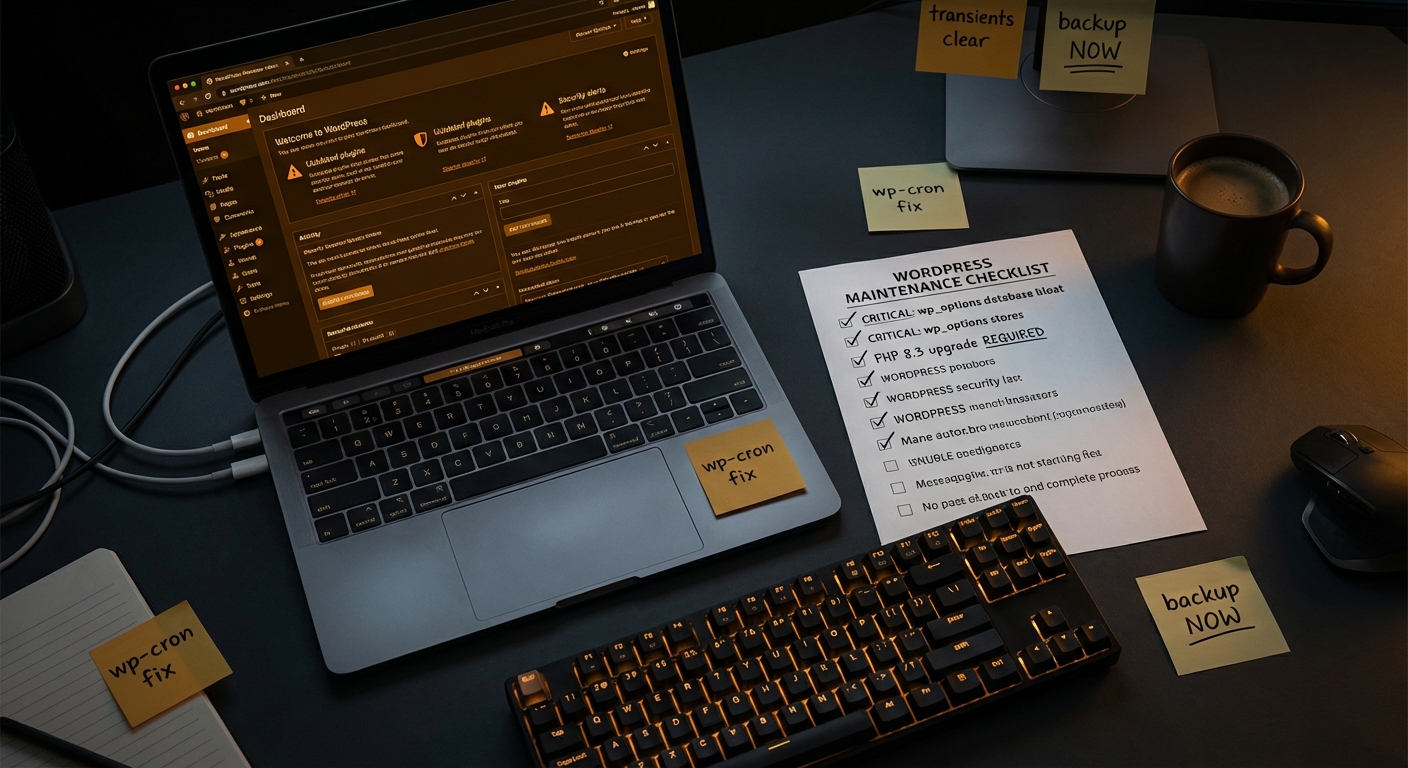
Take a look at what a properly structured WordPress maintenance checklist actually covers — the scope alone clarifies why "I'll handle it myself" tends to mean "I'll handle a small portion of it inconsistently."
The Honest Trade-Off
There's a genuine trade-off here, and I won't pretend otherwise.
Professional maintenance costs money. For very low-stakes sites — a personal blog, a static landing page, a hobby project — that cost may not be justified. Run lean, stay careful, accept the limited risk. That's a reasonable choice.
But for any site where revenue, reputation, or customer data is involved, the trade-off inverts quickly. You're no longer weighing maintenance cost against nothing — you're weighing it against breach recovery costs, downtime losses, emergency developer fees, and the reputational damage of a hacked site that customers encounter before you do.
That last point matters more than most people account for. Most site owners find out something's wrong because a customer emails them. By then, the damage — to trust, to SEO, to revenue — is already done. If you want to understand what that recovery looks like, WordPress emergency support exists because incidents don't wait for business hours.
The pricing for a professional maintenance plan at Vimsy starts at a level that makes this a straightforward business decision for any site generating meaningful revenue. It's not a luxury tier. It's operational infrastructure.
The Real Question to Ask Yourself
Stop asking "do I need WordPress maintenance?" Start asking: "What's my actual plan when something breaks?"
Not "I'll figure it out." A plan. With steps. With a recovery time objective. With verified backups and someone who knows how to execute a database restore at 11pm on a Saturday.
If that plan exists and it's solid, you may genuinely not need a service. If it doesn't — and for most business owners it doesn't — then what you have isn't independence. It's deferred risk with an unknown due date.
The difference between a site that gets compromised and one that doesn't often comes down to consistency. Consistent updates. Consistent monitoring. Consistent hardening. That's harder to sustain as a solo effort than most owners expect — not because it's technically impossible, but because it competes with every other priority in a running business.
If you want a straight read on where your site actually stands before making any decision, start with a conversation. Book a free call and we'll tell you what we find — no pitch, no pressure.
Look — I'm writing this because this is a problem I see constantly, and it's also exactly what we built Vimsy to solve. If you want professionals handling this instead of hoping nothing breaks, book a free call.
Your site is either being maintained systematically, or it's accumulating risk. There's no third option.