The "Best Page Builder" Debate Is Asking the Wrong Question
Every six months, a new comparison post crowns a winner. Elementor wins for beginners. Divi wins for designers. Beaver Builder wins for developers. Repeat indefinitely. The problem is that framing "best" as a universal answer ignores the real variables: your stack, your team, your long-term maintenance cost, and what actually happens under the hood when you scale.
This isn't another feature comparison chart. It's a technical and operational breakdown of what each builder does to your WordPress installation — and what that means when you're managing a live site two years from now, not two weeks after launch.
What Page Builders Actually Do to Your WordPress Install
Before comparing the three, you need to understand what any page builder costs you architecturally — not in dollars upfront, but in technical debt that compounds over time.
Page builders work by injecting shortcodes, custom HTML attributes, or block markup into your post_content. Some store layout data in the wp_options table or in custom post meta. Some register their own custom post types. All of them add weight to your frontend render cycle — weight that doesn't disappear just because the page looks clean on the surface.
That matters for a few specific reasons:
Database bloat is real. Elementor stores its layout data as post meta — specifically in _elementor_data, which gets serialized and stored per page. On a large site with dozens of templates and hundreds of pages, this accumulates fast. If you're not running regular database optimization and your wp_options table is already congested with stale transients and orphaned cron jobs, adding a heavy page builder compounds the problem significantly.
Render-blocking assets. Most page builders load their asset libraries globally rather than conditionally. Elementor has made progress with its asset loading experiment, but Divi still has well-documented issues with loading its full CSS framework site-wide — even on pages built natively without the Divi Builder active on that specific page.
Plugin abandonment risk. This is consistently underappreciated. Elementor's commercial model changed dramatically in 2022–2023, with executive departures, layoffs, and visible product direction shifts. That's not speculation — it's a signal worth factoring into a 3–5 year decision. When a page builder's parent company has stability questions, you need a contingency plan built into your architecture from day one.
Object cache interaction. None of the three builders are particularly object cache-aware by default. On sites running Redis or Memcached, page builder-generated markup can create cache fragmentation issues that require custom configuration to resolve. This is one of the issues that surfaces repeatedly in site audits and is almost never documented in the builder's own documentation.
Elementor: The Market Leader With Real Maintenance Overhead
Elementor dominates market share. It's intuitive, has a massive ecosystem, and the learning curve is gentle enough for non-developers to get productive quickly.
But here's what the comparison posts don't tell you:
Elementor creates tight coupling. Every page built with Elementor stores layout data that's meaningless without Elementor active. If you ever want to migrate to a block-based theme or switch builders, you're not doing a clean migration — you're doing a reconstruction, page by page. That's not a dealbreaker if you go in with clear expectations, but most people don't.
The plugin weight is significant. Elementor Core plus Elementor Pro combined add real overhead. Even with object caching in place, a site running Elementor without a properly configured CDN and aggressive caching rules will show query overhead that Query Monitor makes immediately obvious: excessive DOM queries per page load, multiple render-blocking CSS files, and inline styles injected directly into <head>. These aren't hypothetical — they show up consistently in site audits on Elementor-heavy builds.
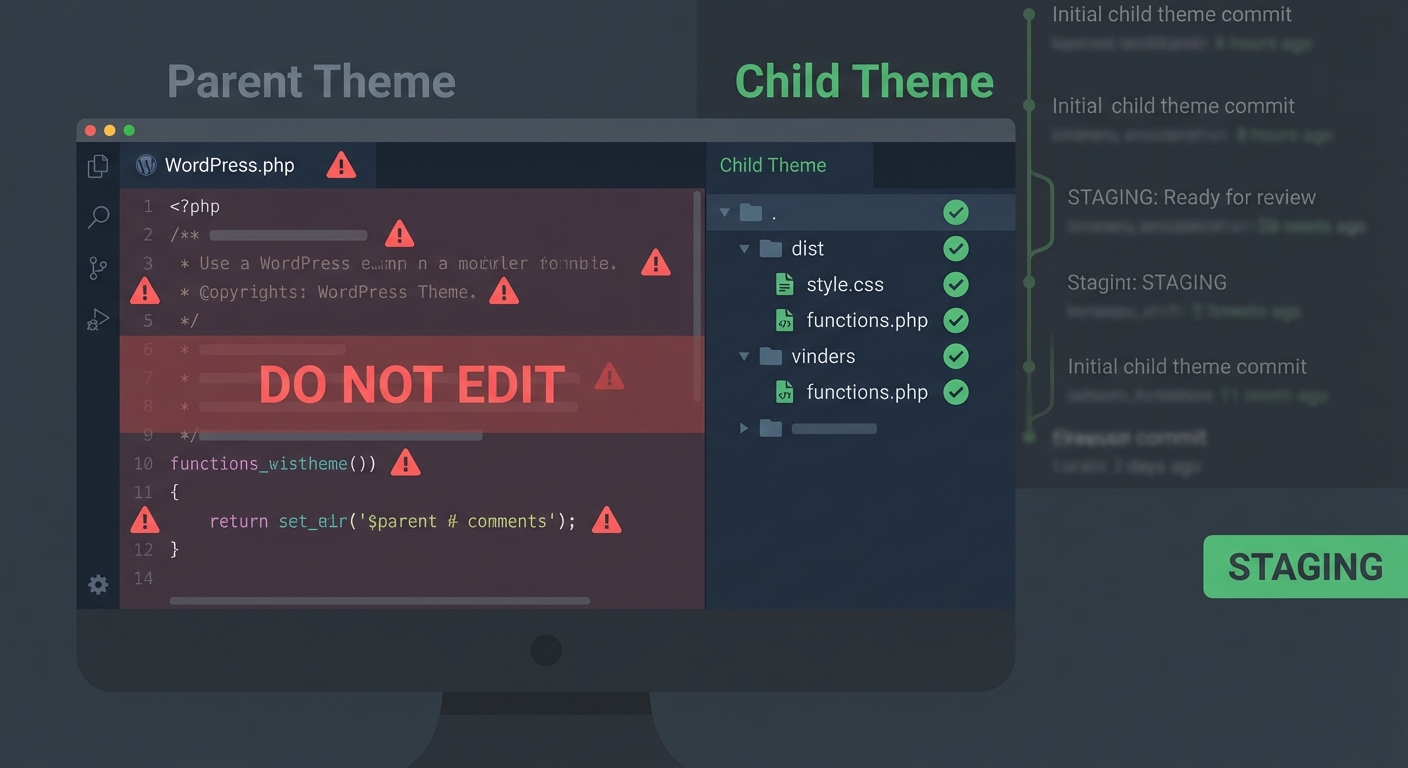
PHP version sensitivity. Elementor has historically been one of the builders most affected by PHP version compatibility issues. Running PHP 8.1 or 8.2 with older versions of Elementor has caused fatal errors on production sites. If your host auto-updates PHP or you're behind on Elementor updates, this is a live risk — not a theoretical one. The fix is always the same: test builder updates in a staging environment before they touch production, and keep your PHP version in sync with your plugin compatibility matrix.
Where Elementor wins: Speed of design iteration, template library breadth, the WooCommerce integration through Elementor Pro's product widgets, and the sheer volume of third-party add-ons available. For marketing-heavy sites where design flexibility matters more than raw performance, Elementor is a defensible choice — provided you build the maintenance infrastructure around it deliberately.
Divi: Powerful, But You're Buying Into an Ecosystem
Divi from Elegant Themes has been around long enough that entire agencies were built on it. It has a loyal following for good reason: the visual builder is genuinely capable, the lifetime license pricing is attractive, and the Theme Builder gives you full-site design control without needing a separate theme layer.
But Divi is one of the most ecosystem-locked choices you can make in WordPress.
Divi generates shortcode-based output. If you deactivate Divi, your content breaks visibly. You'll see raw shortcodes like [et_pb_section] scattered through your posts and pages. This isn't unique to Divi — most non-block builders share this problem — but Divi's syntax is particularly opaque, which makes any future migration to a different builder or to native blocks substantially more painful than it needs to be.
CSS bloat is systemic. Divi's inline style approach generates per-element custom CSS injected directly into the <head>. On a Divi-heavy site, it's not unusual to see 200–300KB of inline CSS on a single page. This directly and measurably impacts your Core Web Vitals — particularly Largest Contentful Paint (LCP) and Cumulative Layout Shift (CLS). You can partially offset this with a well-configured caching plugin and a CDN, but you're always working against the framework's defaults rather than with them.
Where Divi wins: Designers who want full visual control without touching code. Teams running multiple client sites under a single license. Projects where long-term plugin licensing cost matters more than technical elegance. It's a pragmatic choice, not an architectural one.
Beaver Builder: The Developer-Rational Option That Ages Better
Beaver Builder doesn't have Elementor's market share or Divi's brand recognition. Among developers and agencies that prioritize long-term maintainability, it has earned a reputation for producing cleaner output than either competitor — and for being far less likely to create architectural headaches down the line.
The output is cleaner. Beaver Builder generates fewer inline styles, relies less on JavaScript for rendering, and doesn't inject as much data into wp_options compared to its competitors. On sites where performance is a primary constraint, this baseline difference matters — especially before you layer on any optimization tooling.
Stability over feature velocity. Beaver Builder moves slowly by design. It doesn't chase every design trend or add widgets on a quarterly release cycle. That conservatism means fewer breaking changes, fewer compatibility conflicts when you update PHP, and a meaningfully lower probability of a builder update cascading into a layout failure on production.
WP-CLI compatibility. Beaver Builder has better WP-CLI support for module management and cache clearing than Divi, and is roughly on par with Elementor for standard operations. If your workflow includes CLI-based deployments, staging-to-production sync operations, or automated maintenance routines, Beaver Builder fits that model more naturally.
Where Beaver Builder wins: Developer-led builds, agency white-label projects, performance-sensitive WooCommerce sites, and any situation where long-term maintainability and low technical debt matter more than design-layer velocity.
The Framework for Choosing (Based on What Actually Matters)
Stop asking "which is best." Ask these instead:
- Who owns this site long-term?
- If a developer or technical team maintains it — Beaver Builder.
- If a designer-forward team handles it — Divi.
- If a marketing team needs hands-on autonomy — Elementor.
- What's your performance threshold?
- If you're running WooCommerce and revenue is directly tied to uptime and page speed, Core Web Vitals are not optional. Beaver Builder gives you the cleanest baseline. Elementor is recoverable with the right caching and CDN configuration. Divi requires the most aggressive optimization effort to hit competitive performance benchmarks.
- What's your migration risk tolerance?
- All three builders create lock-in. Divi's shortcode lock-in is the most difficult to unwind. Beaver Builder's lock-in is the shallowest of the three, a concrete advantage if your architecture might evolve toward block-based development.
The Honest Bottom Line
Elementor is the most capable builder and the most expensive to maintain at scale. Divi gives you design power with the worst long-term portability of the three. Beaver Builder is the most developer-rational choice but requires a more technical hand to extract its full value.
None of them is a bad choice if you go in with clear eyes about the tradeoffs. All of them become expensive choices if you treat the builder decision as permanent and stop auditing what it's doing to your database, your page load, and your PHP compatibility posture over time.
The builder isn't the risk. Neglecting what the builder does to your site over time — that's the risk.