Customising a parent theme directly is not a shortcut. It's a timer.
Every change you make inside a parent theme's files — edited functions.php, tweaked CSS, modified template files — disappears the moment that theme updates. Not might disappear. Will disappear. WordPress overwrites parent theme files completely on update, without warning, without a changelog you can diff against. You lose everything.
Most WordPress developers know this. What surprises me is how many site owners — some who've spent months on WordPress theme customization — don't.
The Myth: "I'll Just Edit the Parent Theme and Be Careful With Updates"
This belief is understandable. The parent theme is right there in the file manager or the code editor. You can open it, edit it, see your changes immediately. It feels efficient.
It isn't.
The logic collapses the moment you factor in what theme updates actually do. When a theme author pushes an update — patching a security vulnerability, fixing a PHP version compatibility issue, updating template markup for a new WordPress core feature — WordPress replaces every file in that theme directory. Full replacement. Not a merge, not a diff. A complete overwrite of every file you touched.
There is no version of "being careful with updates" that protects you here. Your options are binary: skip the update and accumulate security debt, or apply the update and lose your customisations. That's the whole menu.
That's not a workflow. That's a trap.
And the longer you stay in it, the more expensive the exit gets.
What a WordPress Child Theme Actually Does (Technically)
A WordPress child theme inherits everything from its parent — templates, styles, functionality — while letting you override specific files and functions without touching the parent's codebase.
Here's the mechanics:
When WordPress loads a template, it checks the child theme directory first. If it finds the requested file there, it uses it. If not, it falls back to the parent. This cascade means you can override single.php, header.php, archive.php, or any other template by placing a modified copy inside the child theme directory. The parent's version stays untouched.
CSS works differently. WordPress loads the parent stylesheet first via wp_enqueue_scripts, then the child theme stylesheet on top. Your rules layer above the parent's — overriding and extending without touching source files.
Functions added in the child theme's functions.php run before the parent's by default (due to hook priority), which means you can unhook parent actions, add functionality, or filter output — cleanly, without editing a single line of the parent theme.
When the parent theme updates, your child theme doesn't move. Your overrides, your styles, your added functions: all intact.
This is not a clever workaround. It's WordPress's intended customisation architecture, built into core precisely because theme updates are a given, not an edge case.
Why Use a Child Theme: The Compounding Consequences of Skipping One
Skipping the child theme structure doesn't create a single failure point. It creates several, across areas that look unrelated until something goes wrong.
Security Debt Grows With Every Skipped Update
PHP version compatibility is one of the most common silent killers on live WordPress sites. Theme authors update regularly to handle deprecated functions, adjust for new PHP behaviour, and close security gaps. If you're holding back a parent theme update to protect your direct edits, you're simultaneously holding back those patches.
Outdated PHP versions are among the leading causes of avoidable performance degradation and security exposure across WordPress installs. Choosing not to update is a choice — but when that choice is forced on you by a structural mistake, it compounds quietly until it doesn't.
Staging Workflows Break Down
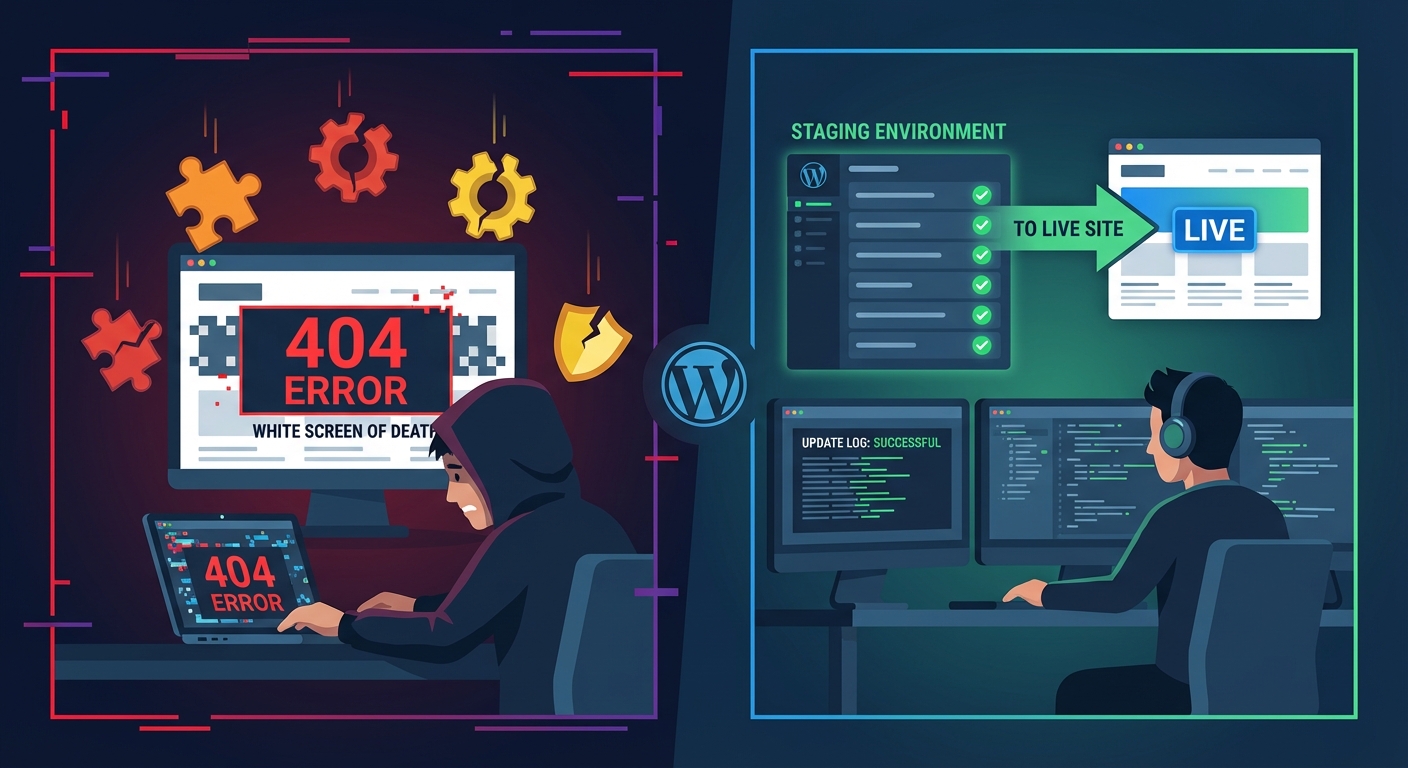
If you're doing development properly — push to staging, test, deploy to production — a parent-theme-editing approach destroys that process. Any update run on staging that syncs back to production overwrites your changes again. You end up working around your own workflow rather than through it.
A properly structured child theme keeps your customisations self-contained and portable. You can deploy it independently, roll it back if something fails, and track changes in version control without polluting the parent theme's file history.
Rollback Strategy Becomes Unreliable
A clean rollback strategy depends on separation between what you own and what a third party controls. When your customisations live inside a parent theme, that boundary doesn't exist. Reverting the theme to a prior version also reverts your edits. Updating the theme erases them. Neither option is safe.
With a child theme, the boundary is clear. The child theme is yours. The parent theme is the vendor's. You can restore, revert, or update either independently — without the other becoming collateral damage.
Query Monitor Loses Clarity
When you're using Query Monitor to diagnose slow pages or unexpected hook behaviour, the source of each hook matters. Knowing whether a function was registered in the parent or child theme is critical for fast debugging. When your customisations live in a modified parent file, that trace gets muddied. You're hunting through changed files, trying to reconstruct what you modified and when.
Clean child theme architecture makes Query Monitor diagnostics faster and more reliable. The hook source is unambiguous. The problem scope narrows immediately.
How to Create a Child Theme WordPress Sites Actually Rely On
When you create a child theme, WordPress sites built on it gain a clean architectural separation that holds up under real update cycles and development workflows. It's not complicated — but doing it correctly means more than adding a style.css with a Template: header and calling it done.
Here's what a production-ready child theme setup includes:
1. A correctly structured style.css
/*
Theme Name: My Site Child
Template: parent-theme-folder-name
Version: 1.0.0
*/
The Template: field must exactly match the parent theme's folder name in /wp-content/themes/. One character off and WordPress won't recognise the relationship. This is the single most common setup error.
2. A functions.php that enqueues styles with explicit dependency declarations
add_action('wp_enqueue_scripts', 'my_child_theme_enqueue_styles');
function my_child_theme_enqueue_styles() {
    wp_enqueue_style(
        'parent-style',
        get_template_directory_uri() . '/style.css'
    );
    wp_enqueue_style(
        'child-style',
        get_stylesheet_directory_uri() . '/style.css',
        ['parent-style']
    );
}
The dependency declaration on parent-style ensures load order is intentional, not assumed. Without it, you can end up with race conditions between stylesheets — child rules loading before parent rules, which defeats the cascade entirely.
3. Only the files you need to override
The child theme should not be a full copy of the parent. Copy only the templates you're actively modifying. Everything else inherits automatically. A lean child theme is easier to maintain, easier to audit, and easier to hand off to another developer without confusion about what's been touched.
4. Version control from day one
Your child theme should live in its own git repository, separate from the parent theme. Every change gets committed with a message that explains why it was made. WP-CLI makes deployment from a version-controlled repository clean and repeatable — you're not manually uploading files and hoping you got everything.
5. Staging before every deployment
Every child theme change — including CSS tweaks — should run through a staging workflow before it touches production. Layout changes that look fine in isolation can break across viewports. Function overrides can conflict with plugin hooks in ways that only surface with real content. A staging step costs minutes. Recovering from a broken live site costs hours — and if it's a WooCommerce store, real revenue.
When Child Themes Hit Their Ceiling
Child themes handle theme customisation cleanly. But there are scenarios where they're the wrong tool entirely.
If you're building functionality that needs to survive a theme switch — custom post types, custom taxonomies, REST API endpoints, application-level logic — that code belongs in a plugin, not a child theme. Theme-based functionality disappears when the theme changes. Plugin-based functionality is portable.
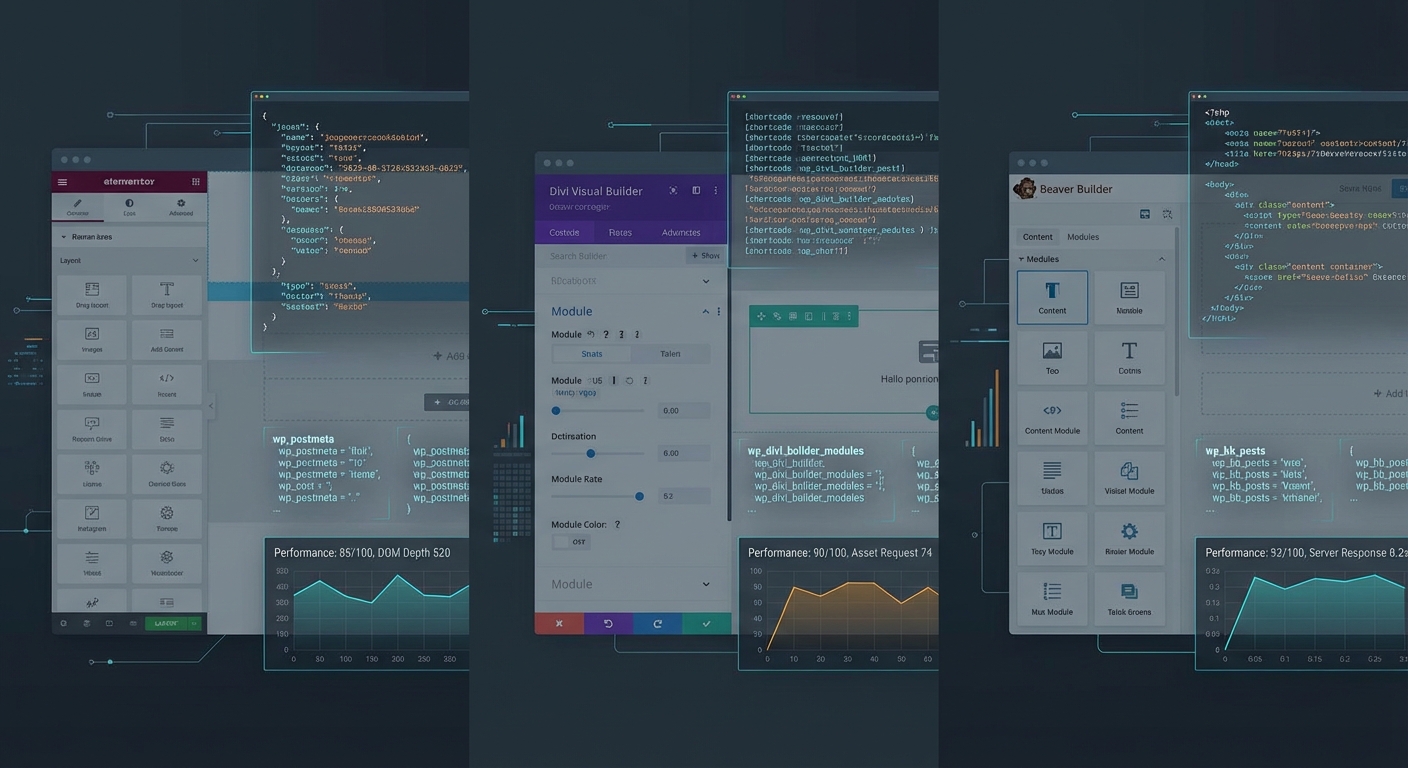
Similarly, if most of your design lives in a page builder's own data structures (stored in wp_postmeta or builder-specific tables), the child theme becomes less central to how visual customisations are managed — though it still matters for PHP overrides and fallback template logic.
Knowing where the boundary sits between theme customisation, plugin development, and builder-managed design is what separates structured WordPress development from sites that are held together by institutional memory and luck.
If what you're building has outgrown what a child theme can cleanly contain, that's usually the signal to bring in proper development resources rather than stretch the architecture past its design intent.
What We See Across WordPress Sites
Across the WordPress sites we audit and maintain, direct parent theme edits are one of the most consistent findings — and one of the most predictable sources of emergency recovery work. An update runs, customisations vanish, and there's a scramble to reconstruct changes that were never documented and no longer exist in any recoverable form.
The retroactive fix is always more expensive than the upfront setup would have been. Rebuilding lost customisations from memory — or from a visual comparison against screenshots — is slow, error-prone, and entirely avoidable.
Sites that handle updates without anxiety — where a theme update is a routine event rather than a calculated risk — are the ones built on a child theme from the start, with changes tracked in version control and validated on staging before deployment. That's not an advanced setup. It's just the correct one.
If you're not certain your site is structured this way, a WordPress maintenance and structure audit will surface it quickly — along with the other architectural issues that accumulate when WordPress theme customization happens without a defined process.
If you want to understand what a properly scoped development engagement looks like — including what it costs — the Vimsy services and pricing page lays it out without ambiguity.
And if you're already dealing with a live site where customisations have been lost or a theme update has broken something, emergency WordPress support is available.
If You Need This Done Right
Look — I'm writing this because this is a problem I see constantly, and it's also exactly what we built Vimsy to solve. If you want professionals handling this instead of hoping nothing breaks, book a free call.