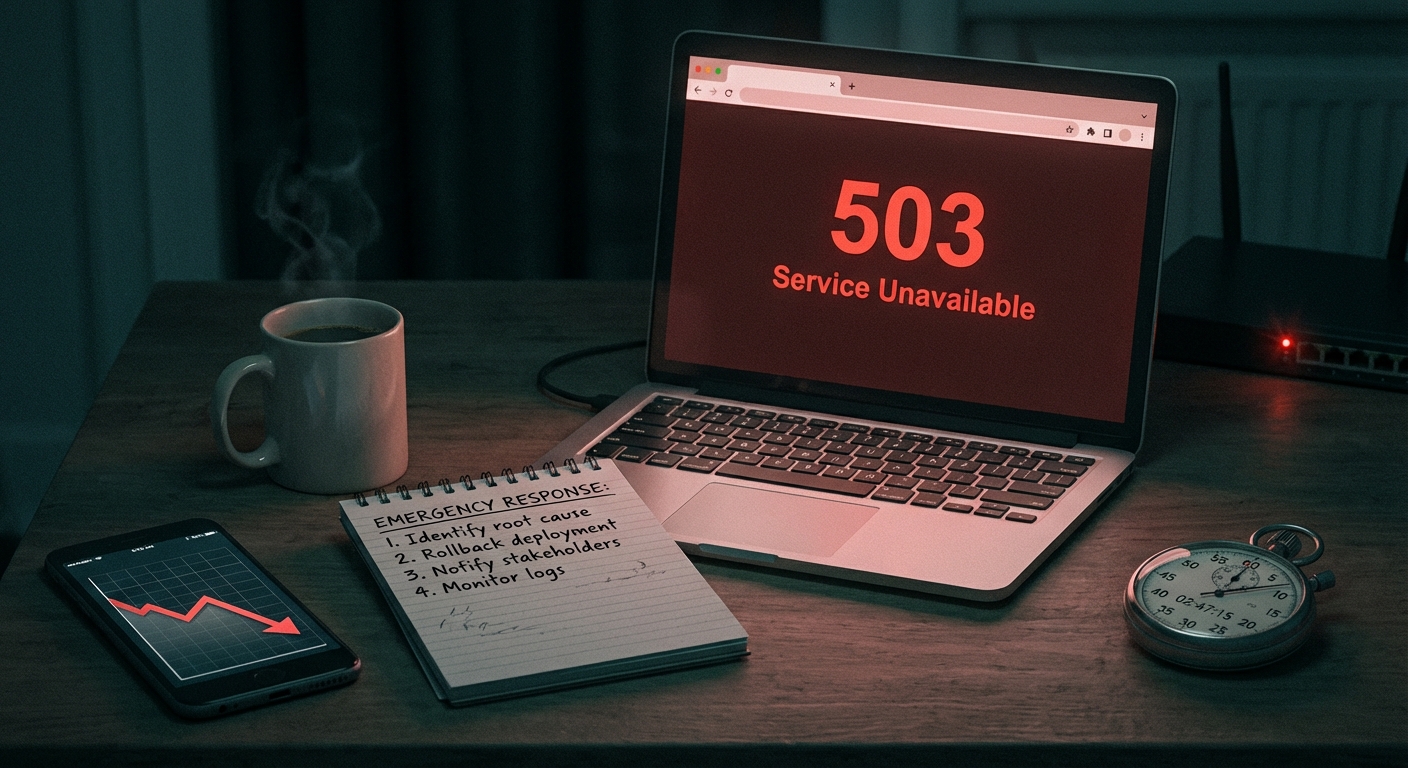
Real estate websites don't fail quietly — they fail at exactly the wrong moment. A buyer clicks your IDX listing link at 9 PM on a Saturday, gets a blank page or a 500 error, and moves on to your competitor's site in under three seconds. That's a lead you'll never recover.
WordPress dominates the real estate web for good reason. The flexibility, the plugin ecosystem, the SEO control — nothing else comes close for independent agents and mid-size agencies who need professional infrastructure without enterprise-level spend. But flexibility without discipline creates compounding technical debt, and in real estate, that debt compounds faster than almost any other vertical.
This guide covers the full picture: how to build a real estate WordPress site that actually works, what makes the IDX integration layer so fragile, how listing data bloats your database over time, and what a real maintenance system looks like for a high-traffic property portal.
The IDX Layer Is Where Most Real Estate Sites Break
IDX — Internet Data Exchange — is the mechanism that pulls MLS listing data into your WordPress site. Most agents treat it as a plugin you install and forget. That's the first mistake.
IDX plugins like Showcase IDX, iHomefinder, and Homes.com IDX Broker interact with external MLS APIs that update constantly. Listing statuses change dozens of times per day. Price reductions, status flips from Active to Pending, new listing ingestion — all of this hits your site as API calls. The moment your IDX plugin falls out of sync with your MLS feed, buyers start seeing stale listings, properties that sold six months ago, or broken search results.
The problem isn't just the plugin. It's the interaction between the plugin, your PHP version, your theme's templating layer, and your caching configuration. IDX plugins often conflict with aggressive object caching because cached pages serve stale listing data. A buyer searches for 3-bed homes under $400,000 and gets results that don't match the live feed.
The specific failure mode: Most IDX plugins bypass WordPress's standard template hierarchy and inject content through shortcodes or iframe wrappers. This creates dependency chains that break silently when you update your theme or install an unrelated plugin that modifies REST API behavior.
Running an audit on a real estate site almost always reveals the same pattern: the IDX plugin hasn't been updated in months, PHP is running on 7.4 or older, and the wp_options table has accumulated thousands of stale transients from failed API syncs.
Run this from WP-CLI to check transient bloat on your database:
wp transient list --format=count
On neglected real estate sites, that number is often in the thousands. Each one is a small piece of dead weight slowing your query load.
What Real Estate Does to Your Database
Every property search, every lead form submission, every map interaction — these all generate database writes. WordPress stores far more than most site owners realize. Session data, search logs, form entries, IDX query caches — all of it lands in your database, most of it in wp_options or wp_postmeta.
A real estate site generating moderate traffic — 500 to 1,000 sessions per day — will accumulate significant database bloat within 6 to 12 months without active maintenance. This isn't hypothetical. It's the consistent pattern across every real estate WordPress audit we run.
The practical consequence: slower query times. WordPress's default database structure doesn't include indexes optimized for high-volume transient lookups or large postmeta tables. As your wp_options table grows past a few thousand rows, autoloaded data creates measurable overhead on every single page load, not just listing pages.
Three things that specifically bloat real estate WordPress databases:
- IDX transient accumulation — failed API calls leave orphaned transients that never get cleaned
- Lead form plugin revisions — plugins like Gravity Forms or WPForms store every form entry as a post with full revision history enabled by default
- Map plugin query caching — geolocation and property map plugins cache coordinate lookup results without enforced expiration
None of this is fatal in isolation. Accumulated over a year without maintenance, it degrades performance in ways that are hard to diagnose without Query Monitor or a proper database profiling tool.
Lead Capture Infrastructure That Doesn't Leak
Real estate agents live and die by lead capture. A missed form submission isn't just an inconvenience — it's potentially a $10,000 commission that evaporated.
Most WordPress real estate sites use some combination of contact forms, IDX lead capture (built into the IDX plugin), and third-party CRM integrations. The failure points are predictable:
WordPress cron jobs. Email notifications from lead forms depend on wp-cron firing correctly. WordPress cron is not a real system cron — it fires on page load, which means low-traffic periods can delay or drop notifications entirely. On a site that gets most of its traffic in the evening but your email notifications queue during business hours, you'll lose leads in the gaps.
Fix this properly: disable wp-cron in wp-config.php and set up a real server-side cron job to trigger wp-cron on a reliable schedule.
define('DISABLE_WP_CRON', true);
Then add a server cron to hit your site's cron endpoint every 5 minutes. This is a 10-minute fix that prevents lead notification failures indefinitely.
CRM webhook reliability. If you're pushing lead data to a CRM via webhook — HubSpot, Follow Up Boss, kvCORE — a failed plugin update or REST API misconfiguration can silently stop data syncing. Leads come in, fill your form, and never reach your CRM. You won't know until a client tells you they never heard back.
SSL and form security. Mixed content warnings on lead capture pages don't just scare buyers — they break form submissions in some browsers. Keep your .htaccess configured to force HTTPS on all pages, not just the homepage.
The Listing Management Problem Agents Ignore
Many real estate agents use their WordPress site as a content hub while the IDX plugin handles live listings. This creates a parallel management problem: custom property posts (hand-entered listings, featured properties, development projects) sitting alongside IDX data, each managed differently, each with its own update dependencies.
Custom property posts accumulate post revisions aggressively. WordPress stores every save as a revision by default. A listing that gets updated 20 times — price changes, photo updates, description edits — generates 20+ revision records in your database. Multiply this across a hundred listings and you're carrying thousands of dead rows.
Add this to wp-config.php to cap revision storage:
define('WP_POST_REVISIONS', 5);
That alone reduces database overhead significantly on active listing sites.
The deeper issue: custom post types for property listings often get created by page builders or listing plugins that are abandoned by their developers. Plugin abandonment is a real security and compatibility risk. A custom property post type plugin that hasn't been updated in 18 months is a liability — not because it's actively dangerous today, but because the next WordPress core update may break its functionality, or the next PHP upgrade may expose a compatibility gap.
Audit your active plugins regularly. If a plugin handling your listing data hasn't been updated in over a year and has unresolved support threads, build a migration plan before you're forced into an emergency one.
Performance: What Real Estate Sites Demand That Generic Sites Don't
Property search is compute-intensive. Filtering by bedroom count, price range, square footage, location radius — each search query hits your database or the IDX API in ways a standard blog never does. This is why generic performance advice (install a caching plugin, compress images) misses the point for real estate sites.
You can't aggressively cache search results pages. Every buyer's query is unique, so page-level caching doesn't help much. What actually moves the needle for real estate WordPress performance:
Object caching at the PHP level. Redis or Memcached integrated with your WordPress installation caches database query results in memory. For IDX-heavy sites, this dramatically reduces API overhead and database reads. This requires server-level configuration — it's not a plugin you install and it works.
PHP version discipline. Running PHP 8.1 or 8.2 on your site delivers measurable performance improvements over PHP 7.x — faster execution, better memory management. But PHP upgrades on real estate sites need to be tested against your IDX plugin specifically, because IDX plugins are notoriously slow to declare PHP 8.x compatibility. Always test on a staging environment before upgrading PHP in production.
Image delivery for property photos. Property listings are image-heavy. Most real estate sites serve unoptimized high-resolution photos that blow up Core Web Vitals scores. Serve images through a CDN, enforce WebP conversion, and configure lazy loading correctly. LCP (Largest Contentful Paint) on listing pages is almost always driven by the hero property photo.
What a Real Maintenance System Looks Like for Real Estate Sites
Here's the honest picture: real estate WordPress sites need more maintenance attention than standard business sites. The IDX dependency creates external failure points. The database bloat curve is steeper. The lead capture stakes are higher.
A functional maintenance system for a real estate WordPress site includes:
- Weekly plugin updates tested on staging before production deployment — not clicked blindly in the admin panel
- Monthly database optimization — transient cleanup, revision pruning, wp_options autoload audit
- IDX sync monitoring — active checks that your MLS feed is returning accurate data, not silent failures
- Uptime monitoring with real alerting — not a monthly report, but real-time alerts when your site goes down
- PHP version management — planned upgrades tested against your full plugin stack, including IDX plugins specifically
- Rollback capability — off-site backups with tested restore procedures, not just a backup plugin running on the same server as your site
- Security scanning — .htaccess hardening, login protection, file integrity monitoring
Most agents running WordPress handle none of this systematically. They update plugins when they remember, check their site when something looks broken, and have never tested a backup restore in their lives.
That's not a maintenance system. That's hoping nothing breaks during listing season.
The Specific Cost of Real Estate Site Downtime
Let's model this concretely. A real estate agent or small agency generating 20 leads per month from their website, with an average deal size of $8,000 net commission. That's roughly $160,000 in potential annual pipeline from web-generated leads.
If their site is down for 48 hours during a high-traffic period — open house weekend, a market surge, a local news mention — and they lose even 5 leads as a result, the cost isn't the hosting bill. It's potentially $40,000 in pipeline exposure.
This is why the math on professional WordPress maintenance doesn't require complex justification. The risk/cost ratio is wildly imbalanced for anyone who treats their website as a business development tool rather than a digital brochure.
If you want to understand exactly what a maintenance setup should cover, the WordPress maintenance checklist breaks it down task by task.
Choosing the Right Stack for a Real Estate WordPress Site
Before getting into ongoing maintenance, the foundation has to be right. Decisions made at setup time determine how much maintenance you'll need later.
Hosting: Real estate sites need managed WordPress hosting with staging environments. WP Engine, Kinsta, or Cloudways with a properly configured stack. Shared hosting creates PHP resource contention that makes IDX queries unpredictable.
IDX Plugin: Match the plugin to your MLS. Not all IDX providers support all MLSs. Confirm PHP compatibility before committing — switching IDX plugins later is a data migration headache.
Theme Architecture: Avoid page-builder-heavy themes for real estate sites. The more shortcode dependencies your theme introduces, the more breakage risk during updates. A lightweight theme with clean template hooks gives you flexibility without fragility.
Security Baseline: Disable XML-RPC if you don't use it. Lock down wp-admin access by IP if your team operates from fixed locations. Enforce two-factor authentication on all admin accounts. These aren't advanced security measures — they're the baseline for any site handling personal contact data.
For a complete breakdown of what our WordPress care plans cover, including pricing for different site complexities, the details are on our pricing page.
What Vimsy Handles So You Don't Have To
Managing a real estate WordPress site is a systems problem. The IDX layer, the database health, the lead capture reliability, the staging workflow — each one requires technical attention that most real estate professionals reasonably don't want to own.
This is exactly the scope of what we do at Vimsy. Not just plugin updates. The full operational layer: monitoring, database optimization, staging-tested deployments, IDX troubleshooting, security hardening, performance management, and emergency response when something goes wrong outside business hours.
If your site went down tonight at 8 PM on a Saturday, do you have someone to call? If not, our emergency WordPress support is available when it matters most.
Look — I'm writing this because this is a problem I see constantly, and it's also exactly what we built Vimsy to solve. If you want professionals handling this instead of hoping nothing breaks, book a free call.
Real estate is a high-stakes, timing-sensitive business. Your website should function like the professional infrastructure it is — not like a liability you quietly hope doesn't embarrass you in front of a buyer.