The Comparison Everyone Gets Wrong
Most comparisons between WooCommerce and Shopify frame this as a simplicity vs. complexity debate. Shopify is "easy." WooCommerce is "powerful but hard." That framing is misleading — and it costs store owners real money when they choose based on it.
The actual question is: Do you want to rent a platform or own one?
Shopify is a subscription to infrastructure you'll never control. WooCommerce is software you deploy on infrastructure you own. That single distinction determines your pricing ceiling, your customization limit, your data portability, and your exit options — not how hard it is to add a product.
By 2025, margin pressure on e-commerce is real. Transaction fees compound. App subscriptions stack. And when your store grows past the point where Shopify's defaults serve you, the cost to customize on Shopify is often higher than building properly on WooCommerce from the start. That's not a platform argument. That's arithmetic.
Let's break this down without the affiliate-driven bias that dominates most platform comparisons.
What Shopify Actually Costs at Scale
Shopify's starter pricing looks reasonable. Basic plan at $39/month. Simple checkout. Commerce enabled. But the moment you need something beyond default — and you will — the cost model changes fast.
Transaction fees. Unless you use Shopify Payments (unavailable in all countries), Shopify charges 0.5%–2% per transaction depending on your plan. At $50,000/month in revenue, that's $250–$1,000 in platform fees before payment processor fees even enter the picture. WooCommerce charges zero platform transaction fees.
App dependency. Shopify's core is intentionally limited. Subscription products, advanced product filtering, tiered pricing, B2B workflows, custom checkout logic — almost everything requires a paid app. The average mid-market Shopify store runs 15–25 apps. At $20–$80/app/month, that's $300–$2,000/month in recurring app fees before you've touched email marketing or analytics.
Theme and customization lock-in. Shopify's Liquid templating language is proprietary. Custom Shopify development requires finding developers fluent in a language with a thinner hiring pool than the WordPress ecosystem. Hourly rates reflect that scarcity.
Checkout customization. Until Shopify Plus (starting at $2,300/month), you cannot meaningfully modify the checkout page. One-page checkout, custom upsell flows, embedded trust signals, conditional fields — all locked behind a $2,300/month wall. On WooCommerce, that's configuration work, not a platform upgrade.
Imagine a WooCommerce store generating $4,000/day switching to Shopify Plus purely for checkout customization. That's $2,300/month in new overhead — before any app replacements. The math rarely works in Shopify's favor once you're past the growth phase.
What WooCommerce Actually Requires (Honestly)
WooCommerce isn't a plug-and-play platform. It's a software system. That distinction matters.
You're responsible for:
- Hosting configuration. Not just buying a plan, but getting the right PHP version, configuring server-level caching, setting up your object cache, and integrating a CDN. Your host provisions the server. You configure the application layer.
- Security. Application-layer security belongs to you, not your host. That means .htaccess hardening, REST API exposure management, database access controls, and routine security audits. Managed hosting handles infrastructure threats. Application threats are yours.
- Staged update workflows. WordPress core, WooCommerce, and every plugin in your stack needs a tested, staged update workflow — not "click update and hope." A real rollback strategy with a staging environment. If you're running manual updates through the dashboard without version control or a staging step, that's not a process. That's a gamble.
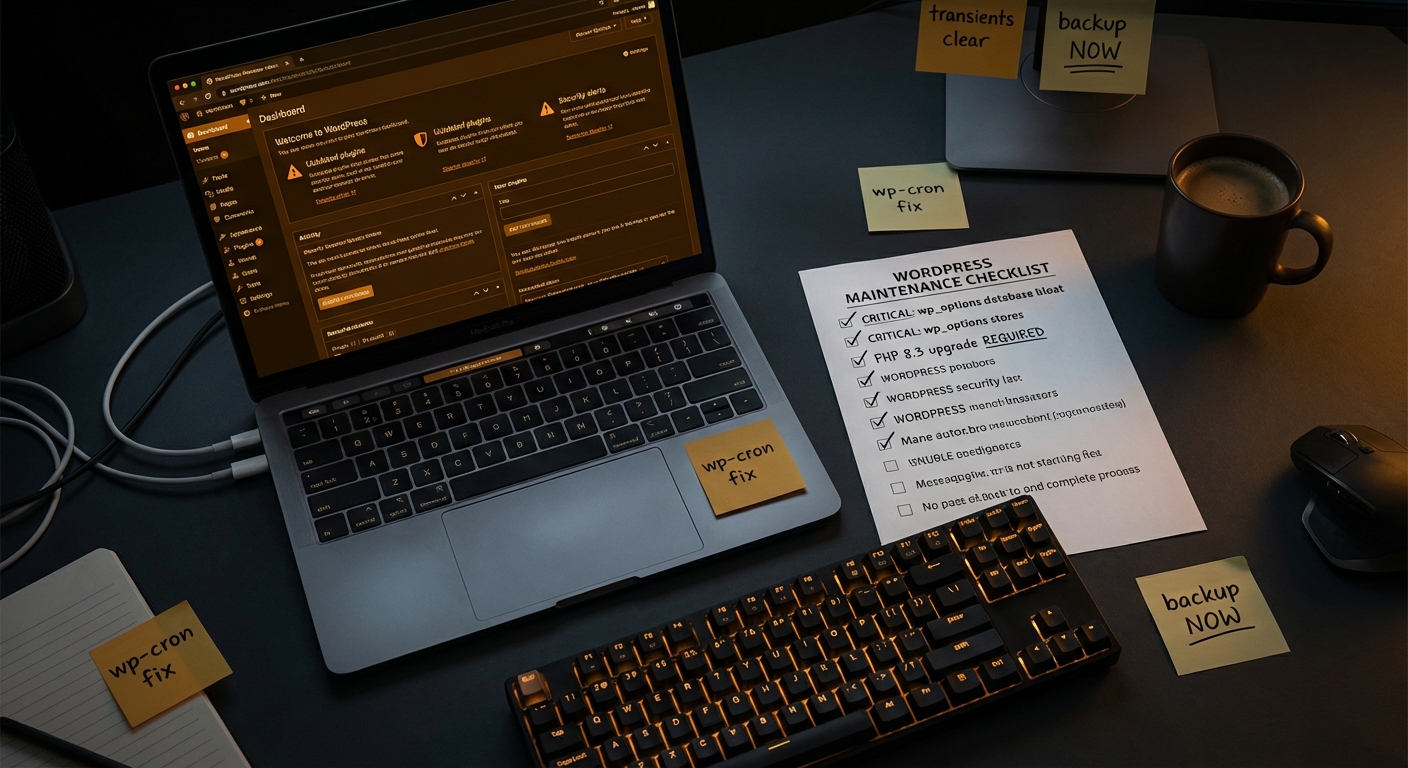
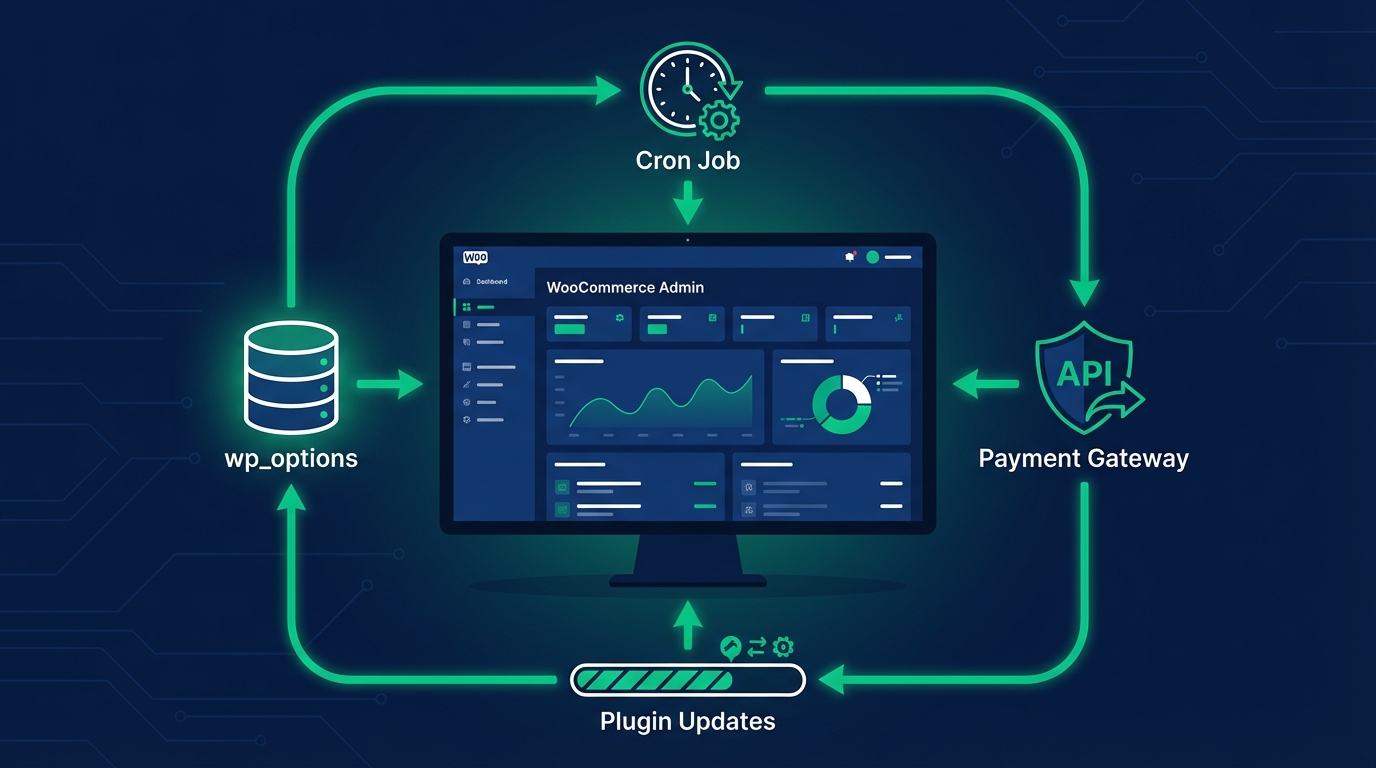
- Database hygiene. WooCommerce generates significant database load. The wp_options table bloats over time with stale transients and orphaned plugin data. Without periodic indexing reviews and cleanup routines, database query times drift upward invisibly. You won't notice until Query Monitor tells you a page is firing 200+ database calls on every load.
- Cron reliability. WooCommerce depends on WP-Cron for order processing hooks, inventory updates, and scheduled emails. WP-Cron fails silently under certain server configurations. You don't know it's broken until something critical stops working downstream.
This is where the Shopify comparison gets honest: Shopify handles infrastructure so you don't have to. WooCommerce requires operational ownership — or a team managing it for you.
That's not a point in Shopify's favor. It's an argument for having the right support layer on WooCommerce.
The Control Gap: Where Shopify Fails Growing Stores
Shopify's constraints don't hurt at $5,000/month in revenue. They start mattering at $30,000. They get expensive at $100,000.
Data ownership. Your customer data on Shopify lives on Shopify's servers under Shopify's terms. Exporting complete order history, customer metadata, and behavioral segmentation data is harder than it should be. On WooCommerce, your data is in your MySQL database. You export it whenever you want, in whatever format you need — no permission request, no rate-limited API calls.
Multi-channel and custom integrations. WooCommerce connects to virtually every third-party system through direct API connections or the REST API — custom ERPs, headless commerce architectures, direct POS systems, proprietary fulfillment tools. Shopify's API is capable, but the architecture is closed. Third-party developers can only touch what Shopify exposes.
Pricing logic complexity. WooCommerce supports arbitrarily complex pricing rules: role-based pricing, quantity breaks, time-limited discounts with stacking rules, B2B wholesale tiers, per-user negotiated pricing. On Shopify, most of this requires paid apps with their own logic limits. Some configurations still aren't possible without Shopify Plus.
Long-term independence. On WooCommerce, you can switch hosts, change themes, rebuild the frontend, or migrate to a headless architecture — all without leaving the platform or losing your data. On Shopify, you're building inside a walled garden. The convenience is real. So is the dependency.
The Migration Decision: Shopify to WooCommerce
A significant portion of store owners asking about this comparison are already on Shopify and evaluating a move. The honest breakdown:
Migration from Shopify to WooCommerce involves:
- Product data migration — manageable with proper tooling and field mapping
- Order history import — feasible, but historical data formatting requires cleanup
- Customer account migration — the most complex piece, since password hashes don't transfer; expect a forced password-reset flow
- URL structure alignment — critical for SEO continuity; 301 redirects must be exact and comprehensive or you bleed ranking equity
- Payment gateway reconfiguration — Stripe, PayPal, and most major gateways work on both platforms, but reauthorization is required
- App-to-plugin feature mapping — every Shopify app you're paying for maps to either a WooCommerce plugin, custom code, or native WooCommerce functionality
Done properly — with a staging workflow, database indexing review post-migration, a hard cutover plan, and performance benchmarking — a Shopify-to-WooCommerce migration preserves SEO equity and operational continuity.
Done poorly, it's a multi-week recovery. The migration itself isn't the risk. The operational gap after migration is.
Most stores that move to WooCommerce and struggle aren't struggling because WooCommerce is inadequate. They're struggling because they brought Shopify-level maintenance assumptions — essentially, none — to a platform that demands active management.
The Maintenance Layer No One Budgets For
This is the part platform comparison articles consistently skip.
Shopify's operational maintenance burden is near-zero by design. Shopify updates the platform, patches security vulnerabilities, and manages uptime. You pay for that in transaction fees and subscription costs — but you don't manage it. That's a real advantage if zero technical overhead is the priority.
WooCommerce in 2025 requires a maintenance system, not occasional updates.
Plugin abandonment risk. The WordPress plugin ecosystem includes thousands of plugins that haven't been updated in two or more years — incompatible with current PHP versions, carrying unpatched CVEs, and sitting inside production WooCommerce stores right now. Across most WooCommerce audits, abandoned plugins are the most consistent unaddressed vulnerability. They're not dramatic. They're just quietly exploitable.
WP-CLI-driven update workflows. Manual plugin updates through the WordPress dashboard don't give you a logged, tested, rollback-capable process. WP-CLI with a staging environment does. The difference between those two approaches is the difference between a maintenance system and a hope-based update habit.
Object caching configuration. Without a properly configured object cache — Redis or Memcached — WooCommerce hits the database on every request. Most WooCommerce stores don't have object caching configured correctly. The performance difference between a properly cached store and an uncached one is often 40–60% on server response time. That's not a minor optimization. That's a conversion rate variable.
Transient accumulation. Stale transients in the wp_options table don't self-clean reliably. Over months of operation, they accumulate and add overhead to every wp_options query. Without a maintenance routine that includes transient cleanup, this compounds silently — and invisibly — until performance degrades enough to notice.
PHP version compatibility. Running outdated PHP is one of the most common avoidable performance and security problems in WooCommerce stores. PHP 8.1 and 8.2 carry measurable performance gains over 7.4 — and 7.4 is end-of-life. Across audits, it's still surprisingly common to find production WooCommerce stores running on PHP 7.x.
If you choose WooCommerce without budgeting for the maintenance layer, you're accepting Shopify's control ceiling without Shopify's operational floor. That's the worst possible outcome from either platform decision.
A Framework for Choosing in 2025
Choose Shopify if:
- You're under $10,000/month in revenue and want zero operational overhead
- Your product catalog is standard and checkout requirements are simple
- You have no development resources and no budget for managed support
- You're validating a business model and need to move fast
Choose WooCommerce if:
- You're above $20,000/month in revenue and platform transaction fees are a real cost line
- You need checkout customization, complex pricing logic, or B2B workflows
- You want full data portability and long-term platform independence
- You're prepared to invest in a proper maintenance and support layer
Migrate from Shopify to WooCommerce if:
- Your Shopify app stack exceeds $500/month and you're still hitting functionality walls
- You're approaching or already on Shopify Plus pricing and the ROI doesn't justify it
- You need custom integrations that Shopify's API architecture is blocking
The economics almost always favor WooCommerce at scale. But those economics only materialize if the operational layer is handled.