Most WooCommerce stores aren't one bad hack away from collapse. They're one ignored cron job, one PHP mismatch, one undetected payment gateway failure away from it.
That distinction matters. Because if you're treating WooCommerce maintenance as a monthly plugin update ritual, you're not running a maintenance system — you're performing a ritual with no diagnostic feedback. The store looks fine. Until a customer hits checkout, the transaction silently fails, and you find out three days later through a bad review.
This guide covers what real WooCommerce upkeep actually involves — not the checklist version you'll find on a hosting blog, but the operational reality of keeping a transactional store healthy at the infrastructure, database, and application layer.
Why WooCommerce Demands More Than Standard WordPress Maintenance
A standard WordPress site has relatively stable state. A WooCommerce store is a system in constant motion.
Every order creates database writes. Every product update touches the wp_postmeta table. Every failed payment attempt logs something somewhere. Every coupon check fires a query. Every session creates a transient. Every abandoned cart either gets cleaned up — or it doesn't, and it silently accumulates.
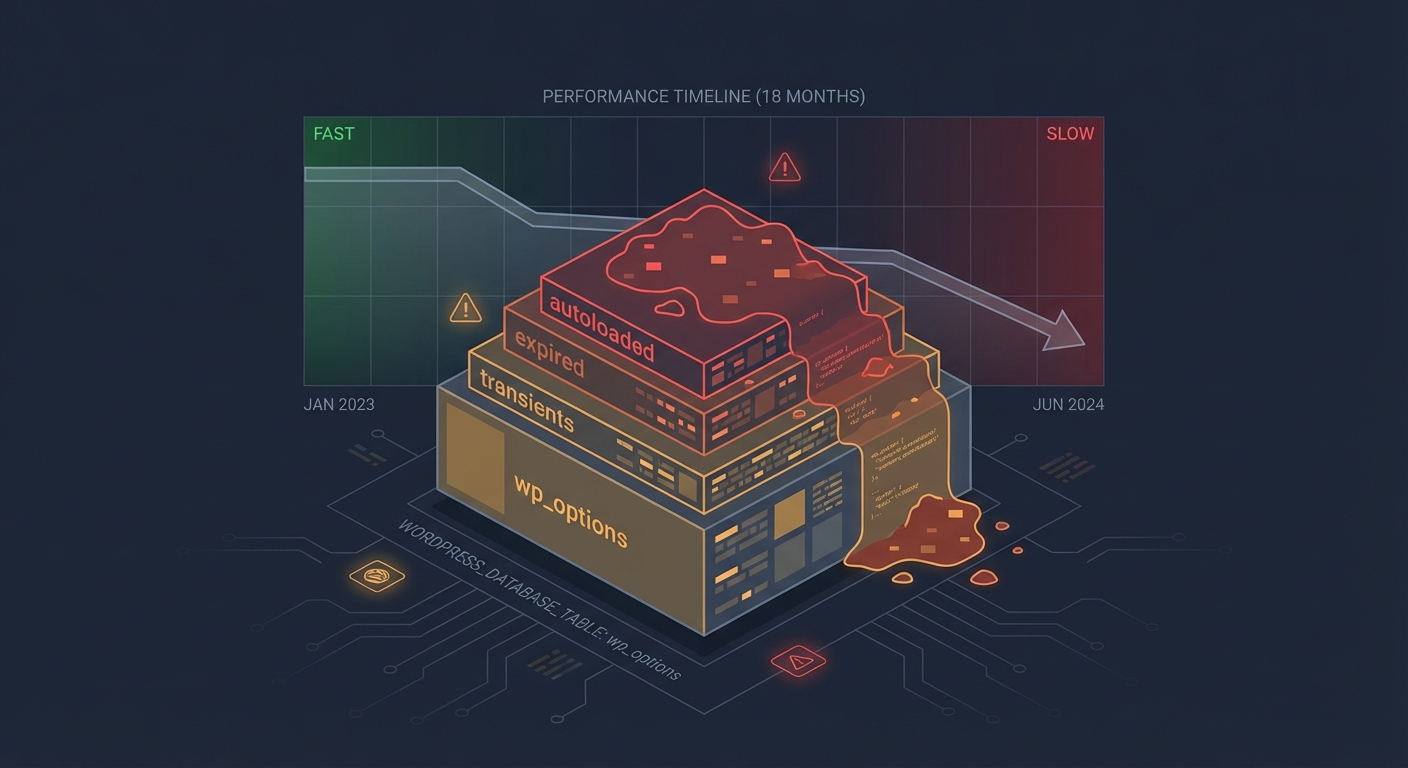
This isn't hypothetical. Across dozens of WooCommerce audits, we consistently find the same pattern: stores that haven't been actively maintained for 6–12 months are sitting on bloated wp_options tables, expired transients that never got purged, and wp_wc_sessions tables that have grown to hundreds of thousands of rows.
None of that shows up on the front end. The store looks fine. But it's running slower than it should, queries are taking longer than they need to, and the first time traffic spikes — Black Friday, a product launch, a press mention — the cracks show.
That's the decay model for WooCommerce. Not dramatic failure. Gradual, invisible degradation.
The Five Operational Layers of Real WooCommerce Maintenance
1. Core, Plugin, and Theme Updates — With Rollback Strategy
Everyone knows plugins need updating. What rarely gets addressed is what happens when an update breaks something in a live store.
WooCommerce core updates — especially major versions — can introduce breaking changes with payment gateway extensions, shipping plugins, or custom hooks. Across the WooCommerce sites we've worked on, this scenario comes up repeatedly: an update deploys directly to production, something breaks in checkout, and the store owner only finds out hours later when order volume drops visibly.
Real WooCommerce upkeep means:
- Maintaining a staging environment that mirrors production
- Testing updates there first — not just loading the homepage, but completing a test transaction, verifying webhook payloads, confirming order status transitions
- Having a documented rollback strategy with a pre-update backup tested for restore
WP-CLI makes this manageable. You can pull down a database snapshot, push it to staging, run updates, run your checkout flow, and promote only if it passes. That's a system. Clicking "Update All" in wp-admin is not.
2. Payment Gateway Testing
This gets skipped constantly. And it's the highest-stakes failure point in any WooCommerce store.
Payment gateways — Stripe, PayPal, Square, Authorize.net — communicate with your store through webhooks and API credentials. Those credentials expire. Webhook endpoints shift when plugins update. SSL certificates change. API versioning deprecates old integration methods without warning.
A payment gateway can silently fail without throwing a visible error. Orders stop completing. Customers see a generic "payment failed" message. You see nothing — unless you're actively monitoring. In our experience auditing WooCommerce stores, silent payment gateway failures are one of the most underreported revenue-loss events because the store owner has no immediate signal.
What real payment gateway maintenance looks like:
- Running monthly test transactions in sandbox mode and verifying the full order lifecycle — payment captured, order status updated, confirmation email sent
- Monitoring webhook delivery logs inside your gateway dashboard
- Verifying SSL validity and renewal schedules on the domains your gateway is hitting
- Checking for API deprecation notices from your payment provider before they become breaking changes
3. Database Health and wp_options Bloat
The wp_options table is where WooCommerce stores a staggering volume of transient data, plugin settings, and session noise.
Left unmanaged, autoloaded data in wp_options can balloon to 10MB, 20MB, or larger — and because WordPress loads autoloaded options on every single page request, that overhead hits performance constantly. It doesn't matter how well-configured your object cache is if you're autoloading 15MB of garbage on every bootstrap cycle.
WooCommerce-specific database maintenance includes:
- Purging expired transients (WooCommerce generates hundreds of them per product cycle)
- Auditing autoloaded data with Query Monitor or a direct SQL query
- Cleaning
wp_wc_sessionsof stale session rows — in unmaintained stores, this table alone can contain millions of rows - Running
OPTIMIZE TABLEon fragmented tables after large data operations - Reviewing database indexing on heavily queried WooCommerce tables like
wp_woocommerce_order_itemmeta
None of this runs automatically. It requires scheduled, deliberate maintenance — not a "set it and forget it" backup plugin running in the background.
4. Order Flow and Cron Job Monitoring
WooCommerce depends on WordPress cron jobs to process pending orders, send follow-up emails, clear sessions, and manage subscriptions if you run WooCommerce Subscriptions.
WordPress cron is notoriously fragile. It only fires when someone visits the site. If traffic drops, crons don't fire. If a plugin introduces a conflict, you get double-firing or missed jobs — subscription renewals fail silently, order status gets stuck in "processing," and abandoned cart emails never send.
Operational monitoring for WooCommerce cron includes:
- Validating that
wp_cronevents are firing on schedule using WP-CLI:wp cron event list - Replacing WordPress's pseudo-cron with a real server-side cron job via system crontab
- Setting up external uptime monitoring for your checkout endpoint specifically — not just the homepage
- Monitoring your WooCommerce order status dashboard for unusual clustering of "failed" or "pending" orders
For a WooCommerce store generating $3,000/day, that's roughly $125 per hour in lost revenue when the order pipeline breaks. The cron job that caused it doesn't announce itself. It just stops working.
5. Performance Maintenance
Performance in WooCommerce isn't set-and-forget. It degrades over time, and it degrades predictably.
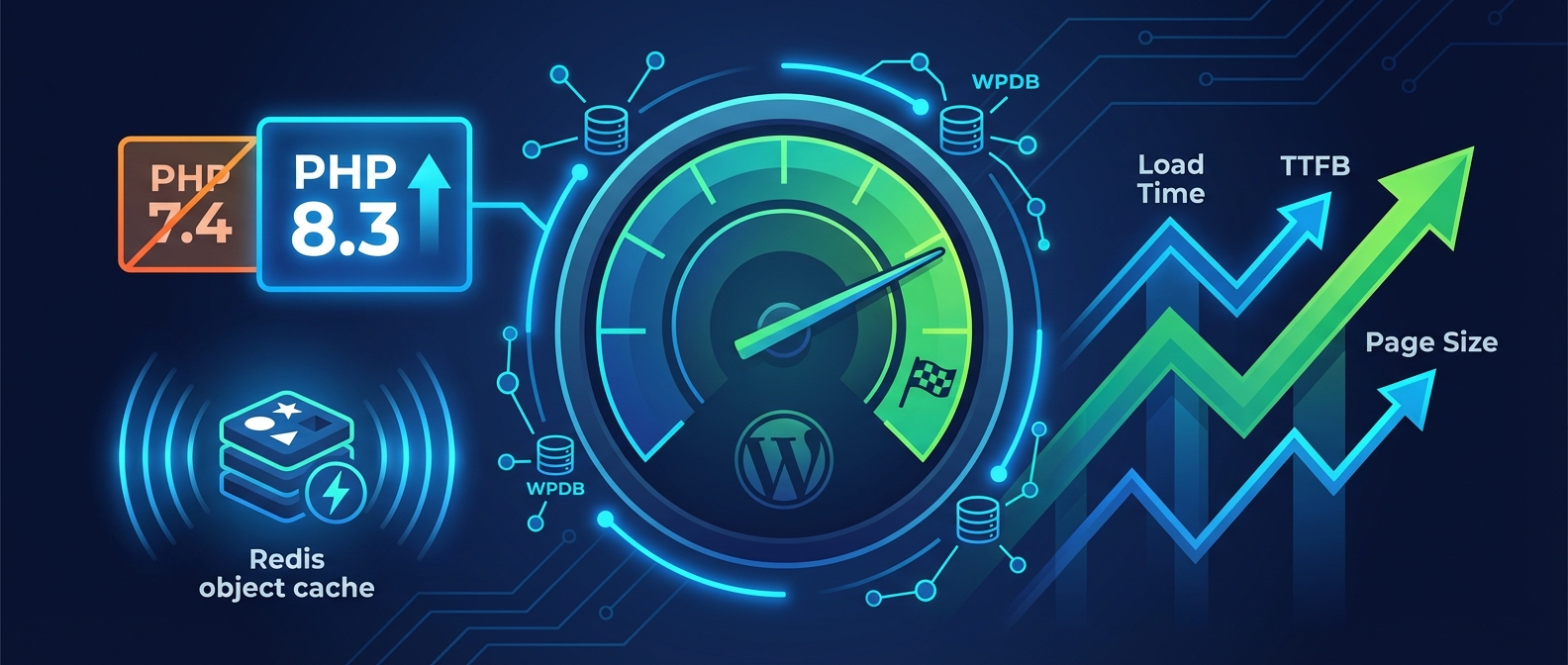
Database tables fragment. Plugins accumulate. The object cache configuration that held up when you had 200 products stops working when you have 2,000. PHP version compatibility becomes an active liability as the stack ages — running PHP 7.4 in 2025 isn't just a security issue, it's a measurable performance handicap affecting response times across every WooCommerce request.
WooCommerce-specific performance maintenance includes:
- Regular PHP version audits and compatibility testing before upgrades — testing on staging first, not production
- Reviewing object cache hit rates — a miss rate above 30% consistently signals something is misconfigured or overloaded
- Identifying slow queries via Query Monitor or database slow query logs
- Auditing REST API exposure — WooCommerce exposes product, order, and customer data through its REST API, and poorly-scoped or abandoned API keys are both a performance drag and a security surface
- Reviewing
.htaccessrules for outdated rewrites or redundant security directives that add latency
The goal isn't a one-time optimization pass. It's an ongoing feedback loop where performance data drives maintenance decisions over time.
The Hidden Cost of Treating Maintenance as Optional
Here's what "I'll handle it manually" actually costs in practice.
A WooCommerce store doing $4,000/day has $166 per hour riding on uptime. That's not a scary number — it's just the math. If a misconfigured plugin update causes 4 hours of checkout failure before the store owner notices, that's $664 in direct lost revenue. If a payment gateway silently fails for 48 hours over a holiday weekend, the math compounds quickly.
Beyond direct revenue loss, there are secondary costs that don't show up on a dashboard:
- Customer churn: Checkout failures push buyers to competitors. Most don't return.
- Recovery time: Diagnosing a broken WooCommerce store without staging or rollback infrastructure takes hours. With proper infrastructure, it takes minutes.
- Plugin abandonment risk: WooCommerce's commercial plugin ecosystem has real abandonment risk. Extensions stop receiving updates, security patches don't arrive, and an unmaintained store running an abandoned payment gateway plugin becomes a liability that can sit undiscovered for months.
Across the WooCommerce sites we audit, stores operating without a formal maintenance structure consistently carry more technical debt than their owners realize. The gap between what the store owner thinks the site is doing and what's actually happening at the database and application layer is almost always significant.
That's not a scare tactic. That's an operational pattern we observe repeatedly.
What a Real WooCommerce Care Plan Actually Covers
A WooCommerce care plan isn't "we update plugins once a month." That's table stakes, not a system.
Real WooCommerce upkeep is a managed operational layer that runs between your business and the technical debt accumulating by default. It covers staged updates, payment gateway validation, database maintenance schedules, cron job verification, performance tracking, and security hardening — executed on a schedule with documented outcomes.
At Vimsy, our WooCommerce maintenance services are built around the full operational stack. Not surface-level updates. Staged workflows, payment gateway monitoring, database cleanup schedules, and active performance benchmarking. You can review what's included and how we structure ongoing WooCommerce care at our pricing page.
If you want a baseline reference for what a maintained store should look like, our WordPress maintenance checklist covers the core categories — though WooCommerce-specific maintenance runs several layers deeper than standard WordPress upkeep.
The Signals Your Store Is Already Degrading
You don't need a full audit to spot early decay. These patterns show up consistently across unmaintained WooCommerce stores:
- Admin dashboard loads slowly — usually
wp_optionsbloat or autoload overhead accumulating over months - Order confirmation emails arrive late or not at all — classic cron failure signal, often misattributed to the email provider
- Checkout page loads slower than the rest of the site — session handling overhead or payment gateway API latency
- "Failed" orders appear without customer reports — silent payment gateway breakdowns happening between API calls
- Plugin updates backlogged 30+ days — no staged workflow, so updates get avoided indefinitely
- PHP version is two or more major releases behind — performance and compatibility debt that compounds with every new WooCommerce release
Any three of these together signals a store in active decay. Not terminal. But not healthy, and moving in the wrong direction.
The Path Forward Is a System, Not a Sprint
Getting a WooCommerce store into a properly maintained state isn't a one-afternoon fix. It's a sequence.
First: A full audit — database health, plugin status, cron job validation, payment gateway testing, PHP version review, performance baseline. This gives you an honest picture of where things actually stand.
Second: Implement staged update workflows. If there's no staging environment, that's the first infrastructure gap to close before anything else.
Third: Put recurring maintenance on a schedule with documented outcomes — not "updates done," but "updates deployed to staging, checkout tested, performance delta recorded, promoted to production."
Fourth: Active monitoring. Uptime monitoring on the checkout endpoint specifically. Order status anomaly monitoring. Cron job verification. These aren't optional add-ons — they're what separates maintenance from guesswork.
If any of that is more than you want to own internally, that's exactly what our emergency WordPress support and ongoing WooCommerce maintenance services exist to handle.
Look — I'm writing this because this is a problem I see constantly, and it's also exactly what we built Vimsy to solve. If you want professionals handling this instead of hoping nothing breaks, book a free call.
Your WooCommerce store is a transactional system running on an open-source application stack. It decays by default. The question isn't whether maintenance is necessary — it's whether you have a real system for it, or just a vague intention to keep things updated when you get around to it.
One of those is a strategy. The other is luck with extra steps.