The wp_options table is where most WordPress sites quietly rot.
Not all at once. Not dramatically. Over months, it fills with orphaned plugin data, expired transients that never self-cleaned, and autoloaded rows that bloat every single page load. Your server is pulling 400KB of autoloaded data on requests that need 20KB. Nobody notices until the site feels thick — sluggish in a way that's hard to pinpoint, easy to blame on hosting, and almost impossible to fix without understanding the actual mechanism.
This is the slow decay model. And it's more common than any dramatic hack or crash.
The Myth: Your Site Slows Down Because of Traffic or Hosting
The instinctive diagnosis is almost always wrong. When a WordPress site feels slower than it used to, the reflex is to blame traffic spikes, cheap hosting, or aging infrastructure. Upgrade the hosting plan. Maybe switch providers. Wonder why the problem persists.
Here's the truth: infrastructure changes rarely fix application-layer problems.
Your host manages the server. Nobody manages your WordPress installation. That gap — between server uptime and application health — is where performance quietly collapses.
A $60/month managed hosting plan doesn't optimize your database. It doesn't prune expired transients. It doesn't audit autoloaded data or reindex wp_postmeta after three years of WooCommerce orders. That's application-layer work. And if no one's doing it, it doesn't get done. Hosting companies have no incentive to tell you this, because the solution isn't a plan upgrade — it's a maintenance system.
What Actually Accumulates Over Time
Let's break down the specific mechanisms behind gradual WordPress slowdowns. These aren't abstract — they're measurable, diagnosable, and fixable.
Database Bloat: The Silent Accumulation
Every plugin you install writes to the database. When you uninstall it, most of the data stays behind. Tables, option rows, post meta fields — they don't clean themselves. Over 18 months of normal site operation, a mid-size WordPress install can accumulate tens of thousands of orphaned rows in wp_postmeta and wp_options alone.
WooCommerce compounds this aggressively. Every order creates records across multiple tables. Draft orders, failed transactions, and abandoned carts all leave residue. Without routine cleanup, wp_posts and wp_postmeta become unwieldy fast. Queries that once ran in 40ms start running in 300ms. That delta adds up across every page load.
You can verify this directly. Running wp db size --tables via WP-CLI gives you a per-table size breakdown in seconds. If your wp_postmeta table is sitting at 800MB+ on a site with fewer than 10,000 products, you have a bloat problem — and it's been building for longer than you realize.
Database indexing plays a role here too. When tables grow without proper indexing, MySQL switches from index scans to full table scans. That's the difference between a query that takes 10ms and one that takes 800ms. It's not a server problem. It's a schema maintenance problem — and it never fixes itself.
Transients: Expired, Unseen, Autoloaded
WordPress uses transients as a lightweight caching layer — temporary data stored in wp_options with an expiration timestamp. The problem is that expired transients don't always get cleaned up. They sit in the database, flagged as expired, but still occupying rows.
Worse: many plugins store transients without proper expiration logic. Some store them with no expiration at all, making them permanent residents in your wp_options table.
On a poorly maintained site, wp_options can contain thousands of stale transient rows — all queried on every page load because of autoloading. This isn't a hypothetical. Run wp transient list --expired on any neglected site and count what comes back.
A clean site manages this actively. An unmanaged site just accumulates.
Autoloaded Data: The Performance Tax on Every Request
WordPress loads certain wp_options rows on every single page request, regardless of whether they're needed. This is autoloading — designed for efficiency with small, essential data. Plugin developers, however, regularly abuse it by marking large datasets as autoloaded when they shouldn't be.
The total autoloaded data size should stay under 1MB for a well-performing site. In most audits we perform on sites with degraded performance, autoloaded data runs between 3MB and 8MB — sometimes higher. Every page load pays that tax, every request, thousands of times per day.
A single SQL query — SELECT SUM(LENGTH(option_value)) FROM wp_options WHERE autoload = 'yes' — tells you exactly what you're dealing with. If the number shocks you, that's the point.
Plugin Accumulation: The Compounding Weight
Plugins don't just add features. They add database queries, PHP execution time, HTTP requests, and external API calls. Each one is small in isolation. Together, they compound.
In most audits we perform, sites running 30+ active plugins have at least five that are either redundant, abandoned by their developers, or no longer compatible with current PHP versions. Abandoned plugins represent a particular problem — they don't just create performance drag, they create security exposure. An unmaintained plugin running on PHP 8.1 with code written for PHP 7.4 isn't just slow. It's a liability.
Plugin stacks rarely get audited after the initial build. By year two or three, a site runs plugins from 2019 with security reviews that ended in 2021. Nobody flagged the risk because nobody was looking. That's not maintenance. That's drift.
WordPress Cron and Scheduled Task Debt
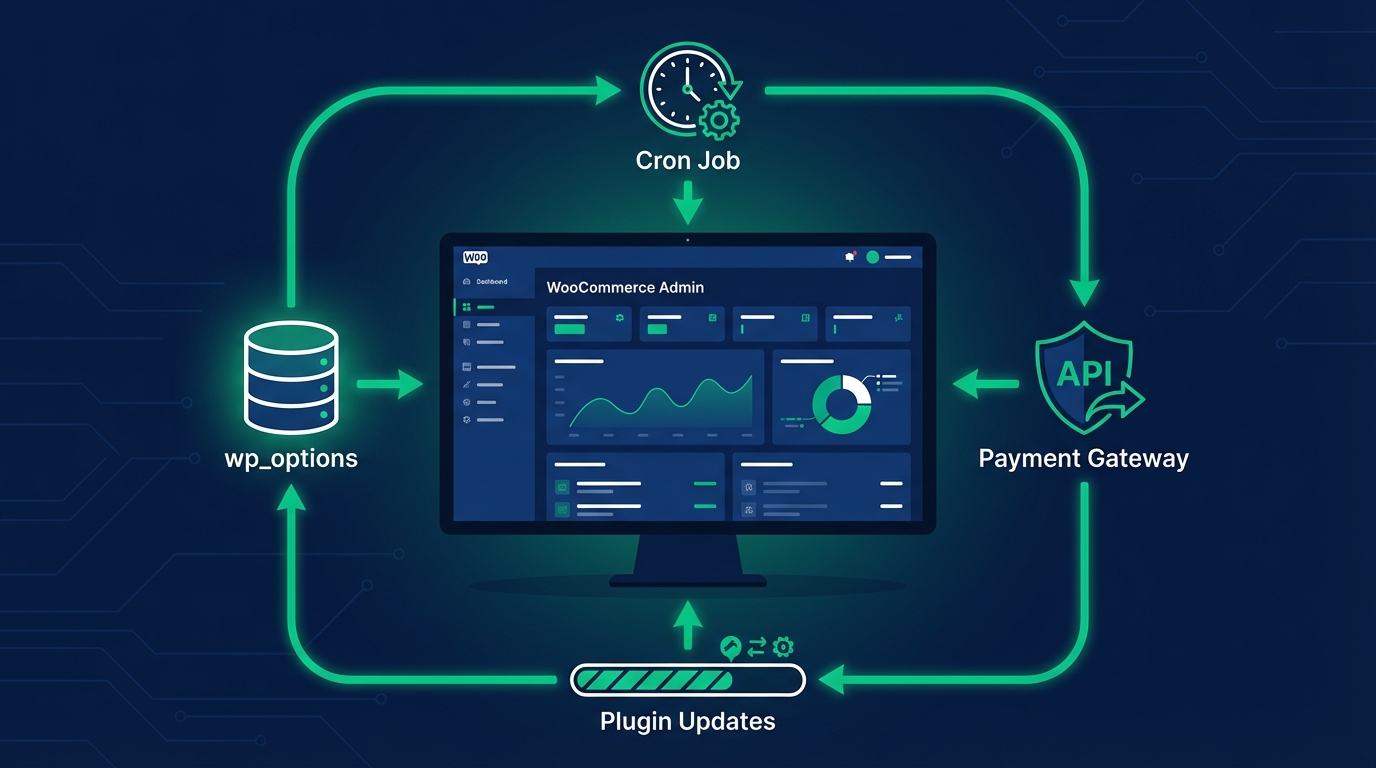
WP-Cron handles scheduled tasks — email sends, scheduled posts, cleanup operations, backup triggers. It runs on page load, which means it depends on traffic to function reliably. Low-traffic sites miss scheduled jobs. High-traffic sites stack duplicate jobs.
Over time, failed or duplicate cron jobs accumulate as scheduled events that never executed. They don't disappear — they queue. A clogged cron queue means cleanup tasks don't run, transients don't get purged, and database optimization routines never fire.
Run wp cron event list on a site that's been running for two years without active maintenance. The queued event backlog frequently reveals the exact point where someone stopped paying attention.
The Compounding Math of Neglect
Individually, each of these issues adds perhaps 100–300ms to page load times. Combined and left unchecked across 18 months, that compound effect regularly pushes load times from 1.2 seconds to 4+ seconds.
Google's Core Web Vitals thresholds are unforgiving. A site loading at 4 seconds fails LCP benchmarks. That's not just a user experience problem — it's an SEO penalty that suppresses rankings and cuts organic traffic. For a content site generating ad revenue, or a WooCommerce store running on margin, the revenue math becomes painful quickly.
Model this: A WooCommerce store averaging $3,000/day in revenue. If a 3-second load time reduces conversion rate by 20% — a conservative estimate based on widely cited performance research — that's $600/day in lost revenue. $18,000/month. Against that number, monthly database maintenance and performance tuning is not a cost. It's a return.
What an Active Maintenance System Actually Does
This isn't about running a cleanup plugin and calling it done. Database optimization plugins are blunt instruments. They delete rows without context, skip orphaned meta, and frequently leave the autoload problem entirely untouched. Real maintenance is operational.
A proper maintenance system runs:
Database optimization on a schedule — Not just table optimization, but targeted cleanup of orphaned postmeta, expired transients, and oversized autoloaded options. WP-CLI gives you the granularity to do this precisely without destroying data you need.
Plugin stack audits — Checking last-updated dates, PHP version compatibility, active install counts, and security review status. Flagging plugins abandoned by developers before they become attack vectors.
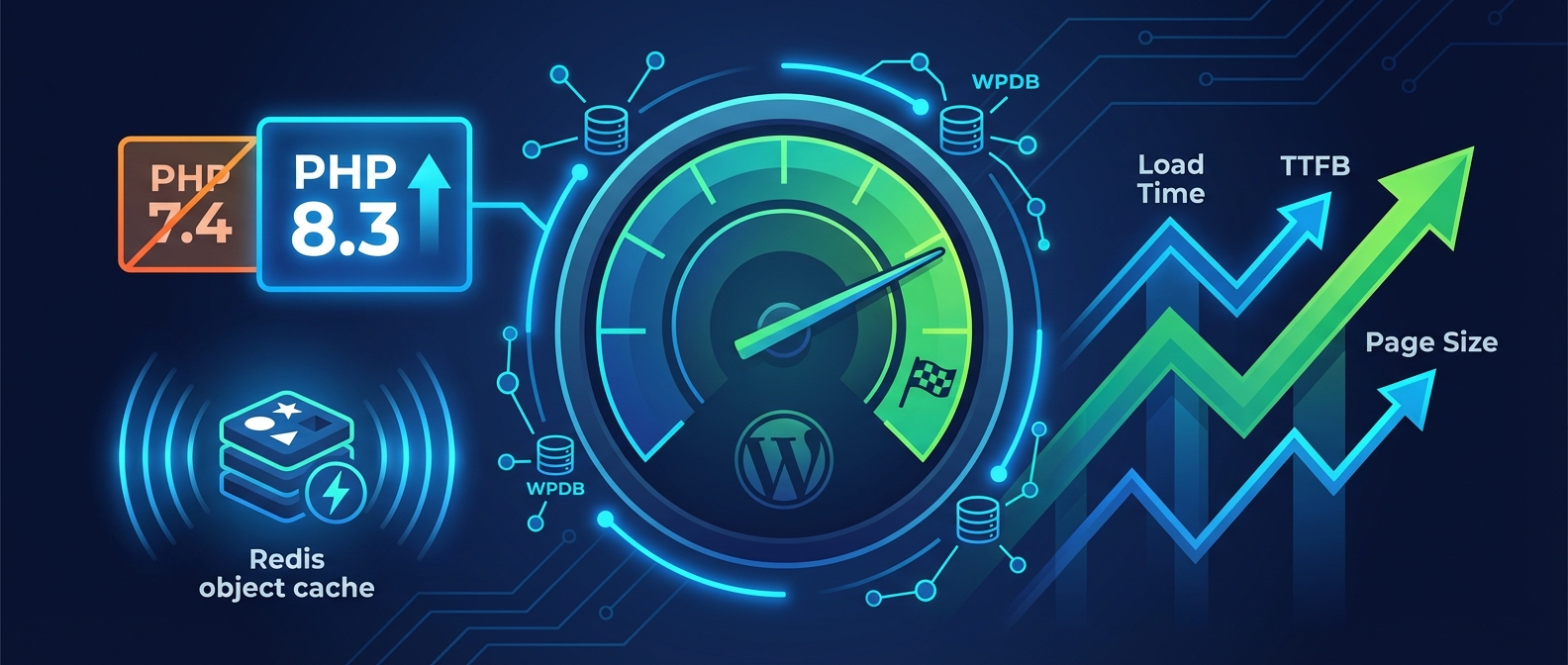
Object cache configuration — Redis or Memcached object caching dramatically reduces database query load by storing query results in memory. Without it, WordPress rebuilds the same queries from scratch on every page load. With it, repeat queries return from memory in microseconds. Most sites don't have this configured correctly, if at all.
Cron job hygiene — Auditing scheduled events, clearing stale queues, and using proper server-side cron via system crontab instead of relying on WP-Cron's unreliable page-load trigger mechanism.
Staging-safe updates with rollback strategy — Applying plugin and core updates through a proper staging workflow and testing before deploying to production. This eliminates the "the update broke everything" scenario that turns a 10-minute update into a 4-hour emergency.
The Signals You've Already Missed
By the time a site owner notices the slowdown, the underlying issues have been accumulating for months. The real signals are quieter:
- Time-to-first-byte creeping up on hosting dashboards
- Query Monitor showing 80+ database queries on simple page loads
- Hosting support tickets about resource usage spikes with no clear cause
- Google Search Console showing declining Core Web Vitals scores
- Admin dashboard loading sluggishly — a strong indicator that wp_options bloat is severe enough to affect the backend
If the admin panel feels slow, the problem is no longer minor. That's not a frontend caching issue. That's the application layer degrading past the point where simple fixes work.
How to Run an Initial Diagnostic Right Now
If you're not on a maintenance plan yet, you can start with these four checks:
- Run
wp db size --tables— Identify oversized tables immediately. - Run
wp transient list --expired— Count stale transients queued in wp_options. - Check autoloaded data size using the SQL query above.
- Install Query Monitor (temporarily) and load your homepage — flag anything over 50 database queries as a problem worth investigating.
What you find will tell you how far behind the site is. What you do with that information is the decision point.
In most audits we perform, site owners are shocked by the numbers — not because the site is broken, but because the accumulation has been invisible. The options at that point are: attempt manual cleanup without a process (high risk, low repeatability), or put the site into a maintenance system with scheduled routines and someone accountable for the outcome.
Performance Is a Maintenance Output, Not a Setup Configuration
The most persistent misconception: performance optimization is a one-time setup task. Install a caching plugin, run a speed test, feel good. Done.
WordPress isn't static. It changes with every plugin update, every order, every form submission, every scheduled job. Performance is a byproduct of continuous, active management — not a configuration set in 2022 and forgotten about.
The sites that stay fast three years after launch are the ones being actively maintained. The sites that decay are the ones coasting on the initial build. That's not an opinion. It's a pattern.
Across dozens of WordPress audits, we consistently find the same root causes: nobody running cleanup routines, nobody checking autoloaded data growth, nobody auditing the plugin stack after the initial build was handed off. The setup was solid. The ongoing management never existed.