Most WordPress maintenance reports are receipts pretending to be records.
You get a PDF at the end of the month. It lists the plugins that were updated. It says "backup: complete" and "malware scan: passed." It has your logo at the top and looks vaguely professional.
And you have no idea whether your site is actually in good shape.
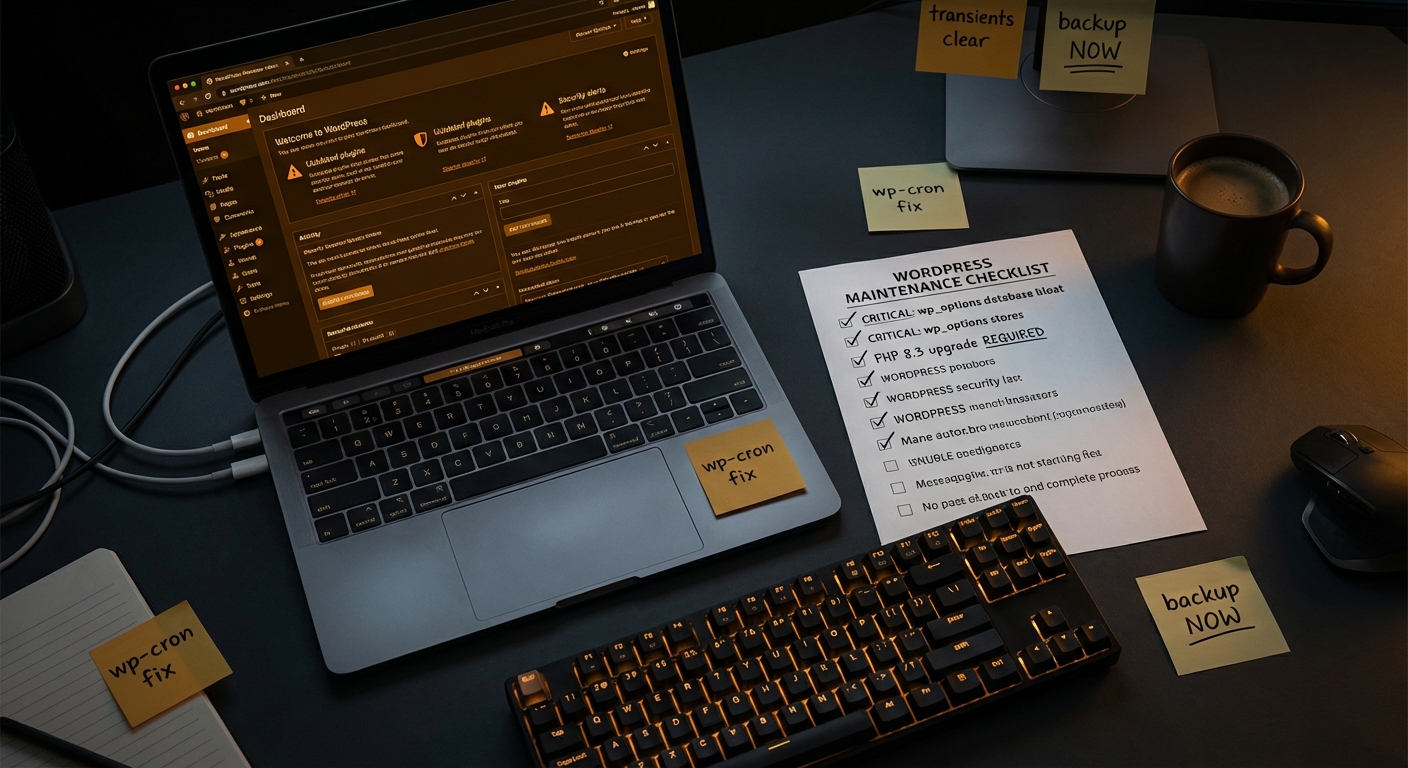
That's the problem. A maintenance report that only lists actions taken tells you nothing about the state of the system those actions were taken on. It doesn't tell you whether a plugin is quietly becoming a vulnerability. It doesn't tell you whether your wp_options table is bloated with autoloaded data that's slowing every page load. It doesn't tell you whether your cron jobs are failing silently, or whether your PHP version is approaching end-of-life.
A report that doesn't surface problems isn't a clean bill of health. It's a gap in oversight.
This article is a reference guide. Use it to evaluate what you're currently receiving — or what you should demand before signing up for any WordPress care plan.
The Belief Worth Challenging: "No News Is Good News"
Most business owners assume that if their site is running and the monthly report says everything is green, the job is done.
That assumption gets exploited — sometimes accidentally, sometimes not.
In most WordPress audits, issues exist that no one flagged: a plugin that hasn't been updated in six months, a growing wp_options table with thousands of stale transients, a PHP version running below the current supported release, or a REST API endpoint exposed with no authentication restriction. None of these throw visible errors. All of them carry compounding risk.
A provider who doesn't surface these findings in their monthly report isn't necessarily dishonest. They might just not be looking. But the result is the same: you're paying for maintenance that doesn't include forward-looking risk identification.
That's not a maintenance program. That's a subscription to inactivity with a paper trail.
Section 1: Uptime and Availability Data
This is the most basic piece of reporting — and still frequently missing.
A proper uptime section in your WordPress site report includes:
- Uptime percentage for the reporting period
- Any incidents, their duration, and the cause
- Response time trends (was your site slower on certain days?)
If your site went offline for any period and nobody told you in real time — that's a process failure. If the monthly report doesn't even document it retroactively, you're operating blind.
Why it compounds: For a WooCommerce store averaging $5,000/day, a single hour of downtime represents roughly $208 in direct lost revenue — before accounting for cart abandonment, customer churn, and the SEO signal damage that comes from repeated crawl failures. A report that papers over downtime incidents doesn't protect you. It hides costs from you.
Section 2: Core, Plugin, and Theme Update Log — With Context
Yes, updates should be logged. But the update log isn't the report — it's one line item in the report.
What the update log should include:
- Whether each update was a security patch or a feature/maintenance release
- Whether any updates caused a conflict that was caught and resolved
- Whether any update was held back due to compatibility risk — and why
- A flag for any plugin that hasn't received an update in 90 or more days
That final point matters more than most owners realize. An abandoned plugin is not just a dead feature — it's an unpatched attack surface. When a vulnerability is discovered in an abandoned plugin, there's no fix coming. Every WordPress hack analysis points to outdated or abandoned plugins as the most common root cause. Your report should identify these explicitly, not ignore them because "technically the plugin is still installed and working."
Section 3: Security Scan Summary — With Actual Data
"Malware scan: passed" is not a security report.
A real security section should include:
- File integrity check results: Were any core WordPress files modified outside of a legitimate update cycle?
- .htaccess status: Is the file intact and unmodified? This is frequently the first target in an injection attack.
- Login attempt volume: How many failed login attempts occurred? Did brute-force protection trigger?
- REST API exposure status: Are unauthenticated endpoints exposed that shouldn't be?
- Domain blacklist check: Is your domain appearing on any security or spam blacklists?
The .htaccess file in particular deserves attention. A competent maintenance provider checks it as a matter of course — because a compromised .htaccess can silently redirect traffic, inject code into page responses, or expose directory contents. If your monthly report doesn't confirm this was reviewed, it wasn't.
Section 4: Performance Snapshot — Month-Over-Month Comparison
Site speed is not a fixed property. It degrades over time — and the degradation is often invisible until a user complains or Google drops your rankings.
Your WordPress monthly report should include:
- Page load time vs. the previous reporting period
- Core Web Vitals scores and any meaningful changes
- wp_options autoloaded data size: This grows as plugins store persistent data, and beyond a certain threshold it noticeably slows every page request. In most performance audits, this is one of the first findings.
- Transient count and stale transient accumulation: Transients are supposed to be temporary. When they expire without being cleared, they pile up in the database and slow query execution.
- Object cache status: If your stack uses a persistent object cache (Redis, Memcached), the report should confirm it's operational and show hit rate trends.
- PHP version in use: PHP 8.1 reached end-of-life at the end of 2024. Running an unsupported PHP version is both a security risk and a performance bottleneck. Your report should call this out and recommend an upgrade path if needed.
Performance monitoring isn't about chasing perfect scores. It's about catching the slow decay before it becomes a visible problem.
Section 5: Backup Verification — Not Just "Backup: Complete"
"Backups are running" is not the same as "backups are restorable."
A credible backup section in your WordPress maintenance report should cover:
- Backup schedule (daily? real-time? weekly?)
- Storage location — and confirmation it's offsite or cloud-based, not on the same server as the site
- File and database backup sizes (an unusually small backup is a warning sign — it may be incomplete)
- Whether a test restore was performed during the period, or the last date one was successfully completed
Until you test a restore, you don't have a backup. You have a scheduled job that runs until the day you need it and silently fails.
Most providers log backup completion without ever verifying recoverability. A professional maintenance program tests this. The report should say so.
Section 6: WP-Cron Health
WP-Cron is how WordPress handles scheduled tasks — sending transactional emails, processing scheduled posts, triggering WooCommerce order workflows, running automated plugin update checks.
When WP-Cron fails, it fails quietly. No visible error. No alert. Things just stop happening. Email delays. Scheduled posts don't publish. WooCommerce hooks don't fire on time.
Your monthly report should confirm:
- Whether WP-Cron ran successfully throughout the period
- Whether any cron jobs are stacking up (a sign of failed execution)
- Whether a server-side cron has been configured to replace the default WP-Cron behavior (this is the correct approach for anything beyond a basic site)
This is a diagnostic detail most reports skip entirely. Which means most providers aren't monitoring it — and you only find out something is wrong when a customer emails you.
Section 7: Staging and Change Management Notes
Any significant change made to your site during the month should be documented — including whether it was tested in a staging environment before being pushed to production.
This matters because undocumented changes are one of the most common causes of mysterious breakage. Something changes, nothing is logged, and three weeks later something stops working with no obvious cause.
A professional provider uses staging workflows as a standard part of the process — not as an optional extra for large projects. The report should reflect this. "Change X was tested in staging on [date] and deployed to production on [date]" is the kind of entry that proves a provider is treating your site with operational discipline.
If your current provider's report has no change management section, ask them directly: "How do you test changes before they go live?" The answer will be revealing.
Section 8: Forward-Looking Recommendations
This is where a WordPress maintenance report separates itself from a job log.
The most valuable section isn't the one that documents what happened. It's the one that tells you what's coming.
A competent provider should be surfacing things like:
- A plugin approaching abandonment — flagged before it becomes a vulnerability
- A growing database that needs indexing review or wp_options pruning
- A Query Monitor finding showing a slow query pattern that hasn't triggered user complaints yet
- A hosting tier that's approaching its limits based on traffic trends
- An SSL certificate renewal coming up in the next 45 days
- A rollback strategy recommendation after a major plugin update
If your monthly report ends with "all systems green" every single month — be skeptical. Either nothing ever goes sub-optimal on your site (unlikely), or nobody is looking deeply enough to find anything.
The recommendations section is the proof of work that separates an active maintenance provider from one who runs a script and sends a PDF.
What Vimsy Reports Actually Include
At Vimsy, every WordPress care plan includes a structured monthly report that covers every section described in this article.
When we onboard a new site, the first thing we run is a full technical audit — checking PHP compatibility, reviewing .htaccess integrity, running WP-CLI diagnostics on the database, clearing stale transients, and pulling a Query Monitor baseline. That audit sets the benchmark. Every monthly report after that measures against it.
You can see exactly what's included at each tier on our WordPress maintenance pricing page. Reporting is included on every plan — not a premium add-on, not something you have to request.
If you're trying to evaluate what good maintenance looks like from the ground up, our WordPress maintenance checklist walks through the full operational scope — useful whether you're currently with a provider or building your own program.
Look — I'm writing this because this is a problem I see constantly, and it's also exactly what we built Vimsy to solve. If you want professionals handling this instead of hoping nothing breaks, book a free call.
A report isn't proof that something was done. It's proof that someone actually understood what they were looking at.