The "WordPress Is Insecure" Myth Is Half True
WordPress doesn't get hacked because it's poorly built. It gets hacked because it's everywhere — and because most installations are operated carelessly.
WordPress powers roughly 43% of the internet. That scale makes it the highest-value target for automated attack infrastructure. Bots aren't clever. They're persistent. They scan millions of URLs per hour looking for known vulnerabilities in specific plugin versions, exposed configuration files, and weak credential patterns. When your site matches a known signature, it gets hit — automatically, without human involvement.
The risk isn't WordPress itself. The risk is the gap between what WordPress requires to stay secure and what most site owners actually do.
That gap is enormous. And it's completely preventable.
Why Scale Creates a Different Kind of Risk
When attackers build exploit toolkits, they target the largest possible attack surface. WordPress's 43% market share means any vulnerability in a popular plugin becomes a mass exploit opportunity within hours of discovery.
In 2023, Wordfence blocked over 4.7 billion malicious requests across its network. The majority of successful breaches didn't involve sophisticated zero-day attacks. They involved known vulnerabilities in plugins that had available patches — patches site owners hadn't applied.
That's not a WordPress problem. That's an operations problem.
The core WordPress software itself has a strong security track record. The WordPress Security Team issues patches rapidly. The problem is the ecosystem: 60,000+ plugins in the repository, varying wildly in code quality, maintenance frequency, and developer responsiveness.
The Actual Attack Vectors — In Order of Prevalence
1. Outdated Plugins and Themes
This is where most hacks originate.
When a plugin vulnerability gets patched, the patch notes are public. Security researchers publish CVEs. Within 24–72 hours, automated scanners identify sites still running the vulnerable version and begin exploiting them.
Running Query Monitor or a basic WP-CLI audit (wp plugin list --status=inactive) will show you dozens of plugins most sites carry that haven't seen an update in 6–18 months. Inactive plugins are particularly dangerous — they're not monitored, often forgotten, but still executable.
Plugin abandonment is a compounding risk. A plugin with 100,000 active installs and no update in two years isn't just outdated — it's a liability. The WordPress repository will eventually flag it, but the window between abandonment and flagging can be months.
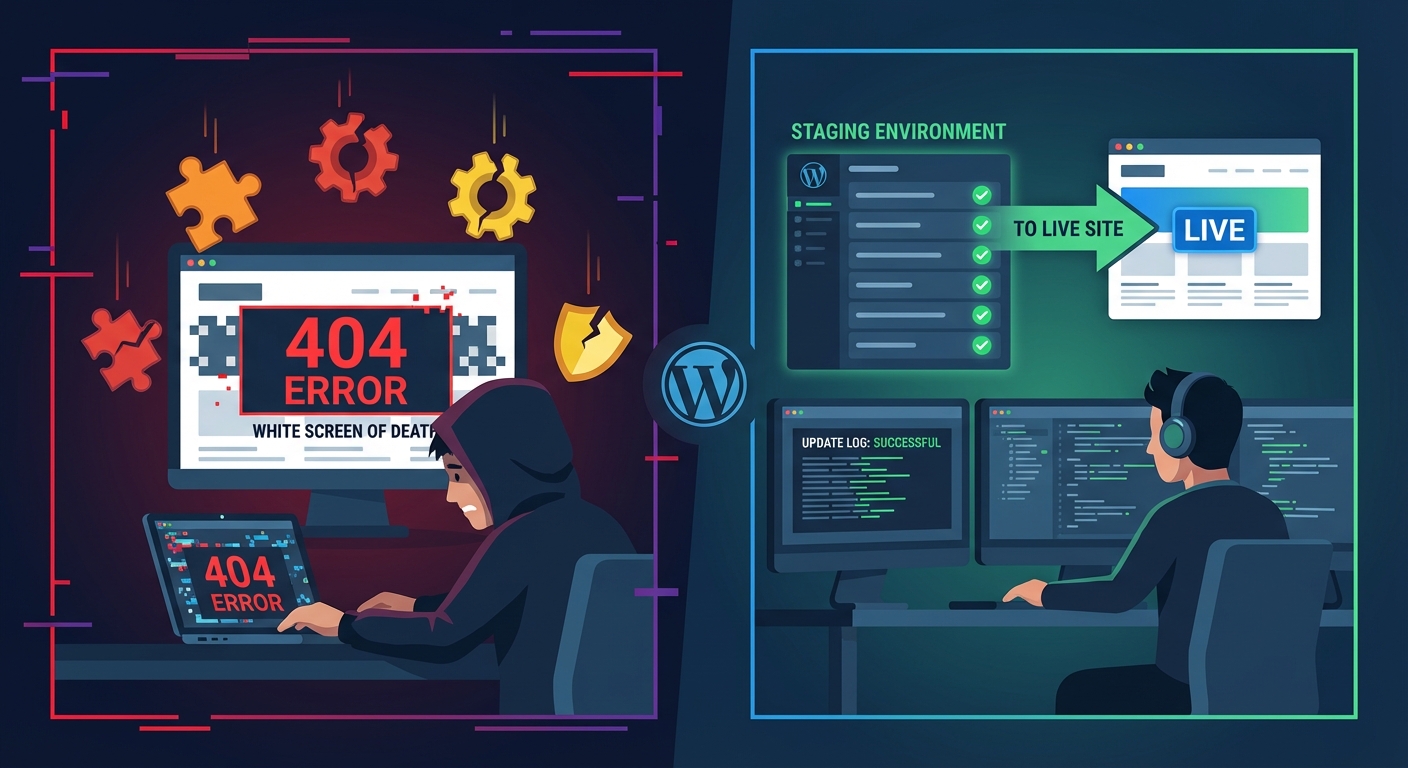
The fix isn't complicated: update everything, promptly, on a tested staging workflow before pushing to production. The problem is that "I'll update it this weekend" becomes "I haven't touched this in eight months."
2. Nulled Plugins and Themes
Nulled plugins are premium plugins stripped of their license checks and distributed for free through gray-market sites.
They're also one of the most reliable malware delivery mechanisms attackers use.
The math is obvious: if you want to inject a backdoor into thousands of WordPress installations simultaneously, encode it inside a nulled version of a popular premium plugin and let users install it themselves. No brute force required. No vulnerability exploitation needed. The site owner does the work.
Nulled plugins frequently carry:
- Encrypted base64 payloads in functions.php injections
- Remote code execution shells disguised as "helper" functions
- Persistent backdoors that survive plugin deactivation
If you're running nulled software anywhere in your stack, you don't have a maintenance problem. You have a compromised installation.
3. Weak or Reused Credentials
WordPress's login endpoint (/wp-login.php) is publicly accessible by default. Credential stuffing attacks run lists of known username/password combinations harvested from previous data breaches against that endpoint continuously.
The problem compounds when site owners reuse passwords across services. A breach at an unrelated platform becomes a WordPress breach if the credentials overlap.
The default admin username — still present on a remarkable number of sites — tells automated scanners they've found a site with minimal hardening. Half the brute-force equation solved before a single password attempt.
Basic .htaccess hardening, login attempt limiting, and two-factor authentication eliminate most of this exposure. These are 30-minute configurations. Most sites don't have them.
4. Bad Hosting Environments
Shared hosting without proper account isolation means a compromised site on the same server can laterally infect neighboring sites through the file system. This is a well-documented attack vector called cross-site contamination.
Beyond isolation failures, bad hosting environments typically mean:
- Outdated PHP versions (PHP 7.4 is end-of-life; sites still running it carry unpatched interpreter-level vulnerabilities)
- No server-level malware scanning
- Permissive file permissions that allow web-accessible scripts to write to critical directories
- Disabled security headers that browsers use to mitigate XSS and injection attacks
Your host managing your server is not the same as your host securing your WordPress application. Infrastructure security and application security are different layers. Hosts handle the former. The latter is your responsibility — or your maintenance partner's.
5. Exposed wp-config.php and File Permission Failures
wp-config.php contains your database credentials, authentication keys, and salts. It's one of the highest-value files in any WordPress installation.
Many sites have file permission configurations that allow this file to be read by other users on shared servers. Many more don't block direct HTTP access to it via .htaccess rules.
A correctly hardened WordPress installation should have:
wp-config.phppermissions set to 440 or 400.htaccessrules explicitly denying HTTP access to wp-config.phpwp-config.phpmoved one directory above the webroot where possible
None of this is exotic. It's documented. It's just not done by default, and it's rarely checked by site owners who don't know what to look for.
6. Broken or Abused WordPress Cron Jobs
wp-cron is a commonly overlooked attack surface. WordPress's pseudo-cron system triggers on page load — which means it's dependent on traffic and can be abused by external requests.
Malicious actors can trigger wp-cron artificially to execute scheduled tasks or, in compromised installations, use hijacked cron jobs to re-inject malware after a cleanup. Recovering a hacked site without auditing scheduled tasks is how reinfections happen.
Proper WP-CLI-based cron auditing (wp cron event list) should be standard in any recovery workflow. It rarely is.
7. REST API and XML-RPC Exposure
The WordPress REST API, enabled by default, exposes user enumeration endpoints. A request to /wp-json/wp/v2/users on an unhardened site returns usernames — which feeds directly into credential attacks.
XML-RPC, a legacy remote publishing protocol, enables brute-force attacks that bypass standard login attempt limits. Each XML-RPC call can test hundreds of password combinations in a single HTTP request.
Neither of these needs to be publicly open on most WordPress sites. Restricting REST API access to authenticated requests and disabling XML-RPC via .htaccess or plugin configuration is standard hardening — and a standard omission.
The Compounding Problem: Undetected Persistence
Here's what makes WordPress hacking particularly costly: most compromised sites don't know they've been compromised.
Attackers rarely want to immediately destroy a site. That would end the exploitation. Instead, they establish persistence — a backdoor that survives updates and cleanups, a cron job that re-downloads a payload weekly, a hidden admin user that sits dormant.
The goal is to use your site as an asset: for spam distribution, SEO link injection, cryptocurrency mining, or as a relay point in a larger botnet.
A site can operate visibly normally for months while being actively exploited. By the time you notice — through a Google Search Console warning, a host suspension, or a user complaint — the damage to domain reputation, SEO, and customer trust is already done.
Recovering from a hack isn't just technical. It's rebuilding trust signals with Google, auditing every file in your installation, rotating all credentials, and documenting what happened to prevent recurrence. For a WooCommerce store averaging $3,000/day, even 12 hours of downtime during that process is $1,500 in lost revenue — before you pay anyone to fix it.
This Isn't About WordPress Being Weak
Let's close the loop on the myth.
WordPress isn't uniquely insecure. A misconfigured Rails app, a Shopify store with a compromised third-party script, a Squarespace account with a reused password — all of these carry real risk too.
What makes WordPress feel uniquely vulnerable is the intersection of:
- Massive scale (more targets)
- Plugin ecosystem complexity (more attack surface)
- Operational neglect (more unpatched installations)
Remove the operational neglect and WordPress's risk profile drops dramatically.
That means: current software, audited plugin stack, strong credentials, hardened configuration, monitored environment, and a tested recovery plan.
That's not a product. That's a practice. It requires consistency, not just setup.
What Proactive Maintenance Actually Prevents
Across dozens of WordPress audits, we consistently find the same pattern: sites that have never been actively maintained carry multiple critical exposures simultaneously. Not one vulnerability — five or six, layered on top of each other.
A structured maintenance and security service addresses this systematically:
- Plugin and theme updates pushed through a staging workflow before production deployment
- Regular
wp_optionstable audits to catch database bloat and abandoned transients that obscure performance and hide injected options - Object cache configuration review — an unconfigured object cache means WordPress hits the database on every request, masking injection vectors inside query patterns
- Scheduled WP-CLI-based health checks across the full installation
- Uptime monitoring with alerting — so you're not the last to know.
The Only Sustainable Answer Is Prevention
Security through neglect is not a strategy. "Nothing has happened yet" is not evidence that nothing will happen — it's evidence that you haven't been noticed yet, or that the compromise is already quiet.
The cost of prevention is a fraction of recovery costs, reputational damage, or the revenue lost during an unplanned outage.
Most of the vulnerabilities described in this article are eliminated by consistent, professional maintenance. None of them require exotic solutions. They require operational discipline applied consistently.
That's what maintenance actually is.