A bloated WordPress site doesn't just frustrate visitors. It burns energy every single time someone loads it.
That's not a metaphor. Every HTTP request, every unoptimized image, every redundant plugin firing a database query — each one consumes server CPU cycles, which consume electricity, which has a carbon cost. A slow site and an energy-hungry site are the same site.
Most sustainability-minded business owners have audited their supply chain, their packaging, their office energy usage. Very few have audited their website. That's a gap worth closing — not just for values alignment, but because the fixes that reduce your site's carbon output also make it measurably faster.
The Digital Carbon Problem Is Measurable — and Growing
The internet accounts for roughly 3.7% of global greenhouse gas emissions — comparable to the aviation industry. Every webpage loaded requires data center energy, network transmission, and device rendering. According to the Website Carbon Calculator, the average webpage produces approximately 0.5g of CO₂ per page view. For a site receiving 50,000 monthly visitors, that's around 25kg of CO₂ per month — from page loads alone.
The heavier your page, the higher that number climbs.
A WordPress site running 40 plugins, uncompressed images, zero caching, and PHP 7.4 on a shared server isn't just slow. It's continuously wasteful in a way that compounds with every visitor.
The Contrarian Truth: You Don't Need a Separate Sustainability Strategy
A rigorous performance optimization strategy IS your sustainability strategy. They're not parallel tracks — they're the same track.
Consider what drives carbon cost on a WordPress site:
- Page weight (images, scripts, fonts): More bytes transferred = more energy consumed across the network
- Server processing time: Unoptimized PHP execution = longer CPU burn per request
- Uncached requests: Every page regenerated from scratch = database queries + PHP rendering + full server processing, every single time
- Render-blocking resources: JavaScript and CSS that delay load = browsers idling while servers continue to serve
Every one of those factors is also a core performance problem. Fix the performance — and the carbon footprint drops in lockstep. This isn't coincidence. It's the architecture.
Where WordPress Sites Waste the Most Energy
Plugin Bloat and Redundant Execution
Most WordPress sites carry between 20 and 50 active plugins. Many fire on every page load — registering scripts, running database queries, hooking into wp_head and wp_footer, and initializing features that may not be needed on a given page.
Across dozens of WordPress audits, we consistently find plugins running on pages where they serve no function. A contact form plugin loading its full JavaScript suite on your homepage. A slider library initializing on a product page. Each one burns server resources and adds page weight for no reason.
WP-CLI's wp plugin list gives you a full inventory. But knowing which plugins load where — and whether they're necessary — requires a deeper audit using Query Monitor diagnostics to trace exactly what's executing per request.
Fewer active plugin calls per page = fewer server cycles = less energy consumed per visitor.
Database Rot in wp_options
The wp_options table stores a massive range of WordPress settings — but it's also where plugins dump transients, cache fragments, and autoloaded records that often persist long after the plugin is deactivated.
Autoloaded data in wp_options loads on every WordPress bootstrap, regardless of whether it's needed. A bloated table with hundreds of kilobytes of autoloaded data means every single page request pulls and processes that data — uselessly, repeatedly, at continuous server cost.
Run SELECT option_name, length(option_value) FROM wp_options WHERE autoload='yes' ORDER BY length(option_value) DESC LIMIT 20; and see what's accumulating there. In most site audits, we find deactivated plugin data still autoloading — sometimes for years after the plugin was removed. That's not just inefficiency. It's server energy burned on data no one asked for.
Cleaning this up reduces database query overhead on every single request your server handles. The energy reduction is invisible to the user — but it's real and it compounds across every monthly page view.
Stale Transients and Broken Cron Jobs
WordPress transients are temporary cached values stored in the database. When working correctly, they reduce repeat processing — a net positive for both performance and energy use.
When WordPress cron is broken or misconfigured, transients don't expire properly. Instead of clearing, they accumulate. The database fills with stale data. Object cache layers like Redis or Memcached may serve outdated values. Meanwhile, the cron jobs meant to run scheduled cleanup tasks, trigger events, or handle email queues are silently failing in the background.
A properly configured object cache layer — paired with a healthy wp-cron schedule — dramatically reduces redundant database calls. Less processing per request, at scale. This is one of the highest-leverage fixes in the sustainability-performance overlap, and one of the most commonly broken things we find during audits.
Unoptimized Images
Images typically account for 60–80% of page weight on image-heavy WordPress sites. Serving a 3MB JPEG when a 180KB WebP would look identical is pure waste — for the visitor's bandwidth, for server delivery costs, and for the energy consumed in transmission across the network.
Modern image handling in WordPress (WebP conversion, lazy loading, responsive srcset attributes) has become more accessible, but implementation quality varies. Uploading and forgetting is still the default behavior for most site admins. The result: page payloads that are two to five times larger than they need to be.
Every megabyte removed from your average page weight reduces the energy cost of every load — multiplied across your total monthly traffic. For a site getting 100,000 page views per month, reducing average page weight by 1MB is a meaningful cumulative energy reduction.
PHP Version and Server Efficiency
Running PHP 8.2+ isn't just about compatibility or support. PHP 8.x is measurably more efficient than 7.4 in terms of execution speed and memory consumption. Benchmarks consistently show 30–50% performance improvements for PHP-intensive operations — which translates directly to less CPU time consumed per request.
Less CPU time = less electricity = lower carbon output per visitor.
If your WordPress host still defaults you to PHP 7.4 or lower, you're leaving simultaneous performance and sustainability gains on the table. Upgrading is typically a single-line change in your hosting control panel. The compounding impact across millions of requests is substantial.
Green Hosting: Infrastructure Matters, But It's Not Enough Alone
Green web hosting — providers running data centers on renewable energy or purchasing carbon offsets — is usually the first thing sustainability-conscious site owners pursue. And it matters. Hosting on wind- or solar-powered infrastructure is a legitimate, direct emissions reduction.
But it's not sufficient on its own.
A bloated site on a green host still consumes more energy than a lean site needs to. Green hosting reduces the carbon intensity of each server cycle — but a wasteful WordPress build still executes far more cycles than necessary. You've made each calorie cleaner. You haven't reduced how many calories you're burning.
The compound win is: green hosting infrastructure + a lean, well-optimized WordPress codebase. One without the other leaves real gains unrealized.
When evaluating hosts for sustainability credentials, look for: verified renewable energy commitments (not just offset purchasing), HTTP/3 and CDN support for edge caching, PHP 8.2+ availability, and server-side caching like Redis or Memcached built into the infrastructure.
The Audit That Comes Before Everything Else
Before switching hosts or installing another optimization plugin, understand what your site is actually doing. A structured WordPress performance audit covers:
Page weight analysis — What is your average page size? What's driving it? Is it images, third-party scripts, or loaded plugin assets?
Database health check — How large is wp_options? How much data is autoloaded? How many orphaned transients are sitting in the database?
Plugin execution audit — Which plugins fire on which page types? Are any loading scripts or styles on pages where they're completely irrelevant?
Cron job status — Are scheduled tasks running on schedule? Are transients expiring correctly or accumulating indefinitely?
PHP version check — Are you actually running 8.1 or higher? Has your host been configured to use it, or is it available but not active?
Core Web Vitals baseline — Where is server and render time being spent? What do your LCP, CLS, and FCP scores look like, and where are the bottlenecks?
Without this baseline, you optimize blind. You might move to a green host and miss the fact that autoloaded wp_options bloat is doubling your server response time. Or you might add a caching plugin on top of a broken cron schedule and wonder why performance remains erratic.
This structured audit is the starting point for our WordPress performance and maintenance work. The problems it surfaces are rarely visible from the front end — they live in the database layer, in plugin execution order, and in server configuration.
If you're not sure where to start, our WordPress maintenance checklist covers the core areas to review.
Performance Sustainability Is Ongoing — Not a One-Time Fix
Here's what most optimization articles skip: the gains decay.
A WordPress site optimized in January can be measurably slower and heavier by June. Plugins update and introduce new asset loads. The database accumulates new bloat from post revisions, transients, and orphaned metadata. New features are added without staging workflows being followed. PHP compatibility isn't verified ahead of a major core or WooCommerce update.
Sustainable performance requires ongoing maintenance. Specifically:
- Regular database cleanup (transients, post revisions, orphaned metadata via WP-CLI)
- Monitoring plugin updates for performance regressions after each update cycle
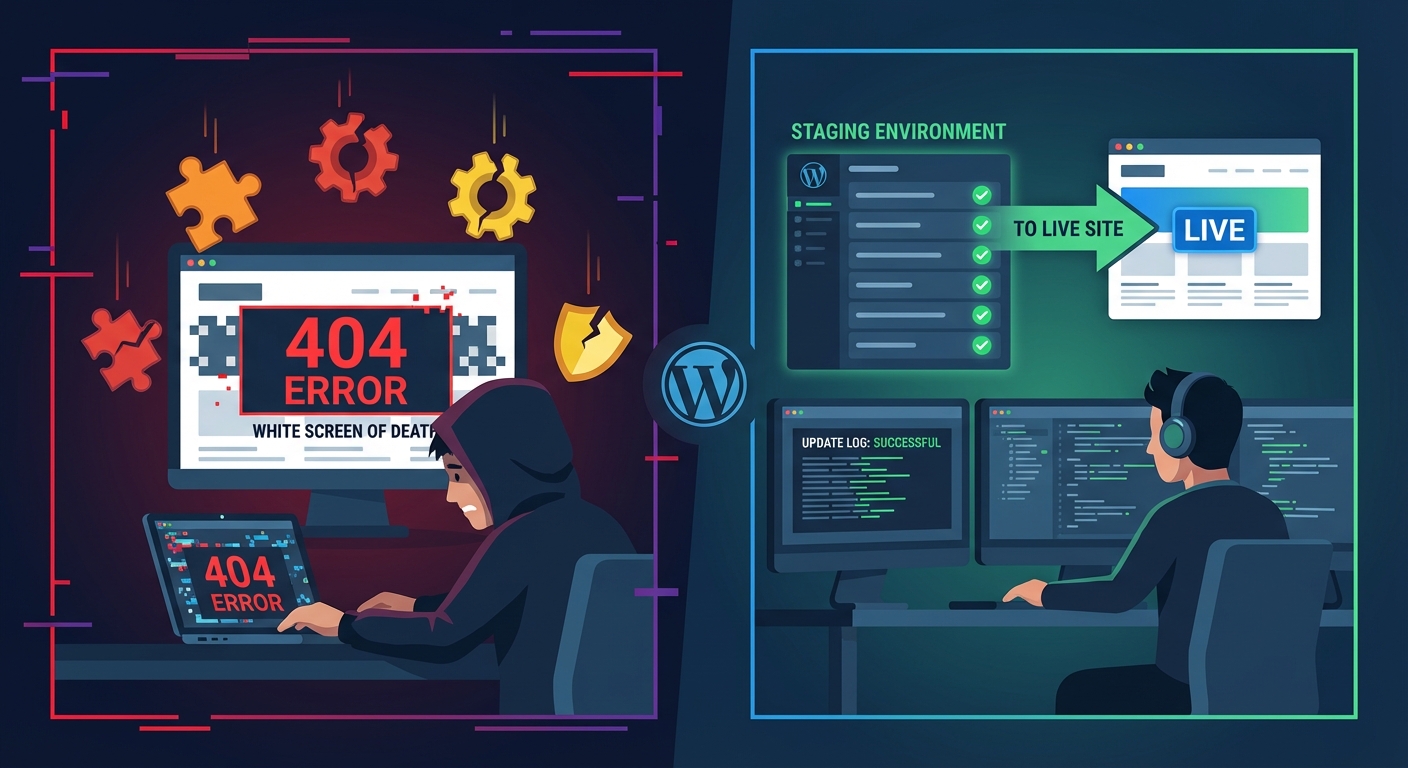
- Staging environment testing before major changes go live
- PHP compatibility verification before each major WordPress or WooCommerce update
- Quarterly Core Web Vitals benchmarking to catch decay before it compounds
.htaccesshardening reviews whenever server configuration changes
This is what a properly executed WordPress care plan actually covers — not just plugin updates on a schedule, but active performance monitoring of what those updates do to your site's load profile.
Without this, the carbon and speed savings you achieved in January erode quietly in the background. Nobody notices until load times spike or a Core Web Vitals drop affects your organic search rankings.
What the Technical Remediation Actually Involves
The sustainability and performance work described here isn't theoretical. It maps to a concrete set of technical tasks:
- Full plugin and asset audit (what loads, where, and why)
wp_optionscleanup and autoload optimization using direct database queries- Transient and database table cleanup via WP-CLI (
wp transient delete --all) - Object caching configuration (Redis or Memcached, properly integrated)
- Image optimization pipeline setup (WebP conversion, lazy loading, CDN delivery)
- PHP version upgrade and compatibility testing across active plugins
.htaccesshardening and server-level caching headers- Staging environment deployment and verification before any live changes
Done properly, this work takes several hours to a full day depending on site complexity. It's not a checklist you run through once and mark done — it's a diagnostic and remediation process that requires understanding how WordPress executes at the server level, not just what the settings labels mean.
See our pricing and service structure if you want to understand what this engagement looks like before reaching out.
The Stakes Have Changed
Google's Core Web Vitals are a live ranking signal. Page experience is a documented factor. And for brands with genuine environmental commitments, a bloated, energy-hungry website is an increasingly visible inconsistency — especially now that tools like the Website Carbon Calculator let anyone measure your site's emissions per page view in seconds.
The good news: the interests are fully aligned here. Faster = greener = better for rankings = better for users. There is no trade-off. Performance optimization and sustainability aren't in tension. They're expressions of the same discipline: eliminating waste.
The question isn't whether your WordPress site could be leaner and cleaner. It almost certainly can. The question is whether you're actively managing it toward that state — or letting it decay in the background until the gap becomes a problem you can no longer ignore.
Look — I'm writing this because this is a problem I see constantly, and it's also exactly what we built Vimsy to solve. If you want professionals handling this instead of hoping nothing breaks, book a free call.