Most WordPress sites don't announce their problems. They accumulate them.
A slow query here. An abandoned plugin there. A wp_options table that's grown to 80,000 rows because no one ever cleared autoloaded data. By the time something visibly breaks, the damage is already weeks or months old. A WordPress health check isn't about reacting to problems — it's about finding what your site has already been hiding.
This article explains what a proper WordPress audit actually covers, why the built-in Site Health tool gives you a false sense of security, and what a professional review reveals that a five-minute DIY scan never will.
What "WordPress Health Check" Actually Means
The term gets used loosely. WordPress has a native Site Health screen in the dashboard. Hosting panels often include a "health score." Some plugins will generate a performance report. None of those are a health check in any meaningful operational sense.
A real WordPress health check is a systematic audit of every layer where things can quietly go wrong:
- Performance layer — database efficiency, query load, object cache configuration, transient bloat
- Security layer — file permissions, REST API exposure, login hardening,
.htaccessrules, plugin vulnerability status - Code quality layer — PHP version compatibility, deprecated function usage, abandoned plugins, theme conflicts
- Infrastructure layer — server response times, cron job reliability, staging environment parity
- Content integrity layer — broken links, redirect chains, orphaned media, serialized data corruption
That's five distinct layers. WordPress's built-in Site Health touches maybe 20% of this — and only the surface of that 20%.
What the Native Site Health Tool Actually Checks
To be fair: the built-in Site Health screen isn't useless. It flags things like outdated PHP versions, missing HTTPS, inactive plugins, and whether background updates are enabled. For a non-technical site owner, it's better than nothing.
But it doesn't look inside your database. It won't catch a wp_options table with 4,000 autoloaded rows dragging every page load. It won't flag a cron job that's been silently failing for six weeks because your host disabled wp-cron without telling you. It doesn't analyze whether your object cache is actually reducing database queries or just adding overhead. It won't identify plugins that haven't received a security update in 18 months — it only flags plugins you've personally deactivated.
The native tool checks configuration flags. A real audit checks behavior. That's a fundamental difference, and confusing the two is one of the most common reasons site owners think everything is fine when it isn't.
What a Professional WordPress Audit Actually Reveals
Across dozens of WordPress audits, we consistently find the same categories of hidden problems. Not edge cases — default outcomes for sites that have never been formally reviewed.
Database rot is almost universal.
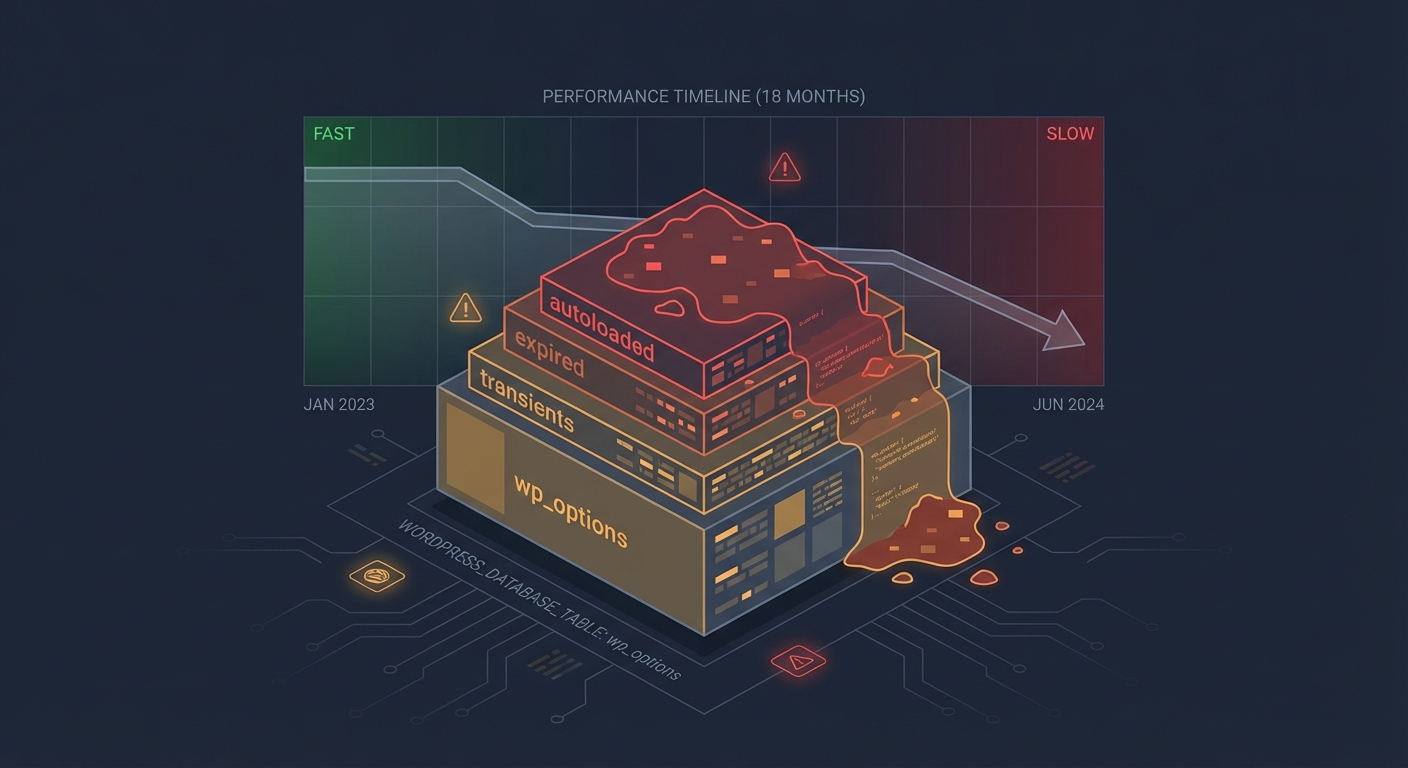
The wp_options table is where WordPress stores everything from plugin settings to transient cache data. In most un-audited sites, the autoloaded data in this table has grown far beyond what's necessary. We routinely find sites autoloading 3–6MB of data on every single page request — data that includes expired transients, deactivated plugin settings that were never cleaned up, and redundant serialized objects. This alone can add 400–800ms to server response time, with no visible cause in any front-end scan.
Database indexing compounds this. When custom queries from page builders, WooCommerce extensions, or theme frameworks aren't properly indexed, every query does a full table scan. On a small database, this is manageable. On a site that's been running for two or three years with thousands of orders and tens of thousands of posts, it becomes a consistent drag that no amount of caching can fully compensate for.
Cron jobs are running — or not running — in ways nobody knows about.
WordPress uses a pseudo-cron system triggered by page visits. On low-traffic sites, scheduled tasks back up. On high-traffic sites, simultaneous requests trigger duplicate cron runs. Either way, if a cron job responsible for clearing cache, sending emails, or processing orders is misfiring, you won't know until something downstream fails.
Running wp cron event list via WP-CLI gives you the real picture in seconds. You see every scheduled event, its next run time, and its recurrence interval. In most audits, we find events that haven't fired in days — and occasionally find duplicate events firing every five minutes because a plugin registered the same hook repeatedly without checking for an existing schedule. Neither of these situations shows up anywhere in the WordPress dashboard.
Plugin abandonment risk is massively underestimated.
A plugin installed in 2019 and last updated in 2021 isn't necessarily broken today. But it may contain vulnerabilities that have since been documented and not patched. It may call deprecated WordPress functions that will break on the next core update. It may conflict with PHP 8.x in ways that produce silent errors rather than visible failures.
An audit cross-references every installed plugin against its update history, support thread activity, and known CVE records — not just the "needs update" badge in the dashboard. The dashboard badge only tells you a new version exists. It tells you nothing about whether the plugin's developer is still active, whether the plugin has open security reports, or whether it's compatible with where WordPress core is heading.
PHP version compatibility issues hide until they don't.
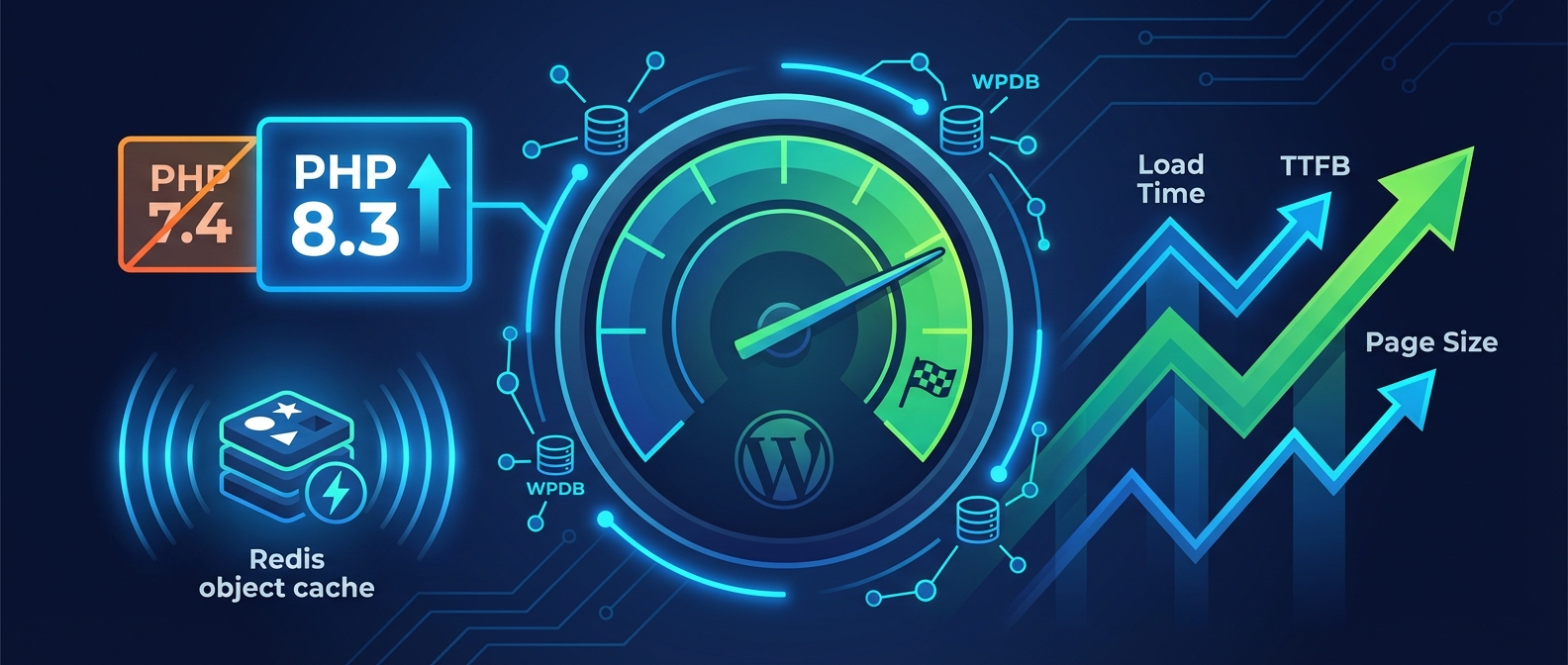
Most shared hosting environments run whatever PHP version they default to unless you actively change it. Many sites are still running PHP 7.4, which reached end-of-life in November 2022. That means no security patches. It also means compatibility friction with modern plugins increasingly dropping support for pre-8.x PHP.
The insidious part: PHP version mismatches don't always throw visible errors. They create edge-case failures, subtle output differences, and occasional fatal errors that only appear under specific conditions. You won't see them during a normal browsing session. You'll see them when a customer tries to complete a checkout, or when an admin tries to bulk-edit products, or when a cron job runs a function that PHP 7.4 handles differently than PHP 8.2.
REST API exposure is rarely reviewed.
The WordPress REST API is enabled by default and exposes endpoints that enumerate users, posts, and application data. The /wp-json/wp/v2/users endpoint, for instance, publicly returns usernames and user IDs by default — information that makes brute-force login attempts significantly easier.
An audit reviews which endpoints are publicly accessible, whether user enumeration is possible, and whether .htaccess rules or a security plugin is actually blocking what the owner assumes it's blocking. These aren't exotic concerns. They're default configurations that most site owners have never reviewed.
The Difference Between a Scan and an Audit
Security plugins like Wordfence or Sucuri run scans. Scans compare file checksums against known baselines, look for known malware signatures, and flag suspicious patterns. They're reactive tools — useful for catching known threats, not for modeling risk or identifying configuration debt.
An audit is a structured analysis. It looks at configuration decisions, not just file integrity. It asks: Why is this plugin still installed? Who has admin access and why? Is this server response time a caching problem or a query problem? Are these cron jobs actually running on schedule?
These are judgment calls that require someone who understands how WordPress actually works at the infrastructure layer. Automated scans don't make judgment calls. That's the gap a professional health check fills — and it's why running a scan and calling it an audit is like running a spell-checker and calling it a code review.
Signs You Probably Need One
You don't need a crisis to justify an audit. But certain patterns make one urgent:
- Your site feels slower than it did six months ago, and nothing obvious has changed
- You've inherited a WordPress site from another developer, agency, or previous owner
- Your site hasn't been formally reviewed in over 12 months
- You recently migrated hosts and nobody verified what survived the move intact
- You're running more than 20 active plugins and have never mapped their interdependencies
- You got flagged by Google Search Console for security issues, or noticed a traffic drop you couldn't explain
Any one of these is sufficient. If multiple apply, you're not waiting for a problem — you already have one you haven't found yet. The question is whether you find it on your terms or it announces itself at the worst possible moment.
What Vimsy's WordPress Health Check Covers
Our WordPress health check service is a $149 flat-rate professional audit. Not a scan. Not an automated report with a score. A manual review conducted by someone who actually reads your database query logs.
Here's what it covers:
Database analysis — autoloaded data volume, transient accumulation, table overhead, indexing issues, revision bloat
Security review — file permissions, login exposure, REST API endpoints, .htaccess hardening, user role audit, plugin vulnerability cross-reference
Performance diagnostics — object cache status, cron job verification via WP-CLI, page load chain analysis, query load diagnostics
Code and dependency review — PHP version compatibility check, plugin abandonment risk scoring, theme conflict indicators, deprecated function usage
Infrastructure check — staging environment status, backup verification, SSL configuration, server-level caching behavior
You receive a written report — plain-language, prioritized, with specific remediation steps. Not a PDF with pie charts. An actual document you can act on or hand to a developer with clear direction.
If you want us to fix what we find, our ongoing WordPress care plans make that a natural next step. But the audit stands alone. You own the findings either way.
Why $149 Is the Wrong Number to Focus On
The math on this isn't complicated.
For a WooCommerce store averaging $2,000/day in revenue, an hour of downtime costs roughly $83. A performance issue that quietly reduces conversion rate by 15% over three months costs far more — it just costs it invisibly, which is exactly why it persists.
A $149 audit that surfaces a database issue adding 700ms to every page load, a PHP version vulnerability that could allow a site compromise, and a cron failure that's been silently dropping WooCommerce order emails — that's not a cost. That's a risk management investment with an obvious return.
The sites that skip audits aren't saving money. They're accumulating liability at a rate they can't measure until something fails.
We also offer emergency WordPress support when things have already gone wrong — but emergency recovery costs multiples of what prevention costs. That's not a persuasion tactic. That's just how incident response is priced in every industry.
What Happens After the Audit
A health check is a snapshot. It tells you where you are on the day it's run. What you do with it determines whether the snapshot matters.
Most site owners fall into one of three categories after receiving an audit report:
- Fix it themselves — totally valid for technically capable owners. The report gives you exactly what to address and in what priority order.
- Hand it to their developer — also valid. A clear audit report saves developer time because the discovery work is already done and documented.
- Have us fix it — if you're already paying for a WordPress maintenance plan, remediation is often included or scoped as a straightforward add-on.
What's not a valid option: reading the report, nodding, and doing nothing. That's not caution. That's the same gamble that made the audit necessary in the first place.
The Audit-First Principle
Before you invest in a redesign, before you migrate to a new host, before you blame your SEO agency for declining organic traffic — get a health check.
Nine times out of ten, the problem isn't strategy. It's operational. It's a bloated database, a misconfigured cache, a plugin conflict that emerged three updates ago, or a security exposure that's been sitting open for months. These aren't complex problems once you know they're there. They're invisible problems until someone looks for them systematically.
That's what an audit does. It makes the invisible visible. It converts "something feels off" into a prioritized list of specific problems with specific fixes.
Look — I'm writing this because this is a problem I see constantly, and it's also exactly what we built Vimsy to solve. If you want professionals handling this instead of hoping nothing breaks, book a free call.
Your site is either being maintained with intention or it's drifting toward a problem you haven't discovered yet. A $149 health check tells you which one it is.