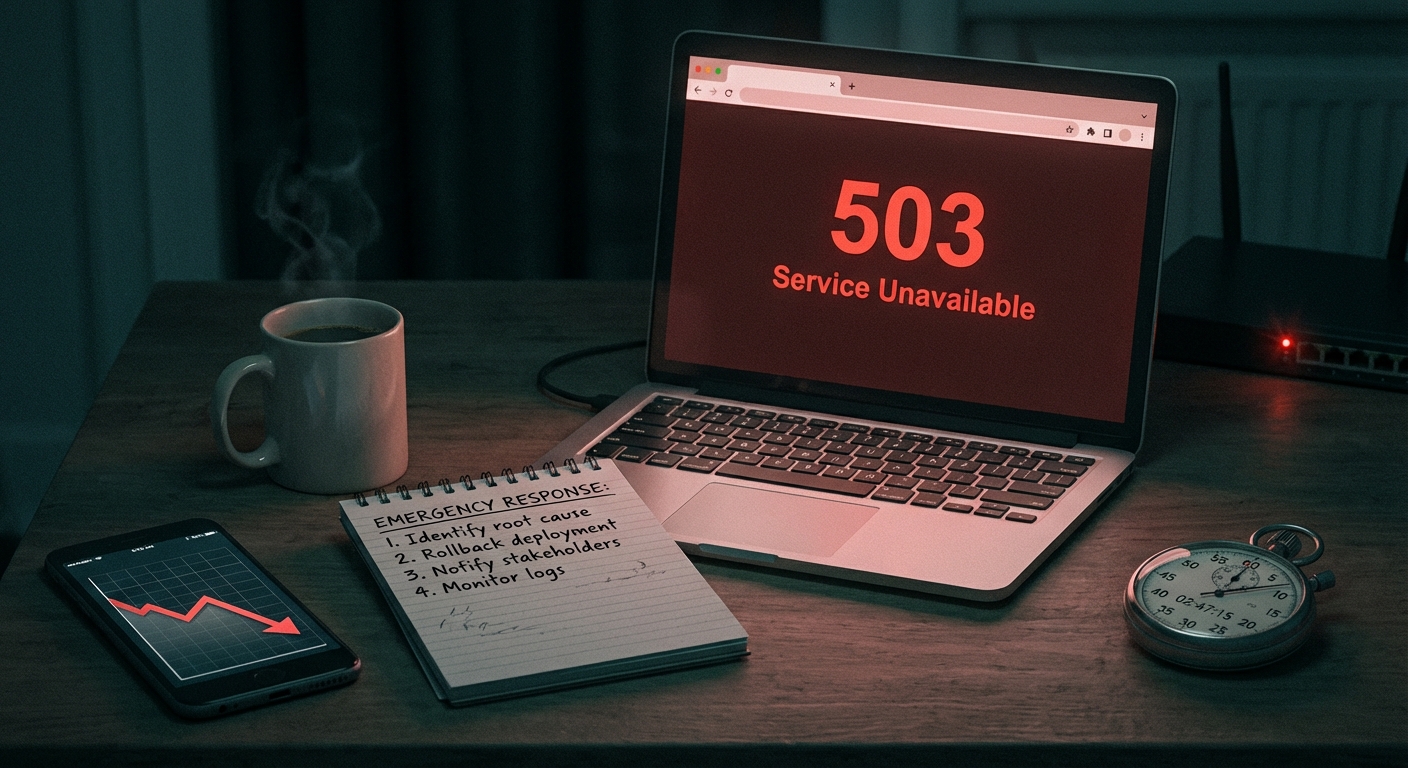
Most WordPress sites don't collapse on an ordinary Tuesday. They collapse on the day it actually matters — when you've driven paid traffic, launched a product, or sent that campaign email to 40,000 subscribers.
The site was fine yesterday. It's not fine today. And "fine yesterday" was never a readiness signal.
This isn't about having a polished staging site or a smooth checkout flow. It's about systematically removing every failure point before you drive real volume at your infrastructure. What follows is the technical framework for launch readiness that most site owners skip entirely — and the reason skipping it is a gamble disguised as preparation.
The Myth: "It Worked in Testing"
Staging environments lie.
They lie because they don't replicate concurrent load. They don't mirror your production database size. They don't account for 40+ plugins hitting external APIs simultaneously. Your object cache isn't warm. Your CDN isn't primed. Your host's shared resource pool doesn't behave the same way under burst traffic as it does at 3am with two visitors on the site.
Testing confirms functionality. It does not confirm resilience.
The failure mode on launch day isn't usually a missing feature — it's a cascading performance degradation that starts when your server hits PHP worker capacity and every plugin that relies on external HTTP calls starts queuing and timing out. WooCommerce session handling slows. Cart updates hang. Checkout POST requests stack up. By the time errors are visible to customers, you're already behind.
That's the gap this framework is built to close. It starts with speed — because performance under load is not what your Lighthouse score measures.
Speed: Know Your Actual Performance, Not Your Test Score
Run a Query Monitor diagnostic on your most critical pages — product page, checkout, cart — under both authenticated and unauthenticated conditions. Know your query count. Know your slowest queries and what's generating them. A single poorly indexed custom query that runs fine at low traffic becomes a bottleneck at volume.
Database bloat in wp_options: Autoloaded data in wp_options loads on every single page request, regardless of whether it's needed. In audits across dozens of WordPress sites, we consistently find stores carrying 4–8MB of autoloaded data from abandoned plugins, expired transients, and stale API credentials that were never cleaned up. Before launch, clear orphaned transients:
wp transient delete --expired --allow-root
That one WP-CLI command removes a class of silent latency that accumulates invisibly over months. It takes 10 seconds to run and can shave meaningful time off every database-heavy page load.
Object cache: If you're running WooCommerce without a persistent object cache — Redis or Memcached — every session hits the database cold. At 30 concurrent users, that's survivable. At 300, it compounds fast. Confirm your object cache is active and connected — not just installed. A misconfigured Redis plugin that silently falls back to no-cache is a common failure pattern we catch in pre-launch audits.
PHP version: PHP 8.1 and above delivers measurable throughput improvements over 7.4. If you're still running 7.4 or earlier, you're leaving performance on the table. Plugin support for PHP 7.4 is actively being dropped. That's not a future problem — it's a present compatibility exposure that accelerates during launch-period updates. Check your host panel and confirm your PHP version before launch day.
Cron job management: WordPress pseudo-cron fires on page visits. Under heavy load, wp-cron spawns competing processes that slow page delivery and create race conditions in queue-based operations. Before a high-traffic event, audit your scheduled cron events with WP-CLI, disable wp_cron in wp-config.php, and replace it with a real server-side cron job running on a defined interval.
Time to First Byte: If your TTFB exceeds 400ms on a cold load from your target region, you have a problem before launch traffic arrives. That's not a benchmark to approach — it's a ceiling to eliminate.
Uptime Infrastructure: The Question Your Host Won't Answer Honestly
Here's what most managed hosts won't tell you upfront: your PHP worker limit is finite, and you probably don't know what it is.
When worker capacity is exhausted, new requests queue. When the queue fills, requests drop. That's not a theoretical failure mode — it's what happens when 400 people hit a WooCommerce product page within a 5-minute window after an email blast. The site doesn't "go down" dramatically. It just stops responding. The storefront loads slowly. Checkout hangs. Users refresh, which adds more load.
PHP memory in wp-config.php: WooCommerce stores need a minimum of 256MB. If you're running a heavy page builder or ACF-heavy custom post structure, 512MB is the safer target.
define('WP_MEMORY_LIMIT', '256M');
Server-level caching: Page caching must be active at the server layer — not just a plugin writing HTML files to disk. Confirm your host's caching layer is configured, and that cart, checkout, and account pages are correctly excluded. Authenticated users should never receive cached pages. This configuration detail breaks silently and devastates conversion rates if your exclusion rules are wrong.
CDN edge delivery: Static assets — CSS, JS, images — should serve from CDN edge, not your origin server. Verify cache headers are correctly set so assets bypass your origin on repeat requests. During a traffic spike, every asset your origin has to serve instead of the CDN is a resource your PHP workers aren't spending on real requests.
Uptime monitoring: If you don't have 1-minute interval uptime monitoring active with a confirmed alert routing before launch, you'll find out about downtime from customers. The specific tool matters less than having an alert pipeline that's been tested and verified to reach a human in real time.
.htaccess hardening: Pre-launch is the right moment to close unnecessary exposure points. Block xmlrpc.php if you're not using it. Restrict wp-config.php and wp-admin access from untrusted IP ranges. Disable directory browsing. These aren't aspirational hardening tasks — they're baseline hygiene before you announce yourself to the internet with a campaign send.
Backups: The Ones You've Actually Tested
The backup question isn't "do you have backups?" Every host says yes.
The real question: Can you restore from backup in under 15 minutes — and have you actually tested that process?
Most teams haven't. Most discover the answer is no during a live incident under launch pressure.
Take a full, clean backup — database and files — immediately before launch activities begin. Store it off your host. If your host experiences an outage during your launch window, you need that backup accessible from somewhere independent of the infrastructure that's failing.
Confirm your backup plugin is completing full backups, not partial ones. Oversized databases and misconfigured file exclusion rules produce backups that appear successful in the plugin UI but fail to restore cleanly. Read the backup logs, not the plugin dashboard indicator.
Know your rollback strategy before launch. If a plugin update during your launch window breaks checkout, what's the exact sequence of steps to restore? Write it as a runbook. WP-CLI makes a clean pre-launch database snapshot fast:
wp db export backup-pre-launch.sql --allow-root
That file should not live on the same server it came from. Copy it to independent storage before your launch begins.
Security: Close the Doors Before You Announce Yourself
A product launch is a public announcement — to your customers, and to automated scanners. Launch-related traffic spikes are indexed by botnets that probe for exposed endpoints. Security posture matters more in the days before a launch than almost any other time.
Plugin abandonment risk: Every installed plugin — including inactive ones — represents attack surface. An inactive plugin doesn't run, but its files are present and exploitable if a vulnerability exists. Any plugin that hasn't received an update in 12+ months needs an abandonment assessment. Abandoned plugins don't receive security patches. They accumulate CVEs quietly.
Admin account hygiene: Confirm there are no orphaned administrator accounts from past developers, agencies, or former team members. This audit takes five minutes. It's consistently skipped.
REST API exposure: The WordPress REST API exposes endpoints that enumerate users, post structures, and application metadata by default. If your site doesn't require the API to be publicly accessible, restrict unauthenticated access before launch. An enumerable user list heading into launch week is an unnecessary risk.
SSL and certificate validity: Confirm your SSL certificate is valid, auto-renewing, and generating no mixed content warnings. A certificate lapse during a launch is both embarrassing and immediately conversion-damaging — modern browsers surface full-page security warnings that most users don't navigate past.
Two-factor authentication: Every administrator account needs 2FA active before the launch. No exceptions.
The 48-Hour Protocol: Before, During, and After
A pre-launch checklist you run once is not a protocol. A launch readiness protocol is a time-sequenced system with clear triggers and assigned ownership.
48 hours before launch:
- Full backup completed, verified, and stored off-host
- Plugin and theme updates tested on staging, then pushed to production with rollback path ready
- Object cache flushed and confirmed reconnected post-update
- Performance baselines recorded: TTFB, Core Web Vitals, per-page query counts
- Uptime monitoring active with alert routing tested end-to-end
- .htaccess and REST API restrictions confirmed
Launch day:
- Zero plugin updates — all changes frozen
- Cache cleared after any final code deployment
- Active monitoring of server response codes — watch for 5xx spikes in CDN logs and analytics
- Emergency escalation path confirmed and reachable — a direct contact, not a ticket queue
48 hours post-launch:
- Review error logs for 404 patterns, PHP warnings, and failed transactions
- Audit wp_options for new autoloaded bloat generated by launch-period plugin activity
- Run a database optimization pass
- Audit cron job queue for backlogs that built under load
The post-launch window is where silent degradation usually starts — a slow memory leak, a cron pile-up, a cache invalidation cycle that stops working correctly. It compounds over 24–48 hours before becoming visible in performance metrics or customer complaints.
What Getting This Wrong Actually Costs
For a WooCommerce store averaging $3,000/day in revenue, a two-hour checkout disruption during launch day costs roughly $250 in direct lost sales — before accounting for ad spend wasted on traffic that hit a broken funnel, customer support overhead, refund processing, and the longer-term damage to trust from a broken first impression on your highest-visibility day.
That math changes what professional support is worth before a launch.
If you're entering a high-stakes traffic window — a product drop, a Black Friday campaign, a PR-driven spike — you don't want to be reading error logs at 2am. You want a team already in position.
Our WordPress emergency response service is built for exactly these windows: active monitoring, fast incident response, and engineers who understand the WordPress stack down to the database layer — not just the admin UI.
Before you get there, a WordPress Health Check audit surfaces the specific failure points in your stack — slow query patterns, orphaned autoloads, plugin abandonment risks, caching gaps — before launch day forces them into view.
Review what's included and what it costs at vimsy.io/pricing.
A Checklist Is Not a System. Know the Difference.
Most pre-launch WordPress prep fails not because owners skip the steps, but because they don't know what a passed check actually looks like in practice.
Checking "backups: active" when a partial backup completed with a success status is not a verified, restorable backup. Checking "caching: enabled" when a plugin is installed but CDN delivery isn't configured means your origin server is still handling every asset request. Checking "plugins updated" when updates were applied directly to production without a staging workflow means you've introduced untested changes hours before your most important traffic event.
The gap isn't effort. It's systems knowledge — knowing what you're actually validating when you run each check, and knowing what a failure looks like before it becomes an incident.
For the sites where the stakes are real, professional oversight isn't a luxury. It's the difference between a launch that converts and a launch that becomes a post-mortem. See everything we cover in a managed WordPress engagement before you decide whether to go it alone.
Look — I'm writing this because this is a problem I see constantly, and it's also exactly what we built Vimsy to solve. If you want professionals handling this instead of hoping nothing breaks, book a free call.
Your launch window is a deadline. Treat your infrastructure preparation the same way.