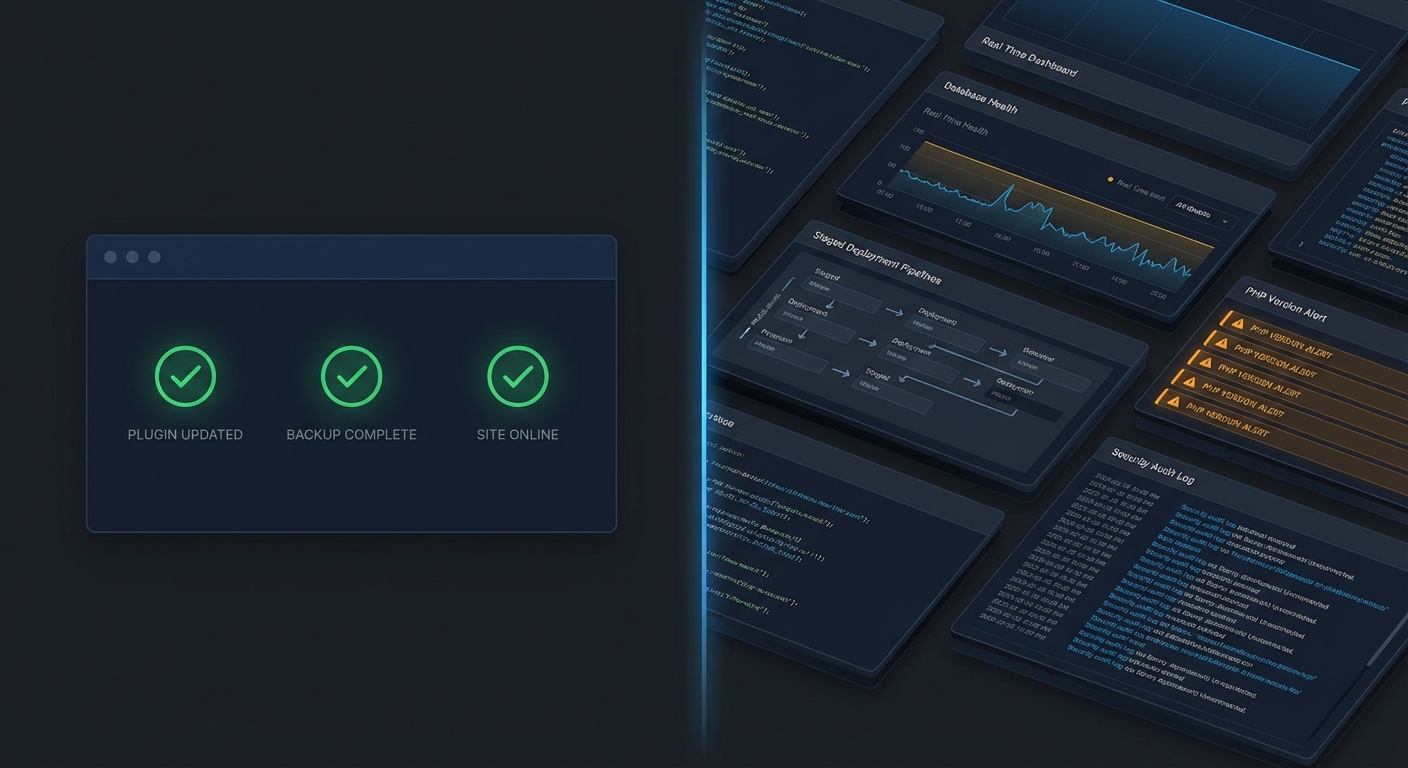
Managed hosting is not WordPress maintenance. Your host keeps the server alive — power, uptime, hardware. Nobody on their team is watching your plugin stack, auditing your database, or checking whether your cron jobs are silently failing.
That distinction matters enormously when you're putting a number on "maintenance cost" — because most pricing comparisons you'll find online treat hosting and maintenance as interchangeable. They're not. One is infrastructure. The other is application-layer care, and the gap between them is where most sites quietly accumulate risk until a single incident makes it catastrophically visible.
This article breaks down what WordPress maintenance actually costs in 2026 — across DIY, freelancer, agency, and managed service models — and what the price difference actually buys you.
What "WordPress Maintenance" Actually Covers
Before comparing prices, define the scope. Because a $29/month plan and a $299/month plan can both call themselves "maintenance plans" while covering completely different territory.
Genuine WordPress maintenance covers:
- Core, theme, and plugin updates — tested before deployment, not blindly applied to production
- Database optimization — clearing expired transients, reducing wp_options table bloat, reindexing slow queries
- Uptime and performance monitoring — not just "is the site up," but "is it loading in under 3 seconds"
- Security scanning and malware remediation
- PHP version compatibility checks — because running PHP 7.4 in 2026 is a documented vulnerability exposure
- Backup verification — not just backup creation, but confirmed restore integrity
- Staging workflows for update testing before touching production
- Cron job monitoring — failed WordPress cron jobs silently break scheduled tasks, order emails, license renewals, and WooCommerce batch processing
If a plan doesn't cover at least six of those eight items, it's not maintenance. It's an update subscription dressed up with a monthly invoice.
The Four Cost Models — and What You Actually Get
Model 1: DIY Maintenance
Estimated cost: $0–$50/month in tools, but 3–8 hours/month in time
A minority of business owners — those with genuine technical depth — handle maintenance themselves. If you know your way around WP-CLI, interpret what Query Monitor is actually showing you, and have a tested rollback strategy ready before touching updates, this is viable.
Most don't have that setup. And the ones who think they do often find out the hard way.
What typically happens without a system: updates get delayed because "nothing looks broken." Three months of deferred updates compound into a compatibility crisis. PHP version falls behind the security baseline. The wp_options table swells with abandoned plugin data — deactivated plugins that left hundreds of orphaned rows behind. Transient records accumulate until stale cache entries start slowing every database call, and nobody notices until a frustrated customer complains about load times.
DIY maintenance isn't free. It costs the hours you're not tracking, and when something breaks, it costs you the emergency fix on top of that. The real calculation is whether your time — spent troubleshooting a plugin conflict at 10pm — is worth more than what a managed plan costs per month.
The hidden cost of DIY: Outdated plugin stacks are one of the primary attack vectors in WordPress compromises, according to annual reports from Wordfence and Sucuri. When a DIY-maintained site gets hacked, the average cleanup from a freelancer runs $200–$500 for a straightforward infection. Complex reinfections with persistent backdoors embedded in core files or the database can run $1,000 or higher — plus whatever revenue the downtime cost you.
Model 2: Freelancer Maintenance
Estimated cost: $50–$250/month retainer, or $50–$150/hour for ad hoc work
Freelancers are the most common choice for small and mid-sized businesses. Pricing is flexible, relationships are direct, and many freelancers do strong technical work.
The structural risks aren't about skill. They're about systems.
Availability and redundancy: A solo freelancer has no backup. If they're sick, on vacation, or simply at capacity, your site waits. For a WooCommerce store averaging $3,000/day in revenue, that's roughly $125/hour in exposure — and it accumulates quietly while you're waiting on a response to an email you sent Sunday afternoon.
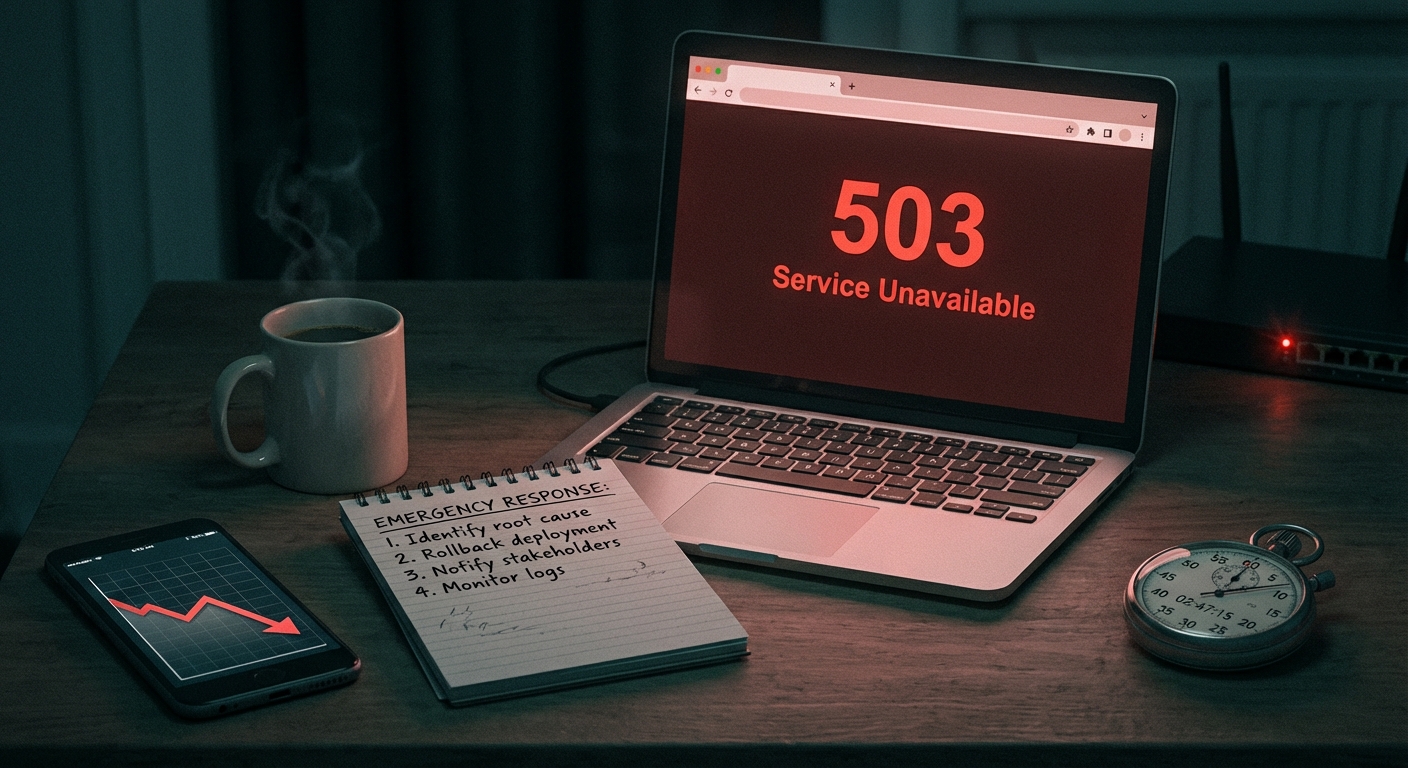
Emergency rate exposure: Hourly freelancers bill for time. When a plugin update breaks your checkout flow at 11pm on a Friday, you're looking at emergency rates — typically 1.5–2x the standard hourly — with no guaranteed response window and no predefined SLA.
Technical depth variability: Not all freelancers work at the application infrastructure level. The honest reality is that many apply updates through the WordPress dashboard, verify the site loads, and log off. They're not checking whether your object cache is correctly configured, whether database indexing has degraded on the wp_posts table, whether REST API endpoints are unintentionally exposing user data, or whether abandoned plugin data is creating bloat that compounds over months.
Freelancers aren't the wrong choice. The problem is that their coverage depends entirely on what they check — and most don't have a documented checklist that covers all of it, consistently, every single month.
Model 3: Agency Maintenance Retainers
Estimated cost: $300–$1,500+/month
Agencies bring team coverage, documented processes, and defined SLAs. At this level, you typically get staging environment access, security hardening that includes .htaccess rules and login protection, performance analysis via Query Monitor, and priority support with a real response window.
The trade-off isn't capability — it's cost and overhead.
Some agencies at $800/month deliver genuine systems-level care: proactive PHP version audits, documented rollback procedures, cron job failure alerts, and real optimization runs. Others at $500/month run the same automated update scripts as a $39/month plan, then attach a branded PDF report to a monthly invoice.
Before signing any agency retainer, ask:
- What is the exact rollback procedure when an update breaks production, and what is the target restoration time?
- Is there a staging environment included, or do updates go directly to the live site?
- What does "security monitoring" specifically cover — file integrity, login attempts, database anomalies, or all three?
- Who handles an incident at 2am on a Sunday? Is there a defined on-call process, or does the ticket queue until Monday?
Vague answers to those questions usually mean the price reflects the agency's brand overhead more than their operational depth.
Model 4: Managed WordPress Maintenance Services
Estimated cost: $99–$399/month for most serious business tiers
This is the model Vimsy operates on. The value isn't just the task list — it's the documented system behind it.
At a properly structured managed service level, expect:
- Systematic plugin and core updates with pre-deployment staging tests
- wp_options table maintenance to remove abandoned plugin data before it accumulates into a performance drain
- Transient cleanup on a schedule, not reactively after someone notices slowdowns
- Cron job monitoring with proactive failure alerts — so you find out about a broken scheduled task before your customers do
- PHP compatibility auditing that flags plugin abandonment risk before a PHP upgrade creates a six-plugin crisis
- Database optimization runs via WP-CLI, including table-level indexing checks
- Documented rollback procedures with defined recovery time targets
- Emergency support with SLA coverage
See what Vimsy's maintenance plans include in detail
The difference between a managed service and a freelancer isn't that the tasks are different. It's that a managed service runs those tasks on a defined schedule, documents the results, and has a system for when something goes wrong — not a person who might be available.
The Cost of Not Maintaining: A Risk Model
Here's the math most pricing comparisons skip entirely.
Illustrative scenario: A WooCommerce store averaging $4,000/day in revenue.
A plugin vulnerability is exploited because updates ran 90 days behind. The store is taken offline for 24 hours during cleanup and recovery.
- Downtime revenue loss: ~$4,000
- Emergency malware removal: $300–$800
- Potential Google Safe Browsing blacklist: days or weeks of suppressed organic traffic
- Customer trust erosion: difficult to quantify, but real and lasting
Total damage: conservatively $5,000–$8,000 for one incident.
A $199/month managed plan costs $2,388/year.
Even if a security incident only happens once every two years, the managed plan covers its own cost from risk avoidance alone — before counting a single hour of time saved on updates, monitoring, or database maintenance.
This is why treating maintenance as an optional line item is a miscalculation. The cost of maintaining your site is fixed and predictable. The cost of not maintaining it is neither.
If you're currently running without a plan and want to understand what your site's actual risk exposure looks like, Vimsy's emergency WordPress support starts with a full diagnostic — not a guesswork quote.
What Cheap Plans Usually Skip
Low-cost plans — anything under $60/month — almost always cut corners in at least one of these five areas:
1. Testing discipline Updates applied directly to production without a staging environment aren't tested. They're deployed and watched. That's a fundamentally different risk profile, and it will eventually cause a production failure.
2. Database maintenance
Is anyone running wp db optimize or clearing expired transients on a schedule? Table bloat in wp_options is one of the most consistent hidden performance drains across WordPress audits. It's also completely silent until it isn't.
3. PHP version management PHP version compatibility isn't just a performance consideration — it's a security one. Running a version past its end-of-life date means no security patches reach your server-level PHP runtime. A maintenance plan that doesn't include PHP compatibility reviews is missing a critical layer.
4. Backup integrity verification Creating a backup and verifying a backup are different operations. Backups that silently fail, or restore into a broken database state, provide the illusion of a safety net while offering none of the actual protection. Ask any plan provider when they last tested a restore.
5. Emergency coverage What happens when something breaks at 11pm on a Friday? Budget plans are almost universally silent on this. "Submit a ticket" is not an SLA.
Use the WordPress Maintenance Checklist to evaluate any plan you're considering
Pricing Reference: What Each Tier Buys
| Tier | Monthly Cost | What You're Actually Buying | |---|---|---| | DIY | $0–$50 (tools only) | Your own time and whatever skill you have | | Budget plan or freelancer | $29–$79 | Basic updates, minimal or no testing | | Mid-tier managed service | $99–$199 | Systems-level care, defined SLA, staging workflow | | Agency retainer | $300–$1,500+ | Full team coverage, account management, deeper customization |
Vimsy's plans are priced within the mid-tier managed service range — built for business sites that generate real revenue and can't afford unplanned downtime. Review current pricing here and match the tier to your site's actual risk profile, not just your budget.
Red Flags in Maintenance Plan Pricing
"Unlimited everything" for $29/month. Nobody sustains unlimited support at $29/month profitably. Either the support is essentially unavailable, or "unlimited" has a contractual definition that excludes every situation where you actually need it.
No mention of staging. If the plan doesn't explicitly describe how updates are tested before deployment, they're not being tested. That's not maintenance — that's gambling.
"Monitoring" without specifics. Uptime monitoring is table stakes. If their monitoring doesn't include failed cron job detection, database query performance degradation, and plugin vulnerability alerts, it's not comprehensive. It just means they'll know when your site is completely offline — which is often too late to prevent the real damage.
No rollback process defined. Every update carries some failure risk. Any plan worth paying for defines what happens when an update breaks production and how fast normal operation resumes. If that answer is "we'll look into it," that's not a plan.
The Honest Answer to "How Much Should I Pay?"
Across dozens of WordPress audits at every scale and revenue level, the pattern is consistent: sites on structured, documented maintenance plans encounter dramatically fewer emergencies, perform better under load, and have cleaner, more maintainable codebases.
That's not a coincidence. It's the compounding effect of consistency.
A plugin updated every two weeks never sits four major versions behind a known security patch. A database optimized monthly never carries 80,000 orphaned transient records degrading every query. A PHP version reviewed quarterly never creates a six-plugin compatibility crisis when upgrade day finally arrives.
The right price for WordPress maintenance in 2026 isn't the lowest number you can find. It's the number that reflects actual operational coverage — and lets you stop thinking about this entirely.
Look — I'm writing this because this is a problem I see constantly, and it's also exactly what we built Vimsy to solve. If you want professionals handling this instead of hoping nothing breaks, book a free call.
Your site either runs on a system, or it runs on luck. That's the only cost comparison that actually matters.