Running a franchise network on separate WordPress installations is not a management strategy — it's a fragmentation problem waiting to compound.
Every disconnected site is a separate update cycle, a separate security surface, a separate place for things to break at the worst possible moment. Multiply that by ten, twenty, or fifty locations, and you do not have a web presence — you have a liability portfolio that grows every time someone at a regional office decides not to update a plugin because they're busy. WordPress Multisite exists precisely for this scenario, and most franchise operators either don't know it exists or assume it's too technical to be worth pursuing. Both assumptions are wrong, and they're expensive to sustain.
The Default Assumption That Breaks Franchise Websites
The standard approach for multi-location businesses goes like this: build one WordPress site for the flagship location, clone it for the next, hand it to someone in marketing to manage, and repeat. It works until it doesn't.
The operational cost of this model compounds invisibly. Each cloned site diverges from the parent over time. Plugins update independently — or more often, don't update at all. Security configurations drift between locations. Brand assets get quietly modified at the location level without anyone noticing until an audit. One underperforming PHP version on a neglected location site can expose the entire brand's SEO footprint to a cascade of technical debt you won't see until Google flags it or a visitor reports a broken checkout.
The assumption is that distributed equals autonomous. The reality is that distributed without governance equals fragmentation. WordPress Multisite solves the governance problem at the infrastructure level — not by restricting what franchise locations can do creatively, but by controlling what they can break operationally. That distinction matters.
What WordPress Multisite Actually Does (And Doesn't Do)
Before treating Multisite as a silver bullet, understand what it is technically.
A WordPress Multisite network runs multiple sites from a single WordPress installation. They share a codebase, a plugin directory, and a theme directory. Each site in the network has its own database tables — prefixed separately within the same database — its own wp_options table, its own users, and its own content. The network admin layer sits above all of it, controlling what plugins and themes are available to sub-sites, who has what permissions, and what configuration settings propagate down.
What this means operationally:
Plugin updates happen once, apply network-wide. Instead of logging into forty dashboards to push a security patch, you push it once from the network admin. Every sub-site gets it immediately. This eliminates one of the most persistent security exposure points in distributed WordPress environments: outdated plugins sitting unattended across dozens of separate installs with no central oversight.
Theme consistency becomes enforceable. You can activate a parent theme at the network level and allow child themes at the sub-site level. Franchise locations get local customisation within defined boundaries. Brand standards don't get quietly overridden by a well-meaning regional manager with access to the Customiser and strong opinions about button colours.
User management scales properly. Super Admins control the network. Local site admins control their individual location. Nobody at a franchise location can accidentally deactivate a network-critical plugin, break the global navigation structure, or activate something that conflicts with your payment gateway configuration. Permissions are scoped, not trusted.
What Multisite does NOT do: it does not eliminate the need for rigorous plugin vetting. A bad plugin activated at the network level breaks every site simultaneously. That's not a flaw in Multisite — it's the trade-off of centralisation. You gain control; you also gain a single point of failure. Network-level plugin decisions require more diligence than single-site decisions, not less. Treat network plugin activation as a deployment decision, not an admin task.
The Technical Architecture You Need to Get Right
A WordPress Multisite network runs in two configurations: subdomain (location1.yourbrand.com) or subdirectory (yourbrand.com/location1). The right choice depends on your SEO strategy and DNS infrastructure.
Subdomain networks require wildcard DNS records and work better for franchise scenarios where each location is a distinct brand presence with its own local SEO signals. Google treats subdomains as semi-independent entities — useful when location-specific content needs to rank for local search terms with distinct geographic intent.
Subdirectory networks are simpler to configure and better when you want to consolidate domain authority into a single root domain. The trade-off is that subdirectory structures can complicate location-specific SEO if not handled carefully with correct canonical tags, hreflang attributes, and structured data markup per location page.
The wp-config.php changes required to enable Multisite are non-trivial. You're adding:
define('WP_ALLOW_MULTISITE', true);
Then running the network setup wizard, which rewrites your wp-config.php and .htaccess with network-specific rewrite rules. On Nginx servers, this requires manual server block configuration — Multisite's .htaccess rewrites don't apply on Nginx, and this catches a significant number of setups that appear to work but silently fail for specific URL patterns under load.
Object caching becomes critical at scale. A single-site WordPress install with modest traffic can survive without a persistent object cache. A Multisite network with twenty active locations generating concurrent requests cannot. Without Redis or Memcached connected to your object cache layer, you're hammering the database with redundant queries across every site on every page load. WP-CLI makes it possible to verify object cache status across the entire network, but the key is knowing to check it before problems surface in production — not after a traffic spike exposes the gap.
Cron job management compounds in a way most setups ignore. Each site in a Multisite network runs its own wp-cron schedule. Twenty sites means twenty separate cron sequences firing on the same server infrastructure. Unmanaged, this creates server load spikes that look like traffic events but are actually scheduled task collisions. Replacing wp-cron with a real system cron and disabling DISABLE_WP_CRON in wp-config.php via WP-CLI is not optional for any Multisite deployment running more than five active sites.
Staging and Rollback Strategy for Multisite Networks
This is where most DIY Multisite setups fail — quietly and expensively.
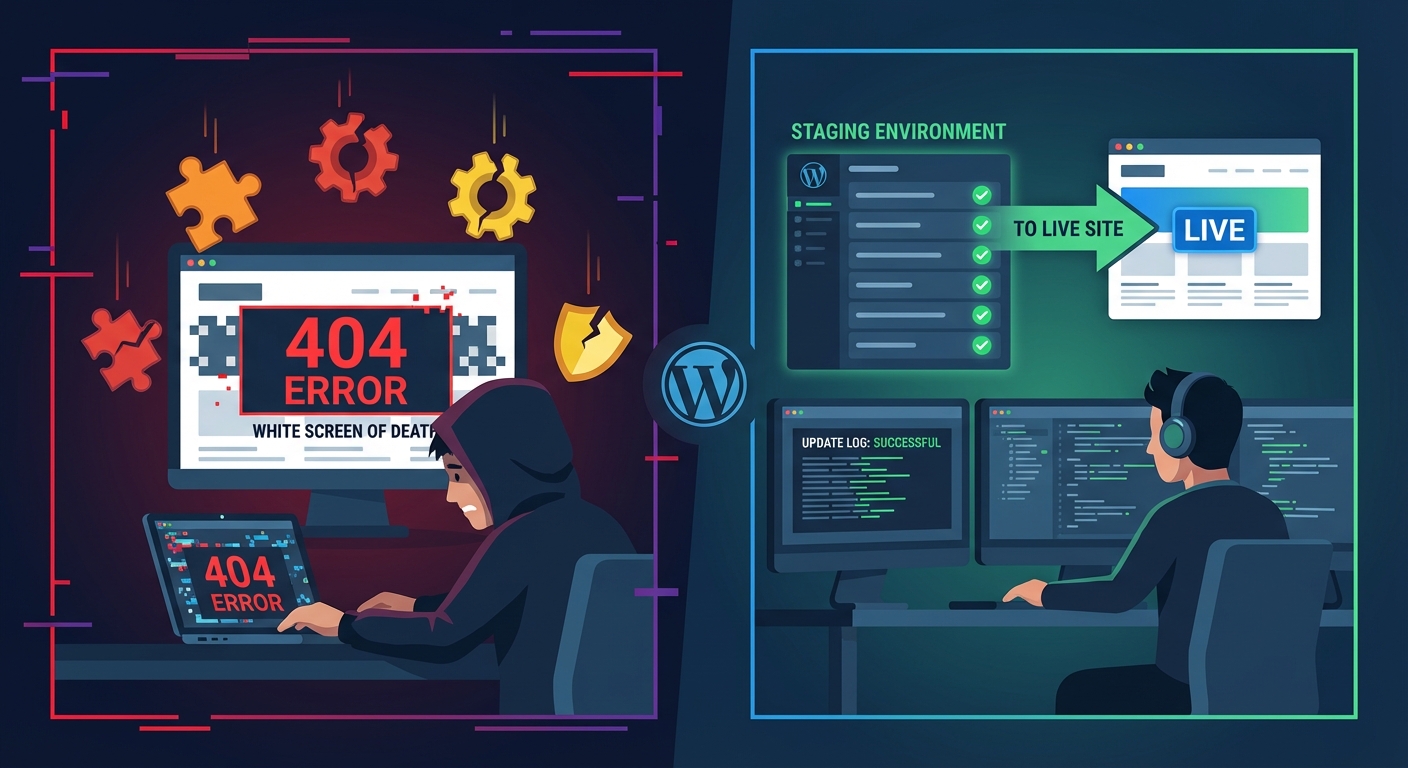
On a single WordPress site, staging is straightforward: clone to staging, test the update, push to production. On a Multisite network, staging becomes architecturally complex. You can't clone one sub-site without also replicating the network context it depends on. Plugin updates tested in isolation on a single sub-site may behave differently when the full network has thirty other active sites modifying shared database tables or competing for object cache resources at the same time.
A proper staging workflow for a Multisite network requires three things working together:
A full network staging environment — not a single-site clone, but a complete replica including all sub-sites, their individual wp_options tables, and their user databases. Partial staging gives you partial confidence, which in this context is the same as no confidence.
A database-level rollback capability — per-site table snapshots taken before any network-wide plugin activation or core update. If a plugin activation breaks something at the network level, you need the ability to restore individual sub-site tables without rolling back the entire network.
A tested plugin activation sequence — because plugin load order matters in Multisite in ways that don't always surface in single-site environments. Two plugins that coexist fine in isolation can produce fatal conflicts when sharing a network-level object cache with concurrent requests across multiple sub-sites.
Skipping this process is where the "I'll handle updates manually when I have time" approach turns from a preference into a production incident. If you manage a franchise network of any meaningful size without a documented rollback strategy, you are one bad plugin update away from taking every location offline simultaneously — at peak traffic, inevitably.
What Multisite Doesn't Solve (Be Honest About This)
Multisite centralises management. It doesn't simplify it — it shifts the complexity upward and increases the blast radius of any mistake proportionally.
Single-site WordPress problems stay contained at the site level. Multisite problems propagate across the network. A corrupted transient cache on a single site is a minor inconvenience fixed in minutes. A corrupted network-level transient affecting the object cache layer is a platform-wide outage affecting every location simultaneously. The severity of any operational error scales directly with the number of sites in the network.
This is not an argument against Multisite for franchise operations. It's an argument for being honest that Multisite requires a more capable operator — not a less capable one. The businesses that benefit most from Multisite networks are those with either an internal technical resource who understands WordPress at the infrastructure level, or a managed service partner who does. There is no middle ground that works well at scale.
The REST API exposure also changes materially in a Multisite context. By default, the WordPress REST API exposes endpoints across all sites in the network. Without proper hardening — either via .htaccess restrictions, authentication requirements on sensitive endpoints, or a WAF rule set — you expose significantly more attack surface than an equivalent set of independently managed single sites. Each sub-site has its own API namespace, and network-level authentication tokens can be exploited across sub-sites if access controls aren't properly scoped per site.
The Management Framework That Holds Up Under Scale
If you're running or planning a franchise WordPress network, here's the operational structure that holds up under real load:
Centralise what breaks brand consistency. Theme management, core plugin stack, security configuration, and cron scheduling should all live at the network admin level. These are not decisions individual location operators should make, regardless of their technical confidence.
Localise what drives conversion. Location-specific landing pages, local offers, staff profiles, and review integrations should be manageable at the sub-site level without requiring network admin access. This is the practical argument for well-structured child themes over a single locked-down theme that forces every location customisation request through a developer.
Audit wp_options bloat per sub-site regularly. In a Multisite network, wp_options bloat doesn't get shared — each sub-site accumulates its own autoloaded data independently. Across twenty sites, this becomes a significant cumulative query load with real performance consequences. Regular audits using Query Monitor diagnostics per sub-site, combined with WP-CLI to clean orphaned plugin data after deactivations, are maintenance tasks that compound in value over time.
Version-lock your PHP environment before any upgrade. PHP version compatibility issues in Multisite are more dangerous than in single-site deployments because a PHP deprecation error or fatal conflict affects every site on the network simultaneously — not just one. Before any PHP version bump, test the full plugin stack against the new version in a complete network staging environment, not a single sub-site approximation.
Document your plugin governance policy before you need it. Decide upfront which plugins sub-site admins can activate versus which require network admin approval. Plugin conflicts that only surface when two plugins interact in a specific sub-site context while sharing a network-level object cache are genuinely difficult to diagnose retroactively — and entirely preventable with documented governance established before the network grows beyond easy management.
Where Vimsy Fits Into This
Managing a Multisite network at the level this requires is not a task to hand off to whoever manages your email campaigns or handles your social media scheduling.
Vimsy's WordPress care plans handle exactly this kind of infrastructure — managed updates, security hardening, staging workflows, and the network-level operational oversight that keeps a franchise platform running without incident across all locations. For organisations building a Multisite network from the ground up, our Custom Craft build service covers the architecture decisions, subdomain or subdirectory configuration, object cache implementation, and cron management that determine whether your network holds up under real operational load or quietly degrades under it.
If your franchise network currently runs on disconnected single-site installations and you're evaluating migration to Multisite, that's a structured process that benefits from a proper scoping conversation before any technical work begins. The complexity of consolidating existing sites into a Multisite network — especially when those sites have diverged significantly in their plugin stacks, theme configurations, and user databases — gets underestimated almost every time, and the cost of mid-migration corrections is significantly higher than upfront planning.
Review our WordPress network management pricing if you want a direct sense of what professional Multisite management costs compared to the operational risk of managing it internally with limited capacity.
Look — I'm writing this because this is a problem I see constantly, and it's also exactly what we built Vimsy to solve. If you want professionals handling this instead of hoping nothing breaks, book a free call.
A franchise brand running on fragmented WordPress infrastructure makes a daily bet that nothing breaks simultaneously across all locations. Multisite removes that bet — but only if it's built and managed by someone who understands what's actually running under the hood.