Most WordPress sites aren't hacked through clever zero-days. They're hacked through versions — outdated PHP versions that stopped receiving security patches months or years ago, sitting exposed on production servers while site owners assume their host is handling it.
PHP is the engine WordPress runs on. Not a plugin. Not a theme. The language itself. And if you're running PHP 7.4 or older — which a significant portion of WordPress installs still are — you're running software that has reached end-of-life, meaning no security updates, no bug fixes, nothing. Just a slow countdown to an incident.
This isn't abstract risk. It's operational reality.
The Version Gap Is Bigger Than You Think
According to WordPress's own telemetry data, a large percentage of active WordPress sites run PHP versions that are either end-of-life or approaching it. PHP 7.4 reached end-of-life in November 2022. PHP 8.0 hit end-of-life in November 2023. Yet both remain widely deployed.
The PHP development team maintains a clear lifecycle: each version gets two years of active support, then one year of security-only fixes, then nothing. After end-of-life, known vulnerabilities accumulate without patches. Attackers know this. They catalog vulnerable PHP versions and probe for them systematically.
Running PHP 7.4 in 2025 isn't vintage. It's exposed.
Current supported PHP versions (as of 2025):
- PHP 8.2 — Active support
- PHP 8.3 — Active support (recommended)
- PHP 8.4 — New release, adoption still building
If your site isn't on 8.2 or 8.3, you have a real problem worth solving this week — not next quarter.
What Your Hosting Dashboard Won't Tell You
Most shared hosts let you switch PHP versions through a dropdown. They rarely tell you when your version hits end-of-life. They won't alert you that running PHP 7.4 puts your site in an unpatched security class. That's not their obligation — it's yours.
The WordPress Site Health tool (wp-admin > Tools > Site Health) will flag outdated PHP versions. But Site Health is passive — it surfaces the issue without explaining the mechanism or urgency. Most site owners see the flag, don't understand why it matters, and dismiss it.
Here's the mechanism: PHP vulnerabilities affect how WordPress processes requests, handles authentication tokens, parses input, and manages sessions. A vulnerability at the PHP layer can bypass WordPress-level security entirely. No firewall plugin catches what's already in the engine room.
Beyond security, PHP version directly affects performance. PHP 8.x introduced the JIT (Just-In-Time) compiler, which meaningfully improves execution speed for compute-intensive operations. Moving from PHP 7.4 to 8.2 often produces a measurable reduction in server response time — improvements that compound when combined with object caching and proper transient management.
Slow sites lose conversions. Search rankings account for Core Web Vitals. PHP version isn't just a security variable — it's an SEO and revenue variable.
Why Most People Avoid Updating (And Why That Logic Fails)
The most common reason site owners avoid PHP updates: plugin and theme compatibility fears.
That fear isn't irrational. It's just misapplied.
Yes, some plugins break on PHP 8.x. Poorly maintained plugins with deprecated function calls, dynamic variable handling, or old coding patterns will throw fatal errors or warnings on modern PHP. This is a real risk. But the answer isn't to stay on an unpatched PHP version forever. The answer is to test before you update — which is a solved problem.
Avoiding PHP updates to protect compatibility is like refusing to patch your OS because an old application might break. At some point, the risk of the unpatched environment exceeds the inconvenience of fixing the incompatible application.
Most plugin conflicts with PHP 8.x are actually opportunities to audit your plugin list. If a plugin hasn't been updated for PHP 8.x compatibility in 2025, that plugin is almost certainly unmaintained. Running unmaintained plugins is its own category of risk — abandoned code with unreviewed security exposure sitting in your wp-content directory.
Plugin abandonment risk and outdated PHP are frequently found together. They compound.
How to Check Your Current PHP Version
Three methods, in order of reliability:
1. WordPress Site Health
Navigate to Tools > Site Health > Info > Server. Your current PHP version appears here. Fast, no server access required.
2. WP-CLI If you have server access, run:
wp --info
This outputs PHP version, WordPress version, and environment details. Useful for scripted audits across multiple sites.
3. phpinfo() page
Create a temporary file in your root directory with <?php phpinfo(); ?>, load it in a browser, confirm the version, then delete it immediately. Do not leave phpinfo() pages exposed.
If you manage multiple sites, WP-CLI scripting across environments is the only scalable approach. Manual dashboard checking doesn't work at volume.
The Right Way to Update PHP Without Breaking Your Site
Updating PHP without testing is how sites go down. Here's a structured approach:
Step 1: Run a compatibility scan first
Use the PHP Compatibility Checker plugin to scan your active plugins and theme against your target PHP version. This scans your codebase for deprecated functions and known incompatibilities before you touch anything live. It won't catch every runtime error, but it surfaces obvious conflicts.
Step 2: Test on a staging environment
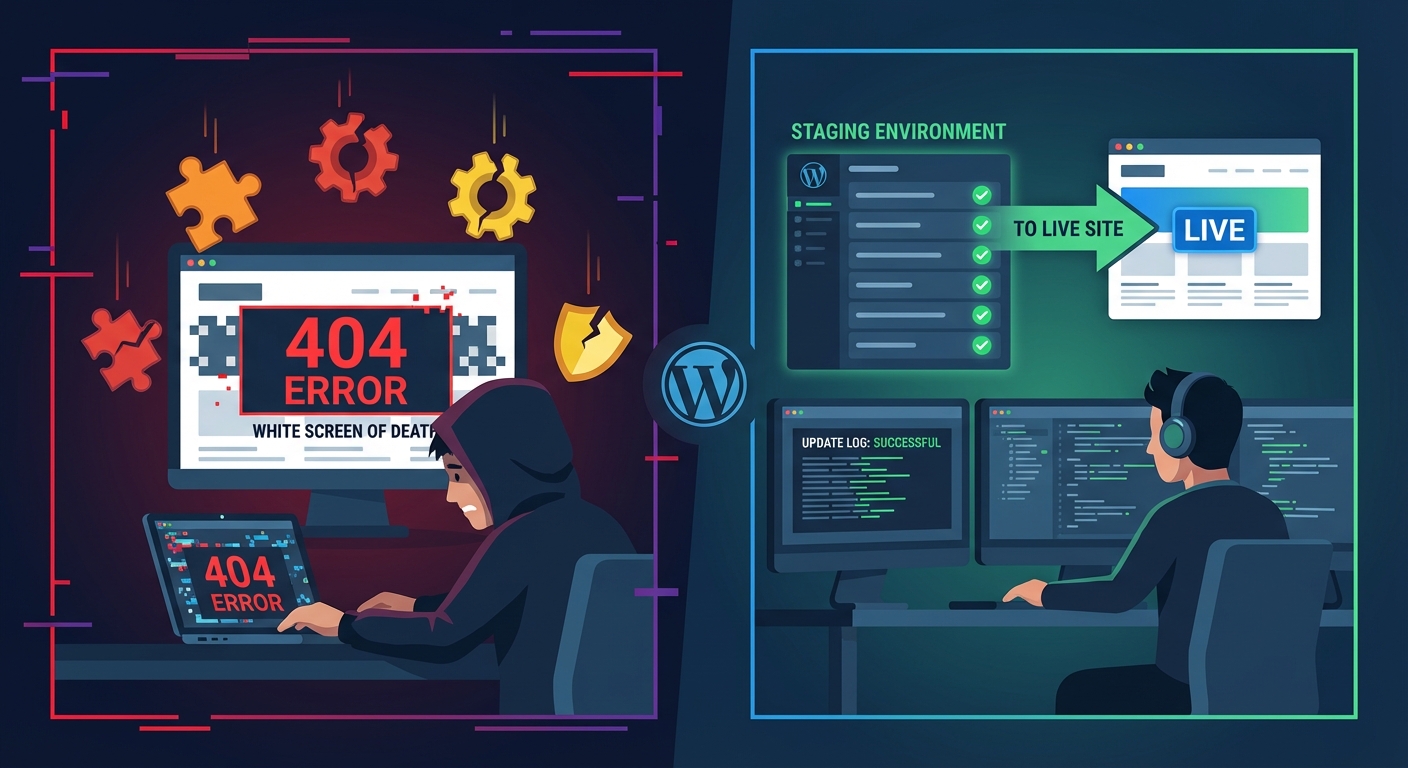
Flip PHP version on staging — not production. Most quality hosts support staging with version control. Update PHP on staging, run your full site through its functional states: forms, checkout flows, login, AJAX calls, REST API endpoints. Don't just check the homepage.
If you don't have a staging environment, that's a separate problem. A proper WordPress care plan includes staging as a standard component, not a premium add-on.
Step 3: Check your error logs
After switching PHP version on staging, check your server error logs for PHP warnings and fatal errors. A fatal error means a plugin or theme has a hard incompatibility. Warnings may or may not affect functionality — but they matter for performance and should be resolved.
Step 4: Update or replace conflicting plugins
If the compatibility scan or staging test reveals conflicts, you have three options:
- Update the plugin (if an update exists that resolves the incompatibility)
- Find an actively maintained replacement
- Remove the plugin if it's non-essential
Do not proceed to production with known fatal errors on staging.
Step 5: Switch production, monitor immediately
Update PHP version in your hosting control panel. Most hosts apply this within seconds — no server restart required. Immediately check your site, check error logs, check any cron jobs that run on a schedule, and verify your WooCommerce checkout or primary conversion flow if applicable.
Failed cron jobs are often the silent casualty of PHP updates. WordPress relies on wp-cron for scheduled tasks — backup jobs, email queues, publishing schedules. If a cron job calls a function deprecated in PHP 8.x, it fails silently. Check your cron schedule with WP-CLI:
wp cron event list
Look for events that haven't fired when expected.
What PHP 8.x Actually Changes (Beyond Marketing Language)
PHP 8.0 introduced union types, named arguments, the nullsafe operator, and match expressions. None of this matters to you as a site owner directly. What matters is what it broke and what it improved.
What it improved:
- JIT compilation for faster execution on complex operations
- Better error handling with clearer fatal error messages
- Type safety that catches bugs earlier — less undefined behavior in poorly written plugins
What it broke:
create_function()— removed in PHP 8.0. Any plugin using this will fatal.each()— deprecated since 7.2, removed in 8.0.- Implicit float-to-int conversions now throw deprecation notices
- Loose string-to-number comparisons changed behavior
If your compatibility scan flags these, the plugin is either outdated or abandoned. Either way, that plugin needs to go.
PHP 8.2 added readonly properties and deprecated dynamic properties — which broke a number of older plugins that used $object->arbitrary_property = value patterns. PHP 8.3 tightened this further.
This is why compatibility testing exists. The conflicts are real. They're also resolvable — on staging, before they affect your visitors.
The Audit You Should Run Right Now
If you want a structured starting point, here's the order of operations:
- Check PHP version via Site Health or WP-CLI
- Run PHP Compatibility Checker against PHP 8.2 target
- Review plugin list — any plugin not updated in 12+ months is a candidate for removal
- Set up staging if you don't have one — see our WordPress maintenance checklist for environment requirements
- Switch staging to PHP 8.2 or 8.3, run functional tests
- Check wp_options table for orphaned plugin data from deactivated plugins — these can cause transient conflicts after PHP updates in edge cases
- Review cron schedule with
wp cron event list - Switch production, monitor error logs for 24 hours
If step 2 or 5 surfaces a long list of conflicts, you have a plugin hygiene problem compounding the PHP problem. Don't try to fix both simultaneously without a rollback strategy in place.
What Happens If You Keep Ignoring This
End-of-life PHP doesn't fail on a schedule. It fails when someone exploits it.
That might be a brute-force attack that PHP 7.4 can't properly defend against at the session layer. It might be a type juggling exploit that a modern PHP version would prevent through stricter type handling. It might be a bot campaign that specifically targets servers running identifiable outdated PHP versions via response headers.
When it happens, you're not looking at a plugin update cycle. You're looking at a compromised database, injected malware in wp-content, backdoors in theme files, and potentially a blocklisted domain. Recovery from a full compromise is not a two-hour job. It involves scanning every file, auditing the database, rotating credentials, checking for persistent backdoors, and in many cases rebuilding from a clean backup — if a clean backup exists.
The economics are simple: a PHP update on staging and production takes a few hours of careful work. A post-compromise recovery takes days and carries real business cost. For any WooCommerce store with meaningful daily revenue, even a 24-hour emergency recovery window represents significant lost income plus emergency support costs.
Explore our emergency WordPress support page if you're already dealing with a compromised site — but the point of this article is that you shouldn't need it.
This Is Fixable — But It Requires Intentionality
PHP updates don't happen by accident. Your host won't do it for you. A security plugin won't compensate for an unpatched PHP layer. Managed hosting is infrastructure management — it is not application maintenance.
If you want a professional review of your WordPress environment — PHP version, plugin compatibility, cron health, database indexing, staging setup — that's exactly what we audit at Vimsy. See our pricing — it's transparent, and our audits are specific. We don't produce 40-page PDF reports that sit unread. We identify what's broken, explain why it matters, and fix it.
Look — I'm writing this because this is a problem I see constantly, and it's also exactly what we built Vimsy to solve. If you want professionals handling this instead of hoping nothing breaks, book a free call.
Running outdated PHP isn't a small oversight. It's a structural vulnerability you're choosing to leave open every day you don't act on it.