The REST API ships enabled by default on every WordPress install. Most site owners never touch it. Most attackers do.
That's not an exaggeration — it's a structural reality. WordPress's REST API is a legitimate, powerful interface. It's also a publicly accessible data layer that, without deliberate configuration, leaks more about your site than you'd be comfortable knowing.
This article breaks down what the REST API actually does, where it creates exploitable surface area, and what a rational security posture looks like for your specific setup.
What the REST API Actually Is (And Why WordPress Needs It)
The REST API is a standardized HTTP interface that lets external systems read from and write to your WordPress database without loading the full WordPress stack.
It speaks JSON. It accepts GET, POST, PUT, DELETE requests against defined routes. And it has been baked into WordPress core since version 4.7 — which means it's on by default on hundreds of millions of sites.
Legitimate use cases are real and significant:
- Headless WordPress builds that serve content to React or Vue frontends
- Mobile apps that pull posts, pages, or custom post types
- Third-party integrations (CRMs, marketing tools, analytics platforms)
- Block editor functionality — Gutenberg itself depends on REST API calls to render and save blocks
Disabling it entirely breaks things. That's the first misconception to clear up.
If you're using Gutenberg — which you almost certainly are — the REST API is not optional. Wholesale disabling it creates a broken editing experience and breaks any plugin that hooks into it. The solution is not a kill switch. The solution is controlled exposure.
What the Default Setup Actually Exposes
Here's where it gets operationally important.
A vanilla WordPress install with no additional configuration exposes the following REST API endpoints to unauthenticated requests:
wp-json/wp/v2/users— Returns a list of all registered users, including usernames and author IDswp-json/wp/v2/posts— Returns all published posts with author metadatawp-json/wp/v2/pages— Same exposure for pageswp-json/wp/v2/plugins— In some configurations, returns installed plugin names- Custom endpoints registered by plugins — Varies wildly by what's installed
The user enumeration endpoint is the most immediately dangerous one. Run this against any WordPress site:
https://yoursite.com/wp-json/wp/v2/users
On a default install, you'll get back a JSON array with every user's ID, username (slug), display name, and author URL. That's not a theoretical risk. That's a working reconnaissance tool available to anyone with a browser.
Combine that with a wp-login.php brute force attempt and you've removed half the attacker's work. They already have valid usernames. They just need the password.
Plugin-registered endpoints are a separate category of risk. Poorly maintained or abandoned plugins frequently register REST API routes without proper authentication checks. In most security audits we perform, at least one installed plugin exposes a REST route that returns sensitive data or accepts unauthenticated writes. It's not rare. It's the norm.
The Authentication Gap Most Sites Ignore
WordPress REST API authentication falls into three tiers, and most sites are operating at tier zero.
Tier 0 — No authentication: Any endpoint accessible to an unauthenticated user. This includes most read endpoints by default.
Tier 1 — Cookie-based auth: Used internally by WordPress itself (the block editor, for example). Only works within the browser session. Useless for external API consumers.
Tier 2 — Application Passwords or JWT: Proper authentication for external integrations. Requires deliberate setup and token management.
The gap is that many site owners assume hosting-level security covers API exposure. It doesn't. Your CDN, your firewall, your managed host — none of them know which REST routes should be restricted and which shouldn't. That's application-layer logic. It lives in WordPress, not in infrastructure.
This is the same conceptual error that causes people to treat managed hosting as a substitute for WordPress maintenance. Infrastructure security and application security are different layers. Conflating them is how sites get compromised through vectors the host never saw coming.
The Plugin Endpoint Problem
Custom REST routes registered by plugins don't inherit WordPress's default permission structure. Each plugin author decides what authentication, if any, their endpoints require.
A WooCommerce store with 40 active plugins likely has 15–20 plugin-registered REST routes. Some are locked down. Some aren't. Most site owners couldn't tell you which are which without running a diagnostic.
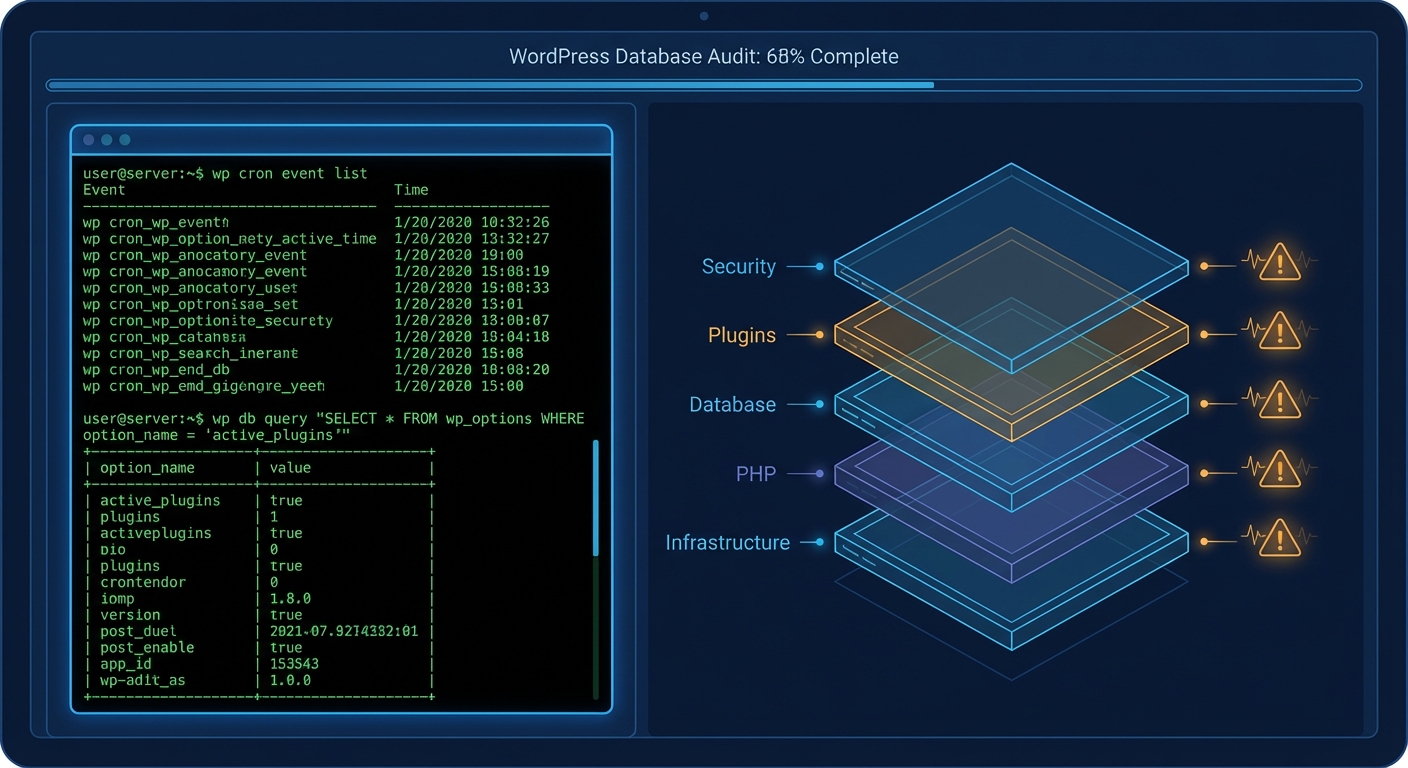
You can audit your active REST routes using WP-CLI:
wp eval 'print_r(rest_get_server()->get_routes());'
That will dump every registered route on your installation. The output is verbose and requires manual review, but it's the most complete picture of your actual API surface area. If you've never run that command, you have no idea what your site is actually exposing.
Object caching and transient storage can interact with REST API responses in ways that aren't always obvious either. A plugin might cache a REST response that includes sensitive data, then serve that cached response to unauthenticated users longer than intended. This isn't a theoretical scenario — it's a common consequence of combining caching plugins with REST-aware integrations without testing the interaction.
What "Disabling" the REST API Actually Means
You'll find tutorials online that tell you to add a filter to disable the REST API for unauthenticated users. Here's the canonical version:
add_filter('rest_authentication_errors', function($result) {
    if (!is_user_logged_in()) {
        return new WP_Error('rest_not_logged_in', 'REST API restricted.', ['status' => 401]);
    }
    return $result;
});
This works — with caveats.
It breaks Gutenberg for logged-out previews. It breaks plugins that rely on unauthenticated REST calls for front-end features (sliders, dynamic content loaders, certain page builders). It may break your contact forms, your WooCommerce cart fragments, your cookie consent tools.
The responsible approach is surgical restriction, not a blanket block.
What that looks like in practice:
- Audit every active route using the WP-CLI command above
- Identify which routes require public access and which don't
- Block user enumeration specifically — at minimum, the
/wp/v2/usersendpoint for unauthenticated requests - Review plugin-registered endpoints individually, removing or restricting those that don't need to be public
- Enforce application passwords for any legitimate external integration rather than using admin credentials
- Harden the wp-json namespace in
.htaccessif you have no use case for external consumers at all
That last point deserves emphasis. If your site has no headless setup, no mobile app integration, and no external API consumer, you can restrict the entire /wp-json/ path in your .htaccess for non-logged-in traffic. This doesn't break Gutenberg — internal REST calls happen within authenticated sessions.
REST API Risk by Site Type
Not every site carries the same REST API risk profile. Here's how to think about it:
Simple brochure site or blog:
The primary risk is user enumeration. Lock down the /wp/v2/users endpoint. If you have no external integrations, consider full path restriction in .htaccess for unauthenticated traffic. Low complexity, low overhead.
WooCommerce store:
Higher surface area. WooCommerce registers its own REST namespace (wc/v3/) with routes covering products, orders, customers, and coupons. These are protected — but only if you haven't handed out API keys carelessly, and only if you're running a PHP version that doesn't have known JSON parsing vulnerabilities. Check your key permissions. Rotate inactive keys. Review the wc/v3/system_status endpoint — it returns environment data including PHP version, plugin list, and server information to authenticated users.
Membership or LMS site: The highest-risk category. Membership plugins frequently register REST endpoints for user profile data, content access rules, and subscription states. These need individual audit. The consequences of misconfigured access on a membership site aren't just a data exposure — they're a potential GDPR/CCPA liability event.
The Cron and Monitoring Blind Spot
One component of REST API risk that almost never gets discussed: WordPress cron jobs.
WP-Cron fires on page load. Some plugins use it to refresh REST API cache, rotate API keys, or sync data with external services. If your cron jobs are failing silently — which happens when low-traffic sites don't generate enough page loads to trigger them — your REST-dependent data synchronizations may be running stale data, or not running at all.
Query Monitor is useful for diagnosing REST API slowdowns and cron failures that affect API-driven features. If you're relying on REST API-based integrations and haven't run a cron health check recently, that's a gap worth closing.
What a Managed Security Posture Looks Like
Securing the REST API isn't a one-time configuration task. It's an ongoing responsibility because:
- Plugin updates can register new routes
- WordPress core updates can change authentication behavior
- New integrations may open endpoints you didn't anticipate
- Staging and production environments can diverge in their API configurations
A proper WordPress security maintenance workflow includes REST API surface audits as part of the regular cycle — not a one-off hardening task you did two years ago and forgot about.
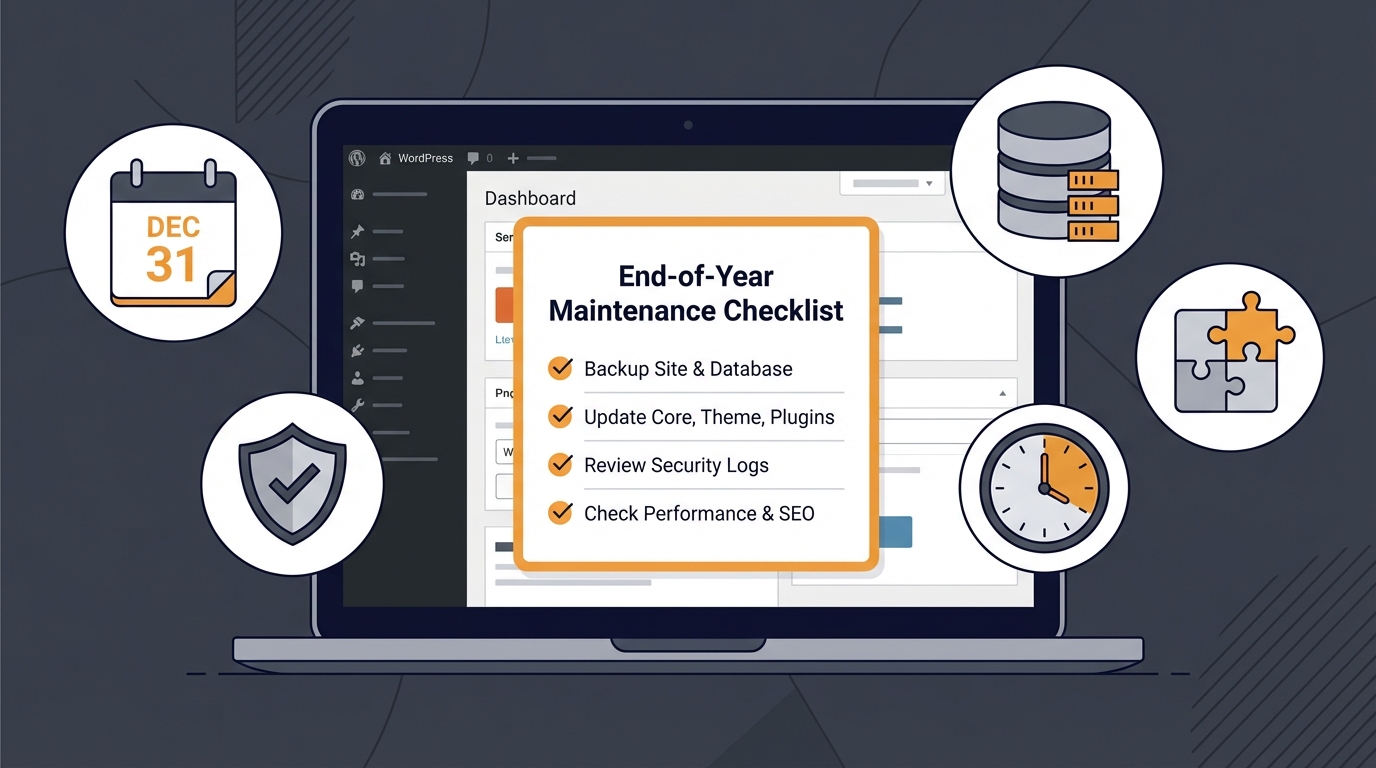
The checklist version of this is documented in our WordPress maintenance checklist, but the checklist is only useful if someone's actually running it.
If your current maintenance process doesn't include periodic route audits, transient and caching behavior reviews, and plugin endpoint checks, it's not covering API risk at all. That's not a criticism — most "maintenance" plans don't. It's a structural gap in what the industry sells as WordPress care.
For sites with active external integrations or WooCommerce APIs in use, our security-focused service tier includes REST API audit as a standard deliverable, not an add-on.
And if you've already had an incident — unexplained data exposure, unauthorized user access, suspicious API traffic — that's a different category entirely. You need emergency WordPress support, not a maintenance plan review.
The Framework in Plain Terms
Stop thinking about the REST API as something to disable or ignore.
Start thinking about it as a publicly visible interface to your database that requires the same access control discipline you'd apply to any external-facing system.
That means:
- Know your routes. Run the WP-CLI audit. Know what's exposed.
- Restrict user enumeration. There is no legitimate reason for unauthenticated requests to retrieve your user list.
- Audit plugin endpoints. Assume they're misconfigured until proven otherwise.
- Use application passwords for external integrations. Never raw admin credentials.
- Revisit after every major plugin update that touches API-adjacent functionality.
- Monitor API traffic. An unusual spike in
/wp-json/requests in your server logs is worth investigating.
This isn't advanced security. This is baseline hygiene for any site that takes its data seriously.
Look — I'm writing this because this is a problem I see constantly, and it's also exactly what we built Vimsy to solve. If you want professionals handling this instead of hoping nothing breaks, book a free call.
The REST API isn't dangerous by design. It's dangerous when no one's watching it.