Most WordPress sites don't fail dramatically. They decay slowly — one abandoned plugin at a time, one skipped PHP upgrade, one backup that silently stopped running three months ago. The end of the year is the one moment most site owners actually pause long enough to look.
Use it.
This isn't a feel-good checklist. It's a structured audit — the same categories we work through when we onboard a neglected site. Run it before January 1st and you'll start the new year with a site that's actually under control, not just operational.
1. Plugin Audit: Dead Weight Is a Liability
Open your plugin list and be honest. How many of those are still actively maintained?
The WordPress plugin ecosystem has an abandonment problem. Thousands of plugins sit in the repository with no updates in 12–24 months, still installed on live sites, still receiving traffic. A plugin that hasn't been updated in 18 months probably hasn't been patched for vulnerabilities discovered in the last 18 months. That's not a hypothetical risk — the majority of WordPress hacks trace back to outdated or abandoned plugins.
For each plugin, check:
- Last update date — anything untouched past 12 months deserves scrutiny
- Active install count — declining counts signal community abandonment
- Compatibility tag — "not tested with your version of WordPress" is a warning, not a suggestion
- Whether you actually use it — deactivate and delete unused plugins immediately
If a plugin has no viable replacement and is business-critical, that's a dependency risk that belongs in your risk register, not your ignore pile.
2. PHP Version Compatibility Check
Outdated PHP versions are one of the most predictable, avoidable performance and security liabilities in WordPress. PHP 7.4 reached end-of-life at the end of 2022. PHP 8.0 followed in 2023. If you're still running either, your server is running unsupported code with known vulnerabilities and no patches coming.
Run this via WP-CLI if you have server access:
php -v
Or check your hosting control panel. Then cross-reference against the official PHP supported versions list.
The year-end is the right window to coordinate a PHP version upgrade — but test it on a staging environment first. PHP 8.x introduces breaking changes that some plugins handle poorly. A staging workflow isn't optional at this step; it's the difference between a planned upgrade and an emergency recovery.
3. Backup Verification — Not Just "Is It Running"
Most site owners believe they have backups. Fewer have verified backups.
There's a difference between a backup process that runs and a backup that actually restores. Backup plugins can silently fail — remote storage credentials expire, destination folders hit size limits, scheduled cron jobs get disrupted by plugin conflicts.
At year-end, do not just confirm your backup plugin is active. Confirm:
- Last successful backup timestamp — not "last attempted"
- Remote storage connection — log into your S3 bucket, Google Drive, or Dropbox and verify the files exist
- File size sanity check — a 2MB backup for a 4GB site is a broken backup
- Test restoration — on a staging environment, restore your most recent backup and confirm the site loads
WordPress cron drives most backup scheduling. If wp_cron is misfiring or being skipped (common on low-traffic sites), your backups may not be running at the frequency you think. Use WP-CLI to check scheduled events:
wp cron event list
A backup you haven't verified isn't a backup. It's an assumption.
4. Security Review: What You Can't See Is What Hurts You
Year-end security reviews aren't about running a plugin scan and calling it done. They're about systematically checking the surface area of your site.
Work through this:
- WordPress user accounts — remove accounts for contractors, former employees, or agencies that no longer have active relationships with the site. Admin-level ghost accounts are a persistent, overlooked vector.
- File permissions — wp-config.php should never be world-readable. 640 or 600 is the target.
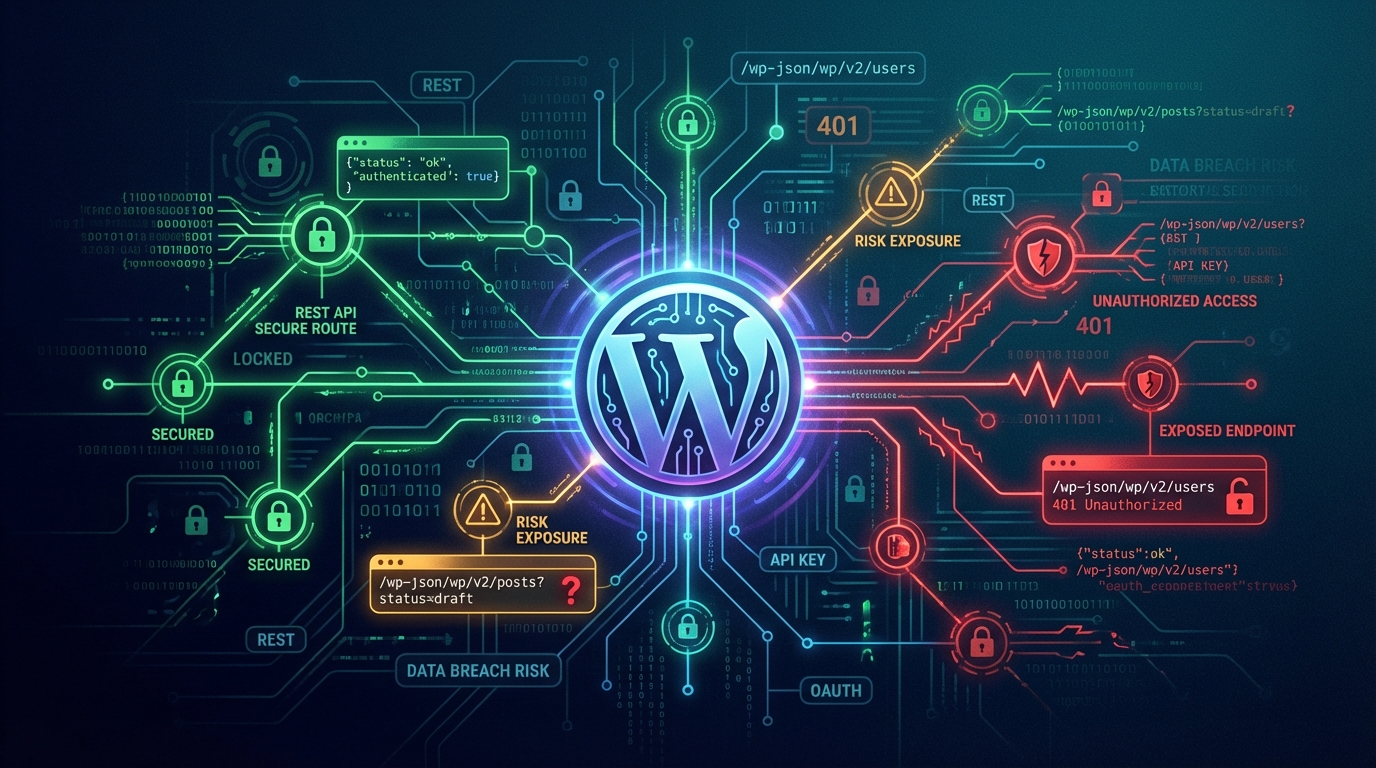
- REST API exposure — if your site exposes user enumeration through the REST API (
/wp-json/wp/v2/users), you're handing attackers a valid username list. Restrict or disable it if you don't use it. - Login attempt hardening — check your .htaccess or security plugin config for brute force protections on wp-login.php
- Hidden malware — run a file integrity check. Malware doesn't always announce itself. Sites can serve injected content for months before the owner notices.
If your site was hacked this year — even if it was "cleaned" — the year-end audit is when you verify the cleanup was thorough, not cosmetic.
5. Performance Benchmarks: Set a Number, Not a Vibe
Most WordPress performance conversations are vague. "It feels slower" is not a baseline. At year-end, establish actual numbers.
Run your homepage through Google PageSpeed Insights and record:
- LCP (Largest Contentful Paint)
- CLS (Cumulative Layout Shift)
- INP (Interaction to Next Paint)
- TTFB (Time to First Byte)
Then check your object cache configuration. If you're running WooCommerce or a content-heavy site without Redis or Memcached, you're making repeated database calls that could be cached. Check whether your host supports persistent object caching and whether it's actually enabled.
Also audit your wp_options table for autoloaded data bloat. Excessive autoloaded data is one of the most common, least-discussed WordPress performance killers. Use Query Monitor or a direct database query to check:
SELECT SUM(LENGTH(option_value)) FROM wp_options WHERE autoload = 'yes';
If that number is over 1MB, you have a problem worth addressing before you add more plugins in the new year.
6. Hosting Review: Are You Still Getting What You're Paying For?
Hosting plans age. Your site's resource requirements in the new year probably don't match what they were two years ago when you signed up.
Review:
- Current plan resources vs. actual usage — CPU, memory, storage, bandwidth
- Server response times — TTFB benchmarks above will surface this
- Support SLA — when something breaks at 2am, what's your guaranteed response time?
- Contractual renewal dates — hosts quietly auto-renew at higher rates. Know your renewal date before it happens.
Managed WordPress hosting is not WordPress maintenance. Your host manages infrastructure — server uptime, network routing, PHP configuration at the environment level. They do not manage your plugin update cycle, your database, your backup verification, or your application-level security. That gap is where most site owners get hurt.
If your hosting decision was made primarily on price three years ago, the year-end is the right moment to evaluate whether that decision still makes sense.
7. License Renewals: Know What Lapses in Q1
Premium plugins and themes run on annual licenses. When those licenses lapse, updates stop. When updates stop, security patches stop reaching your site.
Make a list of every licensed plugin and theme. For each:
- Renewal date
- Auto-renewal status (on or off)
- Whether the product is still actively supported by the vendor
This matters because some premium plugin vendors shut down, get acquired, or go into maintenance-only mode. A plugin you paid $200 for two years ago may be a liability today if the vendor has stopped releasing security patches. This is also the moment to decide whether licenses for tools you barely use deserve renewal — or whether the budget is better reallocated.
8. WordPress Core Version Audit
Check which version of WordPress core you're running and whether you're current.
WordPress 6.x introduced significant block editor changes, REST API improvements, and security hardening. Running a version two or three major releases behind isn't just a missing-features problem — it's a known-vulnerability problem.
If you've been delaying core updates because a plugin breaks, that's the real problem: a plugin that can't survive a WordPress core update is a plugin you're dependent on for the wrong reasons.
9. Database Maintenance
The WordPress database accumulates waste. Post revisions, spam comments, transient records, orphaned metadata — all of it sits in your database, inflating query times and backup sizes.
Year-end is the right time to clean it via WP-CLI:
wp db optimize
wp transient delete --all
wp post delete $(wp post list --post_type='revision' --format=ids) --force
Do this on a fresh backup. Always.
Also check your database indexing. Poorly indexed tables cause slow queries that degrade user experience in ways that never get attributed correctly. Query Monitor will surface slow queries if you enable logging.
10. Staging Environment Check
If you don't have a staging environment, that's your answer right there — you've been making changes directly to production all year.
If you do have one: is it current? Staging environments drift. A staging site running a six-month-old version of your database and plugin set isn't a safe testing environment — it's a false sense of security.
Year-end is the time to refresh your staging environment against your current production database so your Q1 changes (updates, redesigns, new plugins) get tested in an environment that actually reflects reality.
11. SSL and Domain Renewal Verification
Expired SSL certificates and lapsed domain registrations are the most embarrassing, preventable site outages. They always happen at inconvenient times because no one checked.
- Log into your domain registrar and confirm your expiry date
- Confirm SSL is auto-renewing through your host or Certbot
- Verify the certificate is issuing correctly using an SSL checker tool
A domain that expires in March can be renewed today. Do it now, not in March when you're distracted.
12. The Gap Analysis: What Your Site Doesn't Have That It Should
After running the above, you'll likely have a short list of things your site lacks. Common ones we see across audits:
- No persistent object caching
- No .htaccess hardening
- No emergency response protocol (what happens if the site goes down at 11pm?)
- No real monitoring — just "I'll notice when something breaks"
- No documented rollback strategy
These aren't features. They're infrastructure gaps. And the year-end is the only time most site owners create the headspace to address them before Q1 pressure takes over.
What To Do With This List
Run through all 12 items. Rank what you find by impact and immediacy. Some issues (expired licenses, ghost admin accounts) are same-day fixes. Others (PHP upgrade, staging refresh, object cache implementation) need a planned maintenance window.
If your list is longer than you expected — that's normal. Most sites that haven't had a formal audit in 12 months have 6–10 items that need attention. That's not a failure. It's what accumulated maintenance debt looks like when you finally measure it.
The question is whether you address it yourself, delegate it systematically, or ignore it until something forces the issue. A structured maintenance plan is the difference between proactive control and reactive panic. The new year starts with whatever state your site is in right now. Make sure you know what that state actually is.