The Silence That Costs Money
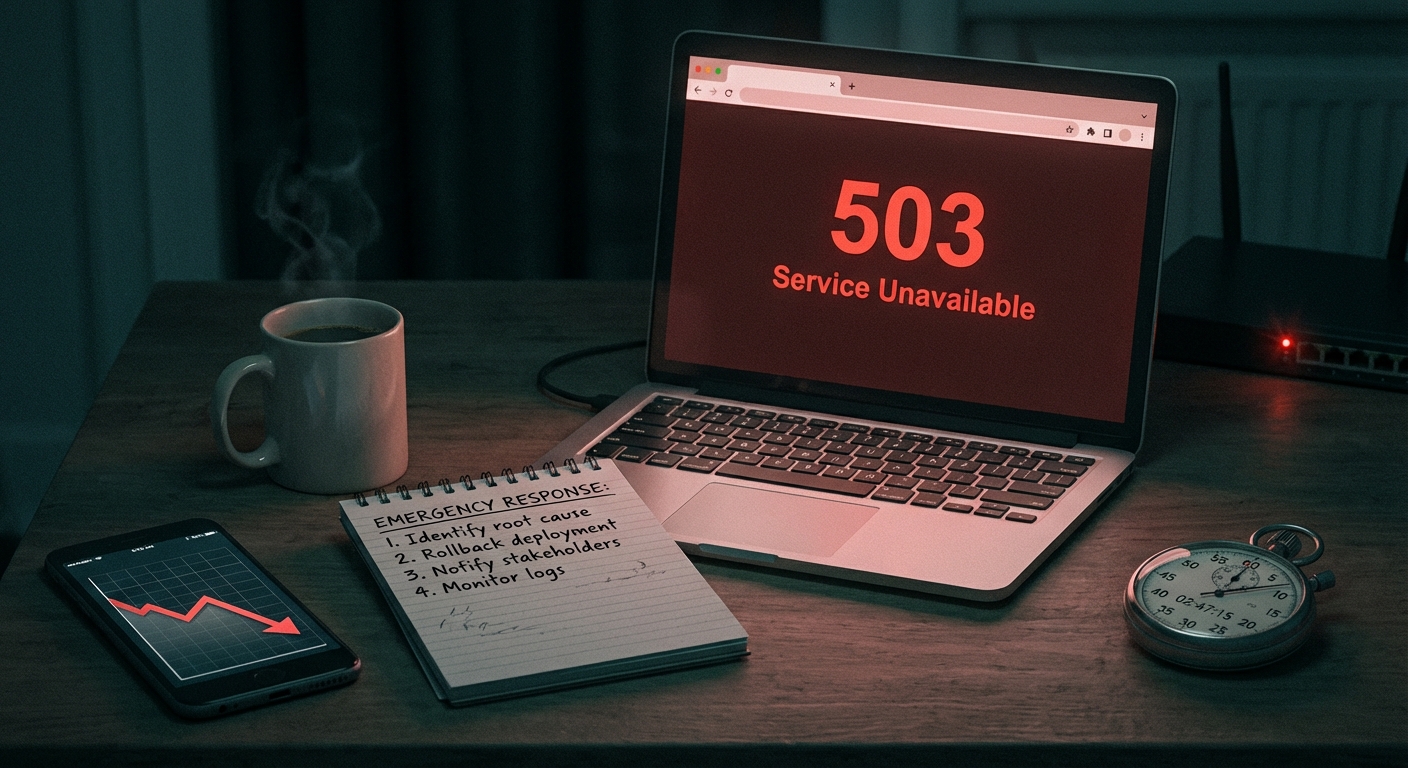
Downtime doesn't announce itself. It doesn't trigger an alert on your phone or send you an email. It just happens — at 2 a.m., during a holiday sale, while you're in a meeting — and your site sits returning a 502 error to every visitor who lands on it.
Most small business owners find out their site is down from a customer. That's not a monitoring strategy. That's a support ticket disguised as a smoke alarm.
Uptime monitoring exists to close this gap. Not as a luxury feature. As a basic operational requirement for any WordPress site generating revenue or capturing leads.
What "Uptime" Actually Measures (And What It Doesn't)
Uptime monitoring sounds simple: a tool pings your site every few minutes and alerts you if it stops responding. That's the core mechanic. But the important nuance is what constitutes "down."
Your site can fail in ways that don't produce a full outage:
- A WooCommerce checkout page returning a 500 error while the homepage loads fine
- A broken REST API endpoint that makes your booking plugin silently stop processing requests
- A failed wp-cron job that causes your order confirmation emails to queue and never send
- A PHP version conflict after a host-side PHP upgrade that corrupts specific page rendering
- A plugin update that triggers a fatal error only on product category pages
A basic uptime check won't catch most of these. It'll confirm the server responded. It won't confirm your site is working.
This distinction matters enormously. Sophisticated uptime monitoring — the kind that checks specific URLs, validates response content, and monitors SSL certificate expiry — gives you a materially different picture than a ping test. It also gives you something a ping test never can: differentiation between an application failure and a server failure. Those require completely different responses.
The Real Cost of Downtime: A Revenue Model
Let's build this out concretely.
A WooCommerce store averaging $2,500/day in revenue generates roughly $104 per hour. That's the floor. It doesn't account for:
- Abandoned sessions that don't return
- PPC ad spend still burning during downtime
- Google crawl errors if the outage lasts long enough to affect indexing
- Customer trust erosion — especially repeat buyers
Studies consistently show that 60% of consumers who experience a website error won't return to that site. For a store with meaningful returning customer traffic, unmonitored downtime isn't just a revenue pause — it's permanent churn.
Now consider: the average WordPress downtime event, without active monitoring, lasts several hours before the owner is even aware. That's not a prediction. That's the operational reality for sites without alerts in place.
For a $2,500/day store, a 4-hour undetected outage is a $416 direct revenue hit — plus the downstream customer loss multiplier. For a $5,000/day store, double that.
This isn't a fringe scenario. WordPress powers 43% of the web, which means it's also the platform attackers target most aggressively. Plugin vulnerabilities, database connection failures, memory limit exhaustion — any of these can pull a site down with zero warning.
Why WordPress Sites Go Down More Than People Expect
There's a widespread belief that once a WordPress site is set up and "working," it stays working. This belief is incorrect — and the architecture of WordPress explains why.
WordPress is a dynamic, dependency-heavy stack. At any given moment, your site is executing PHP, querying a MySQL database, loading assets through a CDN, running scheduled wp-cron jobs, and serving content through a web server configuration your host controls.
Here's what can collapse that stack without any deliberate action on your part:
Plugin conflicts after updates. A plugin author pushes an update at 11 p.m. If your site auto-updates — or you update manually without a staging workflow — and that plugin has an incompatibility with your current PHP version or another plugin, you can get a white screen or fatal error immediately. There's no rollback that happens automatically. You need to initiate it manually, or have a system that does.
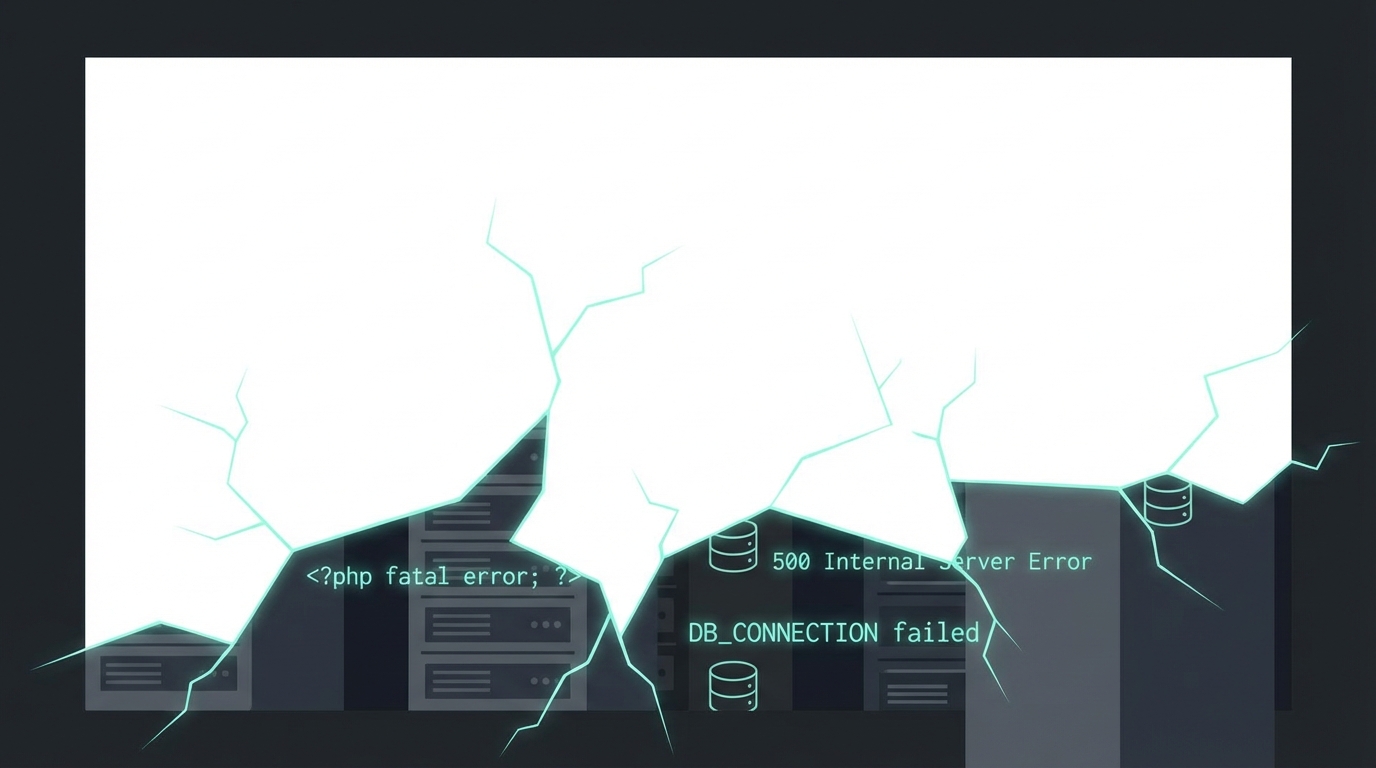
Database connection errors. The wp_options table is one of the most write-heavy tables in WordPress. On high-traffic sites or sites with aggressive plugin activity, wp_options can become overloaded with autoloaded data — transients, theme settings, plugin metadata — to the point where queries slow to a crawl or the database server refuses connections entirely. This produces intermittent errors that look random but have a clear mechanical cause.
wp-cron failures. WordPress uses a pseudo-cron system that runs on page load. If traffic drops or the site goes down, scheduled tasks don't fire. This creates a backlog that can compound — failed backups, unsent emails, unprocessed queue items — and sometimes manifests as full site instability when cron tries to catch up under load. Many site owners have no idea this system exists, let alone that it can silently fail.
Server-side changes your host makes. PHP upgrades, server migrations, configuration changes — these happen without notice and sometimes break sites that were running cleanly the day before. End-of-life PHP versions introduce silent compatibility issues over time; PHP 7.4 reached end-of-life in late 2022, and sites still running it are accumulating risk every month.
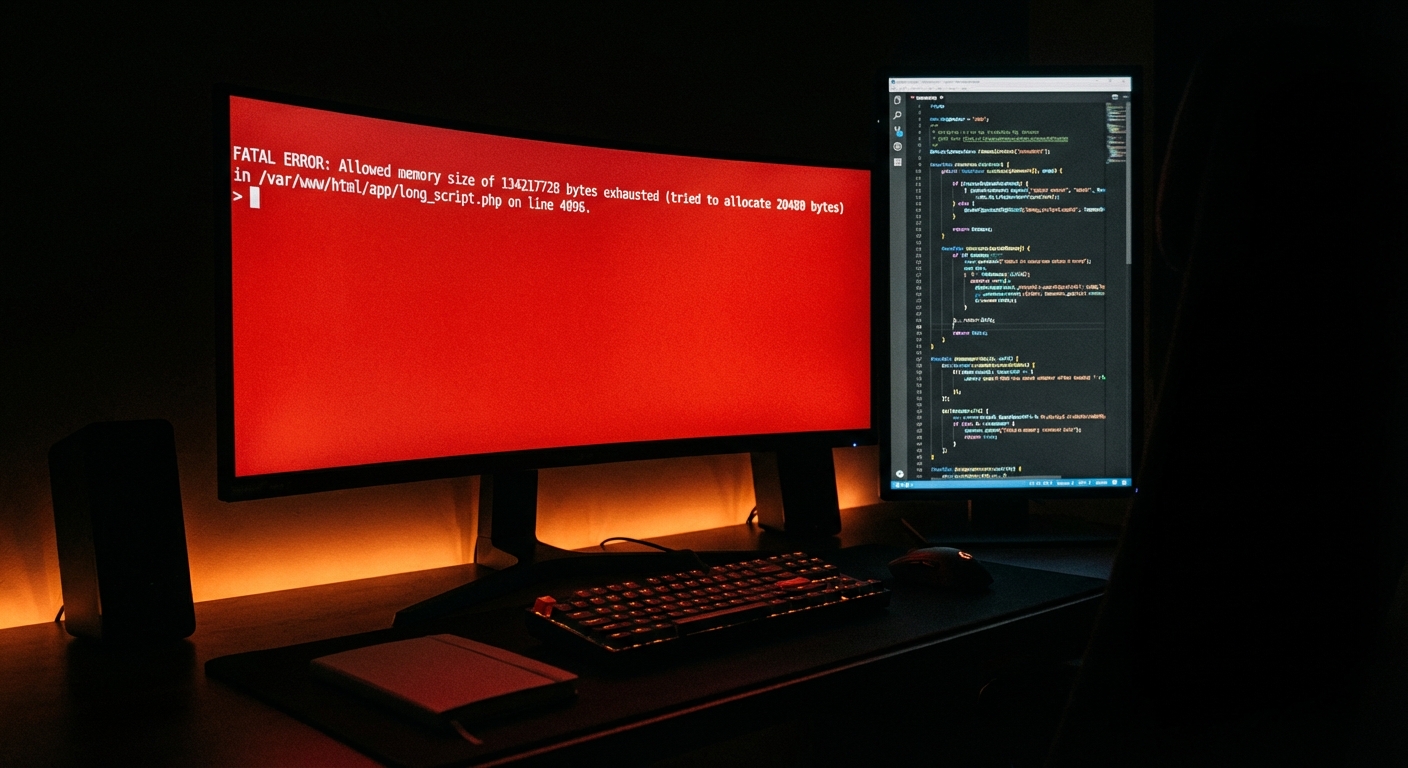
Memory exhaustion. WordPress has a configurable memory limit in wp-config.php. Poorly coded plugins, large WooCommerce catalogs, or object caching misconfigurations can push a site into memory exhaustion mid-request, producing 500 errors that resolve themselves inconsistently — making diagnosis genuinely difficult without proper error logging.
None of these failures give you advance notice. Monitoring catches them after the fact — but after seconds, not hours.
What Proper WordPress Uptime Monitoring Looks Like
Here's the operational setup that actually covers you:
Multi-location HTTP checks every 1–5 minutes. Your monitor should ping your site from multiple geographic locations. This distinguishes between a real outage and a CDN or routing issue affecting one region. Checks should validate HTTP status codes — not just "did the server respond" but "did it respond with a 200 OK, not a 302 redirect loop."
Critical endpoint monitoring. The homepage is not your most important URL. Your WooCommerce checkout, your lead capture form, your booking page — these need dedicated monitoring. A broken checkout with a live homepage is an invisible revenue drain. Most generic monitoring setups miss this entirely.
SSL certificate expiry alerts. SSL certificates expire. When they do, browsers block access entirely. Most hosts don't alert you proactively. An SSL monitor gives you a 30-day warning window. Missing this is a maintenance failure, not bad luck.
Alert escalation with context. An alert that says "your site is down" at 3 a.m. is useful. An alert that says "your site returned a 503 from Chicago and London for 4 consecutive checks" is actionable. Escalation protocols — who gets notified, in what order, with what information — matter as much as the alerting itself.
Recovery confirmation. When monitoring confirms recovery, the alert should close automatically. False positives that don't resolve create alert fatigue. Alert fatigue kills response discipline — and eventually people stop acting on alerts at all.
This isn't theoretical configuration. This is the monitoring layer that separates "I'll find out when a customer tells me" from "I knew about it before my first customer hit the error."
The Bottom Line: Monitoring is Non-Negotiable
Running a WordPress site without active monitoring is operationally equivalent to running a retail store without a smoke alarm. You might be fine for years. Or you might lose everything on a Tuesday night because nothing was watching.
Monitoring doesn't just tell you when your site goes down. It tells you how often your site is unstable. And for most unmanaged WordPress sites, that number is higher than owners expect.
Detecting a problem and fixing it are different capabilities. A monitoring alert at 2 a.m. is only valuable if someone with WordPress operational experience acts on it. Without that response layer, monitoring is just a notification you stare at while your site stays down.
You either know when your site goes down, or you don't. The cost of monitoring is negligible against the cost of a single undetected 4-hour outage. That math isn't close.