The Fastest Way to Get Hacked Is to Over-Trust Your Team
Admin access is not a courtesy. It's a loaded weapon you hand to everyone who ever asks for "a quick login."
Most WordPress sites with more than two users carry a permissions problem. Not because the owners are careless — but because WordPress makes it trivially easy to create new Administrator accounts, and nobody ever audits them.
That's not team management. That's a liability waiting to surface.
What WordPress User Roles Actually Control (And Where the Risk Lives)
WordPress ships with five default user roles: Administrator, Editor, Author, Contributor, and Subscriber. Each carries a distinct set of capabilities — not just UI permissions, but actual database-level access controls that determine which REST API endpoints are reachable, which post types can be modified, and which plugin or theme functionality is exposed.
Getting this wrong isn't a cosmetic problem. It's a structural one.
Here's what each role controls — and where the real exposure sits.
Administrator
Full system access. Can install plugins, activate themes, create users, modify wp-config.php-adjacent settings via the dashboard, and execute arbitrary code through the theme editor if you haven't disabled it.
The risk: Every additional Administrator account is an attack surface. If that account uses a weak password, reuses credentials from a breached service, or belongs to a former employee whose access you never revoked — you have an open door.
Across dozens of WordPress audits, the single most common unnecessary privilege we find is stale Administrator accounts. Former freelancers. Old agency contacts. Test users from a launch that nobody cleaned up.
Editor
Can publish, edit, and delete any post or page — including content other users created. Can manage categories and moderate comments. Cannot install plugins or access theme files.
The risk: A compromised Editor account lets an attacker inject content across your entire site. SEO spam injections often don't touch code at all — they publish. Grant Editor access broadly without auditing content changes, and you won't catch it until Google flags you for spam.
Author
Can publish and manage their own posts only. Cannot touch other users' content. Cannot access settings.
This is the correct default for most blog contributors, freelance writers, and marketing team members who produce content but don't need editorial oversight across the whole site.
Contributor
Can write and submit posts for review — but cannot publish. Posts go into a pending queue. A Contributor cannot upload media directly to the Media Library.
The use case: Guest writers, external contributors, interns. Anyone whose content needs a human review step before it goes live. The inability to publish is a genuine safeguard, not just a restriction.
Subscriber
Can log in and manage their own profile. Nothing else.
Typically used for membership sites, gated content, or WooCommerce customer accounts. On most informational WordPress sites, Subscriber accounts pile up because someone registered and nobody cleaned up the user table.
The Permission Gap Nobody Audits
Here's the real problem with the standard five-role system: it's not granular enough for most real-world team structures, and most WordPress owners have no idea what each role actually enables at the code level.
A few things that catch site owners off guard:
The theme editor runs live by default. Any Administrator can open Appearance → Theme File Editor and write PHP directly into your active theme. That's code execution. If you don't use WP-CLI to manage deployments — and haven't disabled the theme editor in wp-config.php with DISALLOW_FILE_EDIT — you're trusting every Administrator account to never make a mistake or go rogue.
Editors publish without approval. WordPress core has no native content review workflow for Editors. To stage content approval, you need either a plugin or a role architecture that routes senior contributors through the Contributor → Editor review path.
REST API exposure scales with role. Authenticated REST API requests inherit the permissions of the authenticated user. An Editor-level account can interact with any REST endpoint that Editors can reach. Add custom endpoints without scoping capability checks, and you expose more than you intend.
Object cache and transients carry session data. On high-traffic sites where multiple user roles interact with cached data, stale transients can serve incorrect content to logged-in users with different privilege levels. That's a debugging headache at minimum — a data exposure risk at worst.
The wp_options table stores role capabilities directly. WordPress writes capability records into wp_options under the wp_user_roles key when you assign or modify roles. On heavily customized sites — especially those with multiple role plugins layered on top of each other — wp_options accumulates conflicting capability records. A user can end up with permissions you never intentionally granted, inherited from a plugin someone deactivated months ago but never cleaned up. Run a wp_options audit before you assume your role assignments reflect reality.
The Audit You Should Run Right Now
If you've never done a user role audit on your WordPress site, do this today. It takes fifteen minutes.
Run this via WP-CLI:
wp user list --fields=ID,user_login,user_email,roles
Look for:
- Multiple Administrator accounts — keep the minimum necessary. One if you can manage it. Two at most for redundancy.
- Stale accounts — users who haven't logged in for 90+ days. Cross-reference login history if your security plugin logs it.
- Role mismatches — Editors who only write content, Administrators who only manage a single plugin.
- Generic usernames —
admin,administrator,webmaster. These are brute-force targets.
Filter by role directly:
wp user list --role=administrator --fields=ID,user_login,user_email
Most sites we audit have more Administrator accounts than they need — sometimes by a factor of three or four.
Don't stop at the user list. Pull your wp_options to check capability definitions:
wp option get wp_user_roles --format=json
If the output contains roles or capabilities from plugins you've since removed, you have ghost permissions sitting in your database. That's not a theoretical risk. That's an active one.
For accounts that need removal, WP-CLI handles it cleanly:
wp user delete [user_id] --reassign=[admin_user_id]
The --reassign flag matters. Without it, you orphan posts and create database inconsistencies — the kind of thing that creates debugging headaches weeks later on a live site under active content management.
When the Default Five Roles Stop Being Enough
The standard role system breaks down in specific scenarios:
Agency → Client relationships. A client who needs to manage their own blog posts but shouldn't touch plugins, themes, or settings. Editor is too much if they're also managing navigation menus. Author is too little if they need to publish independently.
Multi-author publications. Senior editors need to approve junior writer submissions, but both groups need different levels of access to categories, tags, and media.
WooCommerce stores with staff. Fulfillment staff need order management access. Marketing staff need product editing access. Neither needs Administrator access. WooCommerce adds its own capability layer — manage_woocommerce, edit_shop_orders, view_woocommerce_reports — but these still require deliberate assignment. The default WooCommerce "Shop Manager" role carries broader access than most store owners realize, including user editing capability in some configurations.
For these cases, plugins like Members or User Role Editor let you build custom roles or clone and modify existing ones. This isn't overkill. It's basic access control architecture that any multi-user site with real operational stakes should implement.
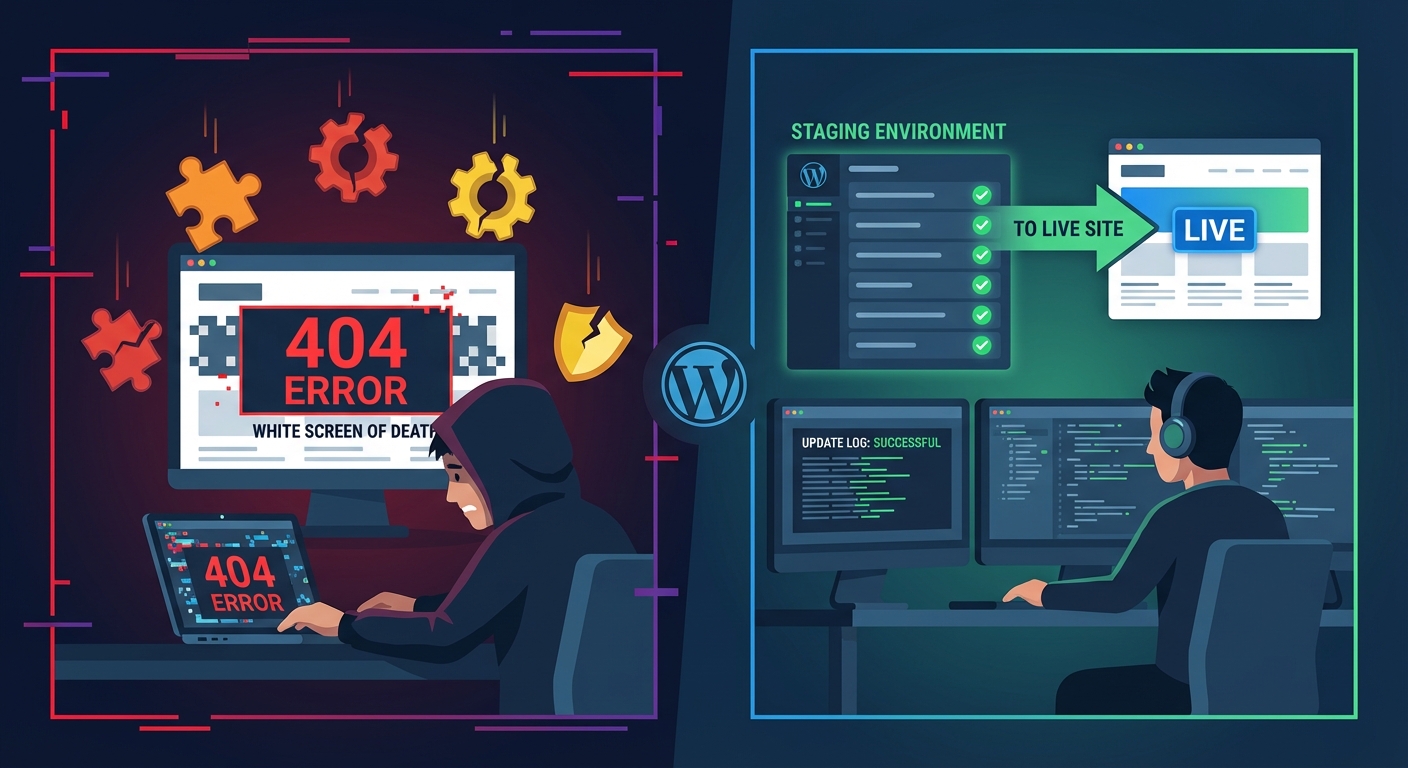
One caution: custom role plugins write to wp_options. Switch plugins or deactivate one, and the capability records may not get cleaned up automatically. Build a staging workflow where you test role changes before pushing them to production. Document what you've changed so future maintenance doesn't inherit invisible permission debt.
The Security Argument You Can't Ignore
Misconfigured user roles don't just create internal dysfunction. They create exploitable attack paths.
WordPress site compromises rarely come from dramatic zero-day exploits. According to Wordfence's annual threat reports, a significant portion of successful WordPress intrusions trace back to brute-forced credentials or privilege escalation from a compromised low-level account. Both attack paths sit squarely inside how you assign and maintain user roles.
Password strength and two-factor authentication matter — but they address a downstream problem. The upstream question is more fundamental: should this person have this level of access at all?
The principle of least privilege isn't a security philosophy. It's an operational discipline. Give users exactly the access they need to do their job. Nothing more. Review it quarterly.
If your scheduled cron jobs run under a service account, that account doesn't need Administrator access. If a developer needs to debug with Query Monitor, they don't need permanent elevated permissions — they need temporary access with a clear revocation date.
Every unnecessary permission you grant stays a permanent liability until someone explicitly removes it. And in most WordPress sites we audit, nobody removes it.
How Vimsy Handles This
As part of our WordPress maintenance and audit services, every site we onboard gets a full user access review. We look at:
- Current role assignments against actual job functions
- Inactive accounts and stale credentials
- Whether
DISALLOW_FILE_EDITis configured in wp-config.php - Whether the REST API has appropriate lockdowns in place
- Whether two-factor authentication covers all Administrator-level accounts
- wp_options capability records left behind by removed plugins
This isn't a one-time cleanup. It's part of the ongoing maintenance system we run on every site. If you want to see exactly what that covers — and what it costs — our WordPress care plan pricing lays it out clearly.
Role drift happens constantly. Teams change, freelancers cycle in and out, and nobody manually revokes access unless a system forces that review. For a complete picture of what a proper maintenance workflow covers, the WordPress maintenance checklist is a useful reference point.
For sites that have already experienced a breach — where a stale account or over-privileged role opened the door — we provide emergency WordPress support with fast response and post-incident hardening included.
What to Do Next
Today:
- Run
wp user listand audit every Administrator account - Revoke access for anyone no longer active on the team
- Enable two-factor authentication for all Administrator-level accounts
- Set
DISALLOW_FILE_EDITin wp-config.php if it isn't already there - Check wp_options for ghost capability records from deactivated plugins
This week:
- Review Editor and Author assignments against actual job functions
- Consider a custom role plugin if your team structure doesn't map cleanly to the default five
- Review WooCommerce capability assignments if you run a store
- Test role changes on a staging environment before pushing them to production
Quarterly:
- Re-run the full WP-CLI user audit
- Cross-reference login history against your current active team members
- Revoke anything that's accumulated since the last review
- Document current role assignments so you have a baseline for the next audit cycle
Access management without a system is just forgetting to lock the door and assuming it stays closed.
Look — I'm writing this because this is a problem I see constantly, and it's also exactly what we built Vimsy to solve. If you want professionals handling this instead of hoping nothing breaks, book a free call.
Your site's attack surface isn't determined by your firewall. It's determined by how many keys you've handed out — and how many you forgot about.