Squarespace and Wix are not website platforms. They are website rentals. You don't own what you build on them — and most business owners don't realize that until they try to leave.
That distinction matters more in 2025 than it ever has. As digital businesses scale, the technical ceiling on rental platforms becomes a very real operational constraint. This article won't tell you one platform is "better" in a vague, hedged way. It will tell you exactly where each breaks down, who each platform actually serves, and why serious business growth almost always ends up requiring WordPress — not because WordPress is perfect, but because ownership and control compound over time in ways rented infrastructure never can.
The Ownership Question Nobody Asks at the Start
When you build on Squarespace or Wix, you're working inside a closed system. The database isn't yours. The file system isn't yours. If either company shuts down, pivots pricing, or deprecates a feature you depend on, you have no recourse except a painful manual migration.
WordPress is different by architecture. Your content lives in a MySQL database you control. Your files sit on a server you provision. You can run WP-CLI commands to bulk-manage content, export everything, run targeted database queries, or migrate your entire site in hours with the right team. That operational flexibility isn't a feature — it's a structural advantage that becomes more valuable the larger your business grows.
Squarespace offers a content export, but it's partial. You'll get blog posts in XML and not much else. Images, pages, custom CSS, product data, form submissions — none of it exports cleanly. Wix's export story is worse: there is no real one. What you've built is locked inside Wix's proprietary rendering system.
This isn't a criticism of the product teams at those companies. It's a business model observation. Portability reduces churn. So they minimize it.
Where Squarespace Actually Works
Squarespace is a genuinely good product for a narrow use case: a visually polished, low-traffic website where design consistency matters more than performance optimization, and where the owner doesn't want to think about the backend at all.
Portfolio sites. Local service businesses that need a presence but not a system. Small event-based businesses. In those contexts, Squarespace is fast to deploy, aesthetically credible, and low-maintenance.
The problems start when business needs evolve:
SEO at scale. Squarespace gives you basic on-page SEO fields. But it doesn't give you granular control over crawl behavior, schema markup injection, canonical tag logic, or XML sitemap configuration at the level a growing content operation requires. You can't install a plugin like Rank Math or Yoast and actually tune behavior. You work within what Squarespace exposes — and what it exposes is limited by design.
Performance tuning. There's no object cache on Squarespace. No server-level caching layer. No way to implement Redis or Memcached. No control over PHP version compatibility because there is no PHP — it's all abstracted. For low-traffic sites, this doesn't matter much. For a site under serious traffic load or Google Core Web Vitals scrutiny, you're at the mercy of Squarespace's infrastructure decisions, and those decisions aren't made with your site's performance as the top priority.
Custom functionality. Squarespace has a limited extension ecosystem. If you need something it doesn't natively support — a custom checkout flow, a membership tier system, a content gating mechanism, a multi-location inventory manager — you're looking at workarounds, third-party embeds, or a platform switch entirely.
Where Wix Actually Works
Wix is more developer-friendly than Squarespace on paper, particularly with Velo (its JavaScript development platform). For businesses that want a drag-and-drop builder with some custom logic capability, Wix is more flexible than it used to be, and credit where it's due.
But Wix has structural problems that don't disappear with product updates:
Page speed. Wix sites consistently underperform in Core Web Vitals benchmarks. The platform generates bloated HTML, relies heavily on JavaScript rendering, and gives you minimal control over how assets load. For businesses where organic search is a primary growth channel, this is a compounding disadvantage. Google's ranking systems weigh page experience signals, and a structurally slow Wix site is slow by design — not by accident.
Database limitations. Wix has a CMS database feature, but it's limited compared to a properly structured MySQL database with custom indexing. You can't run complex relational queries. You have no WP-CLI equivalent for bulk operations. You can't implement custom database indexing strategies for high-volume content operations. For anything beyond basic data display, you hit the ceiling quickly.
Plugin and integration risk. Wix's app market is growing, but many apps are thin wrappers with inconsistent support. Plugin abandonment risk exists on WordPress too — but on WordPress, it's manageable. You can audit plugin code directly, fork a plugin, replace it with an alternative, or patch it yourself. On Wix, if an app is deprecated or breaks, you wait for Wix to respond or you lose the functionality entirely. That's a dependency you can't engineer around.
The WordPress Trade-Off You Should Understand Clearly
WordPress is not easier. Anyone claiming that has a surface-level understanding of what it takes to operate a WordPress site at scale.
WordPress gives you control, and control creates responsibility. This is where the platform comparison usually gets dishonest — critics of WordPress focus on its complexity without distinguishing between unmanaged WordPress (which is risky) and professionally managed WordPress (which is a different thing entirely).
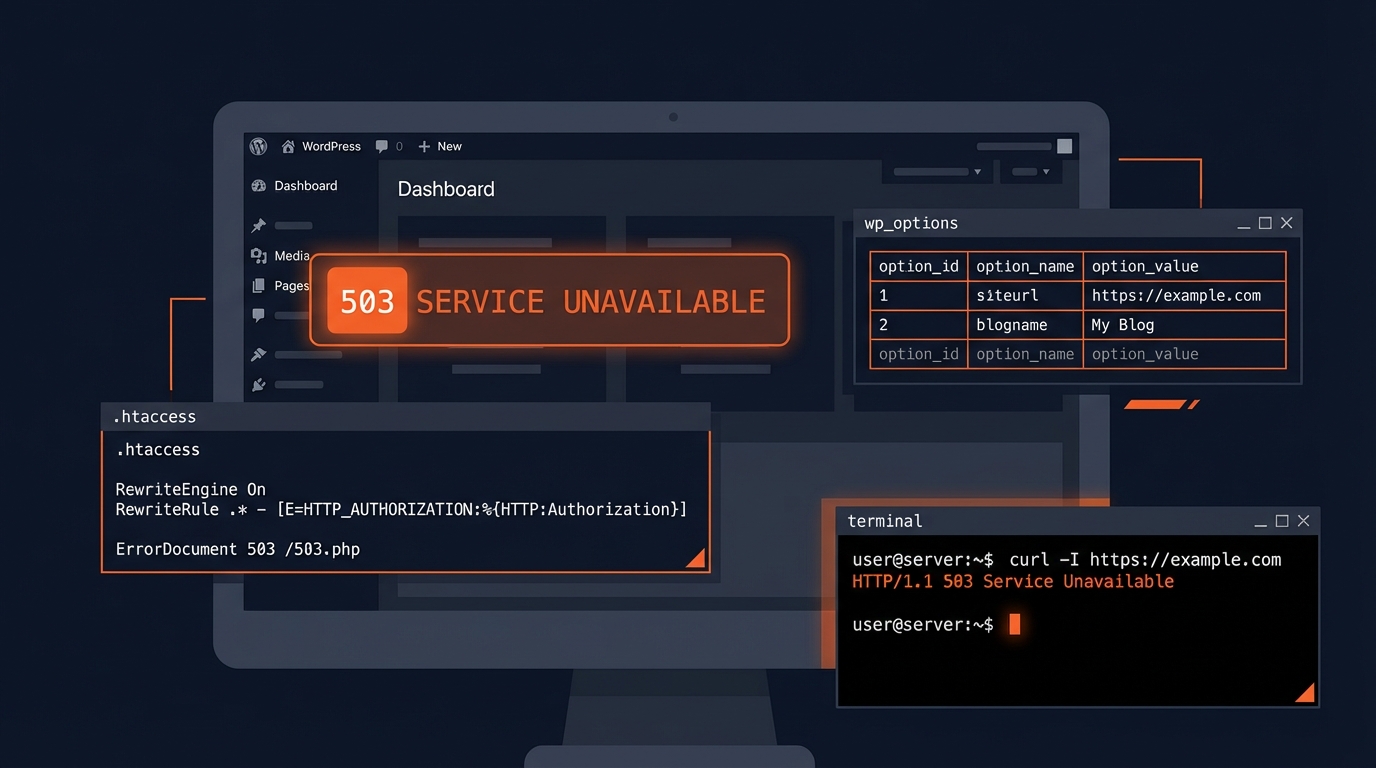
Here's what unmanaged WordPress actually looks like under the hood: The wp_options table bloats when nobody audits autoloaded data. Transients accumulate and never get cleared. Scheduled tasks via WP-Cron fail silently when the hosting environment doesn't support persistent background processes. The REST API has exposure vectors that need deliberate hardening. Your .htaccess file ships with default values that aren't hardened against common attack patterns. Staging workflows don't exist because nobody set them up, so every update runs directly against production.
None of this is unsolvable. But all of it requires systems — not luck. The business owners who struggle with WordPress are usually the ones who installed it, added plugins without auditing their update histories or security records, and assumed it would run itself. It won't. And the more business-critical your site becomes, the more expensive that assumption gets.
The rollback strategy question is a good example. On WordPress, you can implement automated daily backups with offsite storage, configure a one-click rollback, and test updates through a staging environment before they ever touch production. That infrastructure exists and works. But you have to build it. On Squarespace, you don't build anything — but that also means you can't control anything when something breaks.
The SEO Case for WordPress Is Structural, Not Marginal
This deserves direct treatment because it gets framed as a matter of preference or tooling.
WordPress's SEO advantage over Squarespace and Wix isn't just about having better plugins. It's architectural.
Full crawl control. You configure robots.txt directly. You manipulate canonical tags programmatically at the template level. You control noindex behavior across post types, taxonomies, and archive pages with precision. Faceted navigation issues — a serious SEO problem for e-commerce sites — are addressable on WordPress in ways that are simply not possible on closed platforms.
Schema markup depth. WordPress allows you to inject structured data at the post, page, and archive level with conditional logic. FAQ schema, HowTo schema, Product schema, Article schema with author markup — all implementable and testable. Squarespace's structured data is basic and static. You get what the platform generates, not what your content strategy requires.
Core Web Vitals. With the right hosting stack, a Redis-backed object cache, a proper image optimization pipeline, and a configured CDN, a WordPress site can score consistently in the 90s across all Core Web Vitals metrics. Squarespace and Wix sites are throttled by platform-level rendering decisions you can't override. You can run Query Monitor diagnostics on a WordPress site, identify slow database queries, fix them, and measure the improvement. That diagnostic loop doesn't exist on closed platforms.
Content architecture. Custom post types, custom taxonomies, and advanced query logic allow you to build content structures that match your actual business model — not a generic blog-and-pages template. For businesses with complex content hierarchies, this is foundational SEO infrastructure, not a nice-to-have.
The Real Cost Comparison
Squarespace Business runs around $23/month. Wix Business lands between $17–27/month. These prices look cheap until you factor in the actual cost over a two-to-three year growth horizon.
What those prices don't include:
- Migration costs when you outgrow the platform — and for growing businesses, that moment usually arrives. A properly structured Squarespace-to-WordPress or Wix-to-WordPress migration typically costs between $2,000 and $8,000 depending on site complexity, content volume, and URL structure requirements. That's money you spend because you delayed the right decision.
- SEO performance gap compounding over 12–24 months — harder to quantify but real. A site that ranks worse because of platform-level limitations generates less organic traffic, which means lower revenue. Over time, that's not a small number.
- Developer workaround costs — every time you try to build functionality the platform wasn't designed for, you pay in time, money, or compromised functionality.
A professionally managed WordPress site on a quality managed host runs $30–80/month in hosting. Add a professional maintenance plan and you're still in a range that competes directly with what Squarespace charges for a feature-limited, non-portable platform. You can review what managed WordPress care costs — the delta between "cheap closed platform" and "professionally managed WordPress" is smaller than most people expect, and the operational ceiling is incomparable.
The businesses that stay on Squarespace because it's "simpler" often end up paying a migration tax later that exceeds what professional WordPress setup would have cost from day one.
Who Should Actually Use Each Platform
Squarespace: Personal portfolios, local service businesses with minimal SEO ambitions, event-based businesses that need a presentable web presence and have no plans to scale content or commerce.
Wix: Small businesses that want more drag-and-drop flexibility than Squarespace offers, where search visibility is secondary and custom integrations aren't critical.
WordPress: Any business serious about content marketing, SEO, or e-commerce. Any business that expects to grow and evolve its website over time. Any business where downtime has real revenue implications — because on WordPress, you implement rollback strategies, staging workflows, automated backup systems, and database indexing strategies that closed platforms simply don't support at the same depth.
If you're generating meaningful revenue from your site, the platform question isn't really about cost. It's about whether your infrastructure can support your ambition.
Making the Switch Without Breaking Things
If you're on Squarespace or Wix and considering a move, the migration path to WordPress is well-defined — but the sequencing matters.
- Audit your current content structure before migrating, not after
- Set up a WordPress staging environment before touching production
- Map your URL structure and configure 301 redirects before DNS cutover
- Verify the new WordPress database is clean at launch — no bloated transients, no autoload pollution in wp_options
- Confirm PHP version compatibility across your entire plugin stack before going live
- Run Query Monitor diagnostics immediately post-launch to catch slow queries before they affect user experience
Rushed migrations create SEO damage that takes months to recover from. The technical work isn't where most teams fail — the sequencing is. A botched redirect mapping, a missed canonical configuration, a PHP compatibility issue discovered after launch — any of these can undo months of search momentum.
If you want a professional team managing the migration from start to finish, explore our WordPress services or review what a structured maintenance plan includes.
The Bottom Line
Squarespace and Wix aren't bad products. They're the right product for a narrow range of use cases, and most growth-oriented businesses eventually outgrow that range.
WordPress isn't the easier choice. It's the correct one — if you're building something that needs to last, perform, and scale.
The ownership model matters. The SEO architecture matters. The ability to run WP-CLI commands at scale, implement a Redis-backed caching layer, harden REST API exposure, manage your own database indexing, and operate proper staging workflows — all of this matters when you're running a business at any meaningful volume.
Platform decisions compound. Choose based on where you're going, not where you are today.
Look — I'm writing this because this is a problem I see constantly, and it's also exactly what we built Vimsy to solve. If you want professionals handling this instead of hoping nothing breaks, book a free call.
Your platform choice is a long-term compounding decision. Make it correctly at the start, or pay for the migration later. Either way, the work gets done — the question is when and at what cost.